Streamline Your Music Campaign Workflow with AI Tools
Learn how to streamline your music campaign workflow using AI tools. Get step-by-step guidance on content repurposing, automation, and visual asset creation for your next release.
TL;DR:
- Building a structured, repeatable campaign workflow enhances efficiency and reduces creative fatigue.
- AI tools like ChatGPT, Canva, and scheduling platforms automate content creation and distribution.
- Combining AI with human review maintains brand consistency and deepens fan engagement.
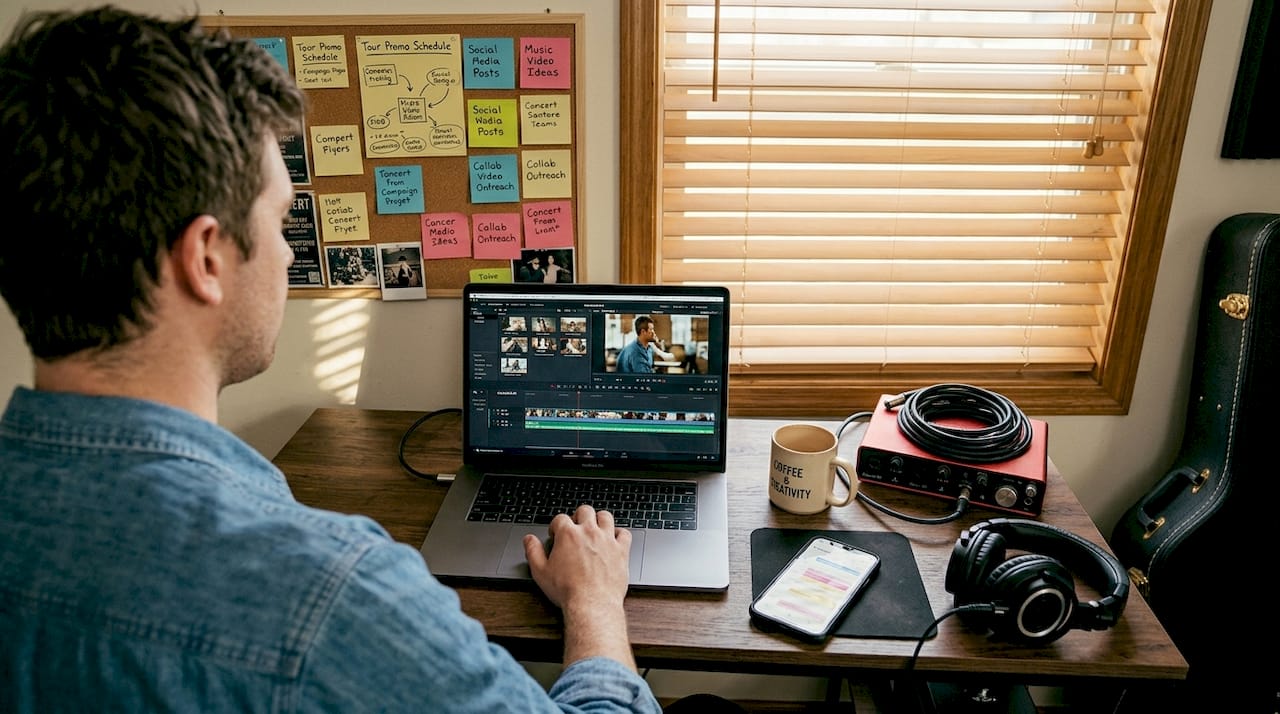
Releasing music today means managing a dozen moving parts at once: artwork, captions, teaser clips, email blasts, social scheduling, and more. Most independent musicians spend more time on content production than on the music itself, and still struggle to build consistent reach. That’s a workflow problem, not a talent problem. AI tools now make it possible to build a structured, repeatable campaign system that handles the heavy lifting, so you can focus on what matters. This article walks you through the full process: stages, tools, step-by-step execution, and how to avoid the traps that waste your time and dilute your brand.
Table of Contents
- Understanding the modern music campaign workflow
- Tools and resources: The AI automation stack for musicians
- Step-by-step: Building your campaign content machine
- Verification, iteration, and avoiding common mistakes
- The real keys to music campaign impact in 2026
- Ready to transform your music campaign workflow?
- Frequently asked questions
Key Takeaways
| Point | Details |
|---|---|
| Leverage AI for scale | AI tools automate content creation, scheduling, and strategy so you can focus on music. |
| Repurpose main assets | One major content piece can fuel an entire campaign when sliced into multiple formats. |
| Monitor and adjust | Constantly review campaign data and tweak your strategy for best results. |
| Balance automation with creativity | Combine AI speed with your unique voice and style for maximum fan engagement. |
Understanding the modern music campaign workflow
A music campaign workflow is a series of repeatable steps you follow to plan, create, and distribute content around a release. Think of it as your playbook, not your to-do list. The difference matters: a to-do list is reactive, while a workflow is predictable and scalable. When your process is structured, you spend less energy figuring out what to do next and more energy executing at a high level.
Modern campaigns typically run across six stages:
- Anchor: Create the primary long-form asset, such as a music video, mini-documentary, or studio session.
- Editorial: Write supporting articles, press quotes, and liner notes.
- Newsroom: Prepare announcements, release updates, and platform pitches.
- Shredder: Slice the anchor asset into short clips, reels, and story segments.
- Megaphone: Schedule and distribute across all platforms simultaneously.
- Direct Line: Email your list with exclusive content and personal context.
This structure is the foundation of the content butchery method: create one high-value “Anchor” asset, then repurpose it into clips, quotes, stories, social posts, and emails for a full campaign. Instead of producing 20 separate pieces of content from scratch, you produce one excellent piece and multiply it.
This approach also solves a critical problem for indie artists: creative fatigue. When you’re generating new content ideas every day, you burn out fast. When you’re slicing and repackaging a single great asset, you maintain consistency without exhausting your creative energy.
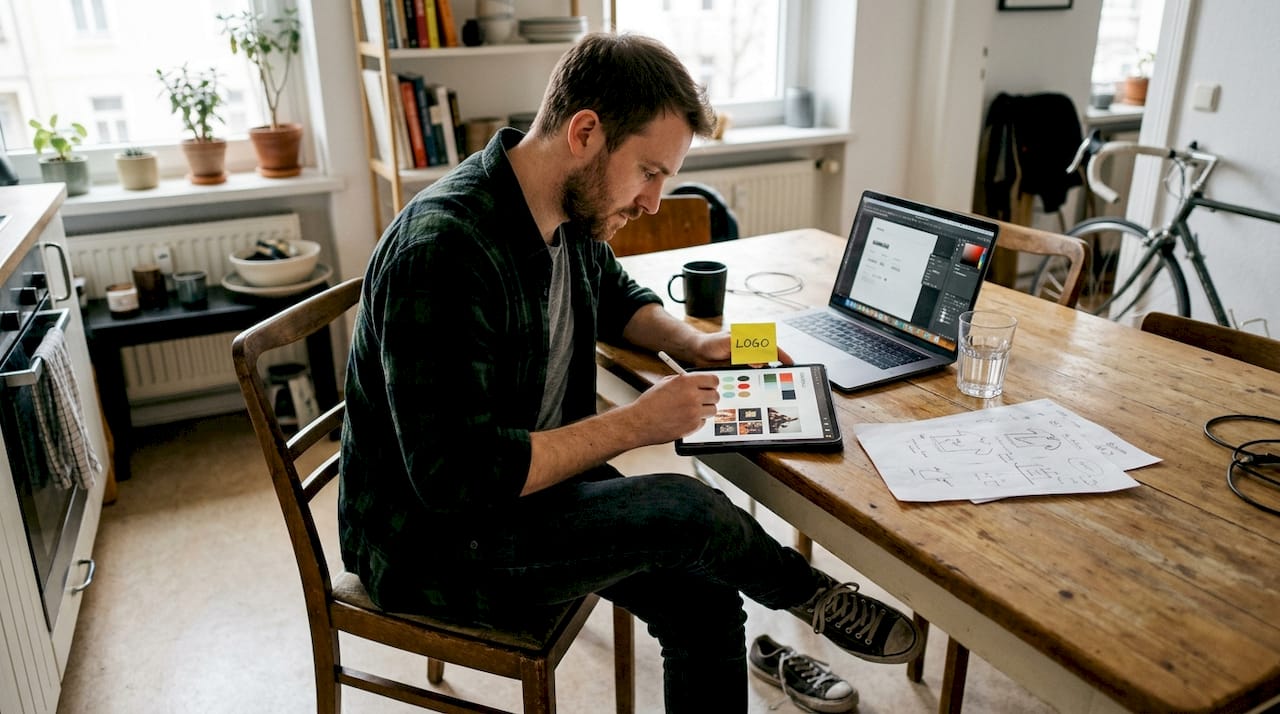
Building a strong visual identity for musicians from the start makes this even more effective, because every piece of repurposed content stays on-brand and recognizable.
| Campaign stage | Primary output | Key platform |
|---|---|---|
| Anchor | Full music video or doc | YouTube, website |
| Editorial | Blog posts, press quotes | Website, media |
| Newsroom | Announcements, pitches | DSPs, playlists |
| Shredder | Reels, clips, stories | TikTok, Instagram |
| Megaphone | Scheduled posts | All social channels |
| Direct Line | Email newsletters | Email list |
Pro Tip: Film your anchor asset with repurposing in mind. Shoot extra behind-the-scenes footage, capture isolated moments, and record alternate takes. This raw material becomes your shredder content without extra production sessions.
Tools and resources: The AI automation stack for musicians
With the workflow stages clear, let’s look at the actual AI tools that power each step. The good news is that you don’t need an expensive tech setup. A handful of well-chosen tools can automate most of your campaign’s mechanical work.
The AI automation tools that form a solid stack for musicians include ChatGPT for strategy, captions, and press copy; Canva for artwork and visual templates; Buffer or Metricool for scheduling across a six-week calendar covering teasers, artwork reveals, pre-saves, and launch day; and Orias AI as an all-in-one solution that handles visual generation, mood shaping, and campaign asset creation from a single workspace.
| Tool | Primary function | Best for | Pricing tier |
|---|---|---|---|
| ChatGPT | Copy, strategy, captions | Press releases, post text | Free / Paid |
| Canva | Artwork, templates, visuals | Graphics, story frames | Free / Paid |
| Buffer | Multi-platform scheduling | Post queuing, timing | Free / Paid |
| Metricool | Analytics + scheduling | Data-driven planning | Free / Paid |
| Orias AI | Visual generation, brand packs | Full campaign asset creation | Paid |
A few things to keep in mind when building your stack:
- Free tiers on most tools cover basic campaign needs for a single release.
- Canva integrates with Buffer for direct publishing without extra steps.
- ChatGPT works well for batch-generating captions: write one prompt, get 10 variations.
- Orias AI specializes in turning emotional directions and rough concepts into publish-ready visual assets.
For more on maximizing these tools, check out AI visual tips for music releases and how music marketing captions can sharpen your messaging across platforms. The promo visuals engagement guide is also worth reviewing before you finalize your visual approach.
Pro Tip: Don’t use all five tools independently without a system connecting them. Set up a shared content calendar, even a simple spreadsheet, that maps each tool’s output to a specific campaign day. This prevents duplication and gaps.
Step-by-step: Building your campaign content machine
Now that you have the right tools, here’s how to put them into motion for a real campaign. This sequence is built around a six-week release window, but you can compress or extend it based on your timeline.
- Create your anchor asset. Film or record your primary long-form piece. This is your foundation. Everything else derives from it.
- Batch your clips in one session. After the anchor is done, spend two to three hours slicing it into 10 to 15 short clips. Use Canva or a video editor to resize for each platform in one pass.
- Generate your artwork and visual assets. Use Orias AI to develop cover art, promo graphics, and story templates. Match the mood and color palette of your anchor to keep things cohesive.
- Write your copy in bulk. Use ChatGPT to generate captions, email subject lines, and press blurbs. Write prompts that reflect your track’s theme and tone for better output.
- Schedule everything at once. Load all posts into Buffer or Metricool across your six-week window. Lock in your teaser phase, artwork reveal, pre-save push, and launch.
- Monitor engagement in real time. Check analytics weekly. Double down on formats getting the most saves and shares. Adjust posting times if reach drops.
For creative process best practices, batching your production this way is one of the most reliable methods to maintain output without burning out.
One advanced tactic worth testing is the multi-account approach results: creating niche-themed accounts, such as gym edits, night drive playlists, or lo-fi study content, that post your song’s hook in context. One test run using this method produced 888K views and 13K likes over seven days. The method involves warming up each account for two to three days with three to five posts per day before the main push.
Heads up: Platforms actively suppress duplicate content posted across multiple accounts. Make sure each account posts a slightly different edit or framing. Posting the exact same clip everywhere can trigger suppression, which kills your reach before it builds.
Pro Tip: Stagger your posting times across accounts and platforms. Simultaneous posting on the same clip can trigger duplicate detection. A 30 to 60 minute gap between posts on different accounts reduces that risk significantly.
Verification, iteration, and avoiding common mistakes
Executing your campaign is just the start. Refining and monitoring results makes it truly effective. Too many artists launch, check views once, and move on. The campaigns that build long-term traction are the ones that iterate based on actual data.
The key metrics to track each week include:
- Engagement rate: Likes, comments, and shares as a percentage of reach.
- Saves: One of the strongest signals on Instagram and TikTok that content resonates.
- Email open rates: A strong indicator of list health and subject line quality.
- Profile visits from posts: Shows whether content is converting interest into followers.
| Approach | Speed | Brand consistency | Depth |
|---|---|---|---|
| Fully automated AI | Fast | Variable | Low |
| AI + human review | Moderate | High | High |
| Fully manual | Slow | High | High |
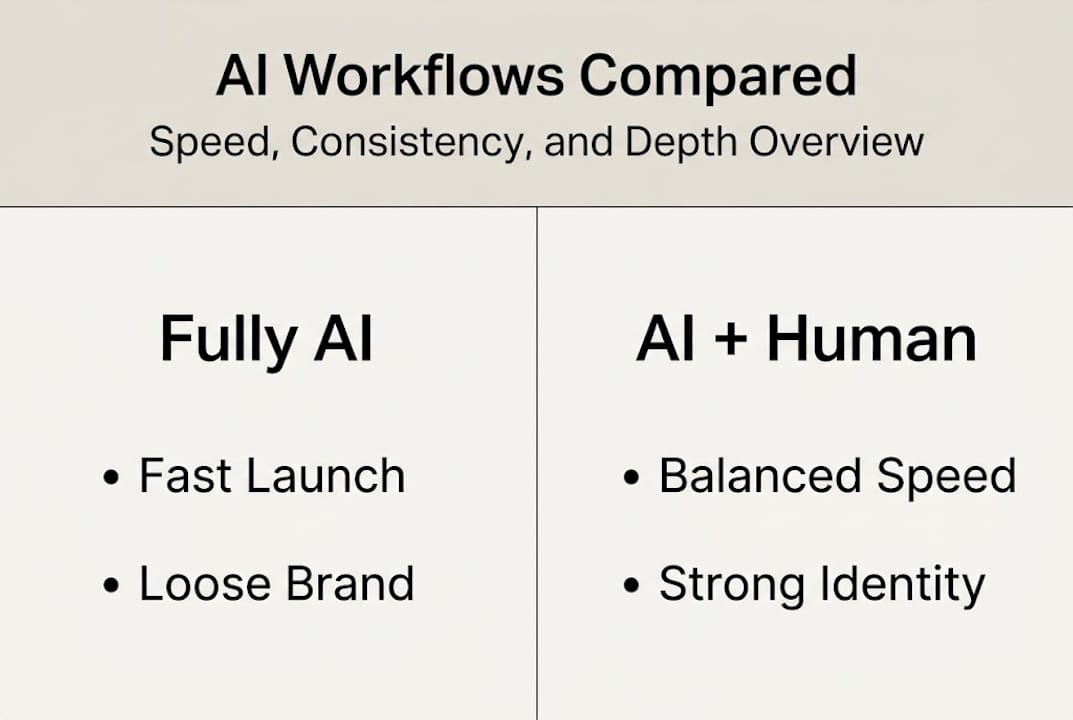
AI excels for rapid iteration and scale, but pairing it with human polish ensures brand consistency and legal safety. Over-reliance on short-form content without long-form video or email reduces the depth of your audience relationship over time.
Common mistakes to avoid:
- Posting AI-generated visuals without checking for brand alignment or unintended style drift.
- Reusing the same 15-second clip across every platform without adjusting the framing.
- Skipping the email channel entirely and leaving your most loyal fans underserved.
- Ignoring negative engagement signals, such as low saves or high skips, and continuing with the same format.
To deepen fan connection beyond short-form, consider:
- Long-form YouTube videos that show your process.
- Behind-the-scenes content on Instagram Stories or Patreon.
- Personal email updates that share context behind the lyrics or production.
For stronger storytelling across formats, the storytelling ideas for musicians resource covers practical ways to give your content emotional staying power.
Pro Tip: Before any piece of AI-generated content goes live, do a 60-second review: check the tone, the visual accuracy, and any text for errors. It takes less time than fixing a post that got the wrong reaction.
The real keys to music campaign impact in 2026
With practical steps mastered, it’s worth stepping back to look at what actually separates campaigns that stick from ones that disappear. The honest answer is that AI handles scale, but it doesn’t create meaning.
The artists building real traction in 2026 aren’t just running efficient systems. They’re using those systems to give themselves more time to focus on curation, story, and voice. The YouTube creative workflow guide makes this point clearly: the tools are only as good as the creative direction behind them.
Chasing short-term trends at the expense of your brand identity is a real risk when AI makes it easy to pivot constantly. Consistency of style, sound, and message is what builds a recognizable artist identity over months and years. Hacky tactics can spike your views for a week. A distinctive voice keeps fans coming back.
The future belongs to creators who can blend technical efficiency with genuine artistry. AI is a productivity layer, not a creative replacement. Use it to clear the noise, then fill the space it opens with something only you can make.
Ready to transform your music campaign workflow?
If you’re ready to implement this efficient, AI-powered approach, here’s the next step.
Orias AI was built specifically for creators who need to move from concept to campaign quickly, without sacrificing visual quality or brand coherence. From generating mood-matched artwork to producing complete promo packs, the platform handles the repetitive work so you can focus on the creative decisions that matter.

Whether you’re preparing a single drop or a full album rollout, the Orias AI creative workspace brings your campaign stages together in one place. Explore the platform and see how much faster your next release can move from idea to launch.
Frequently asked questions
What is the ‘content butchery’ method in music campaigns?
It’s a strategy where you create one major asset, like a music video, and repurpose into clips, quotes, social posts, and emails for maximum reach without starting from scratch every time.
Which AI tools are best for automating music campaign content?
Top tools include ChatGPT for strategy and captions, Canva for visuals, and Buffer or Metricool for scheduling across multiple platforms over a full release calendar.
How do I avoid over-automation and keep my brand unique?
Mix AI for speed with human review for tone and legal safety; the most effective approach pairs AI with polish and supplements short-form content with long-form videos and email for real audience depth.
Does multi-account promotion still work in 2026?
Yes, themed accounts that post your song in contextual settings can expand reach significantly, but duplicate suppression risks are real and each account needs distinct edits to avoid triggering platform filters.