By Orias AI
AI Fashion Model Generator: How to Create Clothing Photos Without a Photoshoot
AI fashion model generators place a garment reference on a model image. Use this workflow to direct, review, and publish apparel visuals carefully.
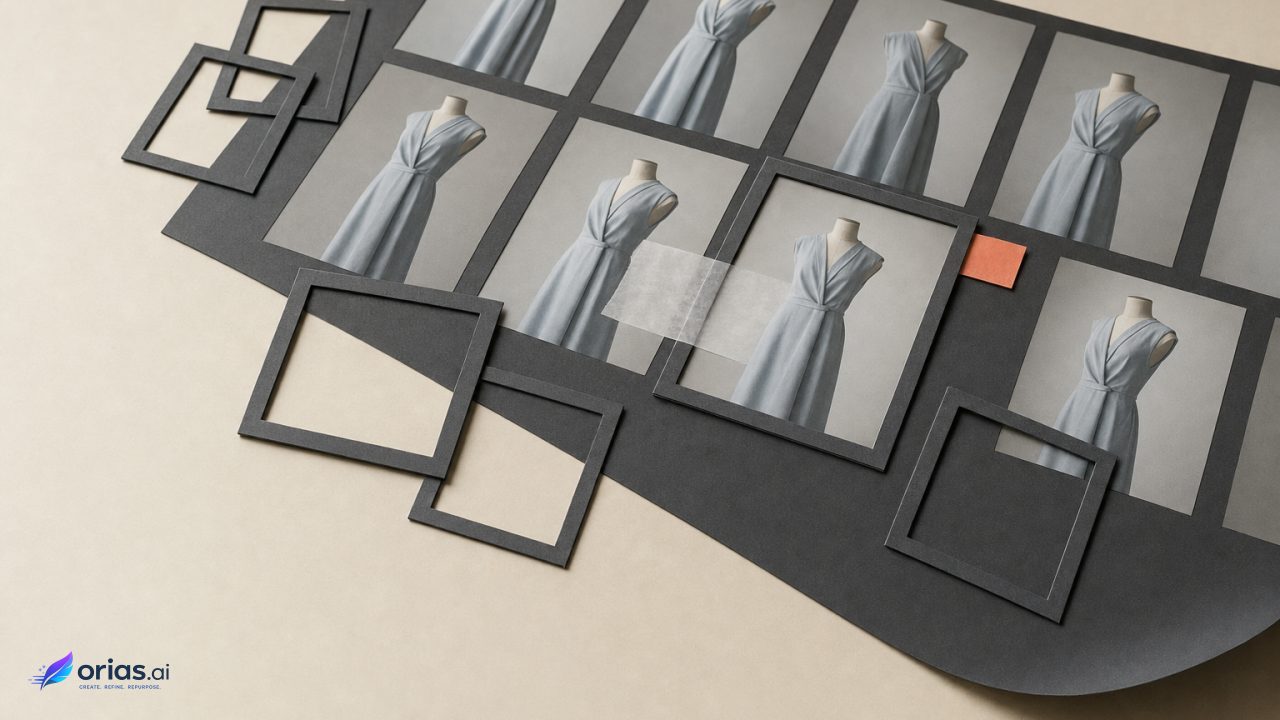
An AI fashion model generator synthesizes an image of a garment on a person by combining a garment reference with a model or person image. The system attempts to retain cues from both inputs, including the person’s identity, pose, and background and the garment’s color, texture, and construction details. In most virtual try-on workflows, image-guided inpainting or diffusion generates the apparel image, sometimes with a mask or layout instruction, rather than photographing a physical fitting. Amazon Nova’s virtual try-on documentation describes this source-image-and-garment-reference approach.
The result is best treated as a controlled visual composite. It can support merchandise imagery, art-direction testing, or an editorial variation without staging that exact shoot, but it does not establish that the garment was physically worn by the depicted person. It is also not a reliable statement about size, fit, or how the fabric will behave on a particular body.
What an AI Fashion Model Generator Actually Produces
The system attempts to place the referenced clothing on the supplied person while retaining relevant cues from both inputs. Those cues may include the person’s identity, pose, and background, alongside the garment’s color, texture, and construction details. That is the intended result described in Kling AI’s virtual try-on API documentation.
This differs from conventional product photography in an important production sense. A photograph records a particular garment, body, pose, lighting setup, and moment. A generated try-on image infers pixels that make those references look compatible. The resulting image may be persuasive at normal viewing size while still changing a seam, print, sleeve edge, logo, or body proportion on close inspection.
That distinction should shape the brief. Ask for an image purpose—such as a social crop, a merchandising concept, or a campaign-layout test—rather than asking the generator to prove that a garment fits or drapes in a specific way. If product fidelity is the central requirement, the source garment image remains the visual authority and the generated model image needs a review gate before release.
The Three Inputs That Control the Try-On Image
The first input is the garment reference. Use one clearly visible item, with as little obstruction as possible. A clean cutout or a straightforward product image gives the system a clearer account of the garment than a crowded flat lay, a lookbook image where accessories cover the clothing, or a photograph in which the item is heavily folded.
The second is the person image. It should normally contain one subject, a visible area for the try-on, and a natural front or three-quarter pose. Those are the input conditions recommended in Google Merchant Center’s apparel virtual try-on guidance. A pose that hides the torso, crosses both arms across the garment, or crops the relevant area leaves the generator to make more consequential guesses.
The third input, where a tool supports it, is direction: a mask identifying the edit area, a layout instruction, or language that specifies styling. Research on M&M VTO indicates that diffusion-based systems can work with multiple garments and language-guided instructions such as rolled sleeves or a tucked-in shirt. Direction is useful for defining the intended composition, but it does not turn a generated image into a measurement of fit.
- Garment reference: establish the item’s visible attributes and keep competing objects out of frame.
- Model image: establish the body, pose, crop, setting, and much of the image’s visual logic.
- Mask or instruction: constrain where and how the edit should happen, then verify that the result obeyed the instruction.
A Practical Sequence: Turn One Garment Cutout Into a Model Image
Start with a single-garment cutout that shows the product clearly. Before generating, decide what must not change: colorway, logo treatment, neckline, closure, print placement, hem length, or a distinctive construction detail. This short list gives the reviewer something concrete to compare against rather than asking whether an image merely “looks right.”
Choose a model image with a front or three-quarter pose and enough unobstructed torso area for the item. Keep the first pass simple. A standard pose is a better diagnostic than a dramatic posture because it reduces the amount of visual reconstruction required around limbs and folds.
- Upload the garment reference and the model image.
- Set an edit mask or a limited instruction if the tool provides one. For example, specify whether the shirt should be tucked or whether sleeves should be rolled.
- Generate several candidates rather than treating the first result as final artwork.
- Compare each candidate against the garment source at both campaign-viewing scale and close inspection.
- Retain only the images that preserve the attributes required for the intended channel; reshoot, revise, or use conventional photography where they do not.
For example, a team with a clean image of a blue overshirt could pair it with a three-quarter model portrait, request an untucked presentation, and create several editorial options for a release plan. The selected frame should still be checked against the original for the overshirt’s color, pockets, placket, seams, and any branding. The workflow saves a physical setup only if that inspection remains part of the handoff.
Where AI Try-On Breaks: Drape, Construction, Identity, and Motion
Google Research’s TryOnDiffusion work identifies preservation of garment details, realistic warping across body poses, identity preservation, and temporal consistency in video as core challenges for virtual try-on.
Those challenges are visible in fine prints, narrow straps, unusual closures, layered outfits, and areas where hands overlap clothing. They also make a still-image result an incomplete test for motion: details that look acceptable in one frame may not remain stable from frame to frame.
Virtual try-on is therefore a visual simulation, not a fit guarantee. It does not establish how an item will measure, feel, stretch, or drape on a customer, and generated imagery should not be the basis for fit claims, sizing advice, or product assertions that require physical evidence. Video requires separate production and review rather than an automatic extension of a still-image workflow.
The Apparel Detail QA Check Before Publishing
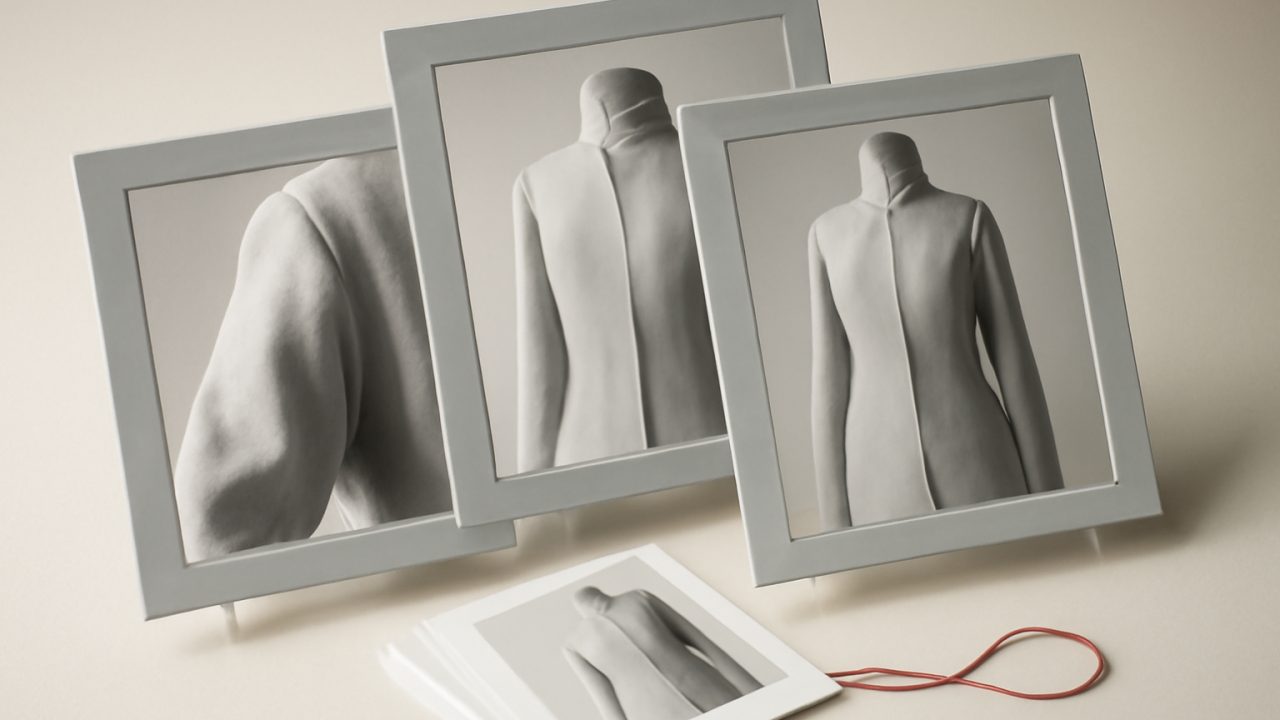
Review generated fashion imagery against the approved garment source, not only against the creative brief. Google’s consumer try-on documentation warns that generated images can contain errors in body shape, personal features, and clothing details. That makes visual quality assurance a publishing requirement, especially when an image will represent a purchasable item.
- Brand and product marks: inspect logos, lettering, labels, prints, and repeated motifs for substitutions or distortion.
- Construction: check seams, collars, pockets, plackets, closures, cuffs, hems, and the count or placement of visible details.
- Silhouette: compare proportions, length, sleeve shape, neckline, and the garment’s apparent layering with the source reference.
- Human details: inspect hands, jewelry, body proportions, and any area where the clothing meets skin or another object.
- Claim alignment: remove or rework copy that implies a physical fitting, customer experience, endorsement, or performance the image cannot establish.
Assign this check to someone who has access to the approved product imagery and knows which characteristics are non-negotiable. A creative lead can judge composition; a merchandiser or product owner is often better placed to catch a changed pocket shape or an inaccurate trim. When a discrepancy matters, discard the frame rather than attempting to explain it away in caption copy.
Commercial Use, Content Credentials, and Advertising Claims
Commercial use depends on the specific tool, feature, and account—not simply on how easily an image was generated. Adobe says Firefly outputs from features without a beta label may be used in commercial projects, and Firefly-generated assets may receive Content Credentials identifying generative-AI involvement. Review the applicable Firefly terms in Adobe’s Firefly FAQ.
Credentials can identify AI involvement when carried by an asset, but they do not replace a record of the source garment, model-image rights, generation settings, selected output, retouching, approver, and final placement.
Licensing also does not answer whether the campaign claim is acceptable. The Federal Trade Commission’s advertising guidance requires truthful, non-deceptive, evidence-based claims. Do not portray a synthetic person as a real customer or endorser without appropriate disclosure and substantiation, particularly in connection with testimonials, reviews, or implied personal experience.
Frequently Asked Questions
Does AI try-on show real fit?
No. It produces a visual simulation of the garment on a person image, not verified information about measurements, comfort, stretch, or real-world drape.
What source images are minimally usable?
Use one unobstructed garment image and one image of a single person with a clear try-on area, ideally in a natural front or three-quarter pose.
Can multiple garments be styled together?
Some diffusion-based virtual try-on systems support multiple garments and instructions such as tucked shirts or rolled sleeves. More items and overlaps also create more opportunities for construction and layering errors.
Which details need manual review?
Check logos, prints, seams, closures, pockets, garment proportions, hands, jewelry, and body features. Compare the candidate directly with the approved product reference.
Can synthetic model images be used commercially?
Potentially, but permission depends on the tool’s applicable terms. The finished advertising must also remain truthful and must not misrepresent an AI-generated person as a real customer or endorser.