By Orias AI
AI Image to Video: How to Animate Still Images for Ads and Social Media
AI image-to-video turns a still into directed motion. See how creative teams prompt, generate, review, and edit short clips for ads and social posts.
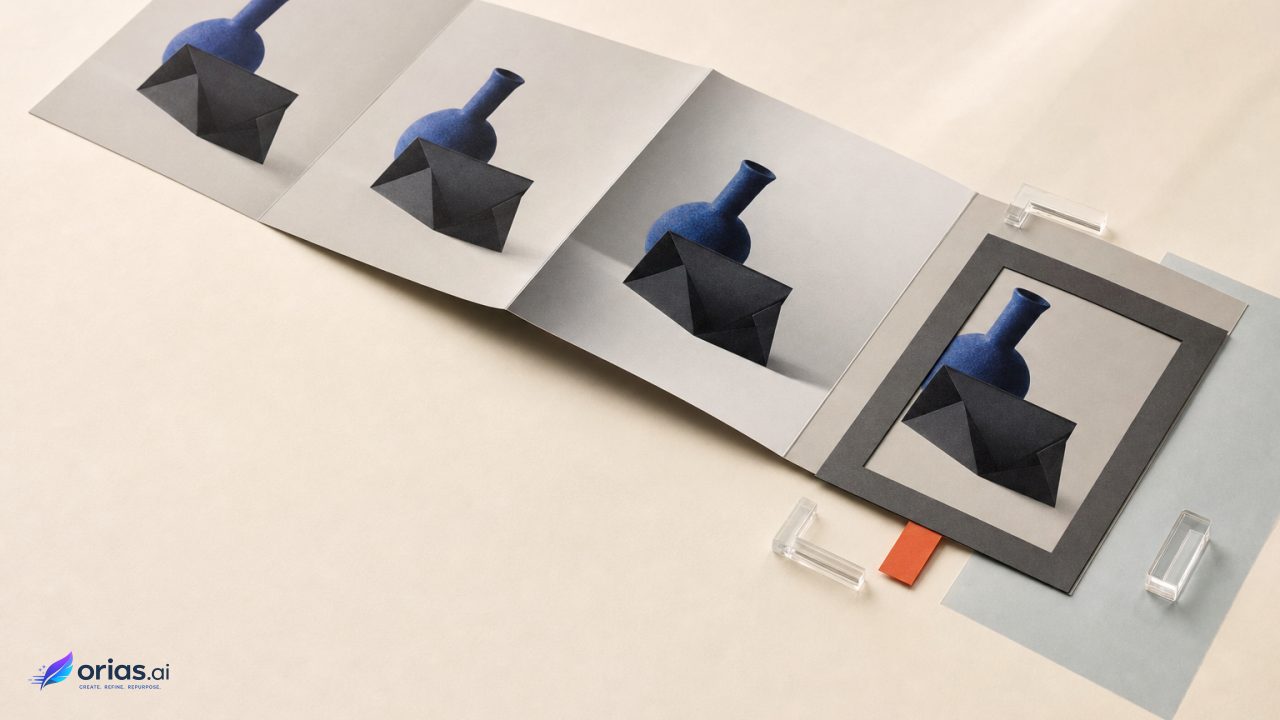
AI image-to-video uses a still image as the visual starting condition for a generated sequence of moving frames. The image establishes much of the scene’s appearance; a prompt then directs movement such as an action, an environmental change, or camera behavior. Some workflows can also accept reference images, a final image, or an extension, as documented for Google’s Veo API. For an ad or social post, the useful mental model is directed motion generation: turn one art-directed moment into a short shot, rather than asking a single prompt to invent a finished commercial.
That distinction changes the workflow. The team first chooses an image that can tolerate movement, specifies a limited change, generates several candidates, then selects and assembles the usable moments in an edit. The work is less about making every pixel move and more about protecting the things viewers will notice first: the subject, the product, the brand look, and the continuity of the shot.
What Image-to-Video Generates From a Still
Image-to-video models generate a succession of frames from a source still. Their task is to preserve the image’s visual condition while modelling temporal relationships that keep motion coherent. Video Diffusion Models describes this distinction between temporal generation and a set of unrelated images.
The source image anchors visual appearance. The motion prompt supplies direction, whether that means a slow push-in, fabric moving in a breeze, a hand lifting a package, or light shifting across a surface. Depending on the product, reference images can further constrain the look, and a final image can define the destination of a transition.
What the still does not show remains a review concern: image-to-video generation does not inherently make hidden object sides, profile faces, or dense layouts dependable. A strong original image and a focused movement brief give reviewers a clearer basis for assessing the result than a long request that repeats visible content or attempts to specify an entire campaign world.
Choose a Still That Can Survive Motion
Start with a still that already works as an image. The main subject should be legible, its relationship to the background should be intentional, and the proposed movement should have a clear reason. A portrait looking toward camera can support a restrained camera move or modest hair and clothing motion. A product shot with room around the object can support a controlled push-in or a slight shift in surrounding light.
Do not use motion as a repair tool for weak composition. If the product is too small, the subject is ambiguous, or the frame depends on a detail that must remain exact, solve that in the source artwork before generation. Research on image animation identifies identity and appearance consistency across frames as a central failure mode; approaches designed to address it preserve input-image features and use temporal attention or motion controls to maintain alignment. AnimateZero is useful context for why a convincing first frame is not a guarantee of a stable clip.
A practical preflight is to name the one thing that must not change. It might be a recognisable face, a bottle silhouette, label placement, a garment pattern, or the geometry of a hero object. Then choose motion that does not place that requirement under unnecessary stress. A request for a subtle orbit around a detailed package, for example, asks the system to resolve surfaces that may not be visible in the input. A gentle push-in keeps the shot closer to the evidence supplied by the still.
Prompt the Change, Not the Contents of the Frame
Write the prompt around what changes over time. Runway’s image-to-video prompting guide recommends focusing chiefly on desired movement rather than repeating what is already visible in the source image. That gives the still and the prompt separate responsibilities: one describes the frame; the other describes the shot.
- Subject action: What does the person, product, or object do?
- Environmental motion: What moves around it—light, foliage, fabric, water, particles, or a background element?
- Camera behavior: Is the camera static, pushing in, pulling back, panning, or otherwise moving?
Keep the instruction singular enough to review. “Slow camera push-in; soft wind moves the jacket and hair; the subject remains facing camera” is operationally clearer than a paragraph that re-describes wardrobe, setting, mood, lens language, action, and a sequence of cuts. It also makes a failed generation easier to diagnose: reviewers can decide whether the subject drifted, the environmental motion became distracting, or the camera behavior was wrong.
For a short beverage social asset, an editor might generate three separate moments from prepared stills: condensation subtly shifts while the camera moves closer; a hand brings the can into frame; then a clean packshot holds while the background light changes. These are distinct generation problems, not three clauses in one long prompt. After selection, the clips can be cut into a concise progression: product cue, human interaction, brand-facing end moment.
Control Framing, Duration, and the Timeline
Set the delivery frame before generating, not after a promising result appears. The chosen aspect ratio determines what must remain visible and where there is room for platform copy, captions, or a later end card. Composition and framing also determine whether a camera move will draw attention toward the subject or expose an edge of the frame that has not held together.
Commercial tools commonly expose controls for composition, framing, aspect ratio, and duration. Adobe’s Firefly documentation, for instance, describes generating video from an image and adding the result to a timeline. Timeline assembly matters because it separates generation from editing: a team can retain a good two-second motion, trim out an unstable ending, and place it beside footage, graphics, or another generated shot.
Where a workflow supports input images, reference images, final images, or extensions, assign each control a specific purpose. Use the source image to anchor the opening; use references only when they are needed to guide visual direction; use an end image when a shot needs to arrive at a planned composition; and assess an extension as a new continuity risk, not an automatic way to make a clip better. Do not assume that a control available in one model is available in every interface.
Design Ads as Modular Motions
The dependable production unit is a short shot with one readable purpose. This fits the underlying constraint: research on controllable image animation notes that many pretrained video-generation systems historically produced clips of fewer than 30 frames, and longer generation has required methods intended to preserve scene and motion consistency. Research on longer image animation does not establish a universal limit for every current product, but it does support treating duration and continuity as linked production concerns.
Build the edit from modules: an opening attention shot, a product or character beat, a detail shot, and a final brand or call-to-action frame. Generate alternatives for the moments that carry the greatest risk, especially a close-up of a face or an object whose physical details matter. Selection is then based on usable continuity, not merely on which first frame looks most dramatic.
This approach also creates clean handoffs. Art direction supplies the source still and intended motion. The generator operator records the prompt and settings used for candidates. The editor selects clips, handles pacing and transitions, and reserves type, legal copy, and final product claims for established design and approval processes. A generated shot can earn its place in an edit without being asked to carry every message.
Review Before Publishing
Review the clip as a sequence, not as a thumbnail. Scrub through it and inspect the frame before, during, and after the primary motion. For branded material, the relevant release check includes rights, brand accuracy, text rendering, product geometry, faces, hands, and frame-to-frame continuity. A clip that looks sound at its opening and closing frames can still break in the middle.
- Confirm that the team has the necessary rights to use the source image, depicted people, product artwork, and final output in the intended campaign.
- Compare key product details and brand elements against approved reference material rather than relying on visual resemblance.
- Inspect generated text closely; where exact wording matters, add it through the normal post-production workflow and approval route.
- Check faces, hands, object edges, and any point where the camera or subject changes direction.
- Review the destination platform’s rules and the generation service’s applicable provenance or safety requirements.
Platform and tool policies are not interchangeable. Google says some Veo-generated outputs have visible and invisible watermarking and describes safety evaluations for its photo-to-video offering. Google’s product announcement illustrates why teams should check the specific service and publishing context instead of making blanket assumptions about provenance treatment. The final approval should cover both what the clip depicts and how it is permitted to be released.
Frequently Asked Questions
Can a prompt fix a weak source image?
Not reliably. A motion prompt can direct what changes, but it does not remove the need for a clear subject, deliberate composition, and accurate brand or product details in the still. Rework the source when those essentials are missing.
How much motion should I request?
Request the smallest amount that communicates the shot’s idea. One subject action, environmental change, or camera behavior is easier to evaluate than multiple competing movements, particularly when identity or object consistency is important.
Is generated text or product detail ready to publish?
Treat it as unapproved until it has been checked against the intended wording and approved product reference. Exact type, claims, labels, and geometry warrant frame-level review before release.
How do I make a longer social or ad edit?
Generate short, purpose-built clips and assemble the selected results on a timeline. This gives the editor control over pacing and lets the team replace or trim a weak section without discarding the entire piece.
What rights and watermark checks are needed?
Verify rights to the input image and all depicted material, then check the chosen service’s output and provenance policies alongside the destination platform’s rules. Watermarking and safety treatment can be specific to a product or mode, so confirm the terms that apply to the actual workflow used.