By Orias AI
AI Headshot Generator: How to Create Professional Portraits From Everyday Photos
AI headshot generators create new portraits from reference photos and prompts. Build a reliable workflow for inputs, direction, review, and privacy.
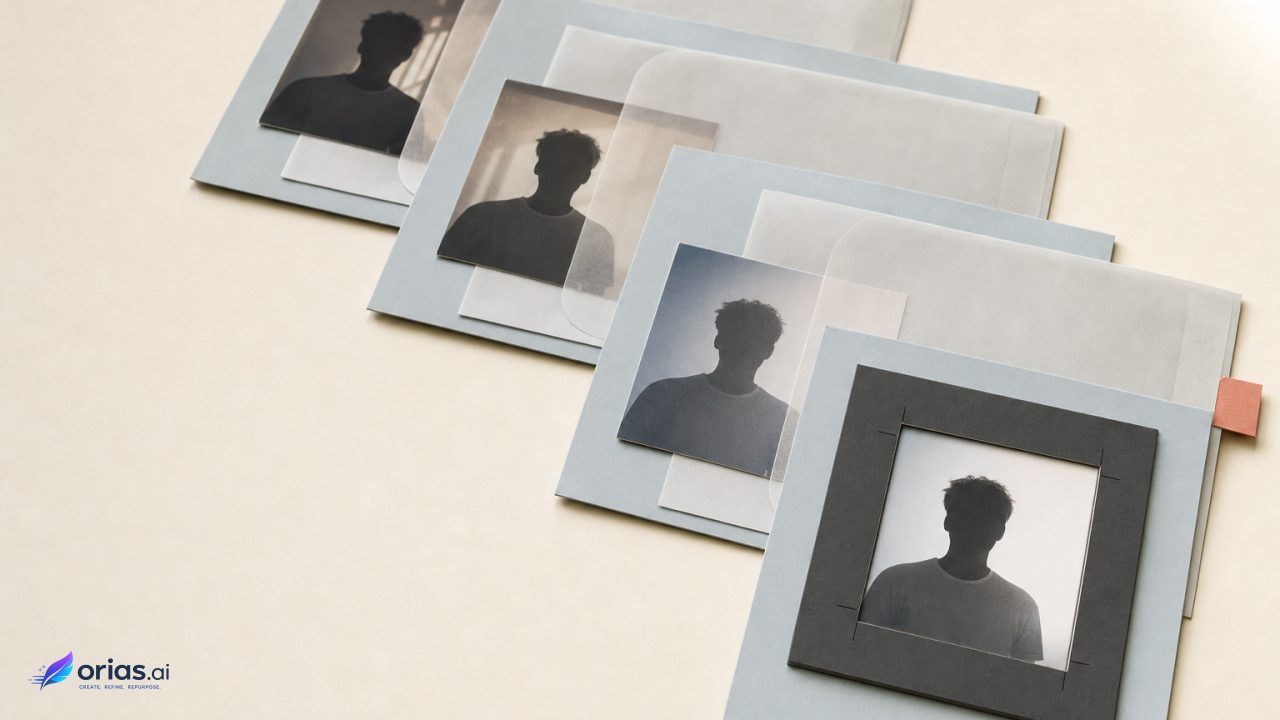
An AI headshot generator starts with one or more reference photos and directions about the desired result, then creates a new portrait. The result is not simply a retouched selfie: facial references, prompts, composition, styling, lighting, aspect ratio, resolution, and reference adherence can all guide the generated variation.
Adobe Firefly, for example, offers reference-image uploads, text prompts, composition controls, and adjustable adherence to the reference. Adobe’s documentation identifies these as controls for image generation.
That distinction matters in a creative or marketing workflow. Teams can prepare credible face references, specify the portrait brief, generate multiple options, and approve images that remain recognizable and fit the intended channel; reference guidance does not guarantee exact identity preservation, pose, or composition. A polished image can still be the wrong portrait.
AI headshots generate portrait variations rather than retouching a selfie
Many contemporary image generators use diffusion methods: they learn to reverse a process in which noise is progressively added to data, producing an image from noise under the guidance of the inputs. The foundational diffusion-model paper published through NeurIPS explains that forward-and-reverse framework. An AI headshot is therefore a newly generated variation, not evidence that every visible feature was copied from the uploaded photograph.
The reference photo supplies visual material, while text instructions or interface controls can specify a close portrait or wider crop, lighting, setting, background, square or vertical framing, and output resolution. Those inputs can conflict: requests for a different pose, dramatic lighting, or a highly styled setting may lead the result away from the source. Reference guidance does not guarantee exact identity preservation, pose, or composition.
That distinction matters when the image represents a named employee, executive, speaker, or creator. Judge it by whether it accurately represents that particular person, not merely whether it looks like a plausible person. Source-photo conditions also matter. NIST notes that poor photography can increase face-recognition errors, identifying inadequate lighting and variation in pitch angle as risk factors; lighting, exposure, camera angle, pose, and image quality affect how clearly a face is represented.
Choose everyday photos that give the model a usable face reference
Everyday photos can be useful source material, but their conditions matter. The National Institute of Standards and Technology notes that poor photography can increase face-recognition errors, specifically identifying inadequate lighting and variation in pitch angle as risk factors. That research concerns face recognition rather than headshot generation, but it is a practical warning about the reliability of weak facial imagery: lighting, exposure, camera angle, pose, and image quality affect how clearly a face is represented. NIST’s face-recognition evaluation material sets out those photography-related factors.
For a production brief, start with photos in which the subject’s face is visible, reasonably exposed, and not dominated by an extreme camera angle. Prefer a small, consistent set over a miscellaneous folder assembled from social posts, event snapshots, and heavily edited images. The goal is not to create an elaborate shoot before using the tool. It is to avoid making the system infer facial information from shadows, blur, an obstructed face, or a very unusual pose.
- Review lighting and exposure first; do not rely on a dark or strongly uneven source as the sole face reference.
- Include a clear view of the face and avoid treating a steep up-or-down angle as the defining image.
- Check sharpness and overall image quality before upload.
- Use source photos that are appropriate to represent the person, rather than assuming a realistic-looking result will correct a poor reference.
This preparation also makes review easier. When the input set is clear and internally consistent, the approver has a better baseline for spotting a generated feature that has shifted. It does not remove that responsibility.
Art-direct the headshot with reference strength, composition, lighting, and crop
The brief should describe the deliverable before anyone starts generating. Decide where the portrait will appear, then set the crop and aspect ratio for that placement. A tight portrait for a staff directory, a vertical image for a speaker page, and a square profile image are different compositions even if they use the same individual and visual style.
Next, use the available controls to define the look: portrait composition, lighting, styling, and output size are common variables. If the service provides reference strength or a comparable adherence control, use it deliberately. Adobe describes this setting as a way to control how closely generated variations follow the source image; it does not promise that identity, pose, or composition will be preserved exactly. Its reference-image guidance makes that boundary explicit.
A workable team sequence is:
- Choose the source-photo set and confirm that it gives a clear, usable view of the subject.
- Write a short visual brief covering crop, framing, lighting, setting, styling, aspect ratio, and required resolution.
- Upload the reference and set the available composition and reference-adherence controls.
- Generate a set of candidates under the same brief rather than judging a single output as definitive.
- Move the strongest candidates to identity and artifact review before any layout, publishing, or distribution work.
For example, a marketing team replacing a speaker-profile image might specify a vertical head-and-shoulders composition, the required site aspect ratio, and a restrained lighting and styling direction. It should then compare generated candidates against the supplied photos before placing one on the event page. The visual brief establishes consistency; the source comparison determines whether the candidate can represent the speaker.
Approve the portrait for recognizable identity, not just polished realism
A 2024 SIAM Review article on diffusion models discusses limitations involving robustness, bias, copyright, privacy, explainability, and computational cost.
For portrait approval, the operational consequence is direct: inspect the generated image itself and reject candidates with identity drift or visual artifacts. Compare each candidate with the original references for recognizable identity. Reference guidance can shape generation, but it does not guarantee preservation of the person’s exact identity.
Realism is only one visual property. A candidate may have studio-like lighting, a coherent background, and a polished surface while still drifting from the subject. Defects may also become more apparent after the image is cropped into a profile module, enlarged for a press asset, or placed beside other portraits in a campaign.
Approval should remain distinct from generation. The depicted person can flag when a result no longer resembles them, and the publishing owner can check whether the approved asset fits the relevant page, campaign, or release context.
Check face-photo handling before uploading to an AI headshot service
The UK Information Commissioner’s Office distinguishes ordinary photographs from biometric data created through processing intended to uniquely identify a person. An uploaded photograph is not automatically biometric data, but the distinction is a reason to give face-image processing specific privacy scrutiny; the ICO’s biometric-recognition guidance sets out that distinction.
Before upload, inspect the provider’s current terms and privacy materials for photo handling, model-training use, retention, and any transfer of prompts or input files to another model provider. Adobe, for example, says Firefly customer content is not used to train generative-AI models, while necessary prompts and input files may be shared with the selected partner in partner-model workflows. Adobe’s generative-AI approach page is a reminder to examine both the core service policy and the partner-model terms that apply.
Do not infer those answers from the name “AI headshot generator” or from a product’s interface. Record the chosen service, workflow, and approval path with the asset so a creative lead or release manager can revisit its handling, replace the image, or address questions raised by a different distribution context.
Frequently Asked Questions
Is one selfie enough for an AI headshot?
For a more useful reference, provide a small set of clear everyday photos with consistent lighting, angle, pose, and image quality. One clear, well-exposed selfie may work, but it offers little basis for comparing how the system interprets the subject.
Does an AI headshot preserve a person’s identity?
Not as a guarantee. A reference image guides generation, and a stronger adherence setting can make variations follow it more closely, but the result still requires comparison with the original photos and approval by the depicted person where appropriate.
How many variations should a team generate?
Treat the first plausible output as a candidate, not the final result. Generate enough options under one defined brief to choose an approved one that meets the identity, artifact, composition, and channel requirements.
Can an AI headshot replace a photographer?
It can produce a new portrait variation from supplied references, but it is not equivalent to a photographed session. Use the method when a generated asset is appropriate for the assignment, and do not assume it can guarantee exact identity, pose, or composition.
What should you check in an AI headshot provider’s privacy policy?
Check photo handling, model-training use, retention periods, and whether partner models receive prompts or input files. Review the policy for the precise workflow you intend to use, not just the provider’s general product description.