By Orias AI
AI Book Cover Generator: How to Design Professional Covers for Kindle and Print
AI book cover generators work best for visual concepts, while human layout, typography, rights review, and KDP specifications complete the cover.
An AI book cover generator is most useful as an art-direction and image-concept tool, not as a machine that delivers a publish-ready cover. Generate visual directions and image assets with it; then make the cover through deliberate cropping, typography, layout, technical preparation, and review. That division matters because AI-assisted visual work can still fail to align with design requirements or hold a stable visual style from one output to the next, according to research on AI-assisted visual communication.
For a working creative or marketing team, the practical deliverable is rarely one universal file. A Kindle eBook needs a front-cover image. A paperback needs a wraparound production PDF whose spine depends on the finished book. Treat the approved AI image as a source asset that can support both, rather than forcing one generated composition to solve every format at once.
Use AI for the image, not the final cover file
A cover has two jobs at the same time: it needs to signal the book’s genre and tone quickly, and it needs to carry legible publishing information. An image model can help a team explore a setting, subject, lighting treatment, symbolic object, or visual mood. It is less dependable as the final decision-maker for genre fit, controlled composition, consistent style, or cover-ready text.
Put a human owner on each remaining decision. The author, editor, marketer, or designer should decide which concept truthfully represents the book; the designer should establish the hierarchy of title, author name, and any series information; and a production reviewer should check the final file against the destination’s requirements. This is not a ceremonial handoff. It is the point at which a visually attractive experiment becomes a usable publishing asset.
Do not ask a generator to render the title, subtitle, author name, or spine copy as final artwork. Instead, generate imagery with usable negative space, then add type in a design application. This keeps words editable, lets the team change a title without regenerating the art, and makes it possible to adapt one visual direction across formats.
Write an art-direction brief before generating cover concepts
A prompt is not a substitute for a brief. Before generating, write a short instruction set that describes the reader promise rather than merely listing visual adjectives. Identify the genre and audience, the intended emotional register, the focal subject or scene, and the visual cues that must be present or absent. A quiet literary novel, an epic fantasy, and a business handbook may all use a portrait, but they require very different signals of scale, energy, and authority.
Include composition requirements early. State whether the title needs clear room at the top, bottom, or one side; whether the subject should be centered or offset; and whether the image must later extend into a paperback back cover. Negative space is not empty decoration on a cover. It is working room for readable type and a stable hierarchy.
Brief fields that change the output
- Reader and genre: Name the intended readership and the shelf category the cover must communicate.
- Core visual idea: Specify a subject, place, object, or relationship that can carry the concept without illustrating every plot event.
- Mood and treatment: Describe the atmosphere and visual approach in concrete terms, such as spare, ominous, tactile, high-contrast, or restrained.
- Layout allowance: Reserve an area for title and author typography before judging an image as successful.
- Exclusions: Record unwanted imagery, confusing visual clichés, and elements that would conflict with the book’s positioning.
Use the brief as a selection rubric as well as a prompt source. Generate several directions, then reject candidates that lack a clear focal point, fight the title area, or send the wrong genre signal. This is more efficient than trying to repair a weak concept after a team has become attached to it.
Build the front-cover hierarchy after choosing an image
Once one direction is approved, stop generating variations long enough to design the front cover. Crop the image around its strongest focal point. Then place the title first, because it normally carries the primary reading task; add the author name, subtitle, and other information only after the title has a clear relationship to the image.
Test the cover at the smallest size likely to matter in a store listing. If the title merges into a textured background or the main subject becomes indistinct, solve that with cropping, contrast, type placement, or a different asset—not by adding more decorative elements. Small-size testing is also where an apparently elegant composition often reveals that it lacks a single visual priority.
Keep source files organized around this assembly process: retain the original generated output, the selected and edited image, and the editable layout file. That record has production value when a retailer requests a correction, a series design changes, or a print template must be rebuilt. It also documents the human contributions to the finished composition and typography.
A practical selection sequence
- Choose three to five concepts that meet the brief, rather than judging images only on novelty.
- Make a rough front-cover layout for each finalist with real title and author text.
- Compare the layouts at thumbnail scale and at a larger reading size.
- Approve one visual direction, then make targeted image edits and typesetting changes instead of reopening the concept search.
Create a Kindle eBook cover as a separate RGB image file
Amazon Kindle Direct Publishing recommends a Kindle cover of 2,560 × 1,600 pixels and an ideal 1.6:1 height-to-width ratio. Its eBook cover guidance specifies JPEG or TIFF, RGB color, and a file under 50 MB: KDP’s requirements.
Begin with the approved image and type layout. Resize or extend the artwork to the eBook canvas, protecting the focal point; then check the title after export. The composition may need a different crop from the one used on a narrow paperback front panel so the subject and type area remain effective at the Kindle ratio.
Export a dedicated front-cover image, not a cropped piece of a paperback wrap, and keep it separate from the print PDF. Make it from the intended RGB layout rather than treating RGB as a final afterthought. The paperback PDF is a separate production object containing the back cover, spine, and front cover, according to KDP’s print-cover requirements.
Expand the approved front cover into a paperback wrap after pagination
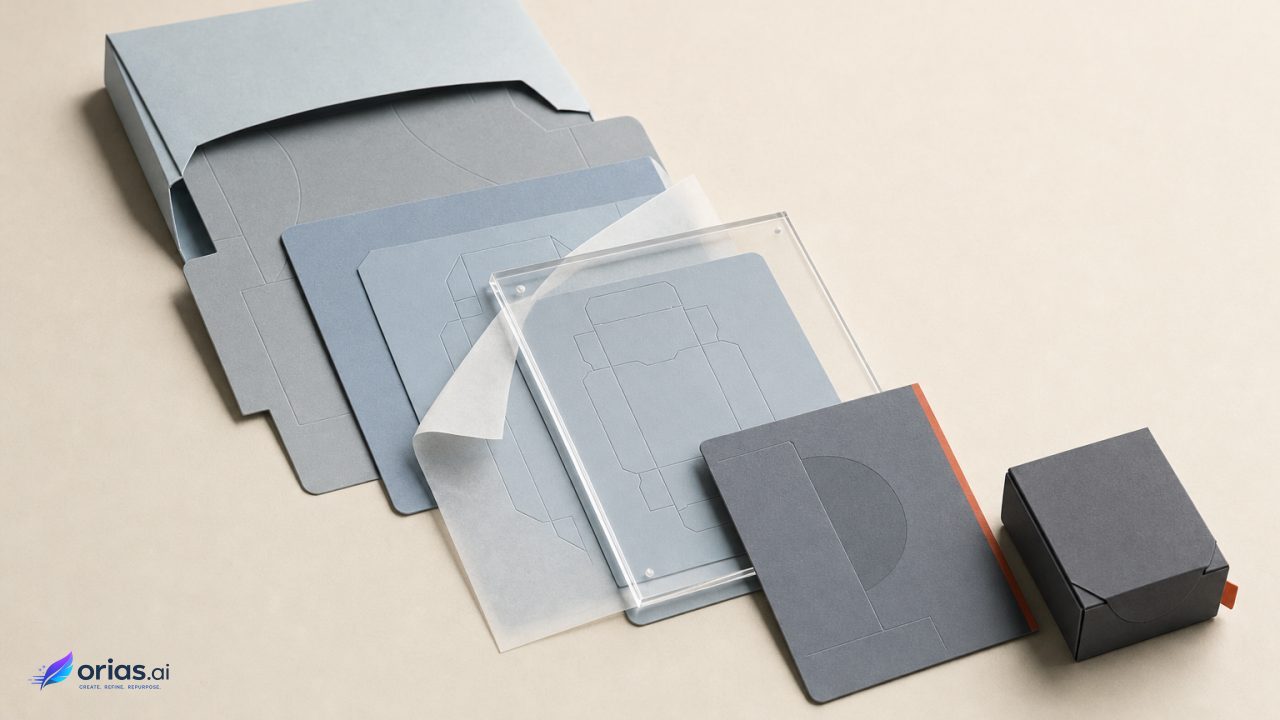
A paperback cover is a different production object: one PDF containing the back cover, spine, and front cover. For KDP, it needs 0.125 inches of bleed at the top, bottom, and outside edges. The spine width depends on the final page count and paper specifications, according to KDP’s print-cover requirements.
That dependency means the print wrap comes after interior pagination is final, not alongside an early manuscript layout. KDP’s cover calculator and template generator ask for binding type, interior type, paper type, trim size, page count, and reading direction; KDP explicitly says the final interior page count should be known before print-cover design. Use the resulting template as the working document for the full wrap.
The front-cover art can remain the visual anchor, but the back and spine need their own editorial decisions. Extend or adapt the imagery only where it supports the design. Reserve room for back-cover copy and any required publishing elements, and do not place important content where trimming, bleed, or the spine fold can compromise it.
KDP’s Cover Studio guidance places important elements within a safe zone, requires bleed for paperback and hardcover covers, recommends 300 DPI images, and requires cover text of at least 7 points in its editor. Those constraints are production checks, not aesthetic suggestions: a text treatment that succeeds on a front-cover mock-up can still fail when it becomes too small on the spine or sits too close to an edge. Review the current Cover Studio specifications against the assembled PDF before upload.
Check rights, authorship, and recognizable-source risk
Adobe says non-beta Firefly outputs may generally be used commercially. That permission is not a complete legal clearance process or a guarantee against infringement; users remain responsible for reviewing outputs for third-party copyright, trademark, privacy, and publicity issues, as explained in Adobe’s generative-AI FAQ.
Review the final cover for recognizable people, brands, logos, distinctive protected characters, or artwork that appears too close to a known source before release.
Authorship requires a separate review. The U.S. Copyright Office says an AI-assisted work may be copyrightable when a human contributes sufficient expressive elements, but providing prompts alone does not establish human authorship. Retain records of human edits, image selection, cropping, composition, typography, and layout; the Copyright Office guidance identifies those contributions as relevant to the assessment.
Frequently Asked Questions
Can AI generate a complete book cover?
It can generate a visual starting point, but a complete cover also requires controlled typography, a purposeful hierarchy, format-specific dimensions, and final quality checks. Use generated imagery as an asset within a designed cover.
What size should a Kindle cover be?
KDP recommends 2,560 × 1,600 pixels, with an ideal 1.6:1 height-to-width ratio. Submit an RGB JPEG or TIFF below 50 MB.
Can the eBook cover be used for a paperback?
The front-cover design can be reused, but the paperback needs a separate wraparound PDF that includes the back cover and spine. Set its total dimensions only after the final page count and print specifications are known.
When should I create the paperback spine?
Create it after the interior is finalized and pagination is fixed. Page count and paper specifications determine spine width, so an earlier spine layout is only provisional.
Does commercial AI use mean the cover is legally cleared?
No. Even when a tool’s terms grant permission, responsibility for copyright, trademark, privacy, or publicity concerns remains. Review the final output and seek appropriate advice where the source or resemblance is uncertain.
Do prompts make me the copyright author of the cover?
Prompts alone do not establish human authorship under the Copyright Office’s stated position. Preserve evidence of your expressive work in selecting, editing, composing, and typesetting the final cover.