By Orias AI
Optimize creative direction workflows with AI: step-by-step guide
Learn how to build a creative direction workflow that uses AI to cut costs by 90%, reduce revisions, and produce cohesive visual assets faster.

Most creators assume that adding structure to a creative process will slow them down or box in their ideas. The opposite is true. Creative direction workflows follow structured phases that reduce admin burden and optimize output, giving you more mental space for the work that actually matters. Whether you’re a solo artist managing a drop or a marketing team coordinating a campaign, understanding how to build and run a modern creative direction workflow, especially one powered by AI, can change how fast and how well you produce. This guide breaks down every phase, every pitfall, and every practical tool you need.
TL;DR:
- Structured workflows reduce friction, improve team alignment, and cut revisions significantly.
- AI transforms creative processes by accelerating ideation, ensuring consistency, and lowering costs.
- Clear roles, standardized briefs, and documentation are essential to avoid workflow pitfalls.
Table of Contents
- What is a creative direction workflow?
- Key components and best practices for effective workflows
- How AI is transforming creative direction workflows
- Common workflow pitfalls and advanced solutions
- Why structure and AI amplify, not stifle, creativity
- Take your creative direction workflow further with Orias AI
- Frequently asked questions
Key Takeaways
| Point | Details |
|---|---|
| Structure fuels creativity | Clear workflows and roles give you more time and energy for actual creative work. |
| AI supercharges output | Using AI-driven tools makes production faster, cheaper, and ensures brand cohesion. |
| One approver reduces revisions | Assigning a final decision maker and using strong briefs cuts down revision cycles. |
| Track and refine | Consistently measure cycle times, revisions, and SLAs to improve your workflow. |
What is a creative direction workflow?
A creative direction workflow is the structured sequence of steps a creator or team follows to move from a raw idea to a finished, publish-ready asset. It’s not just a to-do list. It’s a repeatable system that keeps everyone aligned on vision, timeline, and quality standards.
According to structured workflow phases, a complete creative direction workflow covers six core stages:
- Brief and planning (roughly 15% of total project time)
- Conceptualization (roughly 20%)
- Strategy alignment
- Production (the heaviest phase at around 40%)
- Review and approval (roughly 15%)
- Delivery and measurement
These time allocations matter. When teams skip the brief phase or compress review, they pay for it later with rework and missed deadlines. Think of the workflow as a budget: spend it wisely upfront and you save it at the end.
Why does structure actually help creativity rather than limit it? Because most creative blocks aren’t about inspiration. They’re about friction. When roles are unclear, briefs are vague, or approval steps are undefined, creators spend energy navigating confusion instead of making things. A well-designed digital content workflow removes that friction and lets you focus on the ideas themselves.
Here’s a quick comparison of what structured versus unstructured workflows look like in practice:
| Factor | Unstructured workflow | Structured workflow |
|---|---|---|
| Brief quality | Vague or verbal | Written, template-bound |
| Approval path | Multiple, unclear | Single approver defined |
| Revision cycles | 4 to 6 rounds | 1 to 2 rounds |
| Delivery predictability | Low | High |
| Team alignment | Reactive | Proactive |
For artists and creators managing their own releases, a streamlined workflow for artists can be as simple as a shared doc and a checklist. For larger teams, project management for creative teams involves dedicated tools and defined lanes. The scale differs, but the principle is the same: clarity before creation.
Key components and best practices for effective workflows
With the basics defined, let’s break down what separates high-performing creative teams from the rest.
The single biggest differentiator is a single intake system. Every request, whether it’s a campaign asset, a social post, or a full visual identity update, enters through one channel. This is sometimes called a Definition of Ready (DoR): a checklist a brief must pass before work begins. If the brief doesn’t meet the standard, it goes back. No exceptions.
High-performing teams also separate work into lanes:
- BAU (business as usual): Recurring, predictable tasks like weekly social content
- Projects: Larger, time-bound initiatives like album artwork or campaign launches
- Urgent requests: Clearly defined criteria for what actually qualifies as urgent
This lane system prevents urgent requests from constantly derailing project work, which is one of the most common productivity killers in creative teams.
Structured processes reduce revisions by up to 70% and cut approval times by 30%. That’s not a minor efficiency gain. It’s the difference between shipping on time and constantly playing catch-up.
The one approver rule is equally critical. Every asset should have exactly one person with final sign-off authority. When multiple stakeholders can request changes at the last stage, revision cycles multiply fast. Pair this with automated feedback loops, where reviewers get reminders and deadlines, and you eliminate the passive waiting that kills momentum.
Key metrics every creative team should track:
- Cycle time: How long does it take from brief to delivery?
- Revision count: How many rounds does each asset go through?
- SLA adherence: What percentage of projects hit their delivery deadline?
Tracking these consistently reveals where your workflow breaks down. Most teams are surprised to find that their bottleneck isn’t production. It’s the approval stage.
Pro Tip: Visualize your workflow using a simple board or flowchart, and document every step. When a new team member joins or a process breaks, written documentation is the fastest way to diagnose and fix the issue. Check out creative process best practices and a YouTube creative workflow guide for more practical frameworks.
For a deeper look at project management tools that support these systems, there are purpose-built platforms designed specifically for creative team operations.
How AI is transforming creative direction workflows
Technology is the new creative partner. Let’s look at concrete ways AI is changing the game for content creators and teams.
AI tools now plug into nearly every phase of the creative direction workflow. In the brief and concept stage, prompt libraries and AI-assisted mood boarding accelerate ideation. In production, multi-modal pipelines generate image variants, caption alternatives, and visual templates in minutes rather than days. In review, AI can flag inconsistencies in brand color, typography, or tone before a human ever sees the draft.

The numbers are striking. AI workflows reduce costs by up to 90%, cut turnaround times by 80 to 90%, and reduce revisions by 60 to 70%. These aren’t theoretical projections. They reflect what teams are already experiencing when they integrate AI thoughtfully into existing workflows.
Here’s where AI adds the most value in a creative direction context:
- Style and brand lock: AI models trained on your visual identity maintain consistency across every asset, even when multiple people are producing content
- Iterative ideation: Generate 10 concept directions in the time it used to take to sketch one
- Template creation: Build reusable visual frameworks that scale across campaigns or releases
- Caption and copy variants: Produce multiple voice options for the same visual, then select the one that fits
The director’s role shifts when AI enters the workflow. You’re no longer the person making every individual creative decision. You’re the person setting the direction, selecting the best outputs, and refining toward the final vision. This is exactly how visual storytelling with AI works in practice, and it’s a skill that rewards practice.
Pro Tip: Start with image generation before moving to video. Static assets are faster to iterate, easier to QA, and give you a strong visual reference before you extend into motion. Always apply human taste as the final filter. AI generates options; you make the call.
For musicians and visual artists specifically, AI-powered music visuals represent one of the fastest-growing use cases. Platforms like Adobe Firefly’s custom AI models show how style-specific training preserves the unique character of a creator’s work while scaling output.
Common workflow pitfalls and advanced solutions
No workflow is perfect, but high performers anticipate and solve common breakdowns before they derail a project.
The four most common pitfalls are:
- Approval sprawl: Too many stakeholders with sign-off authority means feedback conflicts, delayed decisions, and demoralized creators. Approval sprawl and weak briefs cause major rework, and AI without governance creates chaos.
- Vague or missing briefs: When the creative brief lacks a clear objective, target audience, or visual reference, production goes in the wrong direction from day one.
- Over-inspiration and decision fatigue: Collecting too many references without a filtering system leads to paralysis. Creators end up with 200 saved images and no clear direction.
- AI model drift: When multiple team members prompt AI tools differently, outputs lose visual consistency. The brand starts to look fragmented across channels.
Solutions that actually work:
- Assign one final approver per project and document it in the brief
- Use a standardized brief template with required fields. If a field is blank, the brief doesn’t move forward
- Limit reference boards to 10 to 15 images maximum, grouped by theme or mood
- Create a shared prompt library for AI tools so everyone generates from the same visual language
- Build QA gates into the workflow, where AI outputs are checked against brand standards before entering the review stage
For distributed teams, documentation becomes even more important. When your collaborators are in different time zones, a written workflow is the only way to keep everyone moving in the same direction. Collaborative approaches with AI can support this, but the foundation is always a clear, shared system.
The hybrid model works best: AI handles volume and variation, humans handle judgment and taste. Neither alone produces the best result.
Why structure and AI amplify, not stifle, creativity
Here’s the perspective most workflow guides skip: structure and AI don’t compete with creative vision. They protect it.
When you remove the friction of unclear roles, undefined approvals, and inconsistent tools, you free up the cognitive space where real creative thinking happens. The fear that process will box you in is understandable, but it’s usually based on bad process, not process itself. Good structure gives you the confidence to take creative risks because you know the execution system can handle them.
Structure enhances creativity by removing admin friction, and AI scales output without replacing human taste. The creators who thrive in this environment treat AI like an art director treats a production team: set the vision clearly, delegate the execution, and stay focused on what only you can do.
The future of creative direction is hybrid. You direct the AI, refine the outputs, and apply your judgment at every decision point. Systems handle the repetition; you handle the meaning. That’s not a limitation. That’s leverage. Explore boosting creativity efficiently to see how this plays out in practice.
Take your creative direction workflow further with Orias AI
Ready to build your own high-performing, future-proof creative direction workflow?
Orias AI is built specifically for creators who want to move from rough idea to publish-ready asset without the usual friction. The platform combines AI-powered visual generation, template management, and structured approval flows into one focused workspace.
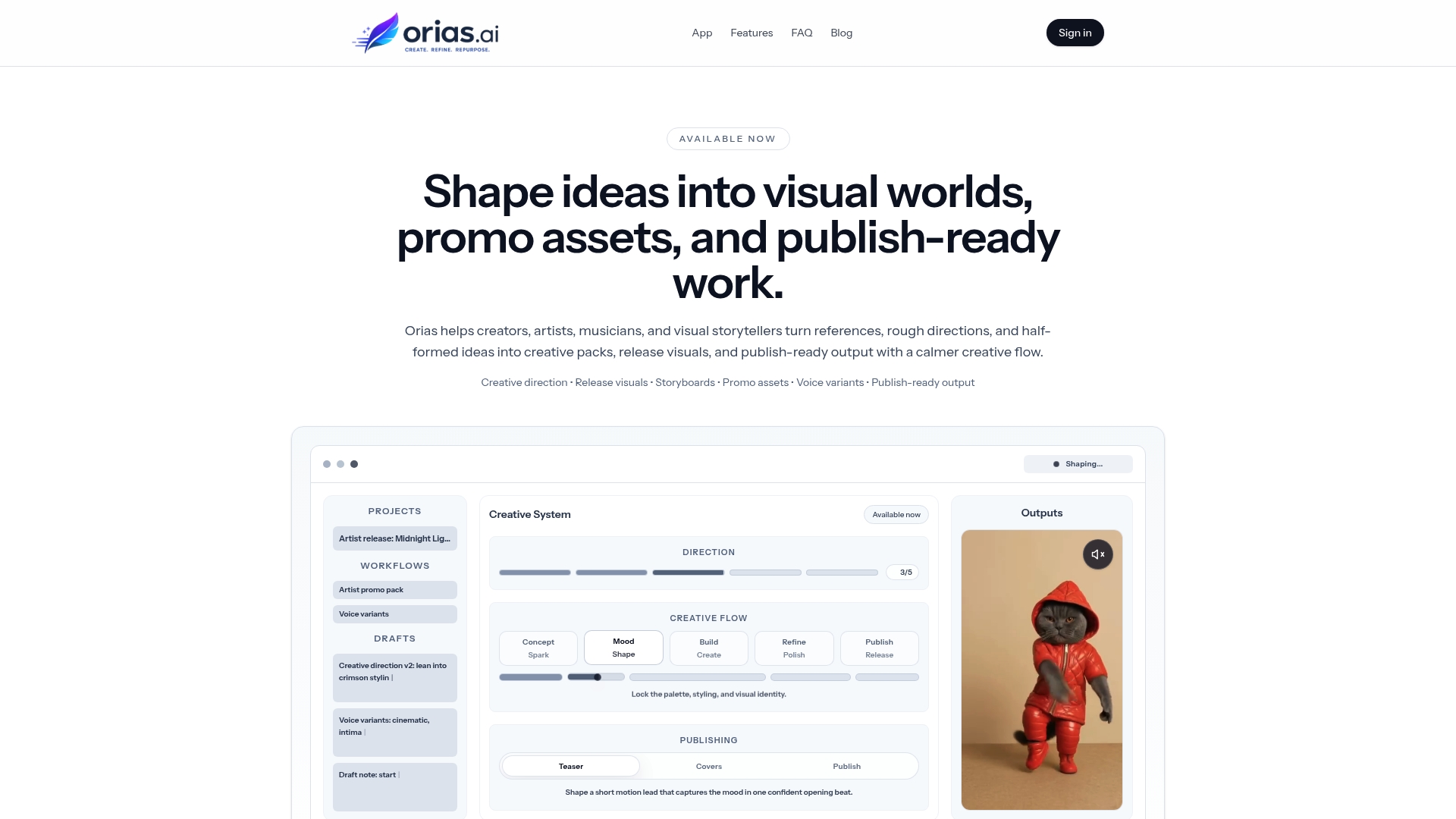
Whether you’re producing campaign visuals, music release assets, or brand identity packs, Orias AI gives you the tools to maintain visual cohesion, generate variants fast, and export creative packs that are ready to use. It’s the kind of AI workspace that fits the workflow you’ve just built, not the other way around. Start exploring what’s possible at Orias AI.
Frequently asked questions
What are the main phases of a creative direction workflow?
The six structured phases are brief and planning, conceptualization, strategy, production, review and approval, and delivery and measurement. Each phase has a defined time allocation to keep projects on track.
How does AI improve creative workflows?
AI workflows cut costs by up to 90% and revision time by 60 to 70%, while letting human directors stay focused on vision, selection, and taste rather than repetitive production tasks.
How can teams avoid endless revisions in creative projects?
Appoint one final approver per project, use a standardized brief template, and set clear feedback deadlines. Approval sprawl and poor briefs are the leading causes of revision overload.
What is the difference between workflow and process in creative direction?
Process focuses on ideation and overall strategy, while workflow handles the execution steps, tools, handoffs, and approval flow that move an idea from concept to finished asset.
What key metrics should creative teams track?
Metrics include cycle time, number of revisions per asset, and SLA adherence, which measures what percentage of projects hit their delivery deadline on time.