By Orias AI
AI Virtual Try-On: How to Try Clothes on Photos Before Buying
AI virtual try-on combines a person photo and garment image into an outfit preview. Use it for styling decisions, not fit, size, or fabric guarantees.
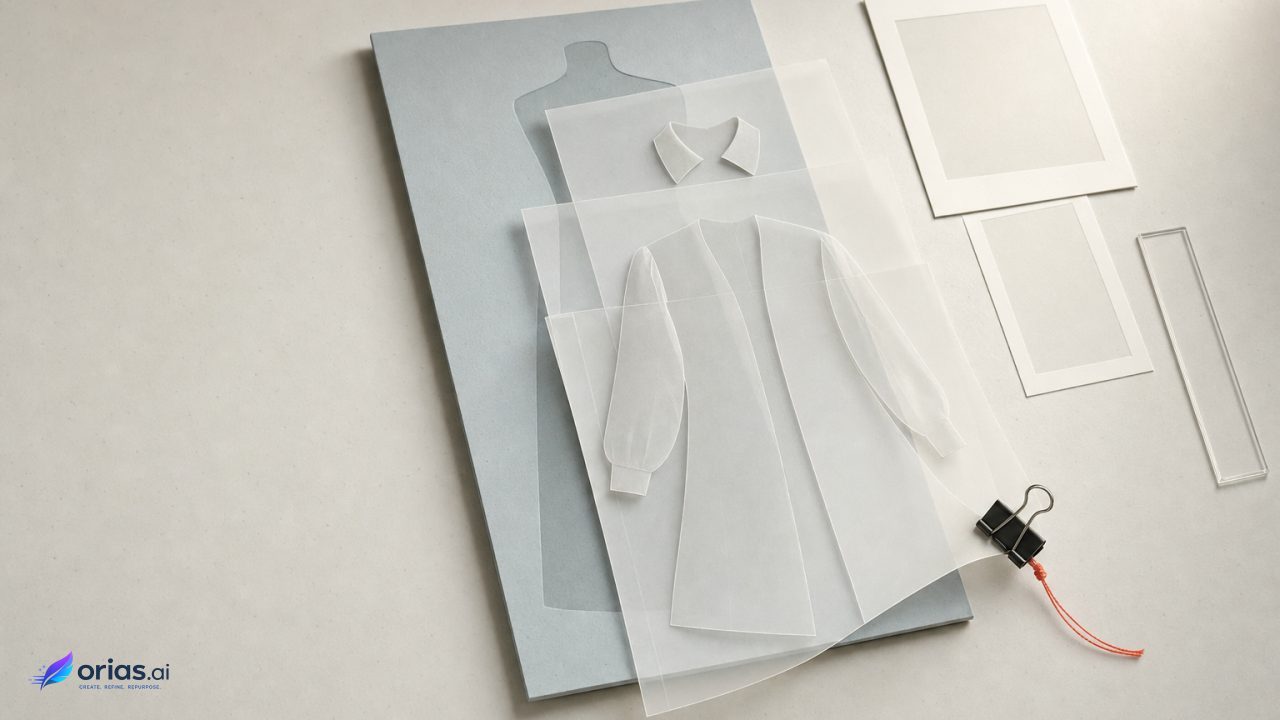
AI virtual try-on creates a generated image that shows a selected garment on a person in a photo. It combines a person image with a product or garment image to make an outfit preview; it does not measure the body or guarantee how the item will fit in real life. For a creative or commerce team, the useful distinction is simple: treat the result as a visual styling render, not a digital fitting-room verdict.
Virtual try-on is a generated outfit preview, not a fitting-room measurement
A virtual try-on system starts with a person photo and a garment image, then generates an image showing the selected garment on that person. The system must interpret the person’s pose and body regions, identify the existing clothing, and align the supplied garment with the pose rather than merely placing a rectangular product cutout over the source photo.
The resulting image can help answer: “What might this garment look like on this person, in this pose and image context?” A shopper or stylist may use it to compare colors, proportions, neckline placement, sleeve length as pictured, and the item’s relationship to the subject’s visual identity. Google Cloud’s documentation describes this as a visual preview.
It does not show whether a particular size will fit, whether a fabric will stretch or feel comfortable, or where a hem will land on the person’s actual body. Google Shopping’s guidance means the generated result should not be presented as evidence of product fit or construction.
How the person photo and garment image become one try-on image
Virtual try-on starts with a person photo and a garment image. The system analyzes the person, pose, body regions, and existing clothing, then aligns the supplied garment with that pose to generate a new image rather than placing a rectangular product cutout over the original photo.
Research descriptions, including a CVPR 2024 paper on controllable virtual try-on, use segmentation, pose conditioning, clothing warping, and diffusion-based synthesis. Segmentation separates relevant image regions, pose conditioning provides cues about body position, warping aligns the garment, and synthesis renders the integrated result.
Modern diffusion-based systems transfer garment appearance while “Attempting” to retain the person’s identity and pose, clothing details, and plausible draping, as described in Google’s account of its virtual try-on research. The result is an image-based inference: mismatches can alter patterns, logos, text, shape, or fine details. The garment image supplies visual information about the item, while the person image supplies pose and body context; unclear inputs make the result less dependable.
Choose a reference photo the model can read
The person image is not merely a portrait selection; it is a production input. A well-chosen reference reduces ambiguity around the torso, arms, hands, and garment boundaries. Google’s try-on guidance recommends good lighting, a clean background, visible hands, a standing pose, and fitted clothing, using either a full-body image or a selfie.
- Use a standing image with the subject clearly visible, rather than a sitting or crouching pose.
- Keep the background simple enough that the body outline and clothing edges are legible.
- Make sure hands are visible when possible; hands can otherwise obscure or confuse the garment area.
- Prefer fitted existing clothing for the reference image when the goal is a clean garment replacement preview.
- Avoid distant framing, clutter, poor light, and loose layers that conceal the underlying body and clothing regions.
These are not aesthetic rules. They are ways of making the scene easier to parse. Google Shopping’s guidance specifically flags sitting, crouching, distant images, clutter, and loose clothing as inputs that can cause problems.
A useful creative sequence is to make one neutral, approved reference image per talent or team member: upright posture, even light, clean background, arms not heavily crossing the torso, and fitted base clothing. Save the original separately. When evaluating several products, keep that reference constant so differences in the results are more likely to reflect the garments rather than changes in pose or camera conditions.
Use the result to judge outfit appearance, not size or fabric performance
The strongest use case is a visual comparison. Suppose a campaign team is choosing between three jacket colorways for a presenter. Generate each option from the same approved person photo, then compare the colors against skin tone, hair, set palette, and the rest of the intended wardrobe. The images can quickly reveal whether a bright color dominates the composition or whether a darker option loses separation from the background.
Use the product listing, size chart, garment measurements, material description, and return terms for the purchase decision. The preview can inform a styling shortlist, but it cannot establish size, comfort, real fabric behavior, or actual fit. Google likewise characterizes its feature as a general visual preview and notes that supported categories and eligibility are limited.
This split is especially important in customer-facing copy. Avoid wording such as “see your exact fit” or “confirm your size” unless a service can substantiate those claims independently. A more accurate label is AI-generated outfit preview, followed by a clear path to conventional sizing and product information.
Inspect patterns, logos, text, and garment shape before trusting the preview
Start with the product image, not the apparent realism of the person wearing it. Compare the original beside the try-on output before publishing, approving, or relying on the render, checking logo spelling and placement, readable text, stripe direction, repeat-pattern scale, pockets, collars, button lines, seams, hems, sleeves, and cutouts. Use a useful zoom level; a small social-media thumbnail can conceal changes.
The need for that review is structural: a generative model may favor a plausible overall result over exact product fidelity, so virtual try-on outputs can lose or alter patterns, logos, text, garment shape, and other fine details. This is a known issue in virtual try-on research, including the FLDM-VTON paper.
For a product built around a licensed graphic, distinctive print, or precise construction, keep the image in the role of an internal styling reference instead of treating it as final promotional artwork. A better product asset may justify another run; a cleaner prompt should not be assumed to restore a detail the model has already changed.
Check what happens to the photo after the try-on
A try-on workflow may involve uploading a recognizable person’s photo to a service. Retention and account controls are service-specific, so the operational question is not simply whether an image is uploaded, but what access, storage, reuse, and deletion options the particular service provides.
For example, Snapchat says that some Photoshoot Lens images are uploaded to its servers and retained for future use, with account controls to access or delete photos. That example does not describe every virtual try-on product; it shows why teams should read the policy and settings for the service they actually use.
Before asking staff, talent, or customers to submit reference photos, assign ownership for this check. Confirm who may upload images, whether consent is needed for a campaign workflow, where the service exposes deletion controls, and whether the source photo should be removed after the test. Keep the review proportionate to the project, but do not let a fast visual experiment bypass the team’s normal handling of identifiable imagery.
Frequently Asked Questions
Can AI virtual try-on tell me which size to buy?
No. It is a visual preview, not a reliable measure of size, comfort, or fit. Check the seller’s sizing information, measurements, material details, and return policy instead.
What photo works best for virtual try-on?
Choose a well-lit full-body image or selfie with a clean background, a standing pose, visible hands, and fitted clothing. Distant, cluttered, seated, crouched, or heavily layered photos can make generation less reliable.
Why did the logo, print, or text change?
The system generates a plausible new image and may not preserve fine product details exactly. Compare the result with the original listing image before treating a logo, pattern, text element, or garment construction detail as accurate.
Does virtual try-on work for every garment?
Not necessarily. Availability depends on the service, supported garment categories, and eligibility. Even when an item is supported, the output remains a generated visual estimate rather than a complete product simulation.
Does the service keep my photo after a try-on?
It depends on the service. Review its privacy policy, photo-retention terms, and account settings before uploading; some services retain uploaded photos and offer controls to access or delete them.