AI Product Photography for Ecommerce: From Simple Photos to Campaign-Ready Images
Turn simple product photos into accurate, consistent, campaign-ready ecommerce visuals with AI without losing the details customers actually need to see.
TL;DR:
- AI product photography works best when you start with an accurate real product image and use AI to change the scene, lighting, styling, and format around it.
- Separate factual ecommerce images from more expressive lifestyle and campaign visuals. They have different jobs and should not be treated as interchangeable.
- Define the product details that must never change, establish one visual direction, and then expand that direction into a family of campaign-ready assets.
You already have a perfectly usable product photo.
The product is sharp. The color looks right. The background is clean. It does the basic ecommerce job.
Then you need a homepage banner.
And an Instagram post. A vertical ad. A launch image. Maybe a seasonal campaign that needs to feel more considered than another object floating on white.
That is where AI product photography becomes interesting.
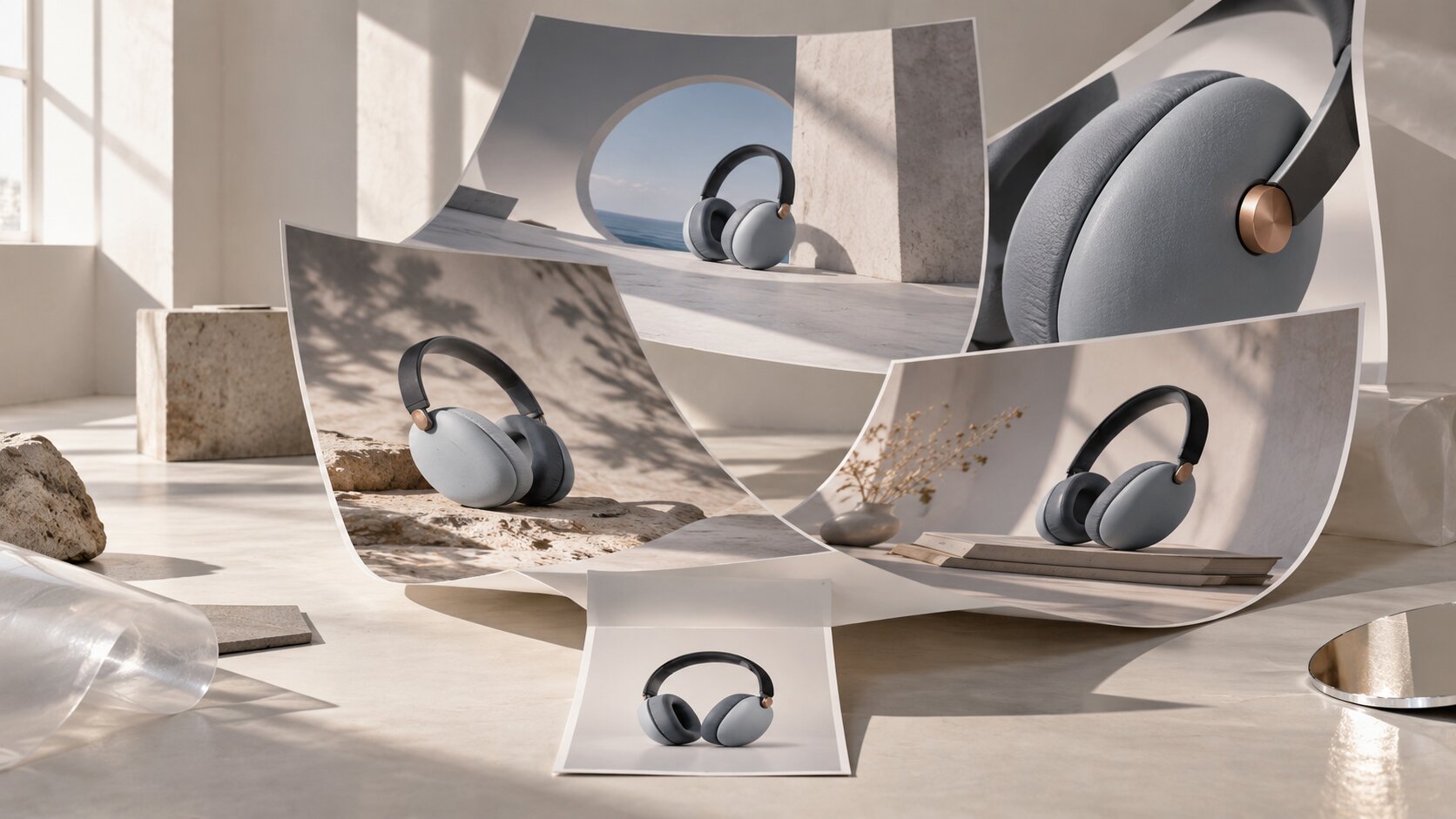
Instead of replacing photography completely, AI can extend a simple shoot. A clean source image can become the starting point for new environments, lighting directions, compositions, crops, and supporting campaign assets.
There is a catch, though.
Ecommerce images are not only supposed to look good. They need to represent something a customer may actually buy.
A bottle that becomes slightly taller, a bag with a different seam, a watch with the wrong dial, or packaging with invented text can turn a polished image into a misleading one.
The useful workflow is therefore not "generate a beautiful product photo."
It is: preserve the product, direct the world around it, choose a visual system, and expand that system carefully.
Table of Contents
- Key Takeaways
- Start With a Product Image AI Does Not Have to Guess
- Give Catalog and Campaign Images Different Jobs
- Lock the Product Before You Direct the Scene
- Build One Visual World Before Making Ten Assets
- Inspect the Product, Not Just the Picture
- Turn the Master Image Into a Publishing System
- Move From Product Reference to Creative Pack With Orias AI
- Frequently Asked Questions
- Sources Used
Key Takeaways
| Point | Details |
|---|---|
| Start with product truth | Clean, sharp source photos give the AI less room to invent the shape, color, material, packaging, or construction of the item. |
| Separate image roles | A main catalog image should explain the product clearly. Lifestyle, editorial, and campaign images can carry more mood and creative direction. |
| Define what cannot change | Protect important details such as proportions, logos, labels, materials, hardware, color, stitching, and packaging. |
| Build a system before variants | Decide on light, palette, surfaces, camera language, and composition before generating a large family of assets. |
| Review at full size | AI mistakes are often subtle. Inspect the product itself instead of approving an image only because the overall composition looks convincing. |
| Design for repurposing | A strong master scene can support ecommerce pages, social posts, ads, launch graphics, email, and campaign crops without rebuilding the idea each time. |
Start With a Product Image AI Does Not Have to Guess
The most useful AI product photography workflow starts with a surprisingly ordinary image.
No dramatic set.
No smoke, water droplets, flowers, marble columns, or complicated lighting.
Just a clear photograph of the real product.
Shopify's current product photography guidance recommends shooting multiple angles so customers can see different perspectives. It also suggests keeping the camera framing consistent and rotating the product when possible, which reduces unnecessary variation between shots.
That same discipline becomes useful when AI enters the workflow.
If you are photographing a physical product specifically for later AI-assisted work, create a small reference set instead of relying on one hero photograph.
- A straight-on view
- A three-quarter angle
- A side or rear view when relevant
- A close-up of important material or construction details
- A clean image with the full silhouette visible
Think of these images as evidence.
They show the system what the object actually looks like before you ask it to become creative with everything else.
Pro Tip: Products with reflective surfaces, transparent materials, unusual geometry, fine jewelry details, or complicated packaging benefit from several references. One beautiful photograph may hide exactly the detail you need the AI to preserve.
Give Catalog and Campaign Images Different Jobs
Not every product image needs to be exciting.
Some images need to be useful.
That distinction matters because ecommerce photography usually has several jobs happening at once.
| Image Type | Primary Job | Creative Freedom |
|---|---|---|
| Main catalog image | Show the product clearly and accurately | Low |
| Detail image | Explain material, construction, texture, or function | Low to medium |
| Lifestyle image | Show the product in a believable context | Medium |
| Editorial image | Build visual identity and atmosphere | High |
| Campaign hero | Capture attention and establish the campaign world | High |
Google's Merchant Center rules make the difference practical rather than theoretical.
The main product image is expected to accurately display the product and should not contain promotional text, watermarks, borders, placeholders, or generic imagery.
Additional product images can do more. Google explicitly allows product staging and images that show the product in use for additional image links.
So resist the temptation to turn every asset into an advertisement.
Keep a factual layer of product photography. Then build the expressive layer on top of it.
Lock the Product Before You Direct the Scene
Before generating anything, make two lists.
The first list contains everything the AI is allowed to change.
The second contains everything it is not.
Imagine you are creating campaign images for a perfume bottle.
Protect the Product
- Bottle proportions
- Cap shape
- Label position
- Glass color
- Liquid color
- Logo placement
- Distinctive edges and construction details
Direct Everything Around It
- Surface material
- Background
- Lighting direction
- Shadow length
- Props
- Camera distance
- Negative space
- Overall mood
This produces a much more useful brief than something like "make a luxury perfume campaign."
Preserve the exact bottle shape, cap, label placement, glass color, and product proportions. Place the bottle on pale warm stone with soft directional light from the left, a long natural shadow, muted blue-gray background tones, and generous negative space on the right. Keep the composition restrained and photographic.
Notice what changed.
You are no longer asking the AI to invent a product.
You are art-directing an existing one.
Build One Visual World Before Making Ten Assets
One strong AI image can be misleading.
It looks finished, so the instinct is to immediately generate another one.
Then another.
By image six, the light has changed, the camera is higher, the background has become warmer, the surface is different, and the product appears at a new scale in every frame.
You have several attractive pictures, but not a campaign.
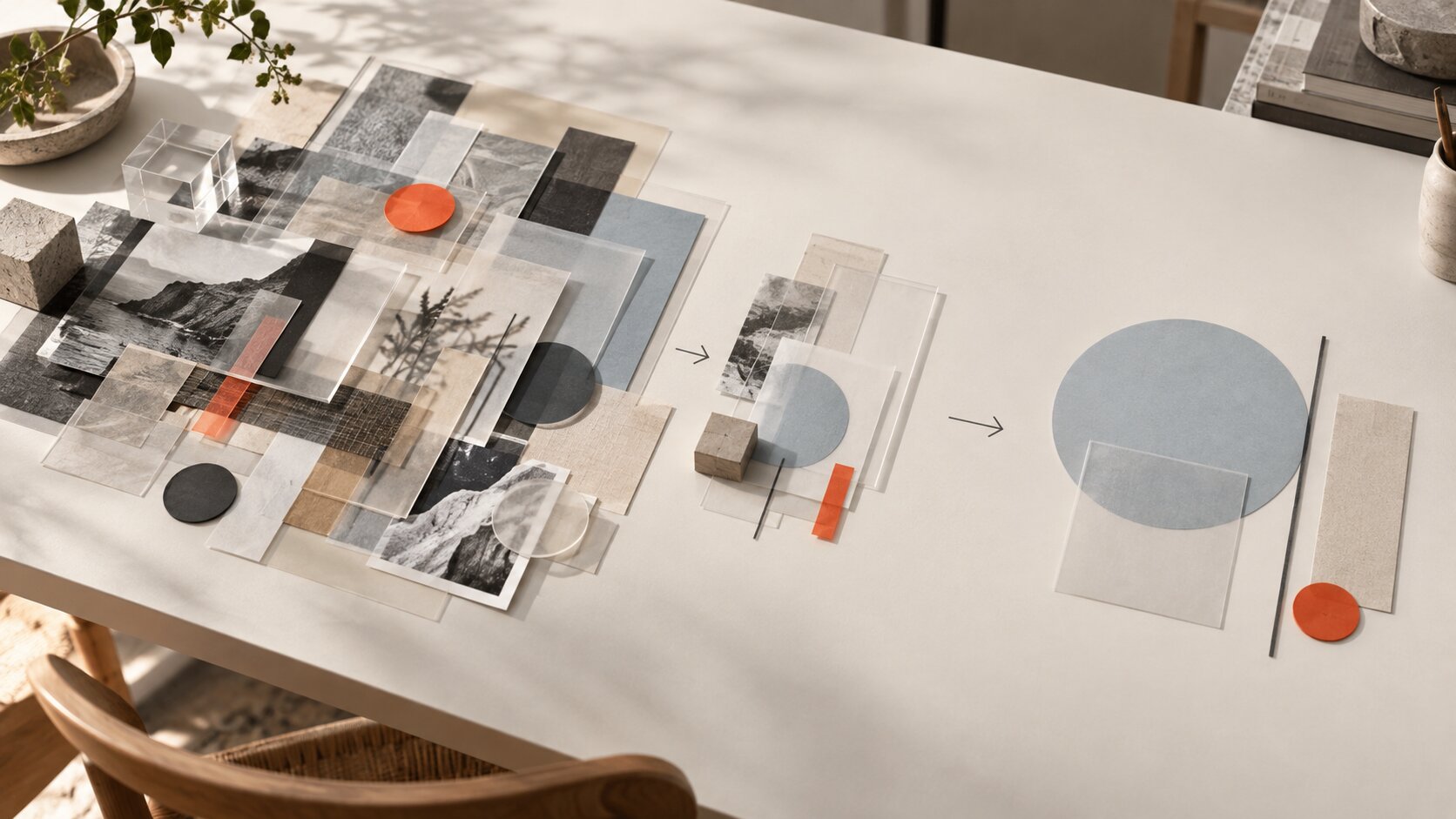
A better approach is to approve the visual grammar first.
| Decision | Example |
|---|---|
| Surface | Warm pale stone |
| Light | Large soft source from the left |
| Palette | Cream, blue-gray, charcoal, one saturated accent |
| Camera | Slightly elevated, natural product perspective |
| Composition | Product offset with usable negative space |
| Mood | Quiet, tactile, modern |
Now the next image has something to belong to.
You can create a horizontal hero, a close detail, a vertical composition, a wider lifestyle frame, and a square social asset without reinventing the art direction every time.
Inspect the Product, Not Just the Picture
The most dangerous AI product photography mistakes are often the ones that look completely believable.
An obviously broken object gets rejected immediately.
A subtly wrong object can make it all the way to publication.
A clasp changes shape.
A sneaker gets a slightly different sole.
A bottle becomes narrower.
A pattern gains an extra line.
A label still looks like packaging text from a distance, but the actual lettering is nonsense.
Review every final image against the real product at full size.
Use a Product Accuracy Check
- Is the overall silhouette correct?
- Are the proportions unchanged?
- Does the color match the actual variant?
- Are labels, logos, and printed details intact?
- Are seams, buttons, stones, openings, handles, and hardware correct?
- Does the material still behave realistically?
- Has the generation accidentally created a product variant that does not exist?
This matters even more when the image sits close to the purchase decision.
A loose social teaser can tolerate more abstraction than a product-detail image sitting beside an Add to Cart button.
Remember Platform Rules
Google Merchant Center currently requires images created using generative AI to retain metadata identifying their AI-generated origin, including applicable IPTC DigitalSourceType metadata.
Google is also moving to a minimum resolution of 500 × 500 pixels for product images across product categories and marketing methods. Enforcement is scheduled to begin on January 31, 2027.
Requirements change, so platform compliance should be part of export and publishing rather than an afterthought.
Turn the Master Image Into a Publishing System
Once the visual direction is working, stop treating every deliverable as a new creative problem.
Build outward from the approved scene.
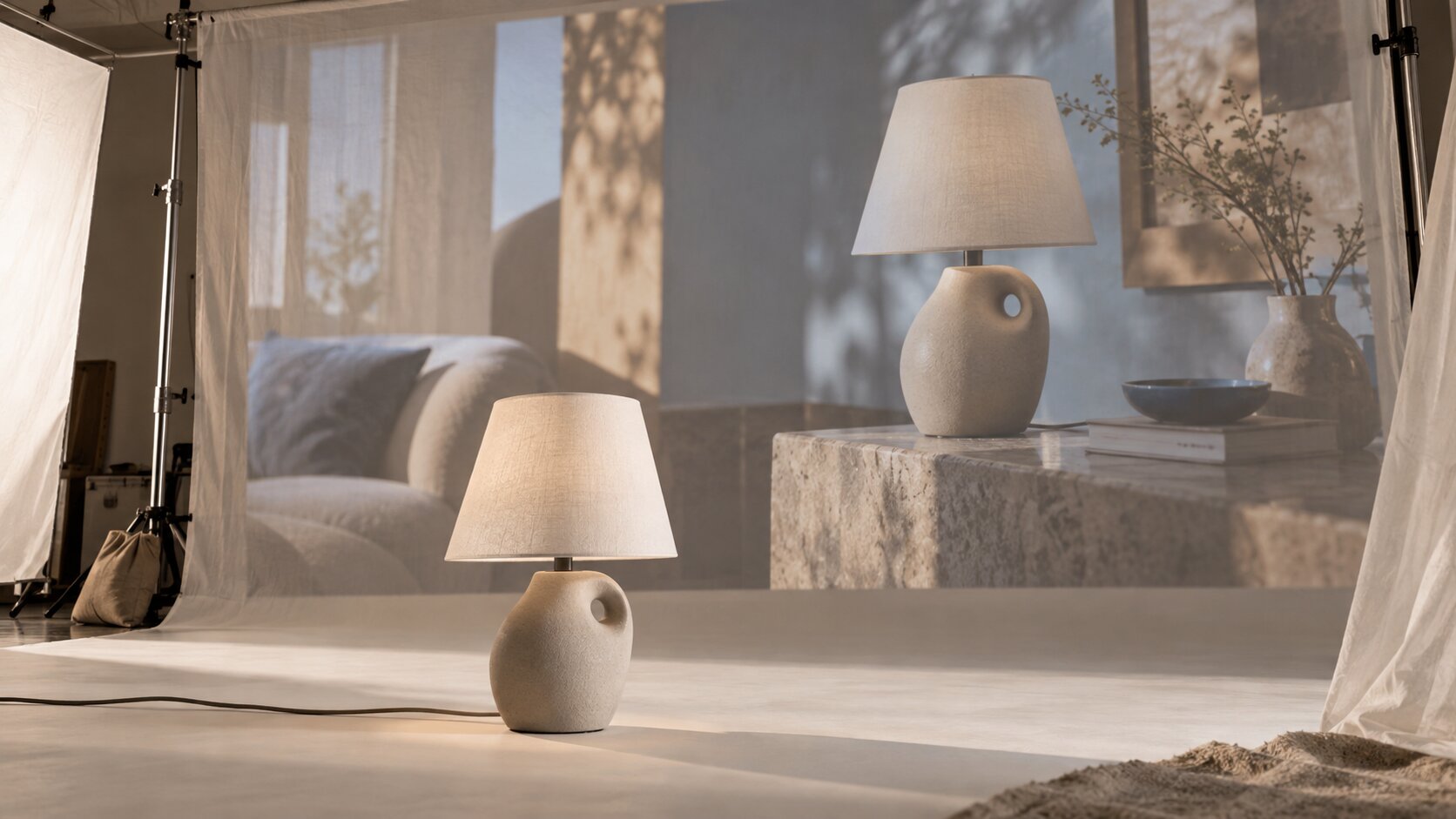
Imagine a ceramic lamp photographed in a restrained warm-gray interior.
One master direction might become:
- A clean ecommerce image
- A square social composition
- A tall story or short-form ad crop
- A wide homepage hero
- A detail image focused on ceramic texture
- A lifestyle scene showing scale
- An ad variation with controlled negative space for copy
- A launch email header using the same lighting and palette
The point is not to make eight duplicates.
Each image can do a different job while still sharing the same visual DNA.
Shopify currently supports product images up to 5000 × 5000 pixels or 25 megapixels, with files below 20 MB. Its guidance notes that 2048 × 2048 pixels usually displays well for square product images.
That is another reason to think beyond a single output.
The master image is not necessarily the final file.
It is the source material for a family of platform-specific assets.
A useful campaign does not need every image to look identical. It needs every image to feel like it came from the same decision.
Move From Product Reference to Creative Pack With Orias AI
Product photography rarely stops at the photograph.
The same launch may need visual concepts, image variations, product copy, social material, campaign ideas, and supporting content.
That is where fragmented AI workflows become annoying.
One idea is developed in one model. Images are made somewhere else. Copy lives in another tab. References disappear into downloads. By the time the campaign is assembled, the original direction has started to blur.
Orias AI brings leading text, image, and video models into one interface and lets creators work with attached references while keeping generated material available in one gallery.
For an ecommerce workflow, that can mean beginning with a product reference, exploring a few visual directions, selecting one, producing image variations, developing supporting copy, and expanding the same idea into a more complete campaign pack.
The useful part is not automating taste.
It is keeping the creative thread visible while a simple source photograph becomes something larger.
Human review still belongs at the end. Check accuracy. Refine awkward generations. Resize and edit for the destination. Review rights and disclosure requirements. Make sure the final image still looks like your product and your brand.
AI can expand the shoot.
You still decide what deserves to become the campaign.
Frequently Asked Questions
What Is AI Product Photography?
AI product photography uses generative or AI-assisted image tools to create, edit, extend, or restyle product imagery.
A practical ecommerce workflow often starts with photographs of the real item and uses AI to develop new settings, lighting, compositions, backgrounds, crops, or campaign variations around it.
Can I Create All My Ecommerce Photography With AI?
You can generate complete product images, but that does not mean every ecommerce use case should start from a fully invented product.
When customers are buying a specific physical item, using real product references makes it easier to preserve shape, color, construction, packaging, and other details accurately.
Do I Need a Professional Camera for AI Product Photography?
Not necessarily.
A modern smartphone can produce useful product references when the object is well lit, sharp, fully visible, and photographed at sufficient resolution.
Consistency and clarity are usually more important than making the source photograph look like a finished advertising campaign.
What Parts of a Product Photo Are Safest to Change With AI?
Backgrounds, surfaces, lighting concepts, surrounding objects, negative space, and broader scene styling are good places to experiment.
Changes to the product's construction, color, material, packaging, text, logos, or distinctive physical details need much stricter review.
How Do I Keep AI Product Images Consistent?
Define a small set of visual constants before generating the full campaign.
Keep the lighting direction, palette, surface language, camera perspective, product scale, and overall composition logic stable. Then vary the image's job rather than randomly changing its style.
Can AI-Generated Product Images Be Used in Google Merchant Center?
Yes, but Google's current product data requirements state that images created using generative AI must retain metadata identifying them as AI-generated.
The image must also comply with the normal rules for the relevant image attribute, including accurate product representation.
How Do I Know an AI Product Image Is Ready to Publish?
Use three checks.
- The product still matches the item you actually sell.
- The image belongs to the visual system you chose for the campaign.
- The exported file meets the technical and content requirements of the platform where it will appear.
If all three hold up under close review, you have something more useful than an attractive AI generation.
You have a production asset.
Sources Used
- Google Merchant Center, Product Data Specification
- Google Merchant Center, AI-Generated Content Requirements
- Google Merchant Center, Product Image Size Requirements
- Google Merchant Center, Image Link Requirements
- Shopify Help Center, Taking Product Photographs
- Shopify Help Center, Product Media Types
- Orias AI