AI Storyboard Generator: How to Turn a Script Into a Consistent Visual Sequence
AI storyboard generators turn scripts into shot-level panels. Build visual references, generate in sequence, and review continuity before production.
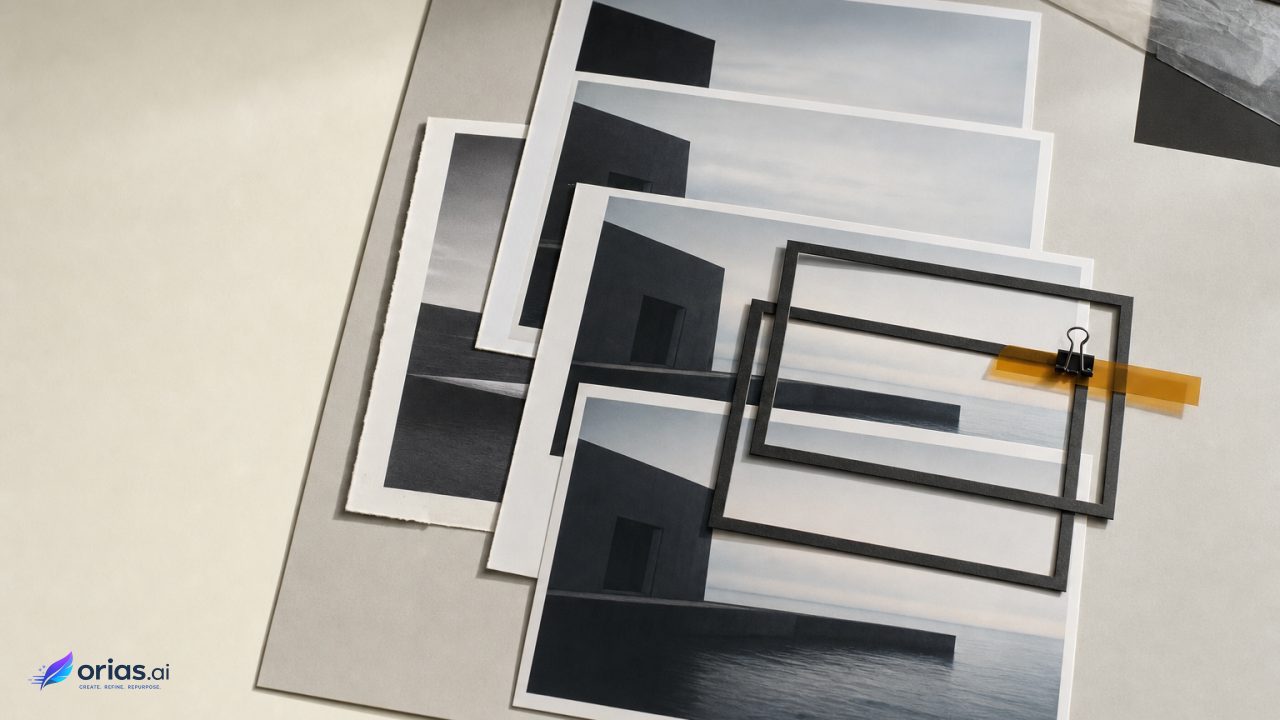
An AI storyboard generator turns a script or synopsis into an ordered set of shot-level visual descriptions and generates or retrieves an image for each shot. Its product is a reviewable visual plan, not a finished scene or film. Ordered panels give collaborators a shared target for what the camera should see, what changes from shot to shot, and which choices require review before production.
That plan uses the grammar of storyboarding. The University of Delaware Libraries describes a storyboard as a sequential visual plan; its panels can capture action, dialogue, shot type, camera movement, sound, and effects. Their order carries meaning. A sequence might establish a location, cut to a character’s reaction, and then reveal the object that caused it.
Research on storyboard generation frames the task as two connected problems—matching text to images and sustaining smooth transitions and longer-range reasoning across shots. The generated panels can consequently function as working material for collaborators, with visual direction attached to each intended shot rather than as a completed production. Storyboard workflow research
What an AI Storyboard Generator Produces
What the generator produces is not a finished scene but a working visual plan: ordered panels paired with enough direction for collaborators to understand the intended shots. The panels can carry action, dialogue, shot type, camera movement, sound, and effects, while the images provide a shared visual target. A sequence might establish a location, move to a character’s reaction, and then reveal the object that caused it.
At the workflow level, script or synopsis text is converted into shot-level visual descriptions, and an image is generated or retrieved for each shot. Research treats the relationship between those descriptions and images—and the continuity of transitions across shots—as central requirements.
Panel by panel, however, visual plausibility is not the same as sequence-level coherence. Independently generated images may keep characters or settings inconsistent, so the board remains provisional even when individual frames look convincing. Vancouver Film School describes storyboards as planning documents for exposing framing, staging, continuity, and camera intent before filming or animation—not as finished production material.
That makes the board useful as a handoff surface. Creative direction can review tone and composition; a director or animator can review coverage and movement; production can flag the location, prop, performer, edit, or effect implied by the panels. Generation speeds up the creation of options, but each panel still needs a defined communicative job.
Turn the Script Into Shot-Level Descriptions
Do not send an entire scene to image generation and expect it to return usable coverage. First divide the script into visual beats: a change in place, action, information, emotional emphasis, or camera viewpoint. A beat can require one shot or several, but it should have a clear job in the sequence.
For every proposed panel, write a compact shot brief before writing the image prompt. Include the subject and action, location and time of day, framing, point of view or camera position, required objects, and any dialogue, sound, transition, movement, or effect that matters. This is the translation from a script’s narrative language to the shot-level descriptions used in AI storyboard workflows. TeViS on text-to-storyboard translation
- Panel purpose: What must the viewer understand or feel after this shot?
- Visible action: Who does what, and what must be visible rather than implied?
- Camera instruction: For example, wide establishing view, over-the-shoulder, or close reaction.
- Continuity anchors: Character, wardrobe, prop, setting, direction of travel, and lighting conditions that must carry forward.
- Nonvisual note: Dialogue, sound, effect, or movement that changes how the panel should be read.
Keep the generation prompt focused on what the model needs to depict. Keep editorial intent in the panel note when it is not reliably visible in a single still. “A tense pause after the notification sound” may be the shot’s purpose; the generated image may instead need the observable version: a close view of the character looking down at a lit phone in a quiet office.
Build a Visual Bible for Characters, Locations, and Style
Before generating the sequence, make a small visual bible for anything that recurs. At minimum, define the main character or product, primary location, wardrobe or key props, lighting and palette, and the intended drawing, photographic, or design treatment. This gives the team an agreed baseline and gives the generation process reusable constraints.
Reference images are especially useful for recurring people, products, and animals. Google’s documentation says references can guide continuity for those subjects, recommends explicitly describing the referenced subject in the prompt, and supports multiple reference images for customization. In practice, label the subject in ordinary language rather than assuming that an attached image alone carries the identity: name the person or product, describe the required view or action, then state what must remain consistent. Google Cloud guidance on subject references
The bible should constrain, not overstuff, each prompt. Repeating every visual detail in every shot makes it harder to see which instruction caused a mismatch. Separate stable facts from shot-specific facts: the stable layer describes the character, place, and style; the shot layer specifies pose, framing, action, and immediate environment. If a panel needs a deliberate change—rain begins, a jacket comes off, the product is opened—record it as a continuity event rather than letting it appear accidentally.
Generate Panels in Sequence, Not as Independent Prompts
Start with an opening panel that establishes the style and scene, then work forward. Adobe’s storyboard workflow demonstrates establishing a style source and opening frame, then generating frame by frame with the style reference and preceding visual material available to guide the next panel. It also uses sketch references and optional animation to preview camera movement. Adobe’s storyboard workflow
Each new panel should answer to the one before it. Review that prior panel, retain only the details that need to persist, and state the change before generating the next image. Otherwise, ten isolated images made from ten similarly worded prompts may look plausible individually while failing to form a believable visual progression.
A short script-to-panel sequence
- Beat: A designer enters a dim studio before dawn. Generate a wide opening panel that establishes the room layout, the designer’s wardrobe, desk, and cool pre-dawn light.
- Beat: A message arrives. Use the established character and desk, then request a closer over-the-shoulder view with the phone or screen as the required focal object.
- Beat: The designer notices a prototype. Carry the same space and character forward, shift attention to the prototype, and choose a shot that makes the reach toward it readable.
- Beat: The designer leaves with it. Change the staging and camera position deliberately, retaining the recognizable wardrobe and prototype while showing the new direction of movement.
At each step, choose one approved panel as the working predecessor. If a panel is wrong, correct it before using it as a visual dependency. Otherwise, an early identity or location error can propagate through the board and make later revisions more expensive.
Check Continuity Between Shots Before the Team Commits
Review the board in order, at a scale where adjacent panels can be compared. The question is not simply whether each image works. Ask whether the cut from one panel to the next preserves who is where, what has changed, what the camera is emphasizing, and why the next image follows.
A useful pass separates visual approval from production approval. Visual approval covers character identity, setting, composition, and style. Production approval checks framing, staging, camera intent, transitions, sound or effects notes, and any action that needs coverage beyond the illustrated panel. Those are the decisions a storyboard is designed to make visible early. Elements commonly carried by a storyboard
Use direct annotations for unresolved choices. Mark a panel “confirm product scale,” “need reverse angle,” or “camera move to be tested” rather than burying the concern in a revised prompt. The board can then become a decision record for the next handoff, instead of a gallery of images whose assumptions have to be rediscovered.
Why Matching Prompts and Fixed Seeds Do Not Solve Consistency
Prompt matching is not sequence matching. Research on story-to-image systems identifies inter-image coherence as a common problem: panels generated independently can portray characters or settings inconsistently even when every individual image matches its own prompt. Make-A-Storyboard on inter-image coherence
A fixed random seed has a narrower job. When the model, prompt, and other input values remain the same, it can make repeated generation deterministic. But a different shot normally needs a different prompt and often different inputs, so determinism does not itself preserve a character, setting, or narrative relationship across panels. Google Cloud documentation on deterministic images
Use seeds for repeatability while testing a particular request, not as a substitute for art direction. Continuity comes from the combined workflow: a defined visual bible, explicit subject descriptions, appropriate references, sequential generation, and human review of the cuts. When a panel fails, diagnose the failure at that level. Was the stable subject description missing? Did the required prop change? Did the new shot abandon the preceding composition without an intentional transition? The answer determines the revision.
Frequently Asked Questions
Do AI storyboards replace storyboard artists?
No. An AI-assisted board can create visual options quickly, but someone still needs to decide coverage, staging, continuity, camera intent, and whether the board communicates the production plan. Those are core storyboard functions.
How many panels does a scene need?
Use enough panels to show meaningful changes in action, information, viewpoint, or staging. A simple action may need only an establishing panel and a detail; a more complex interaction needs additional shots to make the sequence reviewable.
When should reference images be used?
When a person, product, animal, or visual treatment recurs, keep the approved references available throughout the sequence so the subject remains recognizable. Describe that subject explicitly in the prompt.
Does a fixed seed keep characters consistent?
Not across changing shot prompts by itself. A fixed seed can reproduce the same request under the same inputs; character continuity across a board still depends on references, clear stable descriptions, and review.
What should be handed to production?
Deliver the ordered approved panels with shot notes, dialogue or sound cues where relevant, camera and movement intent, continuity requirements, and clearly marked open questions. That preserves the decisions behind the images instead of asking the next team to infer them.