AI Product Mockups: How to Create Realistic Packaging, Apparel and Campaign Visuals
AI product mockups work best when scenes, product geometry, and brand artwork are handled as separate production decisions and reviewed before release.
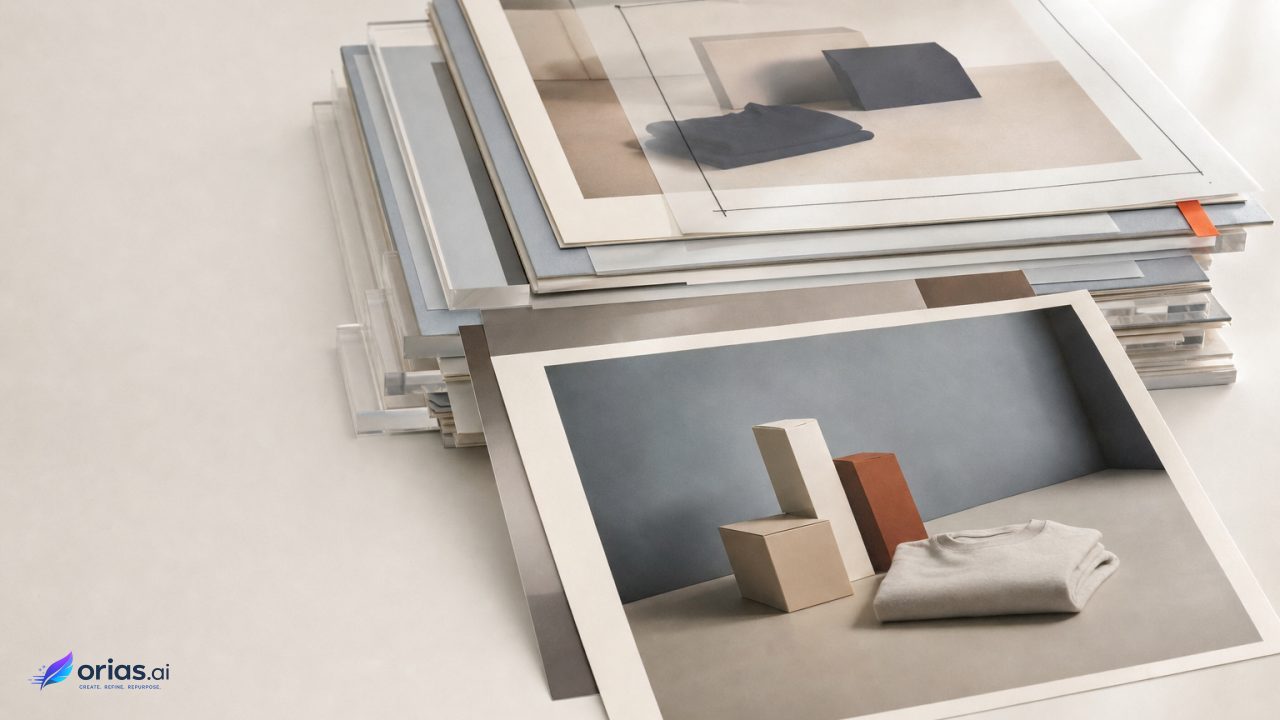
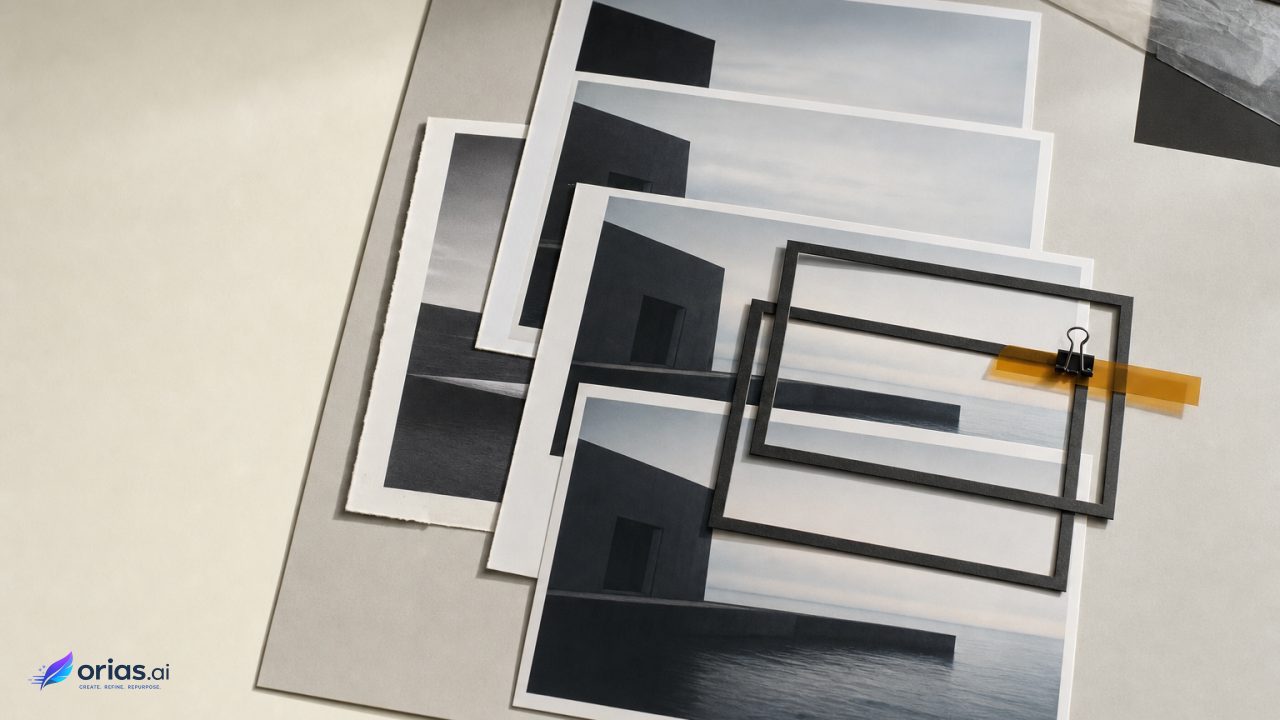
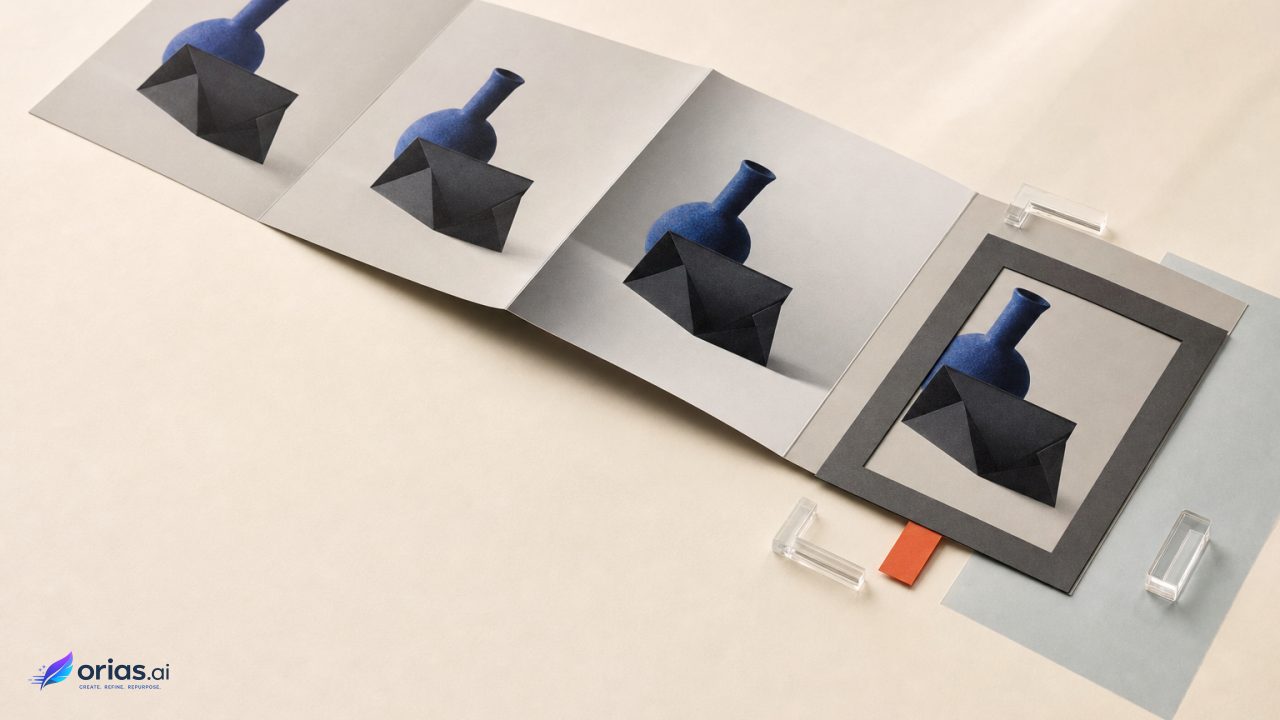
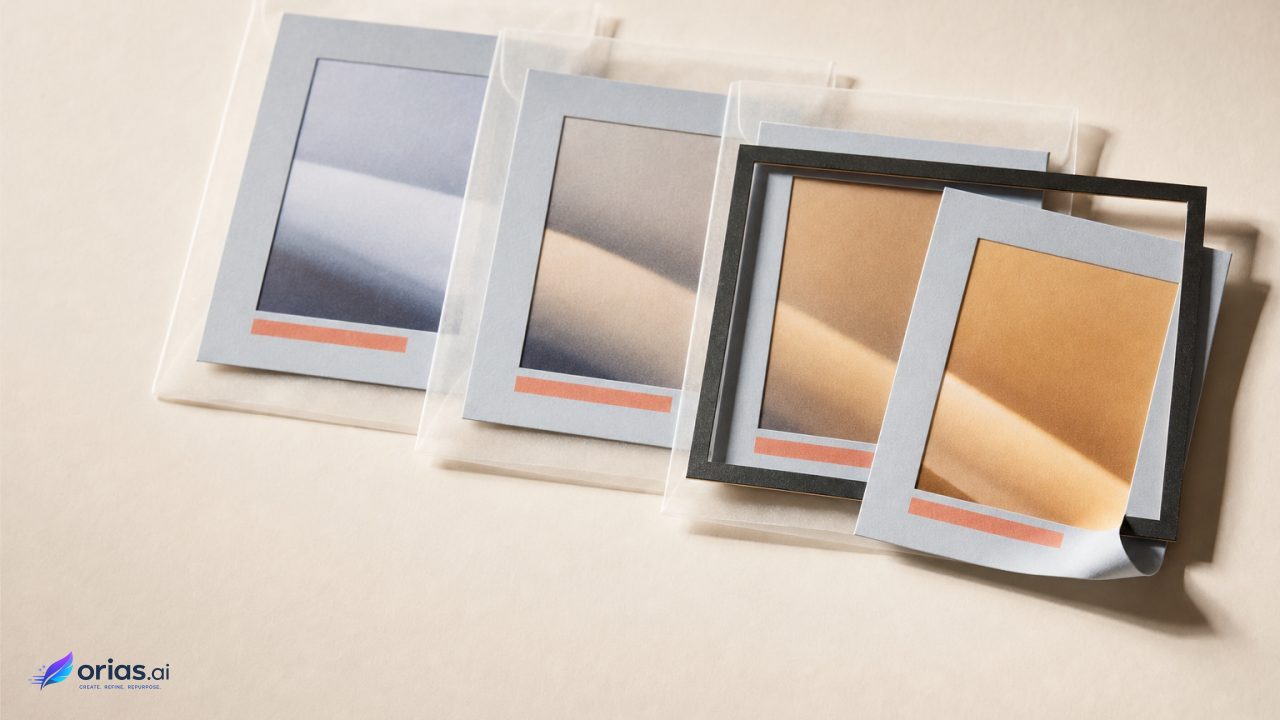
AI product mockups are images made by generating a new scene from a prompt, editing an existing product photograph, or using reference images to guide a new composition. Current image-generation APIs support both text-to-image creation and reference-based editing, but a usable mockup is not simply the first image a model returns. It is an art-directed scene in which the product, environment, and final brand artwork each receive their own production decision.
What an AI product mockup generates—and what it should not
There are three ways into an AI product mockup: generate the product scene from a prompt, edit an existing packshot or garment photograph, or use reference imagery to guide a new composition. Reference material can establish the product, composition, or visual direction. Choose among those routes according to the detail that must remain exact; an approved, recognizable silhouette may favor an edited photograph, while a campaign-world brief may favor a newly generated scene.
The result is easier to manage when its parts are kept distinct. One layer is the physical object—a carton, bottle, pouch, folded shirt, or hanging garment. Another is the scene: camera angle, crop, placement, surface, background, shadows, reflections, and lighting. The third is brand artwork, including logos, labels, copy, and typography.
Generation should do most of its work in that middle layer: set design, props, mood, framing, light direction, and broad material cues. It should not be the authority for exact production details. Logos, label layouts, ingredient panels, slogans, and other typography belong in controlled artwork, because legible and controllable text rendering remains a challenge in diffusion-based image generation. The WACV paper on text-rich image generation describes that limitation.
This division gives each review a clearer object: creative leads assess whether the scene tells the intended story, while brand or packaging reviewers compare the applied artwork with approved source files rather than trying to infer whether generated text is correct.
Separate the product, brand artwork, and scene decisions
Treat a mockup as three linked layers. First is the physical object: a carton, bottle, pouch, folded shirt, hanging garment, or other product form. Second is the scene: camera angle, crop, placement, surface, background, cast shadows, reflections, and lighting. Third is brand artwork: logos, labels, copy, and any typography that has to survive legal, brand, or packaging approval.
The layers affect one another, but they should not be briefed as one vague request. “Premium skincare bottle in a sunlit bathroom” does not establish bottle proportions, the label’s protected area, whether the cap catches a highlight, or how much negative space a campaign crop needs. Record those choices as constraints before prompting or editing. This matches the iterative approach in the OpenAI image-prompting guidance: define subject, composition, style, and constraints, then assess the result for specific faults.
For packaging, identify the visible faces and the artwork that must remain readable at the intended output size. For apparel, specify the garment cut, fabric behavior, print or embroidery position, and whether the item is flat, worn, folded, or suspended. For a campaign visual, decide early whether the product is the hero, a supporting object, or merely a texture-bearing detail. These are art-direction choices; a model cannot reliably infer which of them are non-negotiable.
Use reference images to lock composition and brand treatment
References reduce ambiguity. A clean packshot can establish the product’s form and finish. A packaging layout can show where a label, logo, or color field belongs. A garment image can establish a collar, seam, drape, or print placement. A separate style reference can communicate the intended lighting, palette, scene density, and overall visual language without asking one image to do every job.
Adobe documents reference-image workflows in Firefly and Photoshop for guiding subject, object placement, scene structure, and visual consistency. Adobe’s reference-image guidance is useful here because it frames references as controls, not merely inspiration.
Keep the reference set purposeful. If a product image defines geometry while a separate campaign reference defines mood, label them in the working brief and state their priority. Otherwise a team may mistake a stylistic cue for a product requirement, or accept a product change because the scene looks convincing. Important approved details should be protected during later revisions rather than repeatedly regenerated from memory.
Build the mockup through targeted generation and local edits
A practical workflow is iterative, with each pass designed to answer one reviewable question. Establish the base scene first: product position, camera relationship, background, and the broad light. Then make localized corrections rather than reopening the entire image for every small defect. Image-editing tools can use masks to replace backgrounds, add or remove objects, and change localized regions while preserving the rest of the scene. OpenAI’s image-generation documentation describes both generation and editing workflows.
- Write a compact constraint list: product form, view, material signals, scene, protected brand elements, crop, and output use.
- Generate or establish a base image that resolves the composition before spending time on minor props.
- Check product geometry and light direction. Reject a promising scene if the object itself is no longer credible.
- Use a mask for one local change, such as removing a distracting prop or replacing a background area.
- Reinspect the edited boundary, then apply approved artwork and prepare the delivery version.
For example, a beverage launch visual might start with an approved can photograph against a generated summer-table setting. Once the table, shadows, and framing work, a masked edit can remove an unwanted glass without changing the can. The label and campaign line should then be placed from approved artwork, followed by a final check that the can’s reflections still fit the scene.
One-change-at-a-time editing is slower than issuing a long bundle of corrections, but it makes cause and effect visible. It also limits accidental damage to reference details that were already accepted. Prompt-based masks do not always follow a boundary exactly, so even a local edit needs cleanup inspection rather than automatic approval.
Inspect surfaces, geometry, and campaign-ready output
Start with the applied image, not the impression it creates. Inspect the edges of every masked change for halos, missing fragments, and unnatural transitions; then examine packaging and apparel for distorted faces, broken seams, improbable folds, inconsistent shadows, mismatched highlights, and reflections that ignore the light source. Graphics and repeated patterns should follow the product’s geometry across sleeves, collars, hems, seams, and other surfaces.
Next, compare the image’s production details with the approved files. Logos, labels, ingredients, copy, slogans, and typography should be treated as artwork to verify, not as content to trust automatically. A word that merely resembles a campaign line remains wrong, and text that becomes unreadable at its actual placement size fails the check.
Export settings describe what can be delivered, not whether the asset is ready to publish. Generated campaign visuals support common image formats and configurable size and quality settings, as noted in the OpenAI image-edit reference. Before release, check resolution, aspect-ratio suitability, transparent-background requirements, color accuracy, and any required legal or brand approval.
Frequently Asked Questions
Should I generate a mockup or edit a product photo?
Edit an existing photograph when the approved product form must stay highly specific. Generate a new scene when the campaign environment and composition are the main unknowns. A hybrid approach often preserves the product while creating a new context around it.
What should a reference image control?
Give each reference a defined job: product geometry, artwork placement, garment construction, composition, or style. References can guide placement and consistency, but they do not remove the need to inspect the resulting image.
Can AI generate my logo and label copy?
It can produce text-like visual material, but exact logos, labels, and copy should be handled as controlled production artwork. Compare final applied assets with the approved source files before publication.
How do I fix one defect without changing the whole scene?
Use a localized masked edit for a background replacement, object removal, or other contained correction. Inspect the mask boundary afterward, since prompt-based masking may not track the intended edge perfectly.
What must be checked before publication?
Review geometry, lighting, branding, readable text, crop, resolution, aspect ratio, color, and any transparent-background requirement. Complete the applicable brand and legal approval process as part of delivery, not after the asset has entered release production.