By Orias AI
AI Image to Prompt Generator: How to Turn Reference Images Into Better AI Prompts
AI image-to-prompt generators turn visual references into editable prompt drafts. Learn how to check, revise, and use them for controlled image generation.
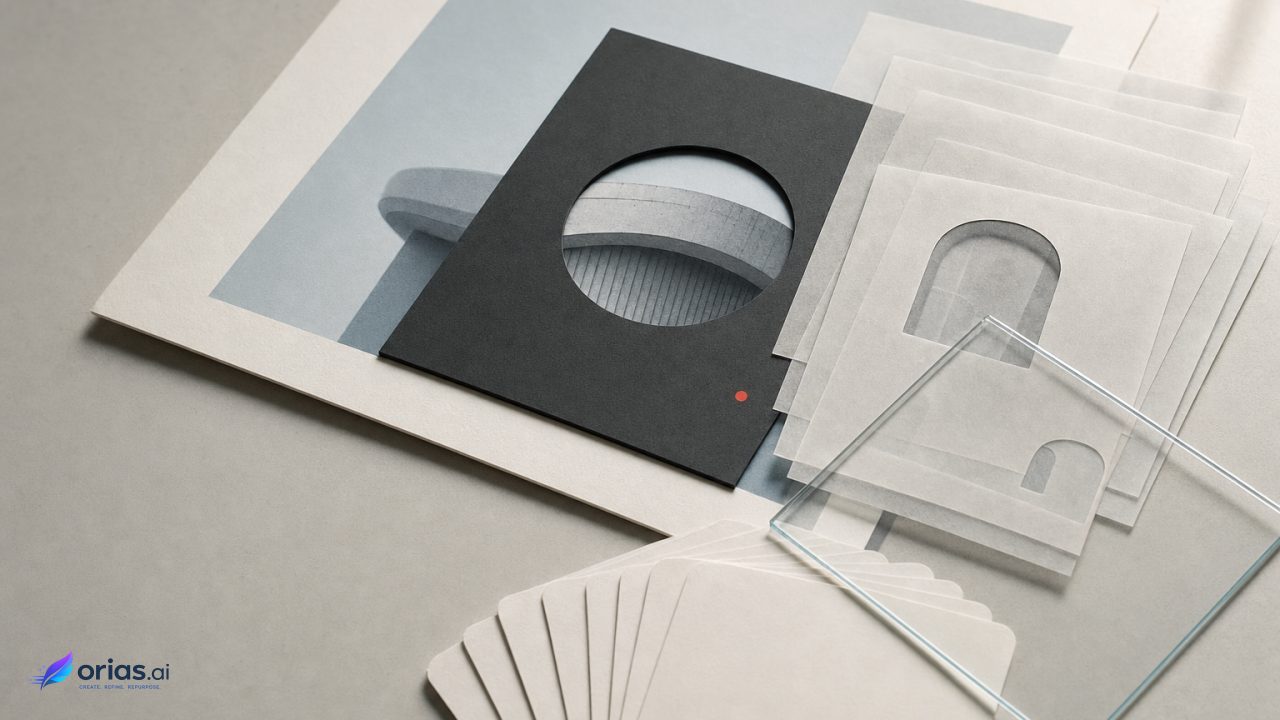
An AI image-to-prompt generator turns a reference image into descriptive language about elements such as the subject, setting, medium, palette, lighting, mood, and composition. That first pass can help a creative or marketing team make a visual brief explicit, but it is not the original prompt and cannot guarantee an exact reproduction of the source. Midjourney’s Describe documentation similarly frames generated descriptions as suggestions for new prompts.
The production task is therefore to edit rather than copy: use the draft to inventory the reference, compare it against what is actually visible, correct or remove invented details, add omitted constraints, and specify the essential elements, allowable changes, and required content for the new image.
What an image-to-prompt generator actually produces
The system receives pixels and returns language. Depending on the image, that language may identify a central subject, describe a setting, name an apparent visual medium, and characterize elements such as light, color, atmosphere, or framing. The wording can be useful because it turns an implicit visual brief into text that a team can inspect, revise, share, and test in an image-generation workflow.
It cannot establish the original creator’s prompt history. Many different prompts, model settings, edits, and reference choices can lead to visually related results. A description generator sees the finished image, not the sequence of decisions behind it. Even when a returned prompt feels plausible, it is a newly generated description of the visible result—not evidence of how that result was originally made.
This also separates an image-to-prompt generator from an exact-copy tool. Image prompts can influence generated content, composition, and colors, but they are sources of inspiration rather than exact copies. Text remains necessary for details that the reference does not show clearly or does not show at all, according to Midjourney’s image-prompt guidance.
Prepare the reference image before analysis
Begin with a clear, correctly oriented, sufficiently high-resolution reference. Google Cloud’s image-understanding documentation recommends those conditions and says that, for text-heavy inputs, analyzing one image generally works better than combining multiple images. When separate images serve different roles in a brief, reviewing them individually can also make the resulting guidance easier to evaluate.
Before analysis, identify what the image should direct: the main subject, the setting and color treatment, or the composition. This purpose gives the generated language a standard for review instead of allowing it to become a long list of visible details. If an important visual decision is unclear in the reference, the description may not resolve it reliably; treat the result as an interpretation, check it against the image, remove invented details, and add omitted constraints before reuse.
Turn a generated caption into controllable prompt parts
A caption is often written as one flowing description. For production use, split it into decisions that can be kept, changed, or removed. Prompt guidance from Midjourney identifies useful visual dimensions: subject, environment, medium, lighting, color, mood, and composition. These are practical editing handles, not a required formula.
- Subject: What is the main person, object, animal, or scene? Remove vague labels if the brief requires a more specific subject.
- Environment: Which setting, surface, background, or spatial context is actually useful to retain?
- Medium: Does the reference read as a photograph, illustration, or another visual treatment? Keep this only when that treatment is part of the desired direction.
- Lighting and color: Identify the visible light quality and palette, then state any required color decision that is missing or unclear.
- Mood and composition: Separate the atmosphere from the frame arrangement. A calm mood does not by itself specify how the subject should be placed.
The reference cannot answer every production question. It may not establish the exact product variant, campaign message, required text, or a nonvisual instruction. Add those requirements in text rather than assuming the image analysis will infer them. Conversely, do not preserve every caption detail simply because it was returned; retain only the attributes that serve the new brief.
A reference-to-prompt editing sequence
A small review loop is more dependable than a one-shot handoff. Begin by running the reference through the image-to-prompt tool. Then place its description beside the original image and mark what is accurate, what is invented, and what is absent but necessary. This makes the human review point explicit before the wording is used downstream.
- Choose one clear reference image and establish the visual role it should play in the new work.
- Generate a descriptive draft.
- Check each material claim against the image, deleting objects, styles, or conditions that are not actually present.
- Organize the retained observations into subject, environment, medium, lighting, color, mood, and composition.
- Add constraints the image cannot supply, including the required subject or other brief-specific details.
- Generate variations, then keep or revise only the prompt elements that produce a useful direction.
Consider a team using a reference of an object against a softly lit colored background. A raw generated caption might name the object, background color, apparent light, and a centered arrangement. The edited prompt should retain the approved object description, lighting, palette, and composition; remove any questionable prop or stylistic claim; then add the required product or campaign detail that the image does not establish. The next output can be judged against those selected directions rather than against an uncontrolled caption.
This is consistent with the iterative workflow described in Midjourney’s documentation on modifying creations: compare the result, remove invented details, add missing constraints, and iterate through variations or remixes. The generator supplies a draft; editorial judgment controls what persists across iterations.
Why generated descriptions cannot be trusted verbatim
Image-captioning and vision-language systems can hallucinate objects or details that are absent from a reference. Research links object hallucination to image misclassification and language priors, so fluent, specific wording is not proof that a claimed detail is visible. The research paper “Object Hallucination in Image Captioning” supports checking generated descriptions against the image before reusing them.
Specificity also involves a trade-off with fidelity. A longer caption can provide more useful handles for prompt editing, while its added details may diverge from a short reference caption or from the image itself. “Guiding Image Captioning Models Toward More Specific Captions” examines this tension and supports treating generated descriptions as editable drafts rather than objective accounts.
For a creative lead, the working rule is to verify visible claims and deliberately author the remaining details. A confident caption should not determine the art direction; review is especially important when an attribute affects brand fit, composition, or the intended subject, since an incorrect detail carried into a prompt can redirect later variations.
Use the reference for direction, not exact reproduction
Start with what the reference makes visible: its subject or content, framing, composition, color, and mood. Those qualities can set the direction for the next image.
The written brief remains the record of the requirements. It can state constraints that the image leaves ambiguous, omits, or is meant to change, while the edited prompt captures the decisions the model should follow.
For a close variation, keep the approved direction, change the failed component, and compare the result with the reference and the brief. The prompt is an editable interpretation, not a recovered original; its purpose is to express the next image clearly enough to test and refine.
Frequently Asked Questions
Can an image-to-prompt generator recover the original prompt?
What it produces is a new textual interpretation of the finished image, not the original prompt or the decisions used to create the source, which are not available from the pixels alone.
What makes a good reference image?
Start with a single image when text matters, rather than combining several text-heavy references, and make sure it is clear, correctly oriented, and sufficiently high-resolution.
What should I do if the generated prompt includes the wrong details?
Compare it directly with the reference, delete the invented claim, and replace it with a verified description or a requirement from the brief. Do this before generating variations, not after an inaccurate detail has shaped the output.
Should I use an image prompt with text?
Yes, when the new image has requirements the reference cannot establish. The image can guide content, composition, and color, while text specifies absent, unclear, or intentionally changed details.
Is a longer generated description always better?
Not necessarily. More detail can offer useful prompt controls, but it can also introduce less faithful claims. Keep the details that are visible, approved, and relevant to the image you need to make.