By Orias AI
How to Turn Audience Questions into Content Ideas with AI
Convert audience questions into useful content ideas with AI, clear creative direction and a repeatable workflow for creators.
TL;DR:
- Audience questions are one of the strongest sources of content ideas because they reveal what people already care about, misunderstand, or want explained.
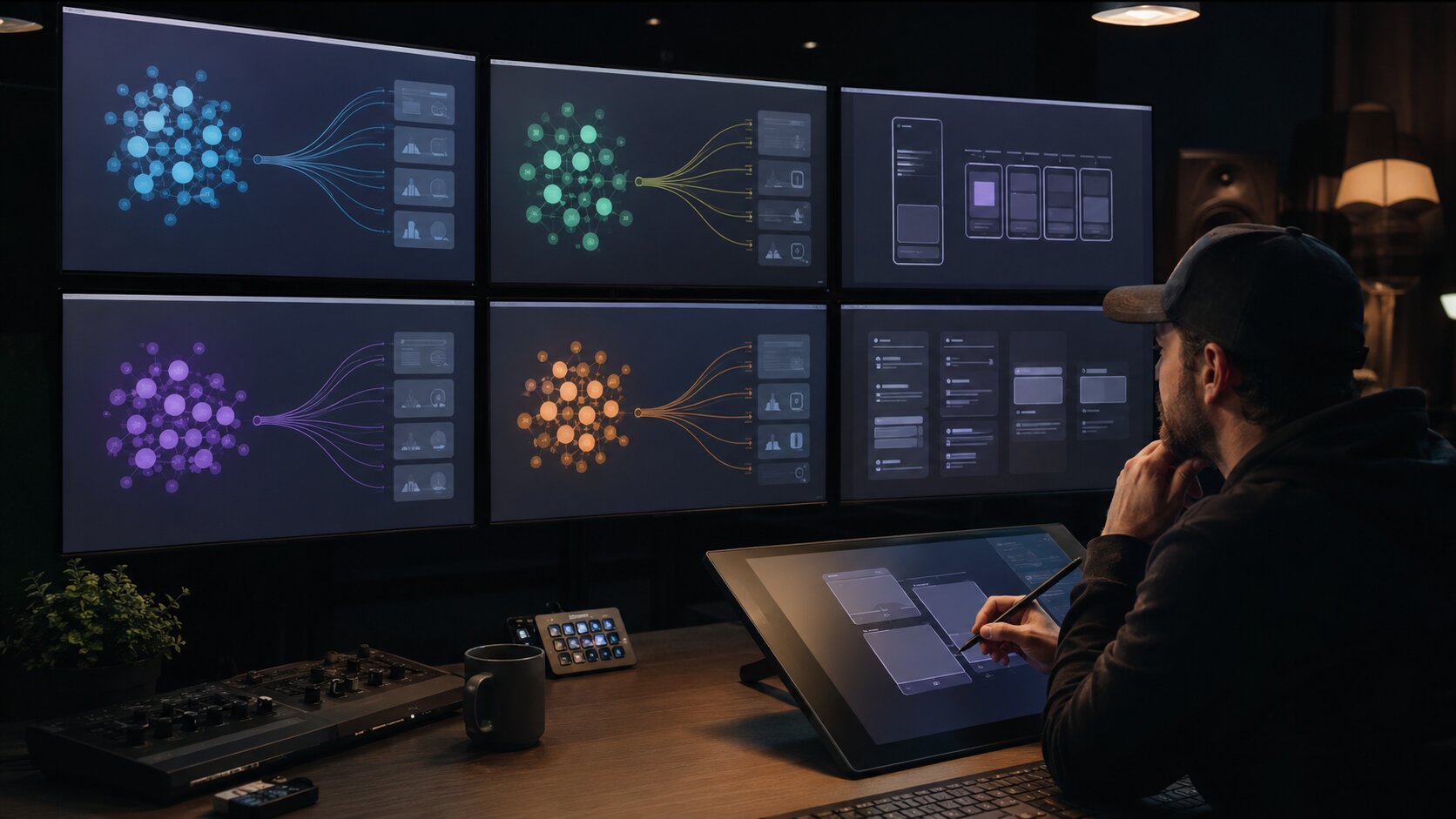
- AI can help organize those questions into themes, formats, hooks, scripts, visuals, and campaign assets.
- The best workflow is to collect questions, classify intent, generate variations, refine with human judgment, publish, and use follow-up questions to shape the next content cycle.
Most creators do not have an idea problem. They have a listening problem.
The questions are already there: in comments, DMs, replies, search queries, YouTube comments, Instagram Stories, TikTok captions, Discord threads, email replies, fan messages, and conversations after shows or launches. The difficult part is turning scattered audience signals into structured content ideas that feel clear, useful, and aligned with your creative identity.
For artists, musicians, visual storytellers, and digital creators, audience questions are especially valuable because they reveal the gap between what you think your work communicates and what your audience actually wants to understand. A fan asking “What inspired this visual?” is not just asking for trivia. They may be giving you a behind-the-scenes post, a short-form video, a carousel, a newsletter section, a release campaign angle, or a visual storytelling prompt.
AI makes this process faster, but it does not replace taste. Used well, it helps you cluster questions, detect patterns, generate angles, repurpose ideas, and create drafts. Used poorly, it turns real audience curiosity into generic content. This guide shows how to build a practical system that keeps the audience signal intact while using AI to expand your creative options.
Table of Contents
- Why Audience Questions Are Better Than Random Brainstorming
- Build a Question Capture System Before You Ask AI for Ideas
- Sort Questions by Intent, Not Just Topic
- Use AI to Find Patterns, Gaps, and Repeatable Content Angles
- Turn One Question into Multiple Content Formats
- Add Visual Direction Before Generating Creative Assets
- Publish, Listen Again, and Let the Next Questions Shape the System
- How Orias AI Fits into an Audience-Led Creative Workflow
- Frequently Asked Questions
- Sources Used
Key Takeaways
| Point | Details |
|---|---|
| Audience questions reveal demand | Comments, DMs, polls, and search queries show what people already want clarified, expanded, compared, or demonstrated. |
| AI should organize, not overwrite | Use AI to cluster, summarize, and generate options while keeping your voice, taste, and creative point of view intact. |
| Intent matters more than volume | A repeated question may be useful, but a specific high-intent question can become a stronger tutorial, explainer, release asset, or campaign angle. |
| One question can become a content system | A single audience question can produce a Reel, short video, carousel, email, behind-the-scenes post, blog section, and visual prompt. |
| Visual consistency needs direction | AI-generated visuals work better when they are guided by mood, references, composition, color, texture, and brand rules. |
| The loop improves over time | Publishing content based on real questions creates more responses, which become the next round of ideas. |
Why Audience Questions Are Better Than Random Brainstorming
A blank content calendar encourages creators to invent from nothing. Audience questions do the opposite: they start with existing curiosity.
That matters because good content usually answers one of several audience needs:
- “Explain this to me.”
- “Show me how you made it.”
- “Help me choose.”
- “Tell me what this means.”
- “Can I do this too?”
- “What happened behind the scenes?”
- “What should I look at next?”
For a musician, “What does this song mean?” can become a lyric breakdown, a short acoustic explanation, a visualizer concept, a fan Q&A, or a release-week email. For a visual creator, “How did you get that look?” can become a lighting breakdown, prompt anatomy, reference board, editing tutorial, or before-and-after carousel.
Platforms already encourage this kind of interaction. YouTube posts can be used to connect with viewers through formats such as polls, quizzes, text, images, GIFs, and video, which makes them useful for collecting audience prompts before creating deeper content. Instagram Insights also helps creators understand followers and content performance, which can support decisions about which audience questions deserve more attention.
The mistake is treating questions as one-off replies only. A direct answer is useful, but the question itself can become a structured creative asset.
A better way to read questions
Do not only ask, “What should I answer?”
Ask:
- What does this question reveal about my audience’s stage?
- Is this a beginner question, a buying decision, a creative curiosity, or a deeper emotional connection?
- Could this become a repeatable series?
- Does this fit my creative identity?
- Would this work better as text, video, audio, image, carousel, or campaign material?
That shift turns audience interaction into audience research.
Build a Question Capture System Before You Ask AI for Ideas
AI can only help with the material you give it. If your questions are scattered across platforms and memory, the output will be thin.
Start by building a basic question capture system. It does not need to be complicated. A spreadsheet, Notion database, notes app, Airtable, or content planning tool can work.
What to collect
For each audience question, capture:
| Field | Example |
|---|---|
| Original question | “How do you decide the visual style for a release?” |
| Source | Instagram DM, YouTube comment, TikTok reply, email, Discord |
| Audience type | Fan, beginner creator, client, musician, designer |
| Topic | Visual identity, release planning, AI workflow |
| Intent | Wants process, tutorial, recommendation, explanation |
| Possible format | Reel, carousel, blog section, short video, Q&A |
| Priority | High, medium, low |
| Notes | Strong fit for upcoming release campaign article |
Keep the original wording. Do not clean it too early. The way people phrase a question often contains the hook.
For example, “How do I make AI images stop looking random?” is more useful than rewriting it as “AI visual consistency.” The first version carries emotion, frustration, and search intent. It can become a stronger title, hook, or opening line.
Where to find questions
Use your own channels first:
- YouTube comments
- Instagram comments and Story replies
- TikTok comments
- LinkedIn replies
- Newsletter replies
- Customer support emails
- Discord or community chats
- Live stream chat
- Poll results
- Fan messages after a release
- Questions from clients or collaborators
Then expand carefully into adjacent signals:
- Search suggestions
- Google Trends related queries
- Reddit threads
- YouTube search behavior
- TikTok Creative Center trends
- Competitor comment sections
- Industry forums
Google Trends can help compare search interest by time and region, and its related searches can surface adjacent questions or topics you may not have considered. TikTok Creative Center can also be used to explore best-performing ads, viral videos, and trending hashtags across regions and verticals, which is useful when validating whether a question connects to a broader platform conversation.
Mistake to avoid: Do not scrape random questions from the internet and assume they belong to your audience. A trend is only useful if it intersects with your voice, niche, and creative direction.
Sort Questions by Intent, Not Just Topic
A weak content system groups questions by broad topic only. A stronger one groups questions by intent.
Topic tells you what the question is about. Intent tells you what the audience wants to do next.
| Audience Question | Topic | Intent |
|---|---|---|
| “What camera did you use?” | Gear | Wants tool recommendation |
| “How did you make the video feel so cinematic?” | Visual style | Wants process breakdown |
| “Can I use AI art for my album cover?” | AI visuals | Wants risk and decision guidance |
| “Why did this song sound darker than your last one?” | Music direction | Wants creative interpretation |
| “How do I plan content before release week?” | Campaign planning | Wants workflow |
This matters because the same topic can produce very different content.
A question about “AI visuals” could become:
- A rights and review checklist
- A style consistency tutorial
- A prompt writing breakdown
- A visual direction case study
- A release asset workflow
- A comparison of mood board vs final image
- A beginner explainer
AI becomes much more useful when you ask it to classify by intent instead of simply generating “content ideas about AI visuals.”
Useful intent categories for creators
- Beginner explanation — “What does this mean?”
- Process curiosity — “How did you make this?”
- Decision support — “Which option should I choose?”
- Troubleshooting — “Why is this not working?”
- Behind-the-scenes interest — “What happened before the final result?”
- Taste and interpretation — “Why did you make this creative choice?”
- Proof and credibility — “Can you show examples?”
- Personal connection — “What inspired this?”
Once you identify intent, the format becomes easier to choose.
Pro Tip: When a question has emotional language, keep that energy in the content. “I feel stuck making visuals for my music” is more compelling than “music visual planning tips.” The audience is telling you the real problem.
Use AI to Find Patterns, Gaps, and Repeatable Content Angles
Once you have a collection of questions, AI can help you see patterns that are hard to notice manually.
Use AI for:
- Clustering similar questions
- Detecting repeated pain points
- Separating beginner, intermediate, and advanced needs
- Turning raw questions into content pillars
- Suggesting formats for each question
- Identifying questions that need visual examples
- Creating outlines, hooks, captions, and scripts
- Repurposing one answer into several platform-specific assets
Google’s guidance on generative AI content notes that AI can be useful for researching a topic and adding structure to original content, but using generative AI at scale without adding value can violate spam policies. That distinction is important: AI should help you shape real audience insight, not mass-produce shallow answers.
A practical AI prompt
Use a prompt like this:
You are helping me turn audience questions into content ideas. Here are raw audience questions from my comments, DMs, and replies: [Paste questions] Organize them into: 1. Repeated themes 2. Audience intent 3. Beginner vs advanced level 4. Strongest content opportunities 5. Suggested formats: short video, carousel, blog, email, behind-the-scenes post, tutorial, visual asset 6. Questions that need a personal answer from me 7. Questions that should not become content yet Do not invent new audience questions. Preserve the original wording where useful.This prompt works because it gives AI a role, a defined input, a structured output, and a guardrail against fabrication.
What to review manually
After AI gives you clusters, check:
- Did it merge questions that are actually different?
- Did it make the question more generic?
- Did it miss the emotional language?
- Did it suggest formats that do not fit your audience?
- Did it turn a nuanced question into a shallow listicle?
- Did it recommend content you are not qualified to answer?
AI can organize the map. You still choose the route.
Turn One Question into Multiple Content Formats
The real value of audience-led content appears when you stop treating each question as one post.
A good question can become a small content system.
“How do you make visuals for a song before the song is released?”
Possible content outputs:
| Format | Angle |
|---|---|
| Short video | “The 3 decisions I make before designing release visuals” |
| Carousel | “From song mood to cover art: a simple visual planning flow” |
| Blog section | “Plan release visuals before campaign pressure hits” |
| “How I turn a track into a visual world” | |
| Behind-the-scenes post | Show references, rejected directions, and final mood |
| AI prompt | Generate visual directions from song mood, lyrics, and audience feeling |
| Checklist | Mood, palette, texture, typography, motion, crop formats |
| Q&A post | Answer the original fan question directly |
This approach is especially useful for musicians and creators who need more than one asset per idea. A release campaign might need vertical clips, square posts, cover variants, story frames, email visuals, announcement graphics, and post-release reflections. One strong audience question can inform all of them.
Match format to audience energy
Use this simple decision framework:
| If the question is… | Best format |
|---|---|
| Emotional or personal | Story, short video, voiceover, newsletter |
| Technical | Tutorial, screen recording, checklist, carousel |
| Visual | Before/after, mood board, storyboard, image breakdown |
| Repeated often | FAQ, pinned post, blog article, evergreen video |
| Strategic | Long-form guide, case study, framework |
| Timely | Short-form video, Story, community post |
| Sensitive or risky | Carefully reviewed article, policy note, nuanced video |
YouTube’s Inspiration tab is one example of how platform-native AI tools are moving toward idea generation, titles, thumbnails, and outlines for creators. But your best advantage is not just generating more ideas. It is feeding those tools with sharper audience insight and stronger creative direction.
Add Visual Direction Before Generating Creative Assets
For Orias AI’s audience — artists, musicians, creators, and visual storytellers — the content idea is only part of the job. The idea also needs a visual world.
This is where many AI workflows become generic. A creator takes a strong audience question, asks AI for a post, then publishes something that looks disconnected from their brand. The answer may be useful, but the visual identity breaks.
Before generating visuals, define:
- Mood
- Color palette
- Lighting
- Texture
- Composition
- Format
- References
- Motion style
- Typography direction
- What to avoid
- Platform crop requirements
- Human review criteria
For example, if the audience question is:
“How do I make my release visuals feel connected?”
Do not immediately generate random image prompts. First create a creative direction:
Creative direction: A dark, intimate, cinematic release world built around late-night city reflections, soft grain, muted blue-black tones, warm amber highlights, blurred motion, and close-up tactile details. The visuals should feel personal, restrained, and emotionally unresolved. Avoid glossy sci-fi, neon overload, readable text, logos, and generic music studio clichés.Now the content system has a visual foundation.
Turn questions into visual prompts
Audience question:
“What does the song look like visually?”
AI-assisted content idea:
- Short video: “Designing the visual world of the song”
- Carousel: “5 images that shaped the mood”
- Story prompt: “Which visual direction feels closest to the track?”
- Release asset: vertical teaser background
- Blog section: “From emotional keywords to visual direction”
The question becomes both educational content and a campaign-building tool.
Mistake to avoid: Do not let AI visuals define your brand by accident. Consistency comes from a deliberate creative direction, not from prompting until something looks good.
Publish, Listen Again, and Let the Next Questions Shape the System
Audience-led content is not a one-time research exercise. It is a loop.
The loop looks like this:
- Collect real questions.
- Sort by intent.
- Choose the strongest content opportunities.
- Use AI to generate angles and formats.
- Add creative direction.
- Create and refine assets.
- Publish.
- Review replies, saves, shares, comments, and follow-up questions.
- Add new questions back into the system.
The best sign that a piece worked is not always a like count. Sometimes it is a better question.
For example, you answer:
“How do you create visuals for a release?”
Then your audience asks:
- “How early should I start?”
- “What if I have no budget?”
- “Can I use the same concept for cover art and videos?”
- “How do I keep everything consistent on TikTok and YouTube Shorts?”
That means the first piece opened a deeper content path. You now have a series.
Review signals that matter
Track:
- Questions repeated after publishing
- Comments that ask for examples
- Saves on educational posts
- Shares on practical frameworks
- DMs asking for templates
- Watch retention on process videos
- Replies to polls and Stories
- Search traffic to evergreen guides
- Which visuals people mention specifically
For musicians, listener analytics can also shape the loop. Spotify for Artists describes audience analytics and release engagement metrics as tools artists can use to understand listeners and marketing performance, while Apple Music for Artists highlights release-day reactions and performance comparison over time. These signals do not replace audience questions, but they can help you decide which questions deserve more campaign attention.
How Orias AI Fits into an Audience-Led Creative Workflow
Orias AI can support this workflow by helping creators move from rough audience questions into clearer creative directions, visual ideas, release assets, promo materials, and content packs.
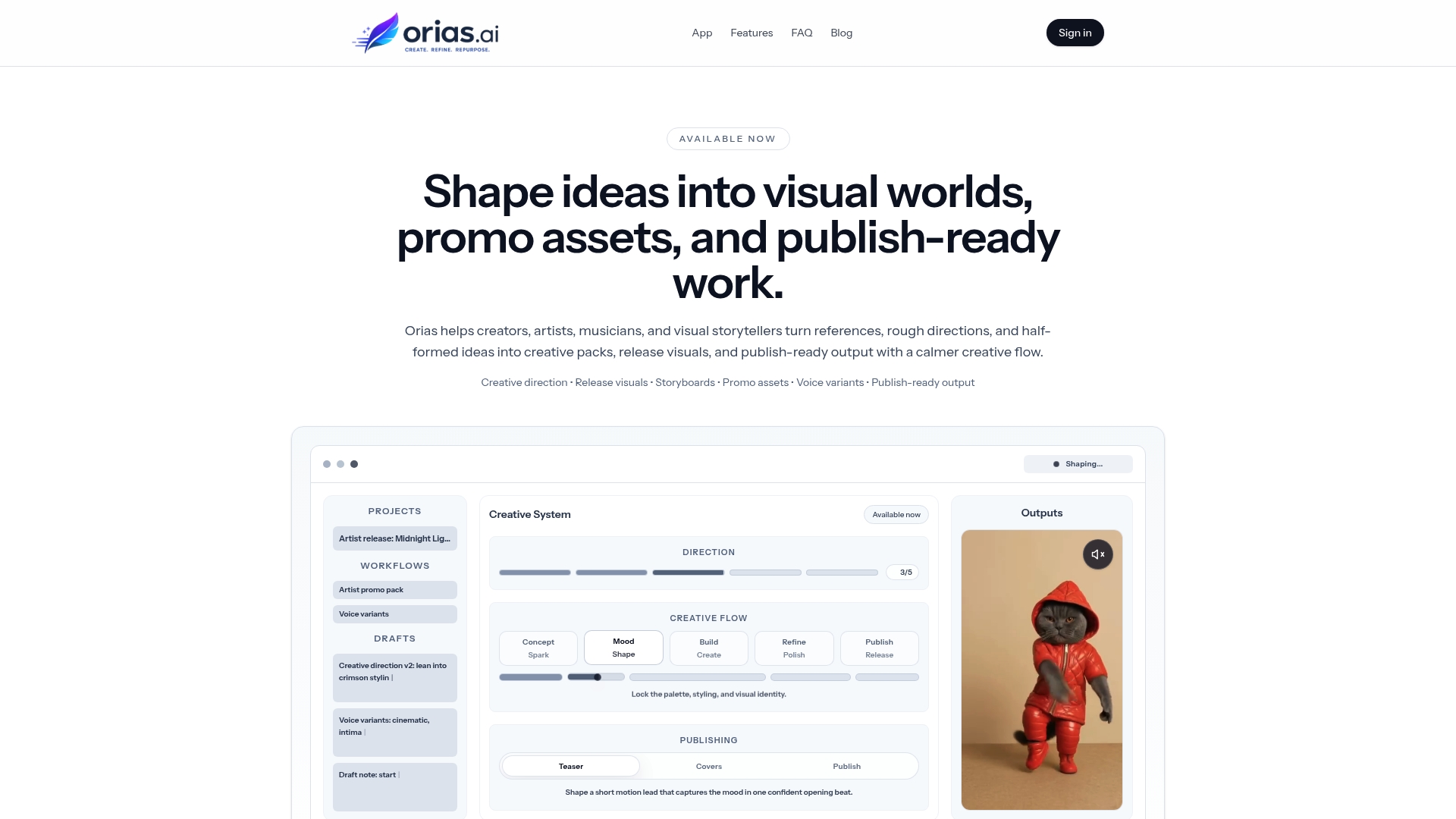
Instead of starting with a blank prompt, creators can begin with real audience language: comments, fan questions, creative doubts, release-week replies, or repeated questions about their process. From there, Orias AI can help shape those signals into mood directions, visual concepts, campaign angles, asset variations, and publish-ready creative materials.
The strongest use case is not replacing the creator’s voice. It is helping creators build a more structured path from audience curiosity to finished content:
- Raw question
- Content angle
- Creative direction
- Visual system
- Asset variations
- Human review
- Platform adaptation
- Publishing plan
That keeps the work grounded in real audience interest while still leaving room for taste, originality, and artistic judgment.
Frequently Asked Questions
How can AI help turn audience questions into content ideas?
AI can cluster questions, identify repeated themes, classify audience intent, suggest formats, draft outlines, generate hooks, and repurpose one answer into multiple assets. The creator should still choose the final angle, add personal experience, verify claims, and refine the tone.
What types of audience questions make the best content?
The best questions usually reveal confusion, curiosity, hesitation, desire, or emotional connection. Questions that begin with “how,” “why,” “what should I,” “can I,” or “what does this mean” often make strong tutorials, explainers, behind-the-scenes posts, or decision guides.
Should I answer every audience question with content?
No. Some questions are too personal, too niche, too repetitive, or not aligned with your creative direction. Others are better answered privately. Use audience questions as signals, not commands.
Can I use comments from other creators’ audiences?
You can study public conversations for research, but do not copy another creator’s community strategy or present their audience’s questions as your own. Use outside comments to understand broader demand, then adapt only the themes that fit your own voice and audience.
How do musicians use audience questions for release content?
Musicians can turn fan questions into lyric explanations, song meaning videos, production breakdowns, visualizer concepts, cover art stories, behind-the-scenes clips, pre-save campaign posts, and post-release reflections. Questions about mood, lyrics, process, and inspiration are especially useful.
How do I keep AI-generated content from sounding generic?
Give AI real audience questions, your point of view, examples of your voice, creative constraints, platform context, and clear exclusions. Then rewrite the output with your own experience, language, and judgment before publishing.
What is the biggest mistake in this workflow?
The biggest mistake is using AI to generate ideas before understanding the question. If you skip audience intent, you may produce content that looks polished but misses what people actually wanted to know.
Recommended
- Build a Magnetic Visual Identity: A Guide for Musicians - Orias AI
- Master the Creative Workflow for YouTube: A Practical Guide - Orias AI
- How to Write Better Hooks for TikTok, Reels, and Shorts - Orias AI
- AI Creative Workspace for Visual Storytellers, Content Creators and Artists - Orias AI
Sources Used
- YouTube Help — Posts and creator interaction features
- YouTube Help — Inspiration tab in YouTube Studio
- TikTok Creative Center
- Meta Business Help Center — Instagram Insights
- Google Search Central — Google Trends guidance
- Google Trends Help — Related searches
- Google Search Central — Generative AI content guidance
- Spotify for Artists
- Apple Music for Artists