
By Orias AI
AI Virtual Staging: How to Furnish Empty Rooms for Real Estate Listings
AI virtual staging adds digital furniture to room photos. See the workflow, quality checks, property boundaries, and listing disclosure requirements.
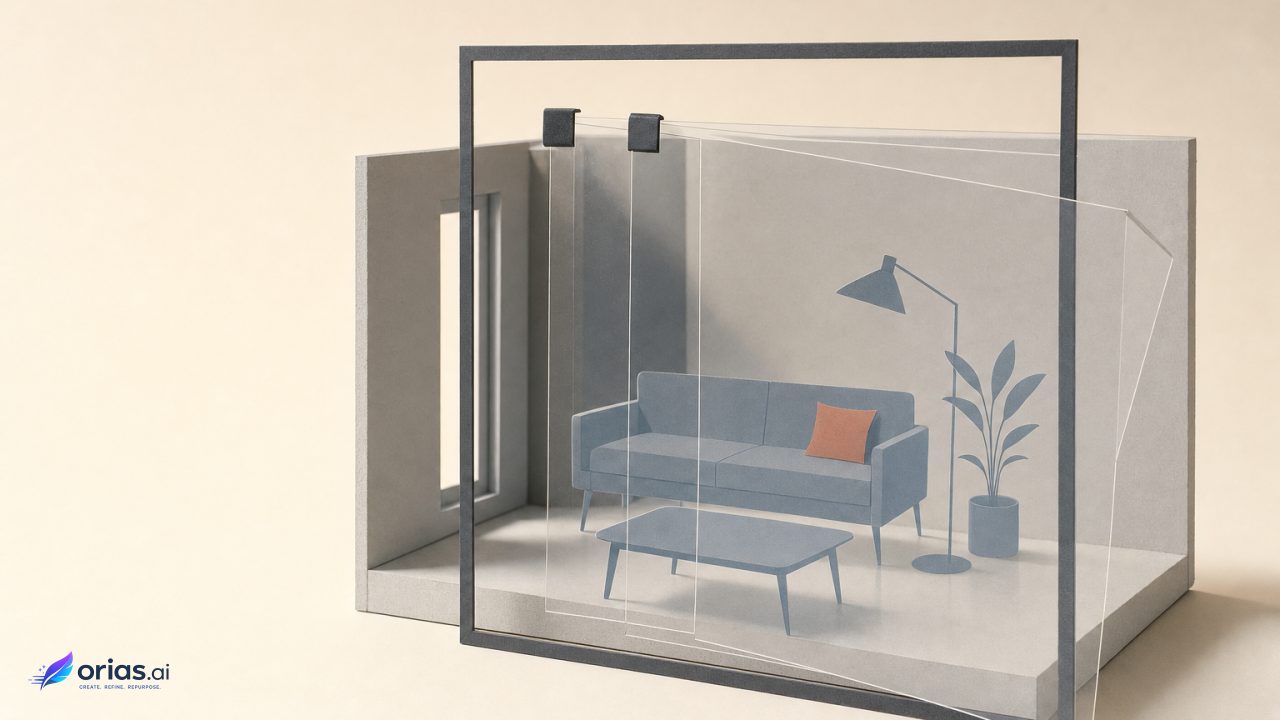
AI virtual staging is the digital furnishing of a property photograph to show how an empty or differently furnished room could look. In the usual workflow, a creator uploads a room image, describes a furniture direction or visual style, and generates an edited visualization. The useful result is not a new version of the property; it is a furnishing proposal placed over a photograph of the property.
That distinction determines nearly every production decision. A well-made staged image helps a buyer read the scale and intended use of an empty room. A misleading one changes what a buyer believes is being sold. For a creative or marketing team, virtual staging is therefore an art-direction job with a property-accuracy review attached—not an unattended image-generation task.
Movable Furniture Is the Boundary of a Truthful Staged Image
The cleanest working boundary is between movable personal property and the real property recorded in the photograph. A sofa, rug, side table, lamp, bed, or removable decor can demonstrate a possible way to occupy a room. The walls, windows, doors, cabinets, flooring, landscaping, and dimensions are evidence of the actual listing and should remain intact.
CRMLS guidance says listing images may not add, remove, or modify real-property elements, naming wall color, flooring, cabinets, wall dimensions, and landscaping as examples. It limits permitted alterations to furnishings and other movable personal property where allowed. Teams should check the rules of the MLS and jurisdiction governing a particular listing, rather than assume one organization’s policy applies everywhere.
This is more than a compliance distinction. Repainting a wall digitally can make a room feel more marketable, but it presents a condition that is not visible at the showing. Replacing cabinets or flooring can change the perceived renovation level. Widening a room, opening a sightline, or removing a column changes the buyer’s understanding of space. Those are property claims, not staging choices.
The National Association of REALTORS® Code of Ethics requires REALTORS® to be honest and truthful and to present a true picture in advertising and marketing. It specifically prohibits manipulating listing content, including images, to produce a deceptive or misleading result. That makes restraint part of the creative brief: show a credible occupancy scenario without making the photograph promise a different home.
How Inpainting Turns a Room Photograph Into a Furnished Visualization
Most AI staging workflows are a form of generative editing, often called inpainting. The source photograph supplies the room shell and its visual context. The user selects an area, describes the requested change, or does both; the system then generates new visual content intended to blend with the surrounding pixels. Adobe describes this pattern in its Generative Fill documentation, and OpenAI likewise documents uploading an existing image and describing a desired edit.
A practical sequence has four parts:
- Start with a clean, correctly exposed photograph that clearly shows the room’s fixed features.
- Define the editable zone so furniture is placed on open floor area rather than over windows, doors, built-ins, or structural details.
- Give a constrained direction: room use, furnishing category, style, approximate scale, palette, and any important areas to leave clear.
- Review generated variations against the original photograph, then retain only an output that preserves the room faithfully.
The system is not recovering hidden truth from the photograph. Inpainting and diffusion-based editing generate plausible structure and texture in an altered region; research characterizes the work as generative reconstruction, not guaranteed restoration of the original scene. That is why a convincing shadow or a handsome chair is not proof that the resulting image is accurate.
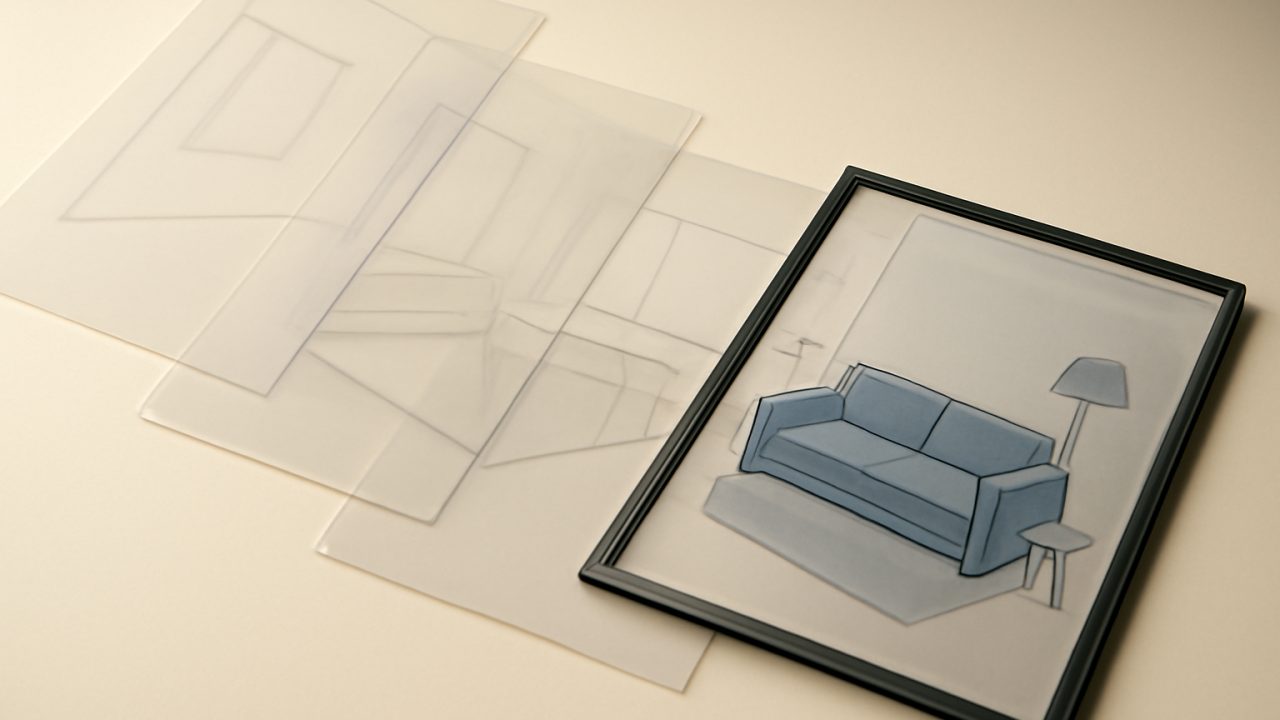
Treat the source image as the reference record throughout production. Keep it available beside the candidate render, not only in an asset folder after approval. That comparison makes it easier to spot a shifted window edge, an altered wall line, a softened doorway, or an object that occupies a path a person would need to use.
A Living Room Brief: Style, Function, Scale, and Sightlines
A useful staging instruction describes a room’s job before it describes its aesthetic. For an empty living room, the team might decide that the image needs to establish a conversational seating area and clarify how the room connects to an adjacent space. The objective is to make the existing photograph easier to interpret, not to fill every unoccupied surface.
The brief could ask for a restrained contemporary living room: a sofa and two chairs scaled to the visible floor area, a low coffee table, a rug that sits within the seating arrangement, and limited decor. It should also specify constraints: keep all doors, windows, built-ins, and wall edges unchanged; leave the route from the entry to the adjacent opening clear; do not cover architectural details; preserve the camera angle and visible sightlines.
These instructions give the generator a visual direction and the reviewer a basis for rejection. A larger sectional may feel luxurious but block a doorway; a visually tidy version may place a chair where the photograph shows an opening; and added decor may distract from a fireplace, bay window, or other existing feature. The selected version should make the room legible at listing-viewing size, not merely look complete at full resolution.
Avoid using a prompt to solve a property problem. “Make the room brighter” can be a request for ordinary photographic correction, or it can become an instruction that changes the apparent light, surfaces, or openings. Separate exposure and color work from staging work, and make sure the final image still represents the room that was photographed. Under CRMLS guidance, ordinary exposure adjustment, sharpening, color correction, and white balance are generally exempt when they do not alter the property’s representation.
Inspect Geometry, Lighting, Amenities, and Architectural Details Before Publishing
A polished render can still be wrong. NAR guidance identifies the practical risk: AI output may invent or misrepresent amenities, alter proportions or architectural details, or imply features that do not exist. The agent, rather than the AI provider, remains responsible for accuracy and compliance.
Build a human review point between generation and listing upload. The person approving the image needs the original room photograph and enough familiarity with the property to recognize changes that an image editor may miss. If the creative team cannot verify a feature, the listing agent or another property-informed reviewer should make that call.
- Geometry and perspective: Check straight lines, wall boundaries, ceiling height cues, floor planes, and the relative size of furniture. A small distortion can make a room appear wider or more usable.
- Fixed features: Compare windows, doors, outlets, fireplaces, cabinets, flooring, and visible exterior areas with the source. No generated object should conceal a meaningful property detail.
- Lighting: Look for shadows that contradict the scene, reflections that do not match the room, and furniture that appears to float or sit at an implausible angle.
- Object consistency: Inspect legs, edges, patterns, repeated objects, and contact points with the floor. Generative edits can be plausible overall while breaking down at the details.
- Amenities and implications: Reject anything that suggests a feature, view, finish, or architectural condition absent from the photograph.
This review is not a demand for photorealistic furniture at any cost. It is a check that the simulation has not modified the property around the furniture. When a candidate requires extensive cleanup, repeated regeneration, or uncertainty about what changed, the safer production decision is to use another variation or leave the room unstaged.
Labels and Original Photos Make the Rendering Legible in a Listing
Disclosure tells a viewer what kind of image they are seeing. In its digitally altered image rules, CRMLS treats AI-generated or digitally edited furniture and decor as digitally altered imagery. Its requirement is that the altered image be labeled and that the original, unedited image appear immediately before or after it in the listing.
That paired presentation does useful editorial work. The staged view communicates a possible furnishing arrangement; the adjacent original lets a buyer inspect the actual room, its fixed elements, and its empty dimensions. Neither image has to carry every message alone. Together, they make the visualization easier to understand as a simulation rather than a statement that the property is currently furnished that way.
A production handoff should therefore include more than the approved staged file. Deliver the source photograph, the final labeled version, the intended ordering of the two images, and a note identifying the edit as virtual staging. Confirm how the listing platform displays captions or labels before publishing, since a disclosure that is separated from the altered image may no longer perform its clarifying role.
Labeling does not make an otherwise deceptive image acceptable. The furnishing still has to preserve the property, and the original still has to be the genuine unedited counterpart. The stronger standard is simple: a viewer who sees the staged image and its original should be able to distinguish the home’s real condition from the proposed use of the space.
Frequently Asked Questions
Is AI virtual staging the same as photo editing?
It is a type of digitally altered imagery, but it differs from routine corrections such as exposure, sharpening, color correction, or white balance. Virtual staging adds generated furniture or decor to communicate a possible use of the room, so it needs a higher level of review and, where applicable, disclosure.
Can AI virtual staging change paint, floors, or cabinets?
Not if the goal is to preserve a truthful representation of the listing. CRMLS specifically identifies wall color, flooring, and cabinets as real-property elements that listing images may not add, remove, or modify under its guidance.
Must a virtually staged image be labeled?
Requirements depend on the applicable MLS and other governing rules. CRMLS requires a label for digitally altered imagery that includes AI-generated or digitally edited furniture and decor; teams should verify the rules that govern their own listing before upload.
Should the original empty-room photo be included?
Yes when required by the applicable rules, and it is good disclosure practice more broadly. CRMLS requires the original unedited image immediately before or after the altered image, allowing viewers to compare the furnished concept with the actual room.
Who is responsible if an AI-generated listing image is misleading?
NAR guidance says responsibility for accuracy and compliance remains with the agent, not the AI provider. A human reviewer should approve the image only after comparing it with the source photograph and checking the applicable marketing and listing rules.