By Orias AI
AI Comic Generator: How to Create Comics With Consistent Characters and Panels
AI comic generators work best as panel-production systems: use reference packs, structure controls, and external lettering for readable pages.
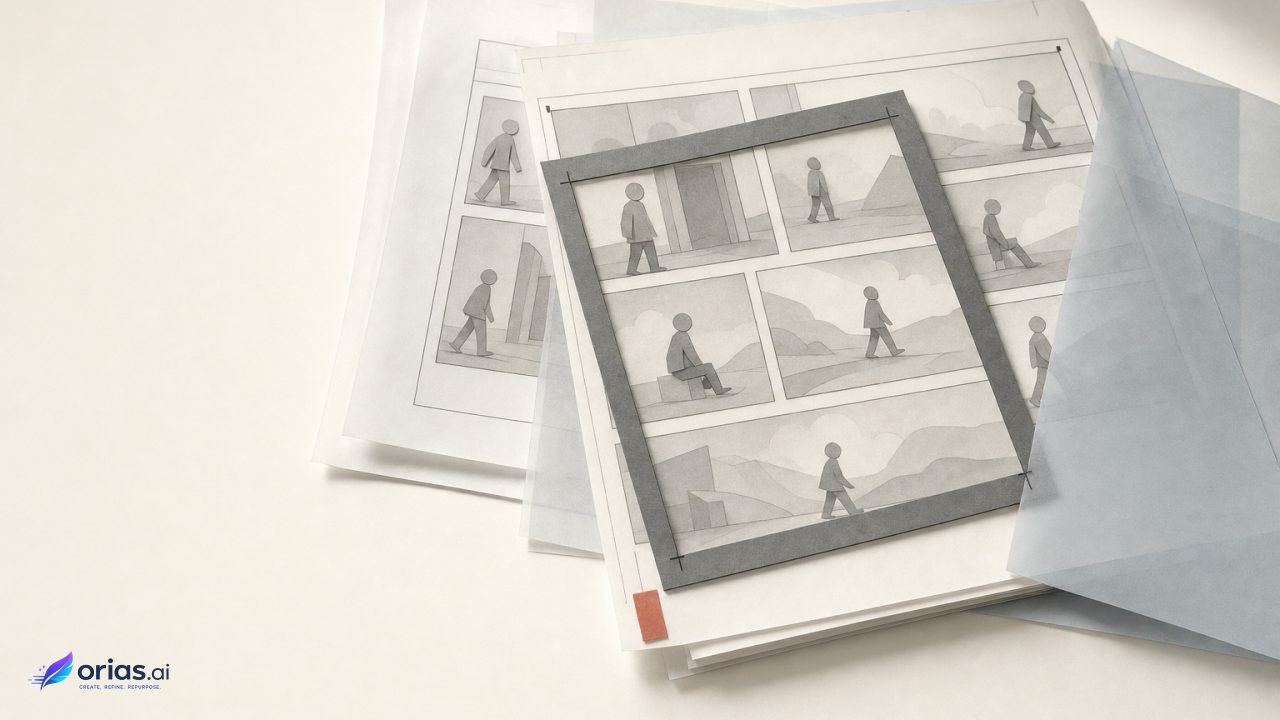
An AI comic generator is best understood as an image-generation workflow for producing individual comic panels under direction—not a one-prompt machine for delivering a finished, readable page. Most systems use diffusion-based image synthesis, progressively denoising a latent representation while responding to controls such as text, image references, bounding boxes, or other composition inputs. That makes them useful for panel prompting, inpainting, style direction, and controlled revisions. Latent Diffusion Models
For a working creative team, the dependable unit of production is one approved panel at a time. The job is to keep selected visual facts stable—who the character is, what a key prop looks like, where the action takes place—while deliberately changing the shot, action, expression, and story beat. Page composition and lettering then happen after the artwork is approved.
What an AI comic generator creates—and what it does not
The generator creates candidate artwork from a combination of instructions and constraints. A prompt can describe the immediate dramatic event: a courier reaches for a damaged radio in a rain-soaked station. Reference images can establish the courier’s face, clothing, palette, radio, or station. A structural input can define where the courier stands and how the camera sees the scene.
That division matters because a comic page contains several separate problems: continuity, staging, pacing, text hierarchy, balloon placement, and reading order. Asking for all of them in one unconstrained image leaves the model to infer too much. Google’s guidance for sequential art similarly frames the task around character consistency, scene descriptions, and reference images rather than a single finished-page request. Google Gemini API image-generation documentation
Treat the output as artwork headed into an editorial pipeline. The image model supplies the visual panel; an artist, designer, editor, or producer decides whether it carries the intended beat, matches the prior panel, leaves room for copy, and is ready to enter the page layout.
Build a character, prop, and location reference pack before panel one
Start with reusable assets, not the opening scene. Text alone does not reliably preserve a subject’s identity across new poses, lighting, and contexts. Subject-personalization research such as DreamBooth addresses the problem by associating a unique identifier with a subject from a small reference set, then generating that subject in new contexts. DreamBooth: Fine Tuning Text-to-Image Diffusion Models for Subject-Driven Generation
Whether a team uses personalization, an image-reference feature, or both, the practical requirement is the same: decide what must recur before producing scenes that depend on it. Reference-conditioned workflows can use separate images to anchor identity, environment, and style, which is particularly useful when those elements should remain stable for different reasons. Runway Gen-4 Image References documentation
A practical reference pack
For a short promotional comic about a nighttime courier, a usable pack might include a clean character portrait and a three-quarter view of the approved jacket, a separate image of the courier’s chipped yellow radio, and an establishing image of the station platform. Keep these assets clearly named and versioned. The approved reference is a production input, not merely a mood-board image.
- Character references: identity-defining facial features, silhouette, hair, wardrobe, and distinguishing marks.
- Prop references: objects the reader should recognize from panel to panel, especially branded, story-critical, or distinctive items.
- Location references: recurring architecture, major landmarks, palette cues, and environmental texture.
- Style reference: a separately approved visual treatment when it should not be confused with character or setting identity.
Do not make every reference carry every responsibility. A close-up that is excellent for facial identity may be unhelpful for a full-body action shot. Likewise, a location reference can stabilize the platform without dictating the character’s pose. Separating the assets gives the team a clearer way to diagnose a weak result: identity drift, prop drift, environment drift, or style drift.
Use structure references to lock each panel’s blocking and camera angle
A reference pack answers what the panel contains. A structure reference answers where those elements go. It can be a rough layout, sketch, or composition image that establishes the camera angle, foreground and background relationship, silhouette placement, and action line before the model renders the final art.
Adobe describes structure image references as a way to preserve composition, outlines, depth, and spatial layout while changing style or details. Its structure-strength control governs how closely a result follows that reference. Adobe Firefly Structure Image Reference documentation
This is the useful trade-off to discuss at review: high structural adherence is appropriate when the panel must preserve a planned over-the-shoulder reveal or a precise handoff between characters. Lower adherence may be preferable when the layout is only a loose staging note and the team needs the rendering to reinterpret the image. If a composition is non-negotiable, do not rely on descriptive prompt language alone.
Generate the comic panel by panel, not as one finished page
Work from a short panel brief. It should state the narrative beat, shot size and viewpoint, required character or prop references, location, and the visual change from the preceding panel. The scene description handles what happens now; the identity references handle who and what needs to remain recognizable.
- Write the beat in one sentence: the courier hears the radio signal and stops at the platform edge.
- Choose the approved character, radio, and station references.
- Prepare a rough structure image for a medium side view, leaving open space above the radio for a later caption.
- Generate variations, then assess the action, identity, prop, setting, and available copy space separately.
- Approve one panel and carry its useful approved assets forward only where they help the next shot.
The last step prevents a common production mistake: treating every new panel as a reset. A panel can introduce a successful view of the jacket, a useful rendering of the radio, or a believable version of the platform lighting. Save it as a potential reference, while retaining the original master assets. That gives the next operator an auditable path back to the chosen visual decisions.
Panel-level generation also makes revision bounded. If the reveal fails, the team revises the reveal panel rather than destabilizing a whole page. It is slower than accepting the first page-shaped output, but it separates story approval from image iteration and keeps a local failure from becoming a continuity problem everywhere else.
Balance character identity against pose, expression, and scene change
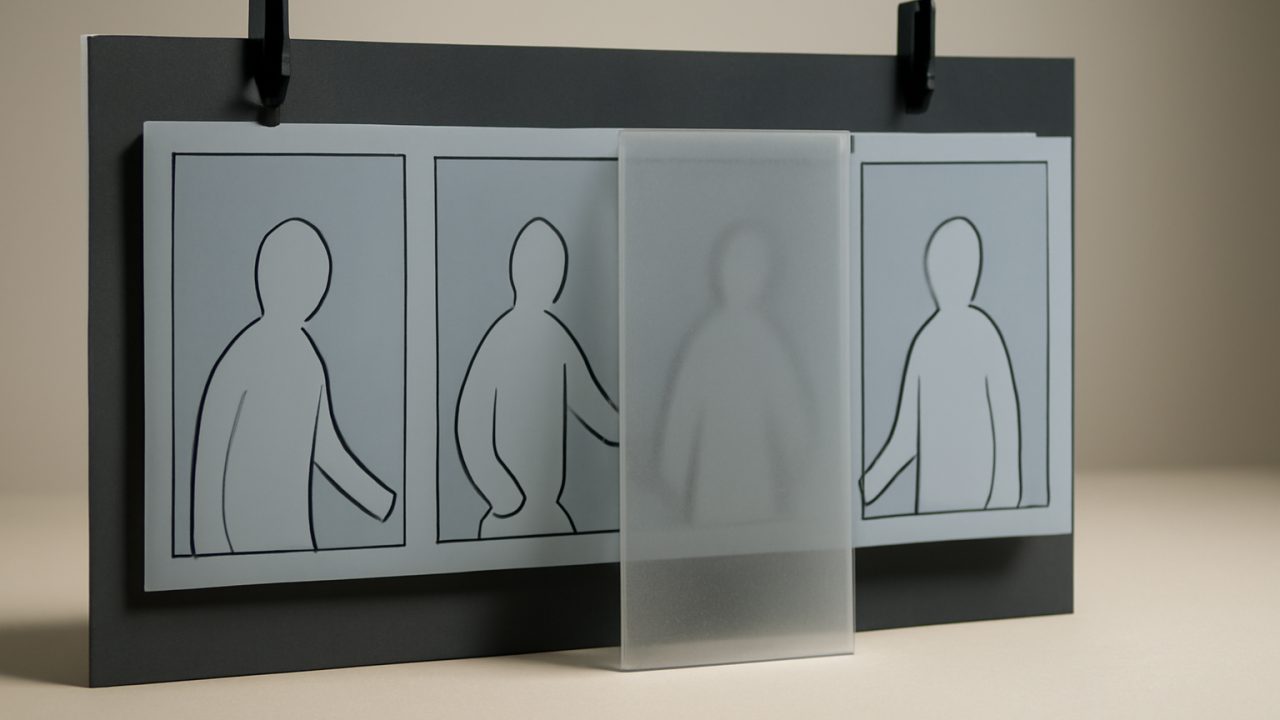
Consistency is not a single setting that should always be maximized. Research on consistent text-to-image characters identifies a tension between identity preservation and prompt alignment: constraints strong enough to hold a subject steady can limit changes in pose, expression, or scene, while weaker constraints permit visual drift. The Chosen One: Consistent Characters in Text-to-Image Diffusion Models
Set the priority by panel. In a reaction close-up, face shape, hair, and clothing details may be fixed while the expression must change. In an action panel, the reader may need the jacket, radio, and silhouette to remain recognizable, but a new body position takes priority over reproducing every facial detail. An establishing shot may give more weight to the location reference than to a distant character’s face.
Use a short continuity checklist to review the panel: identify the features readers will rely on at that shot distance, confirm that the story action is plausible, and inspect the signature radio for changes in shape or color. Recognition alone is not enough if the character cannot perform the action, while a readable action may still warrant correction when an important radio has changed. Make that judgment before layout rather than relying on whether the panel “looks right.”
Add dialogue balloons, captions, and page layout after image generation
Generate the artwork without depending on the model to deliver final dialogue. Image-generation guidance notes that models can misspell words or struggle with complex text. The safer production division is artwork first, then dialogue, captions, balloons, and page assembly in a dedicated editor. Google Gemini image-generation prompting tips
That choice is editorially useful even when an image model produces plausible lettering. A layout editor lets the team revise copy without rerendering art, place balloons in a readable sequence, manage tails and overlaps, and protect key facial expressions and action. Reserve negative space during the panel brief, but make the final decisions with the actual script and page grid in view.
Before release, review the assembled page at reading size. Confirm panel order, continuity of the recurring assets, legibility, and whether balloons obscure information needed to understand the beat. The generated image is only one component of a comic; the finished page has to guide a reader from one decision to the next.
Frequently Asked Questions
Can text prompts alone keep a comic character consistent?
Not reliably across changing scenes, poses, and lighting. Use approved character references or a supported subject-personalization method when recurring identity matters.
Should I generate a full comic page in one prompt?
For controlled sequential work, generate and approve panels separately. It gives the team a practical way to correct staging, continuity, and copy space without reopening every panel.
What references should I save for a recurring character?
Keep approved views that establish identity and wardrobe, plus distinct references for any signature props and recurring locations. Name and version them so later panels use the intended assets.
How do I preserve a planned camera angle?
Provide a rough structure reference that maps the composition and spatial layout. Adjust structural adherence according to whether the blocking is mandatory or simply a starting point.
Should dialogue be generated inside the panel artwork?
Usually no. Add final balloons and captions in a dedicated editor, where spelling, reading order, placement, and revisions can be controlled.