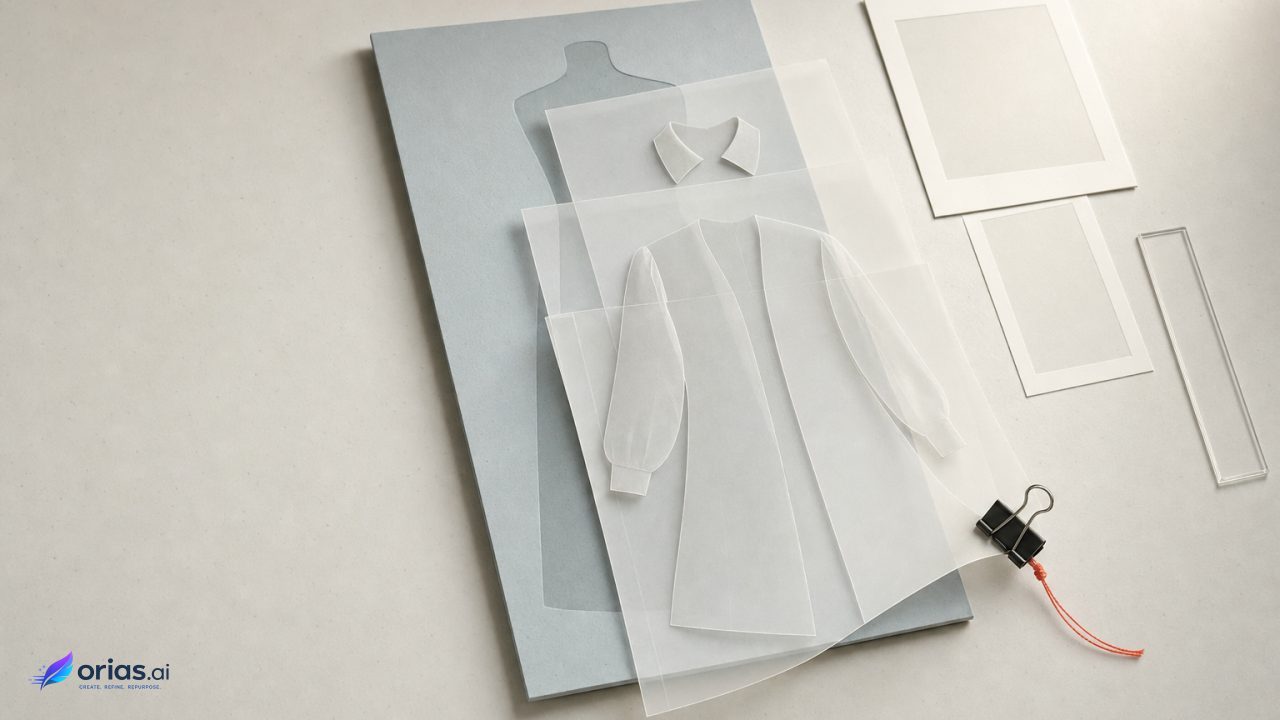
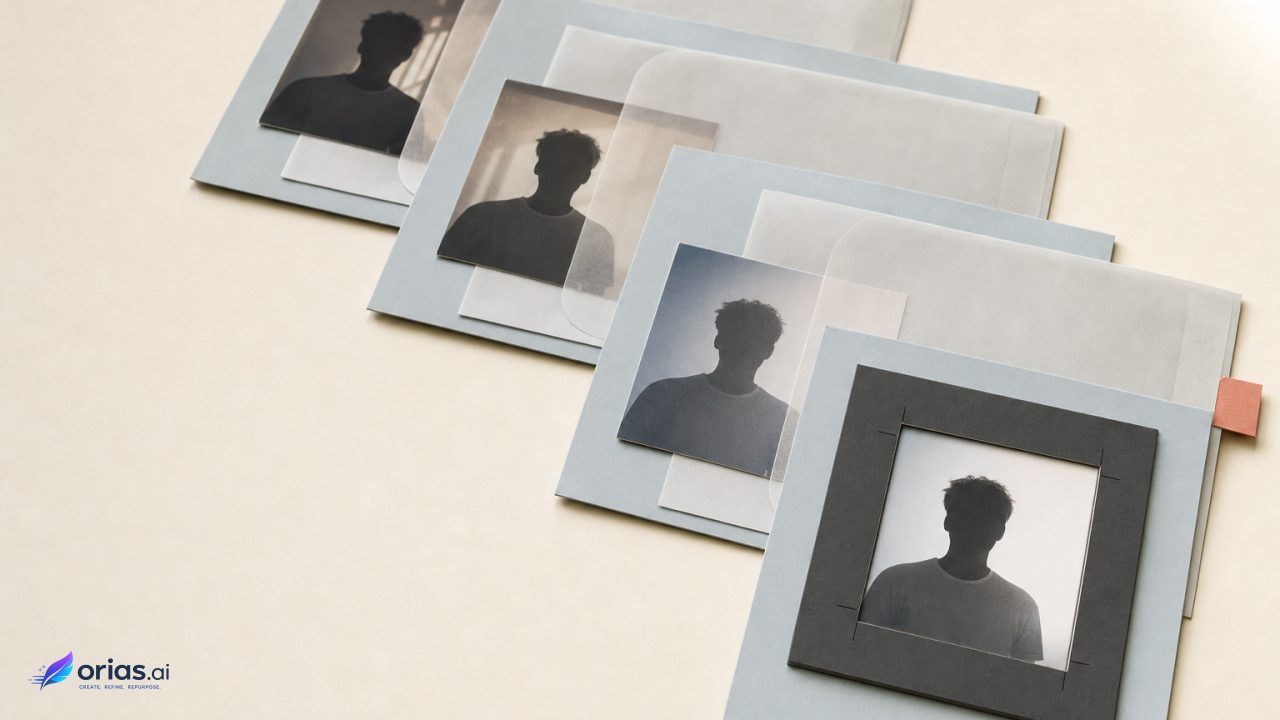
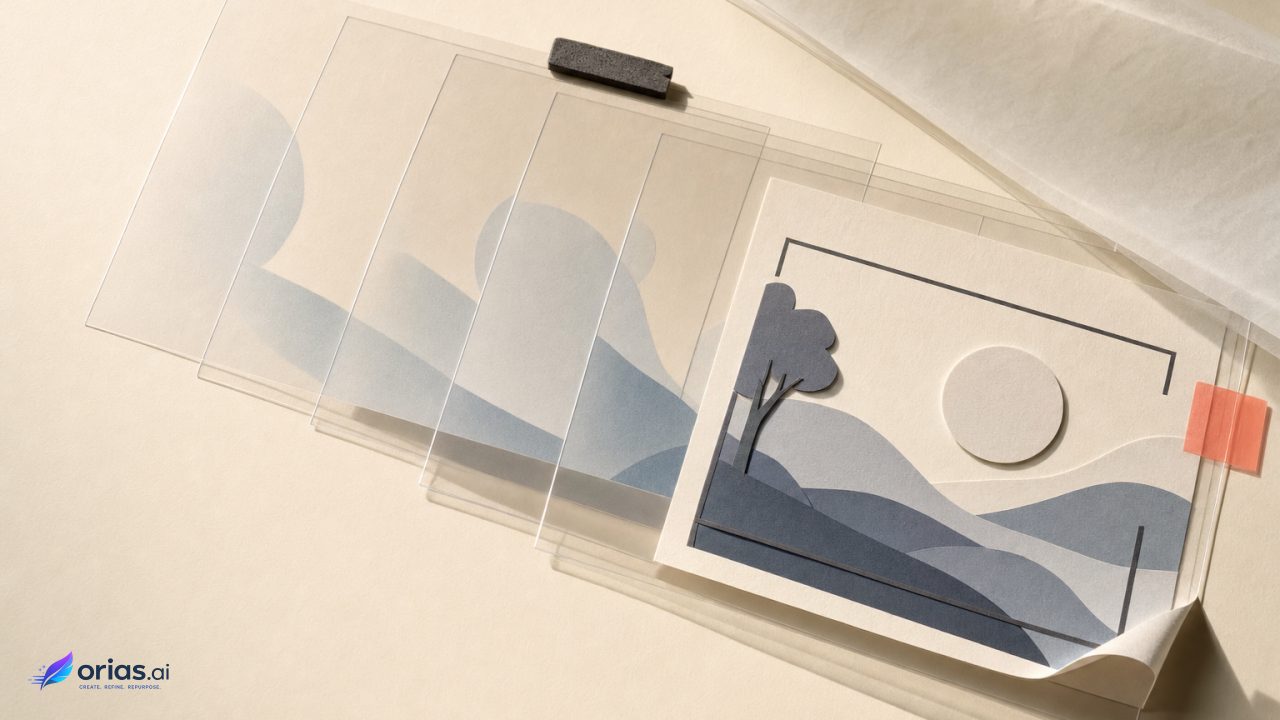
By Orias AI
Use-Case Visuals with AI: Showing Real Customer Situations Instead of Generic Scenes
Create AI visuals based on believable customer situations, practical needs, and real moments of use instead of polished but empty generic scenes.

TL;DR:
- Strong AI use-case visuals begin with a real customer moment, not a vague request for something modern, premium, or aspirational.
- Define who the customer is, what they are trying to do, what makes the situation difficult, and how the product changes the moment.
- Generate the situation first, refine the visual identity second, and review the final image for realism, accuracy, rights, and platform fit before publishing.
You have probably seen this image before.
A spotless desk. A laptop placed at the perfect angle. A coffee cup nobody has touched. Maybe a small plant in the corner, because apparently every creative professional works beside the same small plant.
The image looks fine. It may even look expensive. But it does not really show anything.
That is the problem with a lot of AI-generated marketing imagery. The tools can produce polished scenes quickly, so creators naturally focus on style, lighting, colour, and composition. The actual customer situation gets reduced to a few vague words such as productive creator, happy customer, or premium lifestyle.
Use-case visuals work differently. They show a recognisable moment in which someone has a need, takes an action, and gets a result. The product is not merely sitting in the frame. It has a job.
This guide explains how to find those moments, turn them into useful AI briefs, avoid details that make generated scenes feel fake, and build a wider content system from one strong customer situation.
Table of Contents
- Key Takeaways
- Generic Scenes Fail the “Is This for Me?” Test
- Pull the Scene From a Customer Moment, Not a Prompt Adjective
- Write the Visual Brief as a Tiny Piece of Reality
- Generate the Situation in Layers, Not One Lucky Shot
- Keep the Scene Believable Enough to Carry the Idea
- Turn One Customer Moment Into a Useful Asset Family
- Review What the Picture Promises Before Publishing
- Move From Rough Situations to Clearer Visual Packs With Orias AI
- Frequently Asked Questions
- Sources Used
Key Takeaways
| Point | Details |
|---|---|
| Start with a specific moment | Define what the customer is doing before deciding on lighting, style, camera angle, or decorative details. |
| Give the product a visible role | The viewer should understand how the product helps, not simply notice that it has been placed somewhere in the scene. |
| Include useful friction | A believable situation often contains a deadline, limited space, unfinished task, format problem, or other practical constraint. |
| Generate in controlled passes | Lock the situation first, then refine the setting, composition, visual identity, and publishing format. |
| Check the implied promise | Do not show results, features, customers, locations, or endorsements that could mislead the audience. |
| Repurpose the situation | One strong customer moment can support website heroes, social posts, carousels, ads, emails, and campaign variations. |
Generic Scenes Fail the “Is This for Me?” Test
A generic scene tells the viewer what kind of mood the brand likes.
A use-case scene tells the viewer where the offer fits into their life.
That difference sounds small, but it changes the entire creative process.
Imagine a musician promoting a tool that helps organise release visuals. A generic image might show a fashionable person in a neon-lit studio. It signals music and creativity, but it does not explain the problem being solved.
A use-case version could show an independent artist working late in a small rehearsal room, comparing a cover concept, vertical teaser frame, and event announcement visual before tomorrow’s release deadline.
Now the audience can recognise the situation: too many assets, too little time, and one visual identity that needs to remain consistent.
Contextual imagery helps people understand relevance, scale, usage, and fit. Isolated product images can be useful, but they may leave viewers guessing about how an offer behaves in a real setting. Lifestyle imagery becomes more informative when the product is being used or enjoyed in a recognisable situation rather than simply displayed.
The point is not that every visual needs a smiling person. It does not. The situation can be communicated through objects, traces of activity, physical space, or the visible stage of a task.
What matters is that the viewer can answer three questions quickly:
- Who is this situation for?
- What is happening?
- Why does the product matter here?
When none of those answers is visible, the image becomes decoration.
Pull the Scene From a Customer Moment, Not a Prompt Adjective
Most weak AI visuals start with adjectives.
Common Prompt Direction: Cinematic, premium, stylish, futuristic, creative.
Those words can influence the look, but they do not give the image a reason to exist.
A better starting point is a customer moment. Not an audience profile. Not “female entrepreneur aged 25 to 34.” A moment.
Try writing one sentence:
Starting Question: A customer uses the offer when...
Then finish it with a concrete action.
- A podcaster uses the tool when a guest cancels and the episode artwork needs to become a replacement announcement.
- A ceramic artist uses the product when packing fragile orders for a weekend market.
- A small creative team uses the platform when one campaign idea must become assets for several formats.
- A musician uses the service when preparing a release pack without a designer on call.
- A traveller uses the bag when moving from an overnight train directly into a full day of walking.
These are already more useful than “creative professional in an inspiring environment.”
Add a Little Friction
Real use cases normally contain a constraint. That is what makes the product useful in the first place.
The customer may be:
- Running out of time
- Working in limited space
- Switching between several formats
- Carrying too much
- Trying to remain visually consistent
- Preparing for a specific event
- Fixing a mistake
- Working without specialist help
You do not need to turn every image into a disaster scene. The friction can be quiet.
A half-packed shipping box suggests an unfinished job. Several differently shaped campaign assets suggest format pressure. Morning light entering an empty venue suggests that something needs to be ready before the doors open.
The mistake is making the customer’s world so perfect that the offer becomes unnecessary.
Use Evidence You Already Have
Useful visual situations often hide inside ordinary customer language.
Look through:
- Support questions
- Customer reviews
- Onboarding calls
- Comments and direct messages
- Sales conversations
- Search queries
- Frequently asked questions
- Reasons customers return
- Moments where people abandon the workflow
The phrase “I need this ready before Friday” may lead to a stronger visual than a complete demographic profile.
Write the Visual Brief as a Tiny Piece of Reality
Once you have the moment, resist the urge to jump straight into a giant image prompt.
First, write a short scene brief.
| Element | Question |
|---|---|
| Person or user | Who is in this situation? |
| Immediate goal | What are they trying to finish? |
| Environment | Where would this realistically happen? |
| Constraint | What makes the task difficult? |
| Product role | What changes because the offer is present? |
| Visible evidence | Which details prove the situation is real? |
| Emotional tone | How should the moment feel? |
Here is a rough example for a creator platform:
An independent musician is preparing visual assets in a cramped rehearsal room the evening before a single release. The same deep red identity appears across a cover image, a vertical teaser, and a small event announcement. The scene feels focused rather than glamorous. Open instrument cases, taped cables, and temporary wall references suggest a working space. The product’s role is expressed through the consistency of the assets, not through a large screen or logo.
That brief gives the AI something solid to build from.
It also gives the human creator something concrete to judge.
Did the generated image keep the cramped rehearsal setting? Does the repeated red identity actually look connected? Is the artist preparing a release, or did the scene drift into a generic recording studio?
Specify Relationships, Not Just Objects
AI prompts often become shopping lists:
Desk, headphones, phone, notebook, camera, coffee, speakers, cables.
A use-case brief should explain how those objects relate.
The phone is not merely on the table. It is charging beside a packed bag because the customer is leaving soon.
The printed packaging is not decorative. It is being checked against the actual product before a market opens.
The campaign assets do not simply share a colour. They represent different outputs developed from the same central idea.
Those relationships are where the story lives.
Generate the Situation in Layers, Not One Lucky Shot
Trying to solve the entire image in one prompt usually creates a familiar cycle: generate, notice something wrong, rewrite everything, generate again, and slowly lose the original idea.
A layered process is easier to control.
Pass One: Prove the Situation
Ignore polish for a moment.
Check whether the image clearly shows:
- The correct person or type of user
- The right action
- The right environment
- The product’s role
- The main constraint
If the situation is unclear, extra detail will not save it.
Pass Two: Remove Generic Signals
AI models tend to fill empty instructions with familiar visual shortcuts. That is how every creator ends up in a pristine studio and every startup ends up in a glass office.
Replace generic details with observed ones.
| Generic Direction | More Specific Direction |
|---|---|
| Home office | A narrow dining table temporarily used as a workspace, with one chair moved aside to make room for packing materials. |
| Music studio | A low-ceiling rehearsal room with worn acoustic panels, coiled instrument cables, and a release checklist taped near the door. |
| Creative workspace | A temporary campaign-planning area where differently sized assets are being checked against one visual reference. |
Specificity should support the use case. It should not create random clutter.
Pass Three: Apply the Visual Identity
Only after the moment works should you lock in:
- Colour behaviour
- Materials
- Lighting
- Contrast
- Camera distance
- Lens feeling
- Texture
- Recurring motifs
- Image treatment
This keeps the brand style attached to the customer story rather than allowing it to replace the story.
Pass Four: Build Format Variations
Create the scene for its actual placements.
A wide website hero may need negative space for a heading. A vertical story needs the action arranged differently. A small paid ad needs one unmistakable focal point.
Do not simply crop the same frame until the important action disappears.
Pro Tip: Keep a short list of non-negotiable scene facts. Use it every time you resize or regenerate the visual. This stops the use case from drifting while the composition changes.
Keep the Scene Believable Enough to Carry the Idea
AI-generated scenes do not have to look like documentary photography. They do need internal logic.
A viewer may not consciously notice every mistake, but small errors collect quickly.
Watch for:
- Clothing that does not suit the activity
- Tools being held or positioned incorrectly
- Impossible reflections
- Objects at the wrong scale
- Spaces that are too clean for the task
- Duplicated products or accessories
- Unreadable labels presented as important information
- Screens showing meaningless interfaces
- Dramatic emotions that do not match the situation
- People looking toward the camera when they should be working
Reality Check: Could this moment actually happen this way?
Ask someone familiar with the customer’s work to review the scene.
A designer may miss that an instrument is connected incorrectly. A marketer may not notice that packaging equipment is being used in an impossible order. Someone who knows the activity will see those problems quickly.
Do Not Confuse “Realistic” With “Generic”
Real life contains awkward spacing, mixed lighting, used materials, unfinished actions, and practical compromises.
That does not mean you should add fake mess everywhere. It means the environment should carry evidence of use.
A working kitchen has heat, condensation, ingredients at different stages, and tools placed according to the task. A creator’s release setup may include multiple output formats, cables crossing a temporary workspace, and one final asset that is still unfinished.
The details should feel caused by the situation.
Turn One Customer Moment Into a Useful Asset Family
A strong use case should not end as one hero image.
Treat it as a scene system.
Suppose your core moment is:
A small fashion label prepares product images, launch posts, and email graphics from one campaign concept before a collection goes live.
That situation could become:
| Asset | Visual Focus |
|---|---|
| Website hero | The complete preparation moment and the relationship between the different assets. |
| Social post | The consistent visual identity carried across several formats. |
| Carousel | One stage of the creative process per slide. |
| Short video | The scene moving from rough materials to finished campaign assets. |
| Paid ad | The customer’s immediate constraint and the practical improvement. |
| Email header | The final organised campaign pack. |
| Behind-the-scenes post | The imperfect working environment and the process behind the result. |
The key is controlled variation.
Change the crop, distance, emphasis, format, or stage of the task. Keep the user, situation, visual identity, and product role stable.
This creates consistency without publishing the same image repeatedly.
It also gives creative teams a better way to test ideas. Instead of comparing random art directions, they can compare different customer moments:
- Preparing
- Using
- Solving
- Finishing
- Sharing the result
That tells you which story connects, not merely which colour treatment gets more attention.
Review What the Picture Promises Before Publishing
A believable AI image can accidentally imply something untrue.
It might suggest that:
- A real customer endorsed the product
- A physical location exists
- The product includes a feature it does not have
- An event actually happened
- A creator, artist, or public figure participated
- The generated result is an untouched customer outcome
Before publishing, review the visual together with its caption, headline, and call to action.
- Could someone reasonably mistake this for documentary evidence?
- Does the product visibly do something it cannot actually do?
- Are any real people, protected identities, logos, artworks, or recognisable locations being imitated?
- Do you have the right to use every reference and source asset?
- Does the publishing platform require an AI disclosure?
- Has the image been checked at the size where people will actually see it?
Some platforms require disclosure when realistic content has been meaningfully altered or synthetically generated. Provenance systems such as Content Credentials can also record information about how an asset was created or edited.
These systems can provide useful context, but provenance metadata does not automatically prove that an image is truthful or appropriate.
Rules differ between tools, platforms, industries, and regions, so check the current terms before publishing commercial work.
Move From Rough Situations to Clearer Visual Packs With Orias AI
Orias AI helps creators develop rough ideas, references, moods, and customer situations into clearer visual directions.
For use-case imagery, that means starting with the real moment first, then carrying it into connected promo assets, release visuals, campaign materials, and publish-ready creative packs.
A practical workflow looks like this:
- Define the customer moment.
- Collect mood and reference material.
- Set a clear creative direction.
- Generate a limited group of scene options.
- Review the realism and product role.
- Refine the selected direction.
- Adapt it into the required campaign formats.
- Review the final creative pack as one connected world.
The goal is not to produce more polished filler. It is to make sure every visual has a clear purpose, a believable setting, and a recognisable place in the customer’s world.
Frequently Asked Questions
What Is an AI Use-Case Visual?
An AI use-case visual is a generated or AI-assisted image that shows a product, service, or creative offer inside a specific customer situation. It focuses on what the customer is doing, what they need, and how the offer helps.
How Is a Use-Case Visual Different From a Lifestyle Image?
A lifestyle image mainly communicates a mood, identity, or desired way of living. A use-case visual may include lifestyle elements, but it also needs to show a clear task, problem, need, or moment of use.
Do AI Use-Case Visuals Need People?
No. A situation can be shown through an active workspace, partially completed task, meaningful object placement, physical traces of use, or a sequence of outputs. People should appear only when they make the use case clearer.
How Do I Stop AI Customer Scenes From Looking Generic?
Replace broad labels with observed details. Define the environment, activity, constraint, object relationships, and stage of the task. Remove props that do not help explain the situation.
Should I Create One Visual for Every Customer Type?
Start with customer moments rather than broad customer types. Several audiences may share the same moment, while one audience may have several very different use cases. Build visuals around the situations that matter most.
Can I Use AI Use-Case Visuals in Paid Advertising?
Usually, provided the AI tool’s terms permit commercial use and you hold the necessary rights to all source and reference material. You must also follow the advertising platform’s current creative, disclosure, and content policies.
Should AI-Generated Customer Situations Be Labelled?
It depends on the platform and the nature of the content. A clearly illustrative scene may be treated differently from a photorealistic image that appears to document a real event or customer. Check current platform rules and never present a fictional scene as a genuine testimonial or piece of evidence.
Sources Used
- Meta for Business, Photo Ad Format
- Meta for Business, Carousel Ad Format
- Google Ads Help, Image Asset Requirements
- Shopify, Lifestyle Photography
- Baymard Institute, Product Image Research
- YouTube Help, Altered or Synthetic Content
- Adobe Firefly Help, Content Credentials Overview
- Coalition for Content Provenance and Authenticity
- Orias AI