By Orias AI
AI T-Shirt Design Generator: How to Create Print-on-Demand Graphics That Sell
AI t-shirt design generators can speed up ideation, but sellable POD graphics still need print-file prep, rights checks, mockups, and samples.
Where AI Fits in a Print-on-Demand T-Shirt Workflow
An AI t-shirt design generator is an image-making tool used to develop artwork concepts for apparel. It is not, by itself, a print-on-demand business workflow. A sellable shirt still needs a defined audience, a production-ready file, a configured product listing, and a physical check of the finished garment.
The useful role for AI is early and middle-stage creative work: exploring subjects, visual directions, compositions, and variations that a designer can select from and refine. The generator produces an image; the team decides whether that image is relevant to a niche, technically suitable for a garment, sufficiently distinct, and safe to offer for sale.
A practical POD sequence is to validate a niche, choose a design tool and fulfillment partner, create artwork at print dimensions, make mockups, upload and configure the product, then order a sample before selling. That sequence, outlined by Shopify, puts the irreversible checks in the right order: do not build a listing around a raw generation before knowing whether it can print cleanly.
For a creative or marketing team, the handoffs are straightforward. A strategist or merchandiser defines the audience and product angle. A designer directs generation, chooses viable outputs, and makes the human-authored changes needed for the visual system. A production reviewer checks dimensions, resolution, background behavior, and product specifications. The person responsible for the storefront verifies product details, mockups, and the sample.
Treat these as separate decisions. A strong social image may be a weak chest print. A graphic that looks crisp in a browser preview may contain a rough edge or a background artifact that becomes visible on fabric. And a clever phrase can create a trademark issue even when the accompanying illustration is original.
Build a T-Shirt Prompt Around Subject, Composition, Style, and Print Constraints
Start with a product idea, not an instruction to make “a cool t-shirt.” Define who the shirt is for, what they should recognize at a glance, and where the graphic will sit on the garment. That gives the generator a design brief rather than an open-ended aesthetic request.
The most controllable prompts specify four things: the subject, the composition, the visual style, and the constraints. The OpenAI Image Prompting Guide similarly advises specifying subject, composition, style, and constraints, while treating iteration and inspection as part of the process.
- Subject: State the central object, character, or scene in concrete terms.
- Composition: Describe placement, viewing angle, crop, focal point, and the amount of clear space around the artwork.
- Style: Name the visual treatment the design needs, such as a restrained one-color illustration or a detailed painted look.
- Constraints: Ask for a centered standalone graphic, no border, no mock garment, no labels, and room for later typography where appropriate.
For example, a brief for a hiking-themed design might begin with a central mountain animal illustration and a simple, readable silhouette. It should also state the intended placement and leave deliberate space if the team plans to add a slogan later in its design software. That is more useful than asking the model to generate the artwork, the slogan, and a retail mockup in one pass.
Generated lettering deserves special caution. Text, labels, layouts, and transparency can contain errors, so inspect the result at working size rather than approving a thumbnail. When wording matters, a reliable production choice is to generate the illustration and add the final type manually. This also gives the team direct control over spelling, hierarchy, spacing, and whether the message remains readable when printed.
Iteration should have a purpose. Change one or two variables—such as composition or visual treatment—then compare candidates against the brief. Save the approved source image separately from the print file and the listing mockup. Those are different assets with different review needs.
Turn the Generation Into a DTG-Ready Print File
An appealing generated image becomes a print asset only after it is prepared for the intended product. Begin with the physical print area supplied by the fulfillment partner. Build or resize the artwork for that area before finalizing its composition; enlarging a small file late in the process does not restore missing detail.
Printful recommends preparing files at the intended physical print size, checking product-specific requirements, and generally working at approximately 150–300 DPI. Printify identifies 300 DPI as a common recommendation and favors vector artwork when possible, as summarized in Printful’s print-file guidance. The operational point is to check the specifications for the particular product rather than treating one export setting as universal.
For direct-to-garment apparel, a transparent PNG is generally preferable because JPEG does not support transparency. Transparency is not a cosmetic detail: it determines whether the garment color can function as the open space around the illustration instead of being covered by a rectangular background.
Use this production pass after choosing a generation:
- Place the selected artwork in a document set to the intended print dimensions.
- Remove unintended backgrounds and make any human-authored illustration, arrangement, or typography changes.
- Inspect the outer contour and interior cutouts at close view for stray pixels, halos, and semitransparent effects.
- Export a transparent PNG at the required dimensions and resolution.
- Reopen the exported file and inspect it again before uploading.
Edge cleanup matters especially on a dark shirt, where pale remnants around a supposedly transparent design can become conspicuous. Fine details may also lose clarity at garment scale. If a design depends on tiny labels, fragile outlines, or subtle transparency, simplify it before the upload rather than hoping the production process will make it more legible.
Use Mockups and Samples to Catch Product-Specific Failures
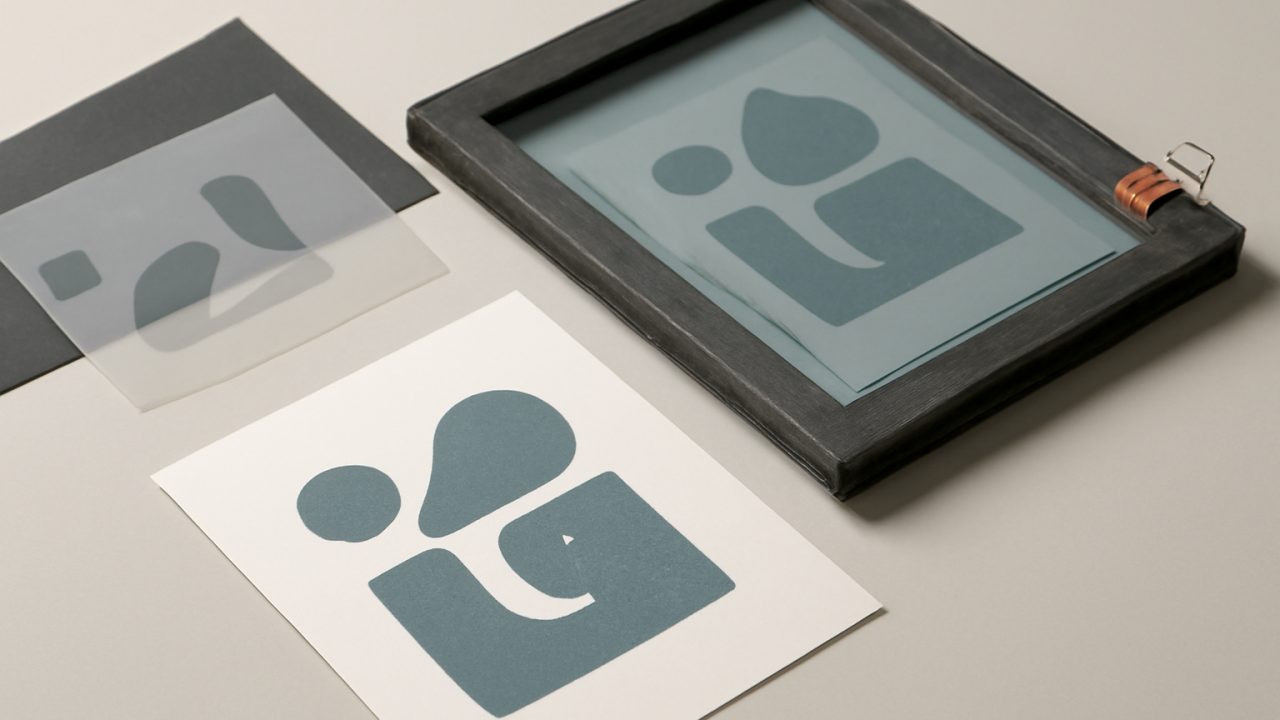
Mockups are listing assets, not proof that a file will print as intended. They help a buyer understand scale, placement, garment color, and the overall product proposition. They also give the team one more opportunity to notice a composition that appears balanced on a transparent canvas but feels too high, too low, too large, or too sparse on an actual shirt.
Configure the product only after the print file has passed its technical review. Select the relevant product, upload the final asset, and check the provider’s product-specific requirements and placement preview. Keep the listing title, description, garment options, and mockups aligned with the exact design being sold; do not let an early concept image stand in for the final prepared file.
Then order a sample before the public launch. Shopify includes sample ordering in its practical POD workflow because the physical garment is the point at which digital assumptions meet the product. Review the print’s placement, visible edge behavior, clarity of small elements, and how the artwork reads on the chosen shirt color.
A sample review can produce three valid outcomes: approve the listing, revise the print file, or change the product configuration. It is not a ceremonial final step. If the image looks different on fabric than it did in the preview, update the asset or product choice and repeat the check when necessary.
Screen AI T-Shirt Concepts for Copyright and Trademark Risk
Complete rights review before listing, checking the design for slogans, logos, characters, names, and recognizable visual references. This asks two separate questions: whether the team can claim rights in its output and whether the concept could conflict with someone else’s rights.
For copyright, AI-generated material is not automatically protected in the United States. The U.S. Copyright Office’s report on copyrightability says protection depends on sufficient human-authored expressive elements. Prompts alone are generally not enough, while human modifications and creative arrangements may qualify depending on the expressive contribution.
For trademarks, the USPTO says similar marks used with related goods can create a likelihood of confusion. Review a supposedly generic joke more closely when it points to a known source or acts as a brand-like identifier; if the team cannot confidently clear the reference, do not upload it while “testing demand.” Replace it with an original concept or obtain appropriate review.
Frequently Asked Questions
Can I sell a t-shirt made with an AI image generator?
A generated image should first pass technical, product, and intellectual-property review. Prepare it for the specific fulfillment product, screen the concept for conflicts, and order a sample rather than treating generation as the final production step.
What file format is best for AI t-shirt designs?
For DTG apparel, a transparent PNG is generally the practical choice because JPEG does not support transparency. Check the fulfillment provider’s requirements for the exact product and inspect the PNG for halos, stray pixels, and unwanted semitransparent areas.
What resolution should a print-on-demand t-shirt file be?
Set the file to its intended physical print size, then consult the provider’s product specifications. Printful generally recommends approximately 150–300 DPI; Printify commonly recommends 300 DPI.
Should I put text in an AI t-shirt prompt?
You can use it during exploration, but generated text requires close checking. For final merchandise, generate or refine the illustration separately and add the approved wording manually when exact spelling, layout, and brand treatment matter.
Does prompting an AI give me copyright in the design?
Not generally by itself in the United States. The Copyright Office says copyrightability depends on sufficient human-authored expressive elements: prompts alone are generally insufficient, while meaningful human modifications or creative arrangement may change the analysis.
Why order a sample if the mockup looks correct?
A mockup shows a digital representation of the product. A sample lets the team inspect the real garment’s print placement, edge behavior, detail clarity, and overall appearance before customers encounter it.