AI Asset Library: Organizing Generated Content for Reuse and Scale
Organize AI-generated visuals, prompts, edits, and campaign assets into a reusable creative library that scales without losing consistency.
TL;DR:
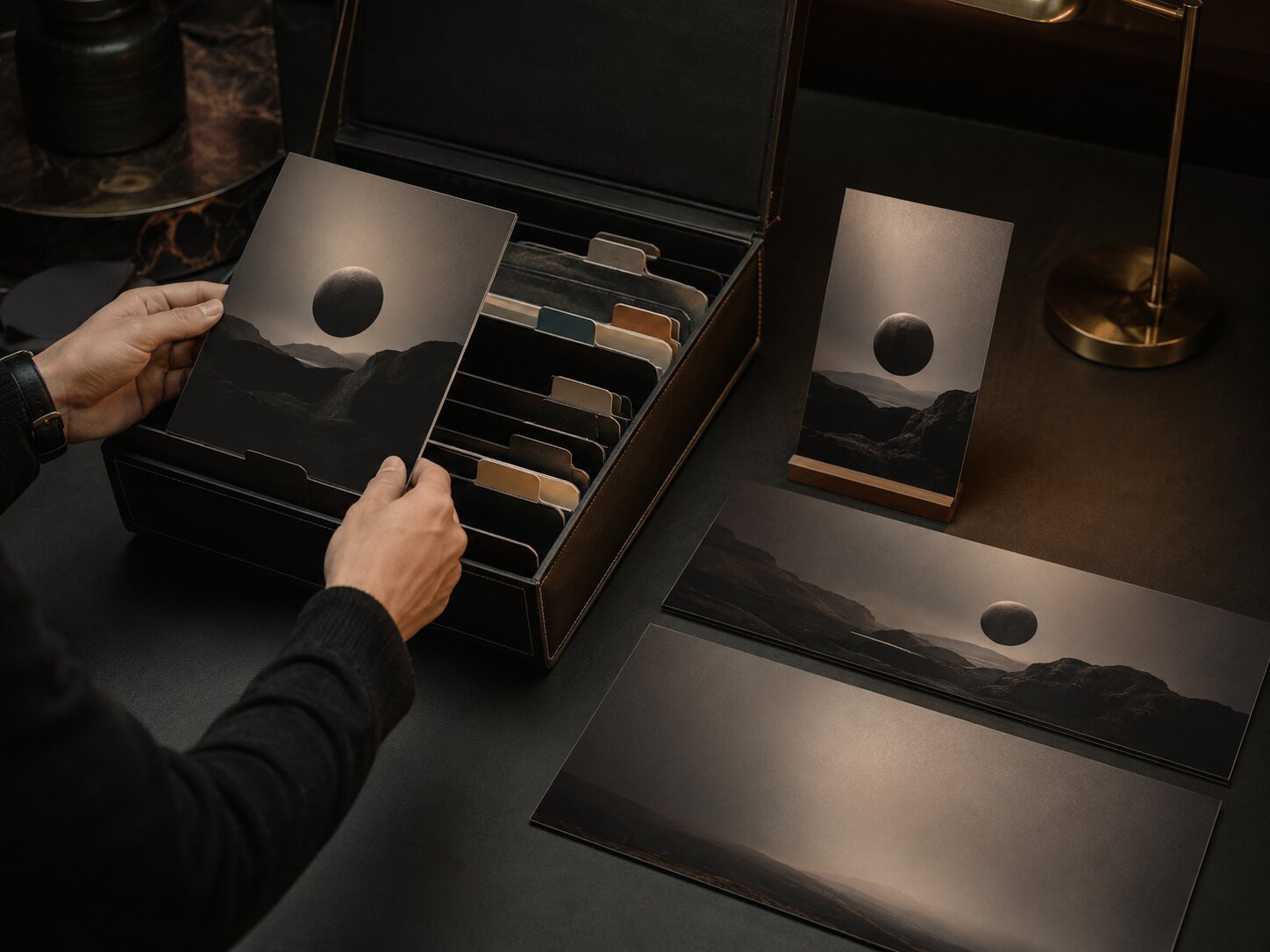
- An AI asset library is a structured home for generated visuals, prompts, references, edits, final exports, and campaign-ready variations.
- The most important practical takeaway is to organize assets by creative intent, status, rights, and reuse potential, not just by file type.
- A good library helps creators scale output while keeping visual identity, review standards, and artistic control intact.
AI makes it easy to generate more creative material than most creators can manage. A single release idea can become cover concepts, social crops, teaser frames, short-form backgrounds, thumbnail options, mood variants, captions, prompt drafts, and unused experiments. That volume is useful only if you can find, trust, refine, and reuse what you made.
For artists, musicians, digital creators, and visual storytellers, the real challenge is no longer “Can I make another asset?” It is “Can I keep my creative world coherent while producing more formats?” A messy folder of AI outputs quickly becomes a graveyard: dozens of almost-useful visuals, unclear versions, forgotten prompts, and no reliable way to know what was approved, edited, licensed, or ready to publish.
This guide shows how to build an AI asset library that supports reuse and scale. You will learn how to sort generated content by purpose, name files clearly, preserve prompts and references, create review states, prepare platform-specific variants, protect rights context, and turn each project into a reusable creative system.
Table of Contents
- Key Takeaways
- Treat the Library as a Creative Memory System
- Sort Assets by Use Case Before You Sort by Format
- Build a Naming System That Survives Launch Week
- Keep Prompts, References, and Decisions Attached
- Create Status Labels for Review, Refinement, and Reuse
- Turn One Visual World Into Multiple Asset Families
- Add Rights, Safety, and Provenance Checks Before Publishing
- Refresh the Library After Every Campaign
- How Orias AI Fits Into an Asset Library Workflow
- Frequently Asked Questions
- Sources Used
Key Takeaways
| Point | Details |
|---|---|
| Organize by creative intent | A reusable AI asset library should group visuals by campaign, mood, audience, asset role, and platform need, not only by image, video, or text format. |
| Preserve the creative context | Save prompts, references, notes, edit history, and final decisions so strong outputs can be repeated or adapted later. |
| Use review states | Labels like “raw,” “shortlisted,” “approved,” “published,” and “archive” prevent unfinished AI output from being mistaken for final creative. |
| Prepare asset families | Treat each strong concept as a system: hero visual, vertical crop, square post, thumbnail, background, teaser, and remix-ready elements. |
| Check rights before reuse | AI-generated assets still require human review for likeness, trademarks, source references, platform rules, and commercial suitability. |
| Review after publishing | A library becomes more valuable when you tag what performed, what stayed on-brand, and what should be reused or retired. |
Treat the Library as a Creative Memory System
An AI asset library is not just cloud storage. It is the working memory of your creative practice.
A standard folder tells you where something lives. A useful asset library tells you what the asset was for, how it was made, whether it was approved, what campaign it belonged to, and how it can be reused. Adobe’s guidance on digital asset management emphasizes metadata, searchability, version control, and asset governance as core parts of managing creative assets effectively.
For independent creators, this does not require an enterprise DAM system. A lightweight library can live in Notion, Google Drive, Dropbox, Airtable, Figma, Canva, or a dedicated creative workspace. The architecture matters more than the tool.
A strong AI asset library should help you answer five questions quickly:
- What project or creative world does this belong to?
- Is this raw, edited, approved, published, or archived?
- What prompt, reference, or mood created it?
- Which formats does it already support?
- Is it safe, original, and appropriate to reuse?
The mistake to avoid is treating AI generations as disposable screenshots. Even rejected outputs can contain useful composition ideas, color directions, textures, symbols, or prompt fragments. The library should separate “not final” from “not useful.”
Sort Assets by Use Case Before You Sort by Format
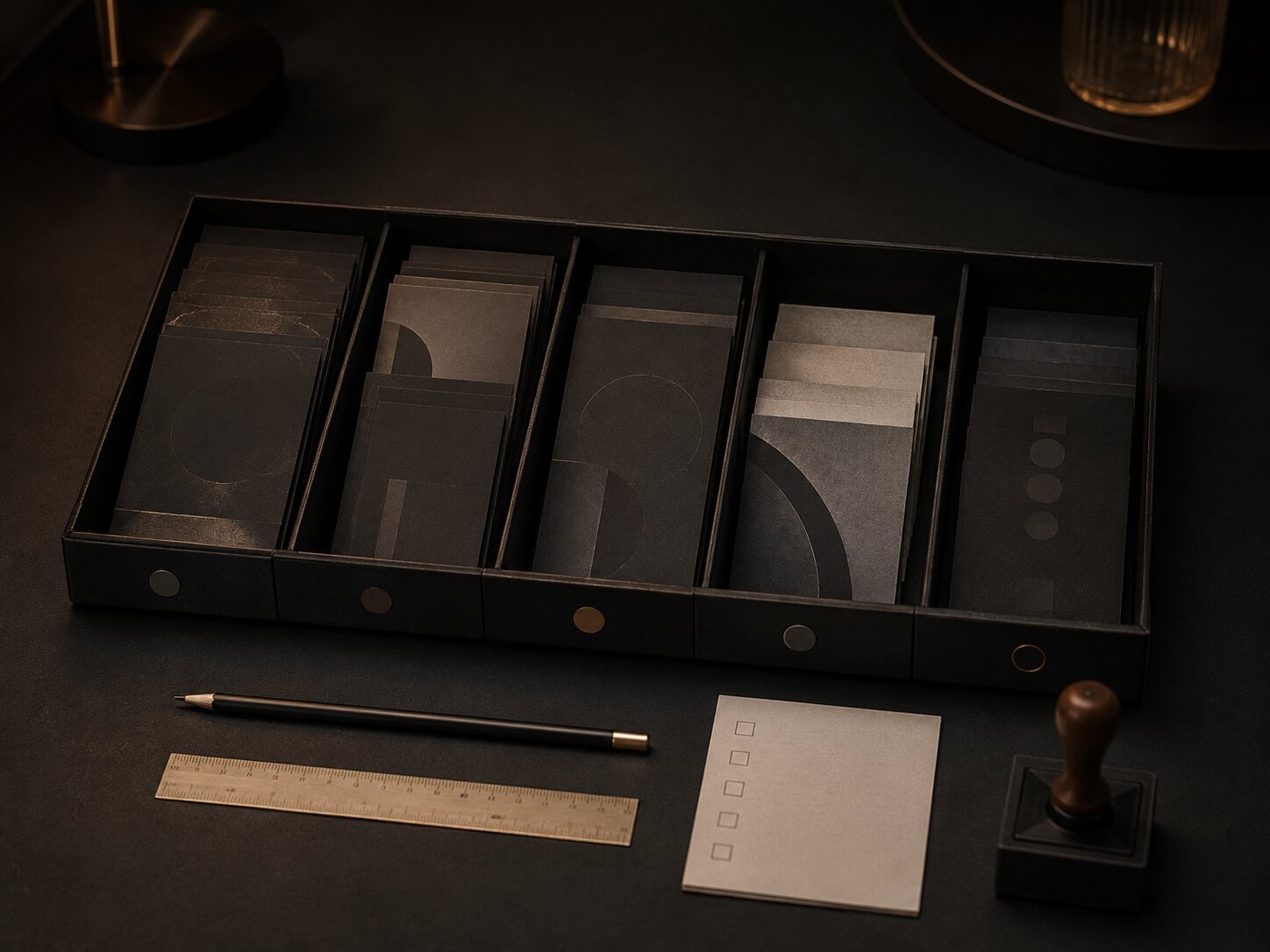
Most creators start with folders like “Images,” “Videos,” “Captions,” and “Exports.” That feels logical, but it breaks down when you need to build a campaign.
A musician planning a release does not think, “I need seven PNG files.” They think, “I need a cover mood, a Spotify Canvas direction, a vertical teaser, a pre-save post, a release-day visual, a lyric snippet background, and a few behind-the-scenes assets.” Spotify for Artists describes Canvas as a short looping visual that can be added to tracks in the Now Playing view.
Organize the top level of your library around creative use cases:
| Library Area | What Goes Inside |
|---|---|
| Brand World | Core visual rules, recurring symbols, textures, color behavior, typography notes, mood references. |
| Campaigns | Launches, releases, drops, seasonal pushes, editorial series, product moments. |
| Asset Families | Hero images, vertical crops, square posts, thumbnails, banners, story frames, motion loops. |
| Prompt Bank | Prompt formulas, negative prompts, reference notes, successful variations. |
| Final Exports | Approved files ready for publishing or delivery. |
| Archive | Retired assets, rejected directions, old versions, experiments worth keeping. |
This structure makes the library useful during real production. A creator building a YouTube series can find thumbnail systems and visual cues quickly. A musician can locate all release-era assets without digging through unrelated files. A creative team can reuse approved campaign elements instead of regenerating from scratch.
Pro Tip: Keep one “Inbox” or “Unsorted” area for new generations, but empty it during a weekly review. An inbox is helpful only if it does not become the library.
Build a Naming System That Survives Launch Week
A good file name should make sense when you are tired, rushed, and three versions deep.
Google Drive’s organization guidance recommends short, simple, meaningful file names, and notes that dates, hashtags, numbers, folders, subfolders, and color coding can help people find files faster. For AI-generated assets, naming should also capture the creative role and status.
Use a simple pattern:
project_assetrole_platform_version_status_date
Example:
night-bloom_hero-visual_release-campaign_v03_approved_2026-06-13
For a music release, your files might look like:
- night-bloom_cover-concept_square_v02_shortlisted_2026-06-13
- night-bloom_canvas-loop_spotify_v01_needs-edit_2026-06-13
- night-bloom_teaser-frame_reels_v04_approved_2026-06-13
- night-bloom_thumbnail_youtube_v03_test_2026-06-13
For a visual storyteller or digital creator:
- studio-notes_thumbnail_youtube_v05_published_2026-06-13
- studio-notes_carousel-cover_instagram_v02_approved_2026-06-13
- studio-notes_background-clean_vertical_v01_reusable_2026-06-13
Keep names readable. Avoid overly cryptic codes unless you work with a team that shares the same system. The goal is not perfect taxonomy. The goal is future clarity.
Mistake to avoid
Do not name files after vague output descriptions such as “blue_cyber_glow_final_final2.png.” That name tells you almost nothing about the campaign, asset role, version, or approval state.
Keep Prompts, References, and Decisions Attached
The most reusable part of an AI asset is often not the image itself. It is the recipe.
When a visual direction works, save the prompt, reference notes, mood language, negative constraints, editing steps, and final decision. This makes the library more than storage; it becomes a creative learning system.
Figma describes libraries as collections of reusable design assets such as components, styles, and variables that can be used across files or projects. Even if you are not designing UI, the principle applies: reusable assets need reusable rules.
For each important AI asset, store:
- Original prompt
- Refined prompt
- Reference images or mood notes
- Tool used
- Date created
- Creator or reviewer
- Edit notes
- Final export locations
- Usage restrictions
- Reuse recommendation
| Field | Example |
|---|---|
| Mood | Nocturnal, soft bloom, intimate, slightly surreal. |
| Works For | Release teaser, vertical background, lyric visual. |
| Avoid | Too much neon, visible fake typography, crowded detail. |
| Prompt Lesson | “Soft practical light” worked better than “cinematic glow.” |
| Reuse Potential | Strong background system for future acoustic versions. |
This is where human judgment matters. AI can generate variations quickly, but it cannot reliably know which image feels like your world, which one has emotional truth, or which one accidentally points in the wrong direction. The decision notes keep your taste visible.
Create Status Labels for Review, Refinement, and Reuse
AI output should not move directly from generation to publishing. A library needs status labels so you can separate exploration from approved creative.
Use a simple status system:
| Status | Meaning |
|---|---|
| Raw | Fresh generation; not reviewed. |
| Shortlisted | Has creative potential. |
| Needs Edit | Useful but requires retouching, crop adjustment, cleanup, resizing, or caption work. |
| Approved | Reviewed and ready for use. |
| Published | Already used publicly. |
| Reusable | Safe and useful for future campaigns. |
| Retired | No longer fits the brand, campaign, rights context, or quality bar. |
This prevents a common problem: someone grabs an old AI image because it “looks good” without realizing it was rejected for a reason. The issue might be subtle — wrong mood, distorted detail, weak crop safety, questionable resemblance, or a visual cue that does not fit the artist’s identity.
For teams, status labels also reduce review friction. Canva’s Brand Kit centralizes brand assets such as logos, colors, fonts, imagery, graphics, and guidance so brand elements can be used consistently. Creators can borrow that logic even in a simple folder system: make the approved path obvious and the unfinished path clearly marked.
Pro Tip: Do not label something “final” unless it is actually approved for publishing. Use “approved” for the decision state and “exported” for the delivery state.
Turn One Visual World Into Multiple Asset Families
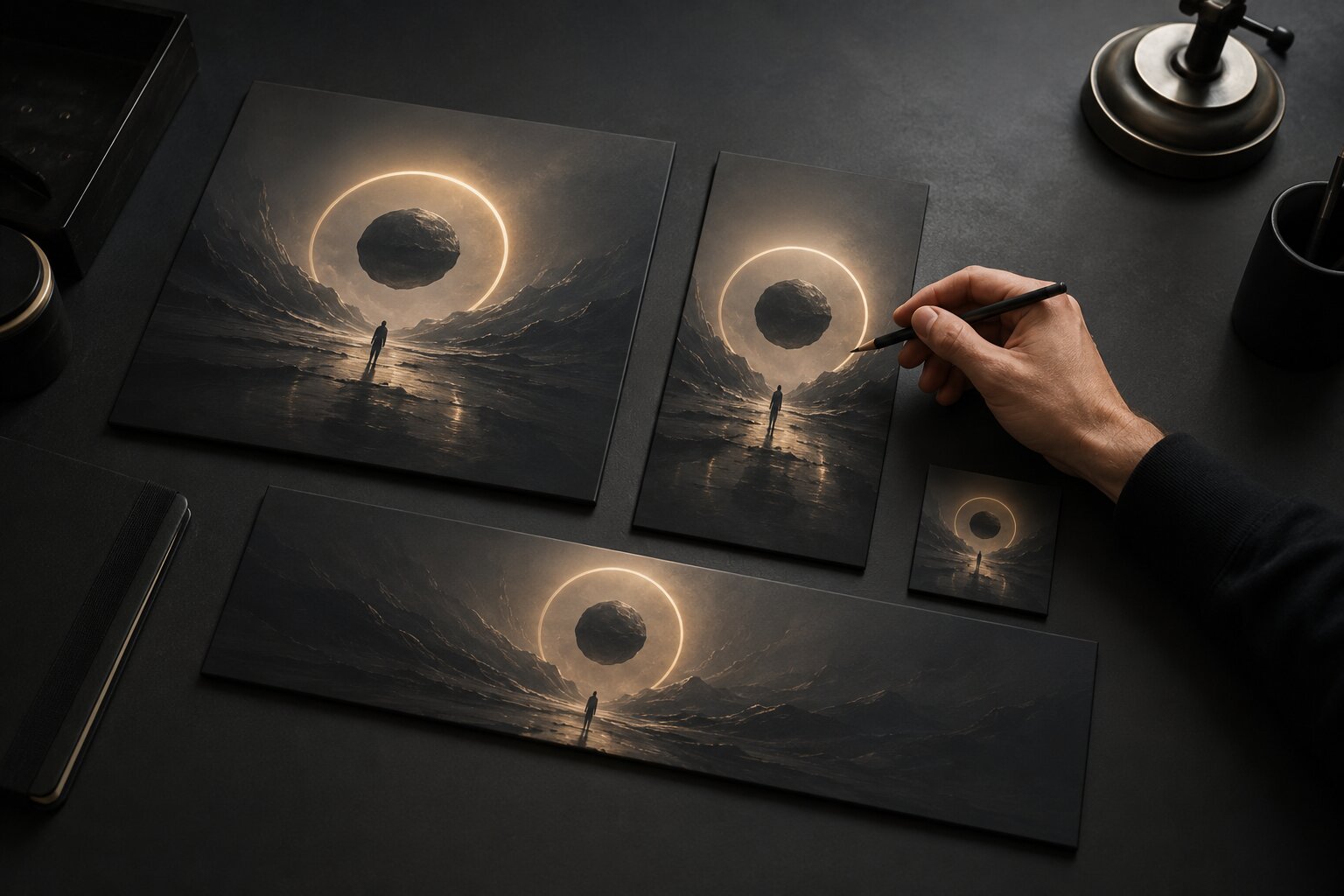
The best AI asset libraries are not built around isolated images. They are built around asset families.
An asset family is a group of related visuals that share the same creative direction but serve different formats. This matters because platforms reward different presentation choices. YouTube advises creators to design thumbnails for the intended viewer, use strong composition, apply branding where useful, and keep text readable. TikTok’s creative guidance emphasizes platform-native creative strategy and practical best practices for producing attention-ready content.
Instead of saving one “nice image,” build a reusable set:
| Asset Family Member | Purpose |
|---|---|
| Hero Visual | Main campaign image, cover concept, or anchor visual. |
| Vertical Crop | Reels, Shorts, TikTok, Stories, Spotify Canvas direction. |
| Square Crop | Instagram grid, announcement post, profile feed asset. |
| Wide Crop | Website hero, YouTube banner, newsletter header. |
| Clean Background | Text overlay, lyric snippet, quote card, title card. |
| Detail Crop | Texture, symbol, object, or close-up for secondary posts. |
| Motion Candidate | Visual that can become a loop, teaser, or animated bumper. |
| Thumbnail Variant | High-clarity image built for quick recognition. |
For musicians, one release visual can become a Canvas direction, teaser background, lyric clip frame, release-day square, and post-release acoustic version asset. For creators, one editorial concept can become a YouTube thumbnail, Instagram carousel cover, newsletter header, and short-form background.
The mistake is generating each format separately with unrelated prompts. That usually creates visual drift. Start with one strong creative direction, then adapt the composition, crop, contrast, and information hierarchy for each placement.
Add Rights, Safety, and Provenance Checks Before Publishing
A scalable AI asset library needs a review layer for rights and safety. This is not just a legal concern; it protects trust, originality, and brand fit.
Canva’s AI product terms state that users are responsible for their inputs and outputs, including having the rights, licenses, and permissions needed for uploaded material. Canva also notes that users are responsible for determining whether AI-generated designs are suitable for commercial use and whether permissions are required for elements such as artworks, photographs, trademarks, or logos.
Before marking an asset reusable, check:
- Does it resemble a real person, brand, artist, logo, character, or copyrighted work too closely?
- Did you use references you have permission to use?
- Is the asset appropriate for commercial, editorial, or personal use?
- Does the platform require disclosure or special handling?
- Are there distorted details, fake text, misleading imagery, or unsafe implications?
- Has the file been edited enough to meet your quality standard?
- Is the source prompt saved for accountability?
Content provenance is also becoming more important. Adobe describes Content Credentials as metadata that can show information about how content was made, including whether it was generated by AI or edited with tools like Photoshop. C2PA describes Content Credentials as a provenance and authenticity standard for media history.
Not every creator needs a full provenance workflow today, but every serious creator should keep internal records. At minimum, store prompts, tools, reference sources, edit notes, and publication history.
Refresh the Library After Every Campaign
An asset library becomes valuable after publishing, not only before it.
Once a campaign, release, or content series goes live, review what happened. Which assets felt most recognizable? Which crops worked across platforms? Which prompt structures gave you the best starting points? Which visuals looked strong in isolation but failed inside the full campaign?
Buffer defines content repurposing as keeping the core idea of a piece and adapting it for other social channels. For visual creators, the same principle applies to AI asset libraries: keep the emotional core, then adapt the format, pacing, crop, and context.
After each project, add three kinds of tags:
| Tag Type | Examples |
|---|---|
| Performance Tag | High save rate, strong thumbnail, weak story reply, good pre-save post. |
| Creative Tag | Strong mood, clear focal point, too generic, off-brand color, reusable texture. |
| Workflow Tag | Easy to crop, hard to edit, prompt worked, needs human retouching, good template. |
This turns your library into a feedback loop. You are not just storing assets. You are building evidence around what your creative world can reuse.
For beginners, this is how AI stops feeling random. For experienced creators, it is how scale stops eroding taste.
How Orias AI Fits Into an Asset Library Workflow
Orias AI is built for creators, artists, musicians, and visual storytellers who need more than isolated generations. In an asset library workflow, it can help turn rough ideas, references, moods, and creative directions into clearer visual worlds, promo assets, release visuals, campaign materials, voice variants, and publish-ready creative packs.
The useful connection is structure. Instead of prompting one asset at a time and losing the thread, creators can use Orias AI to shape a concept into a more coherent asset system: mood direction, visual rules, campaign variations, release materials, and reusable creative outputs.
For an independent musician, that might mean building a release-era asset library before the campaign gets stressful. For a digital creator, it might mean keeping thumbnails, short-form visuals, and social graphics aligned. For a small creative team, it can mean fewer disconnected outputs and a clearer review process.
AI should not replace your taste. A good asset library gives your taste a system to work through.
Frequently Asked Questions
What is an AI asset library?
An AI asset library is an organized system for storing AI-generated visuals, prompts, references, edits, final exports, and campaign variations. It helps creators find, review, reuse, and adapt generated content without starting from scratch every time.
How should I organize AI-generated content?
Start by organizing around creative purpose: campaign, release, content series, mood, asset role, platform, and approval status. File type matters, but it should not be the main structure because real creative work usually depends on use case.
What should I save besides the final image?
Save the prompt, reference notes, tool used, edit history, reviewer notes, rights context, final export versions, and reuse recommendations. These details make it easier to recreate the visual direction later.
How do musicians benefit from an AI asset library?
Musicians can use one visual world across cover concepts, Spotify Canvas directions, teaser clips, lyric visuals, release-day posts, tour graphics, and post-release content. This makes the campaign feel more coherent and reduces last-minute asset creation.
How do I keep AI-generated assets visually consistent?
Define visual rules before generating too many outputs. Track mood, lighting, color behavior, texture, composition, symbols, typography style, and negative constraints. Consistency comes from creative direction, not from random prompt repetition.
Can I reuse AI-generated assets commercially?
It depends on the tool, input material, output, platform, and rights context. Review each asset for resemblance to protected works, brands, logos, real people, and references you do not have permission to use. Keep internal notes before marking anything “reusable.”
What is the biggest mistake creators make with AI asset libraries?
The biggest mistake is saving everything without status labels or context. A useful library should separate raw experiments from approved assets, preserve prompts and decisions, and make the best material easy to adapt later.
Sources Used
- Adobe Digital Asset Management
- Adobe Experience League Metadata Best Practices
- Figma Libraries Documentation
- Canva Brand Kit
- Canva AI Product Terms
- Google Drive File Organization Help
- Spotify for Artists Canvas
- YouTube Help Thumbnail & Title Tips
- TikTok Business Creative Best Practices
- Buffer Content Repurposing Guide
- C2PA Content Credentials
- Adobe Content Credentials Overview