AI Image Editing: Inpainting, Outpainting and Generative Fill for Production-Ready Visuals
Inpainting, generative fill and outpainting make bounded image edits possible. Use masks, prompts and review steps to protect production assets.
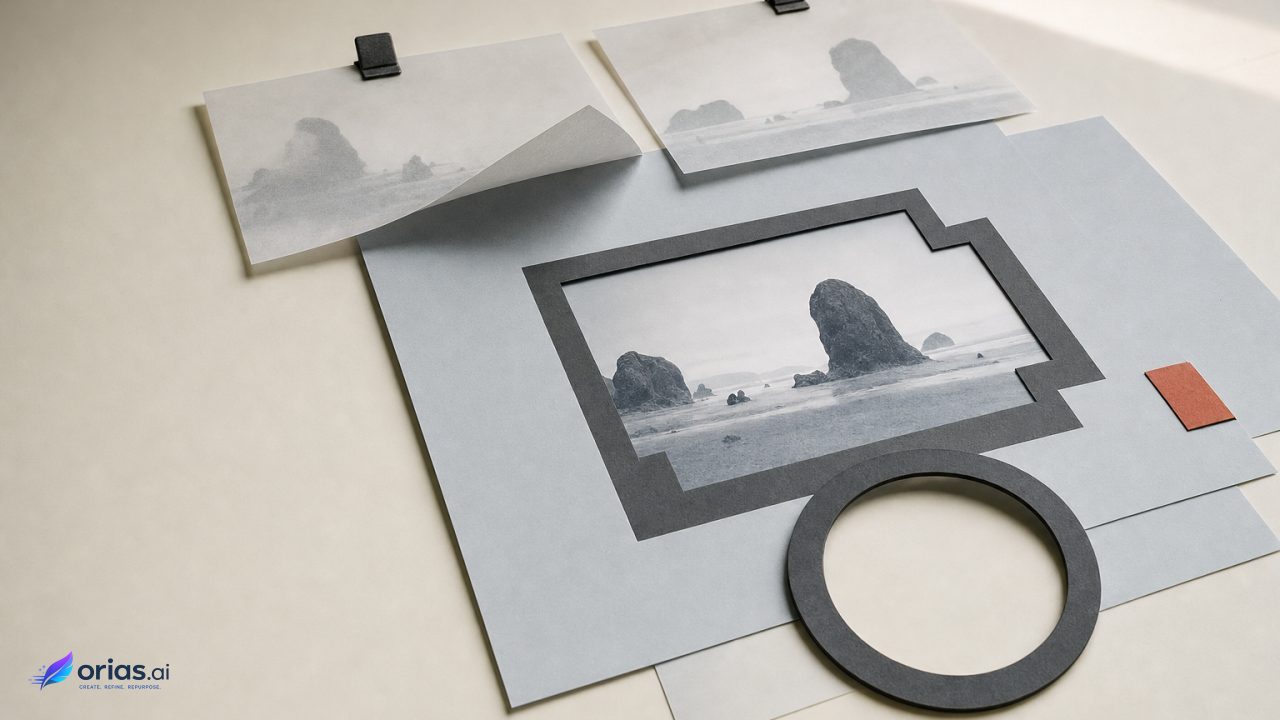
Inpainting changes a selected part of an existing image. Generative fill is the operation used to add, remove, replace or contextually fill that selected area. Outpainting extends the image beyond its original edges, generating new content to continue the scene. The distinction matters in production because each operation establishes a different boundary for what the model is allowed to invent.
A local correction—a removed sign, a replaced prop, a cleaned background—calls for a tightly bounded inpaint. A new vertical crop from a horizontal campaign visual calls for an outpaint, with a larger compositional decision and a larger area to inspect. In both cases, the original asset should be treated as the reference that constrains the edit, not as loose inspiration for a fresh generation.
Inpainting, Generative Fill and Outpainting Solve Different Edit Boundaries
Inpainting edits or replaces a chosen region while using the surrounding image as context. In production interfaces, that editable region is normally defined by a selection or mask; content outside it remains protected. Adobe describes this as an edit in which the generation is conditioned by the surrounding image rather than a wholesale replacement of the asset.
Generative fill describes what happens inside that boundary. A team can use a text prompt to add, remove or replace an object, or leave the prompt blank to ask for a contextual fill based on neighboring pixels. A blank prompt is therefore not an absence of instruction: it delegates the visual decision to the image context. That can be useful when removing a small distraction, but it offers less direction when the replacement needs to meet a specific art-direction brief.
Outpainting—also called generative expand or uncropping—moves the boundary outward. Instead of modifying a region inside the original frame, it enlarges the canvas and synthesizes content intended to continue the source scene, composition and visual style. The source image remains central, but the model now has to infer what was outside the camera frame or crop.
These labels may overlap in software menus, since the underlying systems can support both local repair and canvas extension. The practical distinction is simpler: use inpainting when the existing composition is substantially right and one area needs work; use outpainting when the frame itself no longer serves the placement.
Masks and Selections Define What the Model May Change
The mask is the principal control in a bounded generative edit. It identifies the area to change and establishes the protected area that should remain intact. A precise selection reduces the chance that an edit intended for one object spills into nearby product detail, a face, a logo or a key part of the composition.
That makes selection work more than interface housekeeping. It is a quality-control step before generation. Review whether the selection includes all of the unwanted object, any necessary contact shadow or reflection, and enough adjacent material for a plausible transition. Conversely, do not casually include elements that must retain their original shape, identity or placement.
Mask preparation has the same role in automated workflows. In API-based inpainting, a mask is supplied alongside the source image and identifies where the edit should occur. The implementation can be technically valid while still producing a poor result if the mask describes the wrong edge, omits relevant pixels or includes protected material. The API is not a substitute for an editorial decision about the exact extent of the requested change.
For a creative team, a useful handoff names three things: the source asset, the editable region, and the non-negotiable content outside it. “Remove the cable” is incomplete if the cable crosses a sleeve, a tabletop and a branded package. A better brief defines the selected cable area, notes the surfaces that need reconstruction, and identifies the package as protected.
How Context, Prompts and Denoising Produce an Edit
Many modern image-editing systems use diffusion-based generation. At a high level, the system performs a denoising process conditioned on inputs such as an image, a mask, text or other controls. Latent-diffusion systems perform that process in a compressed latent representation, an approach developed to reduce computational cost while retaining visual detail.
For the editor, the important point is not the internal representation but the set of conditions supplied to the model. The source image provides scene context. The mask marks where the intervention belongs. A prompt can specify what should appear there. Together, these inputs guide an output that must make visual sense both within the generated area and at its boundary with unchanged pixels.
Use a blank prompt when the intended result is an unobtrusive contextual repair: remove a small object and let the surrounding wall, grass or tabletop determine the fill. Use a prompt when the replacement has a concrete brief, such as a particular type of furniture or a specified visual element. Neither route guarantees a precise result. Research on diffusion-based editing notes that quality depends on how well the conditions preserve structure, identity and the intended relationship between edited and unchanged regions.
This is why prompts should describe the requested addition or replacement, not attempt to re-author the whole image. A short, specific instruction gives the model a task that fits the selected boundary. If a prompt demands a radically different scene inside a tiny mask, the result may strain against the inherited lighting, perspective and geometry.
Inpainting and uncropping can both be handled within broader image-to-image diffusion approaches, but they do not carry the same review burden. A local edit may only need a close check of edges and continuity. An extension may alter the perceived balance of the entire frame.
A Production Sequence: Replace a Distracting Object, Then Reframe the Asset
Consider a campaign photograph that works for a wide placement but contains a distracting object near the subject and needs a taller derivative. Treat this as two related edits rather than one broad instruction to “fix and expand” the image.
- Protect the source. Work from a versioned copy and identify the content that must not move or change. In this example, that might include the subject, product, wordmark and the established focal area.
- Make a bounded selection around the distraction. Include the object and the immediate pixels that need reconstruction, while keeping protected details outside the selection. This uses the selection boundary as the control on the local correction.
- Choose the fill instruction. For simple removal, a blank prompt can allow a contextual fill. If the brief calls for replacement, specify the intended object or material in a concise prompt.
- Review the generated variations. Compare edges, texture continuity and whether the edit interferes with the original composition. Generated outputs are variations to select and refine, not guaranteed final assets.
- Expand only after the local repair is approved. Enlarge the canvas or crop boundary in the required direction for the taller placement. Optionally describe the desired extension, generate multiple variations, and select the one that best matches the source composition.
The order matters. If the team outpaints first, it creates more generated material to inspect while leaving the known defect unresolved. Repairing the local issue first preserves a stable reference for the reframing decision. It also makes review more legible: one approval concerns the inpaint; the next concerns the expanded composition.

When to Use Inpainting Instead of Extending the Canvas
Choose inpainting when the required change is inside the existing frame and the original crop still does its job. Typical requests include removing a distraction, replacing a bounded object, or repairing an area whose surroundings provide enough visual context. Its main advantage is constraint: the edit can be isolated with a selection, leaving the rest of the asset protected.
Choose outpainting when the request changes the frame: a different aspect ratio, more headroom, additional side space for layout, or an uncropped version of a tightly framed asset. Here the model must generate content beyond the known image. The decision is no longer only whether a new patch looks plausible; it is whether the extended frame still directs attention where the campaign needs it.
A common misconception is that outpainting is merely a larger inpaint. Both operations may use related image-to-image denoising methods, but their operational risks differ. A small local repair can fail at a seam or distort a nearby detail. An extension can fail more globally by creating a continuation that weakens the composition, breaks a structural relationship or does not support the intended layout.
Do not use outpainting as an automatic remedy for every placement request. If the new format can be served with an approved crop, that may preserve more of the original asset. If additional canvas is genuinely needed, define which direction needs expansion and what composition must remain intact before generating options.
Large Outpaints Need Structural and Resolution Review
Generated extensions should enter the production process as candidates, not as finals. Adobe’s generative-editing workflow provides multiple variations for selection and further refinement, a useful model for review even when a team uses a different tool or a custom implementation.
The need for review increases with the size and importance of the generated area. Research on outpainting identifies resolution degradation and loss of structural coherence between the original image and the newly generated region as continuing difficulties when the extension is large. In practice, inspect whether lines, surfaces, spatial relationships and visual detail remain credible across the original-to-generated boundary.
Review at the scale that matches the delivery decision. Check the full frame for balance, focal hierarchy and unwanted compositional shifts. Then inspect the transition area and any important generated detail at working resolution. If the output fails either test, refine the selection or extension request, generate another variation, or escalate the asset for further manual work rather than trying to force approval.
The escalation limit should be explicit: when a result cannot preserve the required structure, identity or compositional relationship, stop treating it as a simple generative edit. That is the point to change the brief, choose another crop, or move the asset into a more involved retouching workflow.
Frequently Asked Questions
Does inpainting change pixels outside the selected area?
Its purpose is to edit the selected region while protecting the unselected image. Because the result still has to meet the surrounding pixels at the boundary, inspect that transition closely before approval.
Is a text prompt required for generative fill?
No. A blank prompt can fill the selected region using surrounding image context. Add a prompt when the fill needs to introduce, remove or replace content according to a specific brief.
How does generative fill differ from outpainting?
Generative fill operates within a selected area of the existing image. Outpainting extends the canvas beyond the original frame and generates a continuation of the scene.
What makes a good mask for an AI image edit?
It covers the material that should change and enough adjacent pixels for a clean reconstruction, while excluding details that must remain unchanged. For API work, that same mask is the direct instruction defining the editable region.
When is an outpaint too large to trust without further work?
There is no universal threshold. Treat broad extensions as higher-risk when they must maintain important structures or deliver at demanding resolution, since large generated regions can lose coherence with the source or degrade in resolution.