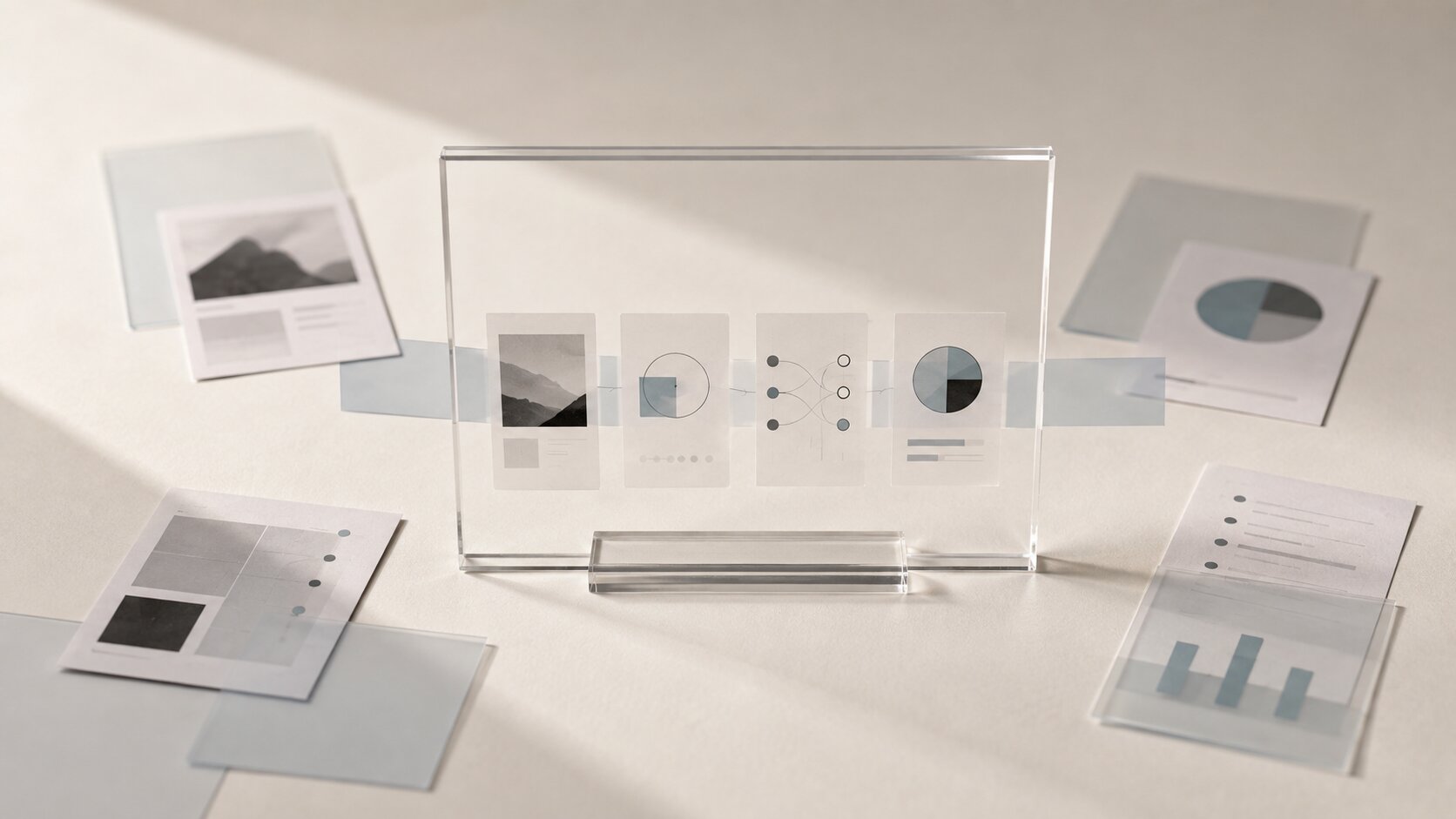
The Content Refresh System: Updating Old Assets with AI Without Losing Brand Fit
Refresh old creative assets with AI while protecting brand fit, visual consistency, platform context and human creative judgment.

TL;DR:
- A strong content refresh system does not treat old assets as disposable.
- The best workflow separates what should stay, what should evolve, and what needs to be rebuilt for today’s platform context.
- AI can help generate variations, resize assets, explore new visual directions, and speed up repurposing, but brand fit still depends on a clear creative brief, human review, and a consistent visual system.
Most creators have a hidden archive problem. Old thumbnails, release visuals, promo graphics, campaign posts, story assets, cover crops, and short-form edits are sitting in folders, project files, cloud drives, or social feeds. Some still have strong ideas behind them. Others feel dated, inconsistent, or rushed.
AI makes it tempting to regenerate everything from scratch. That is fast, but it can also erase the recognizable creative language that made the original work yours. A musician might lose the atmosphere of a release era. A visual storyteller might flatten a distinctive world into generic “premium” imagery. A creator might update old posts so aggressively that the feed starts to look like three different brands at once.
The better approach is a content refresh system: a structured way to evaluate old assets, preserve the parts that still carry meaning, and use AI to improve the parts that no longer work. This guide shows how to refresh your archive without losing brand fit, visual identity, or creative intent.
Table of Contents
- Key Takeaways
- Treat the Archive as Source Material, Not Clutter
- Decide What Deserves a Refresh Before Opening an AI Tool
- Extract the Brand DNA from the Original Asset
- Build a Refresh Brief That AI Can Actually Follow
- Use AI for Controlled Variation, Not Creative Amnesia
- Adapt the Asset to the Platform, Not Just the Size
- Review for Brand Fit Before You Publish
- Turn Every Refresh into a Reusable System
- How Orias AI Fits into a Content Refresh Workflow
- Frequently Asked Questions
- Sources Used
Key Takeaways
| Point | Details |
|---|---|
| Refreshing is not replacing | The goal is to improve old assets while preserving the idea, mood, audience promise, or visual world that made them useful. |
| AI needs a creative boundary | Without a refresh brief, AI can produce polished but off-brand results that weaken recognition. |
| Platform context matters | A refreshed thumbnail, Canvas, Reel, ad crop, or story asset should be redesigned for how people encounter it today. |
| Human review protects taste | AI can generate options quickly, but the creator still needs to judge originality, emotional fit, rights, and brand consistency. |
| Every refresh should improve the system | Save prompts, rules, references, and approved outputs so future refreshes become faster and more coherent. |
Treat the Archive as Source Material, Not Clutter
Old assets are not just outdated files. They are evidence of previous creative decisions.
A release poster might show the color palette that fans associate with a song. A YouTube thumbnail might contain a visual metaphor that still works, even if the typography feels old. A campaign image might have a strong composition, but weak platform formatting. A social carousel might have useful messaging, but dated layout rhythm.
Before using AI, look at the archive as creative raw material. Sort assets into four groups:
| Asset Type | What It Means | Best Refresh Move |
|---|---|---|
| Still aligned | The asset still fits the brand, but needs technical updates | Resize, sharpen, clean, extend, or adapt |
| Strong idea, weak execution | The concept works, but the visual quality or layout is dated | Rebuild using the original mood and structure |
| Platform mismatch | The asset was made for one format but now needs another | Reframe for vertical, square, wide, or motion use |
| Off-brand | The asset no longer matches the creator’s direction | Archive it, reference it lightly, or retire it |
The mistake is treating every old asset as equally valuable. A content refresh system starts with selection. Some assets deserve a careful update. Some should become references. Some should disappear from your active creative language.
Decide What Deserves a Refresh Before Opening an AI Tool
Not every asset needs to be refreshed. A creator can waste hours polishing posts that no longer support the current direction.
Use three filters before touching the asset:
1. Audience relevance
Does the asset still speak to the people you want to reach now? A musician who has moved from bedroom pop to darker electronic visuals may not need to update every soft pastel post from an earlier era.
2. Brand continuity
Does the asset contain something recognizable: a color behavior, object, pose, texture, lighting style, symbol, typography habit, or emotional tone?
3. Campaign usefulness
Can the asset be reused in a current or upcoming context? Examples include a release anniversary, tour announcement, playlist push, YouTube relaunch, portfolio update, or paid promo test.
A useful refresh candidate usually has at least two of those three qualities. If an asset has no audience relevance, no brand continuity, and no campaign use, AI will only make it prettier. It will not make it strategic.
Pro Tip: Build a simple “refresh queue” with columns for asset name, original purpose, current problem, refresh goal, formats needed, and final approval status. This turns asset updating into a repeatable workflow instead of random folder diving.
Extract the Brand DNA from the Original Asset
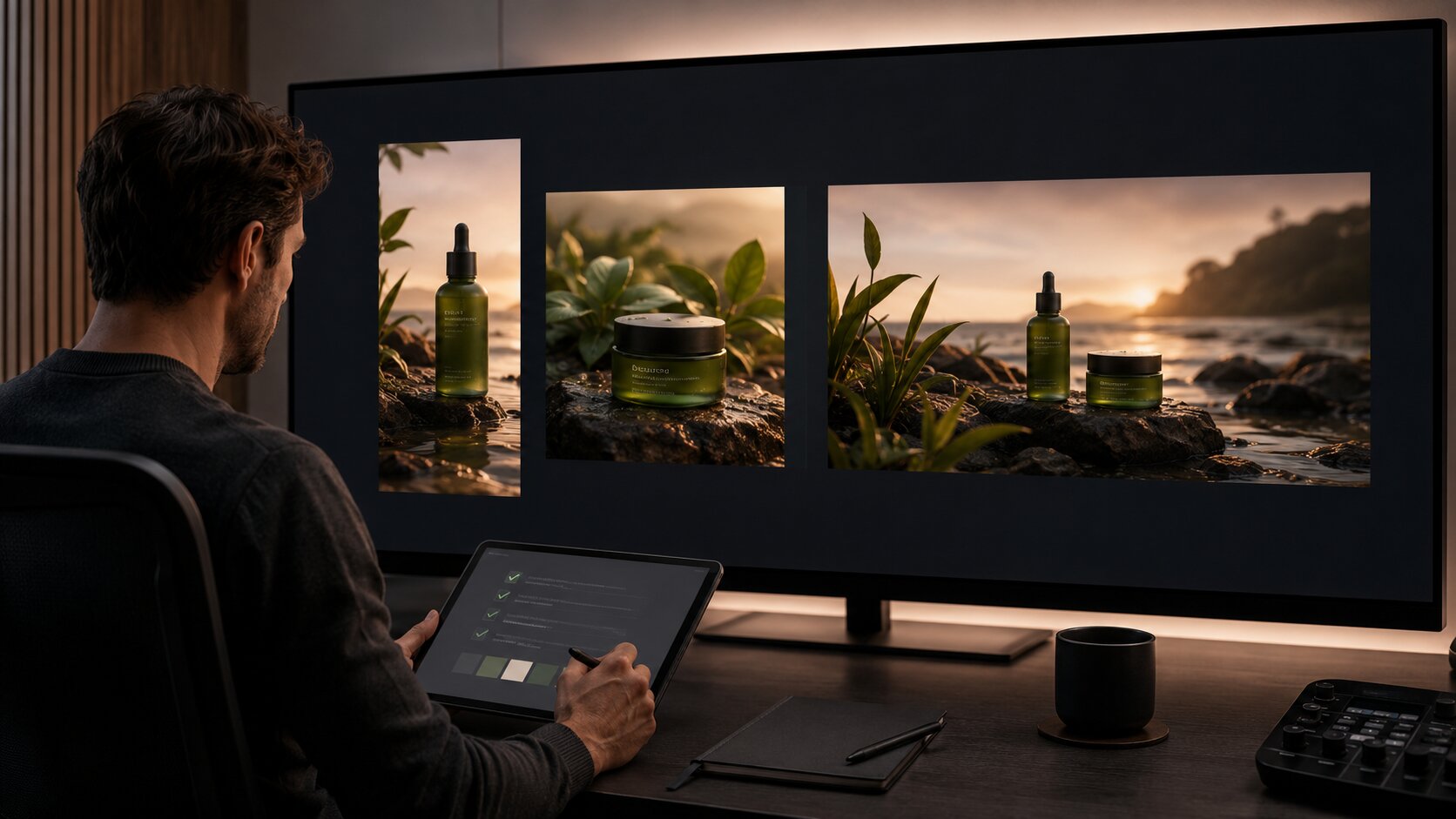
Brand fit is not just about using the same logo or color. For creators, brand fit often lives in softer signals: atmosphere, pacing, emotional tension, framing, symbolic objects, grain, contrast, negative space, styling, and the kind of story the image seems to imply.
Before prompting AI, write down what should survive.
For example, an old music release visual might have:
- Blue-gray night lighting
- A lonely architectural setting
- Blurred motion in the background
- Minimal human presence
- Small typography
- A feeling of distance and restraint
Those details are more useful than saying “make this look modern.” They give AI a direction and give you a review standard.
For visual storytellers, this step matters even more. AI tools are good at creating polished surfaces, but consistency comes from creative direction, not random prompting. Canva’s Brand Kit, for example, is built around storing official logos, colors, fonts, and assets in one place, which reflects the broader principle: consistency improves when visual rules are explicit, not implied.
Brand DNA note example:
Keep: muted contrast, cinematic darkness, reflective surfaces, restrained composition.
Change: typography hierarchy, export quality, platform crop, outdated text.
Avoid: bright neon, busy collage, exaggerated facial expressions, glossy tech aesthetic.
This note becomes the guardrail for the AI workflow.
Build a Refresh Brief That AI Can Actually Follow
A weak AI prompt asks for a new asset. A strong refresh brief explains what the old asset did, what must remain, and what needs to change.
Use this structure:
| Brief Element | What to Include |
|---|---|
| Original asset role | “This was a launch visual for a single release” or “This was a YouTube thumbnail for a tutorial.” |
| Brand signals to keep | Mood, lighting, composition, palette, texture, symbols, visual metaphor. |
| Problems to solve | Low resolution, weak hierarchy, dated type, bad crop, inconsistent tone. |
| New format requirements | Feed post, vertical story, thumbnail, short-form cover, Canvas, banner, ad variation. |
| Audience context | Existing fans, cold viewers, playlist listeners, newsletter audience, social followers. |
| Non-negotiables | No readable text, no logos, no faces, no extra objects, no style drift, no exaggerated effects. |
| Human review criteria | Brand fit, clarity, platform suitability, rights, originality, emotional accuracy. |
Here is a practical example:
Refresh this old release visual into a new vertical promo asset. Preserve the quiet nighttime mood, soft blue-gray palette, reflective floor, and lonely architectural feeling. Improve the composition for a 9:16 story format. Make the subject area cleaner and leave space for title treatment. Avoid neon, cyberpunk, heavy text, logos, or overly dramatic lighting. The result should feel like an updated version of the same release world, not a new brand.
That kind of brief gives AI boundaries. It also gives you a way to reject outputs that look good but do not belong.
Use AI for Controlled Variation, Not Creative Amnesia
The most common AI refresh mistake is over-generation. A creator uploads one old asset, asks for “new versions,” and receives twenty attractive images that no longer relate to the original idea.
A better system uses controlled variation. Change one or two variables at a time:
| Variation Type | What Changes | What Stays Fixed |
|---|---|---|
| Format variation | Aspect ratio, crop, layout space | Mood, palette, subject, atmosphere |
| Mood variation | Slightly warmer, colder, calmer, more urgent | Core visual metaphor and composition |
| Campaign variation | Hook, CTA area, framing emphasis | Brand world and asset family |
| Platform variation | Thumbnail clarity, story safe area, feed crop | Creative direction |
| Seasonal variation | Subtle timing cues | Brand identity and original concept |
AI is especially useful for exploring options quickly, extending backgrounds, generating alternate crops, cleaning up rough references, creating mood-consistent variants, and building asset families. But it should not decide the creative identity for you.
Meta’s Advantage+ creative features are designed to optimize images and videos into versions audiences may be more likely to interact with, which is useful in a performance context. But for creators, optimization should not be confused with authorship. A platform can help adapt assets. It cannot know which visual choices are sacred to your world.
Keep a “locked layer” mindset: lock the emotional promise, visual metaphor, and brand signals before generating variations. Then let AI help with execution.
Adapt the Asset to the Platform, Not Just the Size
Refreshing content is not only resizing. A 16:9 visual cropped into 9:16 may technically fit a story, but still fail because the subject is too low, the focal point is hidden by interface elements, or the visual rhythm feels wrong for the feed.
Different platforms create different viewing situations.
For YouTube, thumbnails need clarity at small sizes, strong visual hierarchy, and easy readability. YouTube’s own thumbnail guidance encourages creators to think about the target viewer, use composition principles like the rule of thirds, avoid overly busy designs, and use readable fonts if text is added.
For TikTok-style vertical video, creative has to feel native to the feed. TikTok’s business guidance emphasizes vertical production, high-resolution footage, and awareness of UI-safe space.

For Spotify Canvas, the constraints are even more specific. Spotify says Canvas is a 3–8 second vertical loop that appears in the Now Playing View, and its guidelines call for a 9:16 format, MP4 or JPG, and avoiding footage that tries to sync talking or singing to the track.
That means one old release image could become:
- A clean square feed announcement
- A vertical story crop with space for date and CTA
- A short looping Canvas-style visual
- A YouTube community post image
- A playlist pitch visual reference
- A press-kit banner crop
- A paid promo variation
Each version should feel connected, but not identical. The system is not “make one image and export it everywhere.” The system is “carry one creative idea across different contexts.”
Review for Brand Fit Before You Publish
AI-assisted refreshes need a final review pass. This is where many creators rush.
Use a five-part review:
1. Recognition
Would someone familiar with your work feel this belongs to the same world?
2. Clarity
Does the asset communicate quickly in its intended format?
3. Taste
Does it feel intentional, or does it look like AI decoration?
4. Rights and ethics
Are there likeness, reference, copyright, disclosure, or platform-policy issues?
5. Technical readiness
Is the asset correctly cropped, exported, named, compressed, and organized?
AI transparency also matters. YouTube provides an “AI use” disclosure setting for content that is AI-generated or meaningfully AI-altered, and disclosed content may be labeled for viewers. Meta has also described its approach to labeling organic AI-generated content across its platforms. Adobe’s Content Credentials documentation describes metadata that can show how content was made, including whether it was generated or edited with AI tools.
For creators, the safest habit is simple: do not publish AI-refreshed work without checking platform rules, usage rights, disclosure expectations, and whether the output could mislead viewers.
Mistake to avoid: Do not approve an asset only because it looks more expensive. Brand fit is not the same as polish. A rough but distinctive visual can be more valuable than a glossy asset that could belong to anyone.
Turn Every Refresh into a Reusable System
A content refresh system becomes powerful when every finished asset improves the next one.
After each refresh, save:
- The original asset
- The refresh brief
- The AI prompts or workflow notes
- The approved outputs
- The rejected outputs
- The reason each final asset was approved
- Export settings and platform versions
- Any new brand rules discovered during review
This creates an asset memory. Over time, you will know which prompts preserve your mood, which crops work for your audience, which colors drift too far, which visual metaphors are worth repeating, and which platform formats deserve custom treatment.
This also helps creative teams. Instead of arguing subjectively about whether something “feels right,” the team can compare the asset against documented rules. The archive becomes a working brand system.
Google’s Performance Max creative guidance recommends refreshing creative assets frequently in campaign contexts, especially when moving from generic assets to more time-specific promotions. The same principle applies to creators: refreshes work best when they are planned around real moments, not done randomly.
Useful refresh triggers include:
- A new release campaign
- A tour, drop, launch, or announcement
- A seasonal push
- A platform relaunch
- A visual identity update
- A high-performing old post that deserves a new version
- A content series that needs more consistency
- A portfolio or press kit update
The goal is not endless revision. The goal is to keep your best ideas alive in formats that still work.
How Orias AI Fits into a Content Refresh Workflow
Orias AI is built for creators, artists, musicians, and visual storytellers who need more than isolated AI outputs. A strong refresh workflow requires rough references, mood, creative direction, asset variation, review, and publish-ready organization to work together.

For an old campaign, release, or visual identity system, Orias AI can help turn scattered references and outdated assets into a clearer creative direction. From there, creators can explore updated promo assets, release visuals, campaign materials, voice variants, and creative packs while keeping the original mood and brand logic visible.
The important part is control. Orias AI should not replace taste, authorship, or final judgment. It should help creators move faster from “this old asset still has something” to “this refreshed creative pack is ready to use.”
Frequently Asked Questions
What is an AI content refresh system?
An AI content refresh system is a structured workflow for updating old creative assets with AI while preserving brand fit. It usually includes an archive audit, brand DNA extraction, refresh briefs, controlled AI variation, platform adaptation, and human review.
Which old assets are worth refreshing?
Refresh assets that still have audience relevance, brand continuity, or campaign value. Examples include strong release visuals, high-performing thumbnails, useful promo graphics, evergreen posts, portfolio pieces, and campaign concepts that still match your current direction.
How do I stop AI from making refreshed assets look generic?
Give AI specific constraints. Define the mood, palette, composition, visual metaphor, texture, audience, and things to avoid. Then review outputs against your brand system instead of choosing the most polished image.
Can musicians use AI to refresh release visuals?
Yes. Musicians can use AI to update cover crops, Canvas-style loops, teaser visuals, announcement graphics, lyric snippets, playlist promo assets, and social posts. The key is to preserve the emotional world of the release rather than creating unrelated visuals.
Should I disclose AI-refreshed content?
It depends on the platform, the type of AI use, and whether the content is synthetic or meaningfully altered. Check the current rules for each platform before publishing, especially if the asset includes realistic people, voice, events, or potentially misleading edits.
Is refreshing content better than creating new content?
Not always. Refreshing is best when an old idea still has strategic value. Creating from scratch is better when the asset no longer fits your audience, brand direction, or campaign goals.
How often should creators refresh old assets?
Refresh when there is a reason: a launch, release anniversary, platform update, campaign push, brand identity shift, or strong old post worth reusing. Random refreshing can create more clutter. Systematic refreshing strengthens the archive.