By Orias AI
How to Build a Creator Content Series with AI
Build a repeatable AI-assisted content series with clear content pillars, consistent visual direction, platform-ready assets and human review.

TL;DR:
- A strong creator content series starts with a repeatable idea, not a folder of random AI outputs.
- Use AI to shape pillars, episode angles, visual directions, hooks, prompts, and asset variations.
- Human judgment is still essential for voice, taste, originality, platform fit, and final selection.
Most creators do not run out of creativity. They run out of structure.
One week, you have five strong ideas. The next week, every post feels disconnected. A video performs well, but you do not know how to repeat the format without copying yourself. You experiment with AI tools, but the results feel scattered: good images, decent captions, interesting concepts, yet no clear series that audiences can follow.
That is where a creator content series becomes useful. A series gives your ideas a container. It helps artists, musicians, visual storytellers, educators, and independent creators turn one creative direction into repeatable episodes, recurring formats, and platform-ready assets.
AI can make that process faster, but it cannot replace the core decision: what is this series really about, and why should people come back for the next installment? This guide shows how to build a creator content series with AI while keeping your taste, voice, and visual identity at the center.
Table of Contents
- Define the series engine before making content
- Choose pillars that can carry multiple episodes
- Create a visual language your audience can recognize
- Use AI as a variation studio, not an autopilot
- Adapt each episode for the platform it lives on
- Build a weekly production loop you can sustain
- Review performance without flattening your voice
- How Orias AI can support your creator series
- Frequently asked questions
- Sources used
Key Takeaways
| Point | Details |
|---|---|
| A series needs a repeatable engine | Define the promise, format, audience, and creative constraint before generating assets. |
| AI is strongest during exploration | Use it for angles, prompts, mood variations, hooks, outlines, and repurposing ideas. |
| Consistency comes from direction | A clear visual language matters more than using the same prompt repeatedly. |
| Every platform needs adaptation | A TikTok, Reel, Short, carousel, and Spotify visual should feel connected but not identical. |
| Human curation protects originality | Review AI output for taste, rights, accuracy, tone, and brand fit before publishing. |
| Measurement should refine, not control | Use analytics to improve the series while preserving the reason people followed you. |
Define the series engine before making content
A creator content series is not just a batch of posts. It is a repeatable creative format built around a clear idea.
Think of it as a small show. The audience should be able to understand what they are getting, why it matters, and what kind of experience they can expect next time.
Before opening an AI tool, define four things:
- The promise: What does the audience get from this series?
- The format: What repeats from episode to episode?
- The point of view: What makes this yours?
- The constraint: What keeps the series focused?
For example, a musician might create a series called “The Sound Behind the Song,” where every episode explains one emotional, lyrical, or production choice from an upcoming release. A visual artist might create “Palette Studies,” showing how different color worlds change the feeling of one subject. A filmmaker might create “One Scene, Three Moods,” using lighting, framing, and sound references to explore tone.
AI can help you expand these ideas, but it should not decide the premise for you. Use it to pressure-test your series concept:
- Ask for 20 possible recurring episode formats.
- Ask which formats are easiest to repeat weekly.
- Ask what audience questions each format answers.
- Ask what visual motifs could connect the series.
- Ask what the series should avoid becoming.
The mistake to avoid is starting with isolated prompts such as “make me 10 Instagram post ideas.” That creates volume, not structure. Start with the series engine, then generate content inside that engine.
Choose pillars that can carry multiple episodes
Content pillars are recurring themes that help a creator avoid random posting. Buffer describes content pillars as focused topic areas that organize social media content around a niche or set of topics.
For a creator content series, pillars should be specific enough to feel recognizable but broad enough to support repetition.
A musician’s series might use these pillars:
| Pillar | Episode Ideas |
|---|---|
| Origin | Why the song started, the first demo, the emotional trigger |
| Process | Studio decisions, lyric revisions, sound design choices |
| World | Visual references, cover art direction, character or mood |
| Release | Countdown posts, teaser clips, behind-the-scenes assets |
| Reflection | What changed after publishing, fan reactions, lessons learned |
A visual storyteller might use a different structure:
| Pillar | Episode Ideas |
|---|---|
| Reference | One image, film still, texture, or object that shaped the concept |
| Translation | How the reference becomes lighting, framing, wardrobe, or color |
| Variation | Three versions of the same concept in different moods |
| Selection | Why one direction wins and others are rejected |
| Application | How the idea becomes a poster, reel, carousel, or campaign asset |
AI is useful here because it can generate pillar options quickly. The key is to edit aggressively. Do not keep every pillar because it sounds interesting. Keep the ones that match your actual creative practice.
A good pillar passes three tests:
- You can make at least 10 episodes from it.
- It reflects something you genuinely care about.
- It can produce different asset types, not just captions.
Pro Tip: Use AI to generate pillar names, but write the final definitions yourself. The name can be catchy; the definition must be operational.
Create a visual language your audience can recognize
A content series becomes memorable when people can identify it before they read the caption.
That does not mean every post should look identical. It means your series should have consistent visual rules: mood, palette, composition, texture, pacing, typography, motion style, or framing logic.
Spotify’s Canvas guidelines are useful for musicians because they encourage artists to connect the Canvas identity to album art, profile visuals, headers, playlists, or a narrative across a release. That principle applies beyond Spotify: the strongest creator series feels like one visual world expressed through multiple formats.
Start by building a simple visual direction sheet:
| Element | Direction |
|---|---|
| Mood | Intimate, nocturnal, handmade, cinematic |
| Color | Deep blue, warm amber, soft neutral highlights |
| Texture | Film grain, paper, glass, fabric, low light |
| Composition | Close-up hands, partial faces, negative space |
| Motion | Slow push-ins, looped gestures, subtle transitions |
| Typography | Minimal, small, editorial, no loud novelty fonts |
Then use AI to explore options within those boundaries.
- Generate three mood board directions for the series.
- Create visual prompts for each pillar.
- Produce thumbnail concepts for recurring episode types.
- Suggest composition rules for vertical, square, and wide formats.
- Build a prompt library that keeps the series coherent.
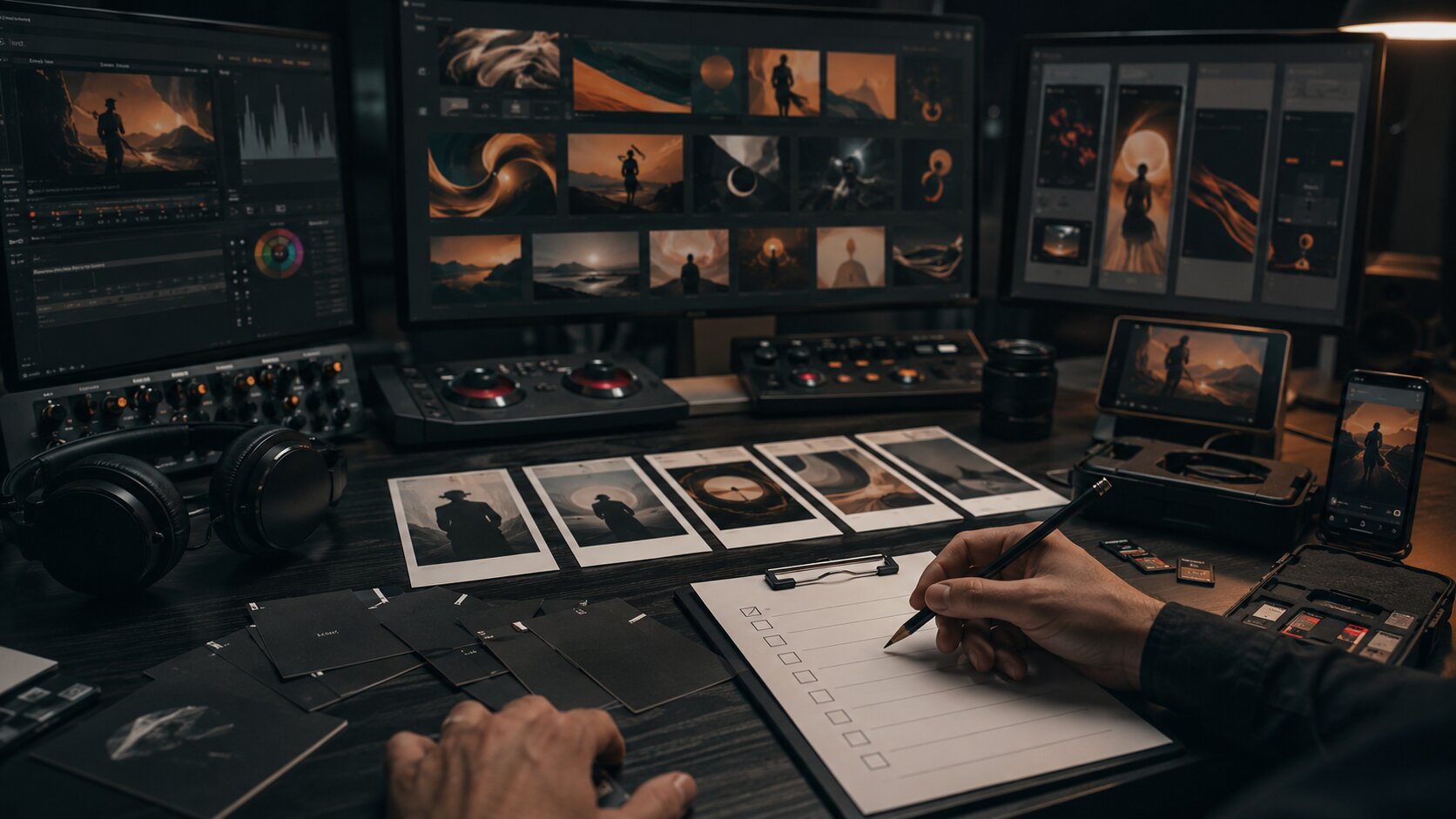
The common mistake is using AI like a slot machine. If every prompt produces a different aesthetic, your series will feel unstable. Consistency comes from a creative direction, not from asking AI to “make it cinematic” every time.
Use AI as a variation studio, not an autopilot
AI is excellent at multiplying options. It can help you create hooks, episode structures, captions, visual prompts, mood directions, title variations, repurposing plans, and production checklists.
But a creator content series still needs a human editor.
Adobe’s writing on content workflows describes AI as a way to help teams create and adapt on-brand campaign variations across channels while keeping oversight and alignment in the process. For independent creators, the same principle applies at a smaller scale: AI can accelerate the system, but it should not replace taste.
A practical AI workflow might look like this:
1. Generate the episode angle
Give AI the series premise, pillar, target audience, and creative constraint. Ask for 10 episode angles. Reject the generic ones.
2. Build the content outline
Ask AI to structure the episode into hook, setup, useful insight, visual moment, and ending. Keep the parts that sound like you.
3. Create visual prompts
Use your visual direction sheet to generate image or video prompts. Ask for variations in framing, mood, and asset type.
4. Repurpose the strongest idea
Turn one episode into a short video, carousel, still image, newsletter section, story sequence, and behind-the-scenes post.
5. Review before publishing
Check tone, originality, factual accuracy, rights, visual consistency, platform fit, and whether the content actually says something.
This is where many creators go wrong. They publish the first acceptable output instead of curating the best output. A good series is built through selection. The rejected versions are part of the work.
Adapt each episode for the platform it lives on
A creator content series should feel consistent across platforms, but each platform has its own behavior.
YouTube’s Shorts guidance says Shorts can be up to 3 minutes, should communicate quickly, and are built for vertical 9:16 viewing. TikTok’s official creative best practices also emphasize TikTok-first creative, vertical 9:16 orientation, sound or music, clear resolution, and awareness of safe zones. Meta’s creator guidance highlights creation, engagement, reach, monetization, and guidelines as key areas for Instagram creators to understand through its Best Practices hub.
That means one episode should not be exported blindly everywhere.
Instead, treat each platform as a different expression of the same idea:
| Platform / Format | Best Use in the Series |
|---|---|
| TikTok / Reels / Shorts | Fast hook, human presence, process clip, transformation, quick lesson |
| Instagram Carousel | Step-by-step breakdown, visual comparison, mood board, checklist |
| YouTube Long-form | Deeper explanation, studio process, case study, narrative episode |
| Spotify Canvas | Looping visual identity tied to a track or release world |
| Stories | Polls, drafts, behind-the-scenes, audience questions, countdowns |
| Newsletter / Blog | Reflection, context, resources, longer creative notes |
For example, one episode about “how I chose the color palette for this release” could become:
- A 30-second Reel showing three palette options.
- A carousel explaining what each color changes emotionally.
- A Story poll asking fans which version fits the song.
- A Spotify Canvas direction connected to the final palette.
- A blog section about the release’s visual world.
- A behind-the-scenes post showing rejected directions.
The idea stays the same. The delivery changes.
Build a weekly production loop you can sustain
A content series fails when the system is too ambitious to maintain.
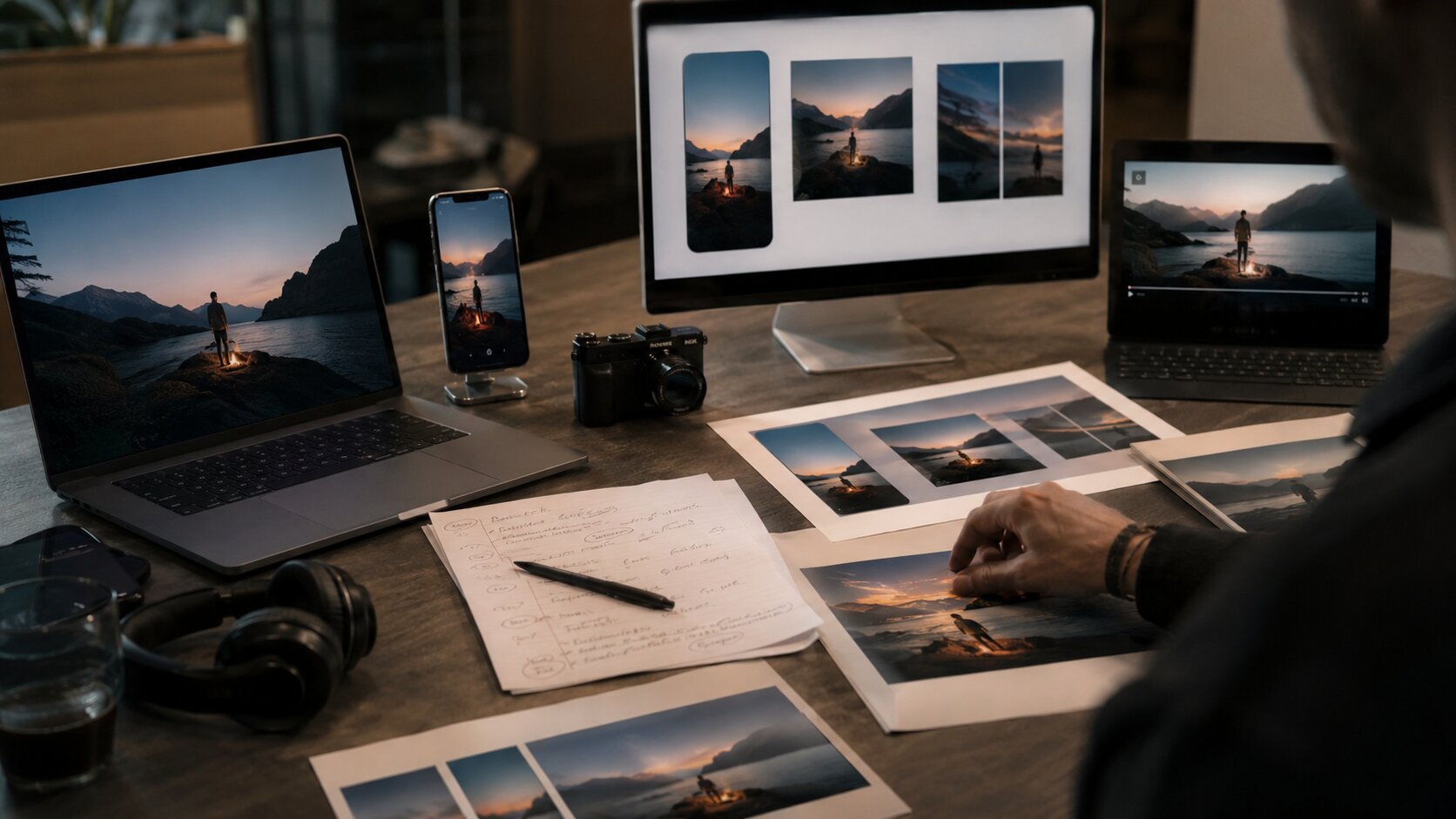
Creators often design a plan that requires daily filming, editing, writing, designing, publishing, and replying. That may work for a short campaign sprint, but it rarely works as a long-term operating rhythm.
A more sustainable weekly loop looks like this:
| Day | Task |
|---|---|
| Monday | Choose one pillar and generate episode angles |
| Tuesday | Draft scripts, captions, prompts, and shot list |
| Wednesday | Create or capture core assets |
| Thursday | Edit platform-specific versions |
| Friday | Schedule, publish, and engage |
| Weekend | Review notes, save learnings, collect references |
Canva’s social media calendar resources emphasize planning content in advance and coordinating posts across platforms, which is useful for creators trying to reduce last-minute production pressure.
AI can support each stage:
- Generate a weekly episode menu.
- Rewrite hooks in different tones.
- Convert one script into multiple platform captions.
- Suggest visual variations from a reference direction.
- Create a checklist for asset exports.
- Summarize performance notes into next week’s improvements.
The mistake to avoid is over-automating the visible part while ignoring the planning part. AI is often most valuable before production begins, when it helps you clarify the idea, map the assets, and reduce decision fatigue.
Review performance without flattening your voice
A content series should evolve. It should not become a hostage to metrics.
Watch for signals:
- Which pillars create the most replies?
- Which hooks hold attention?
- Which visual formats are easiest to recognize?
- Which episodes lead to saves, shares, comments, or profile visits?
- Which topics feel creatively alive enough to continue?
But do not reduce your entire creative identity to whatever performed best last week. Some posts build trust. Some explain your world. Some support a release. Some help your audience understand your process. Not every valuable asset has the same metric profile.
Use a simple review system:
| Question | Why It Matters |
|---|---|
| What did people respond to? | Shows audience interest |
| What felt most original? | Protects creative identity |
| What was easiest to produce? | Improves sustainability |
| What matched the series promise? | Keeps the format coherent |
| What should be retired? | Prevents repetition fatigue |
AI can help summarize comments, identify recurring questions, and suggest follow-up episodes. Still, the final decision should come from your creative strategy. A series is not just a growth tactic. It is part of how your audience learns to understand your work.
How Orias AI can support your creator series
Orias AI is built for creators, artists, musicians, and visual storytellers who need more than isolated AI outputs. A strong content series requires rough ideas, references, moods, creative direction, visual consistency, asset planning, and publish-ready variations to work together.
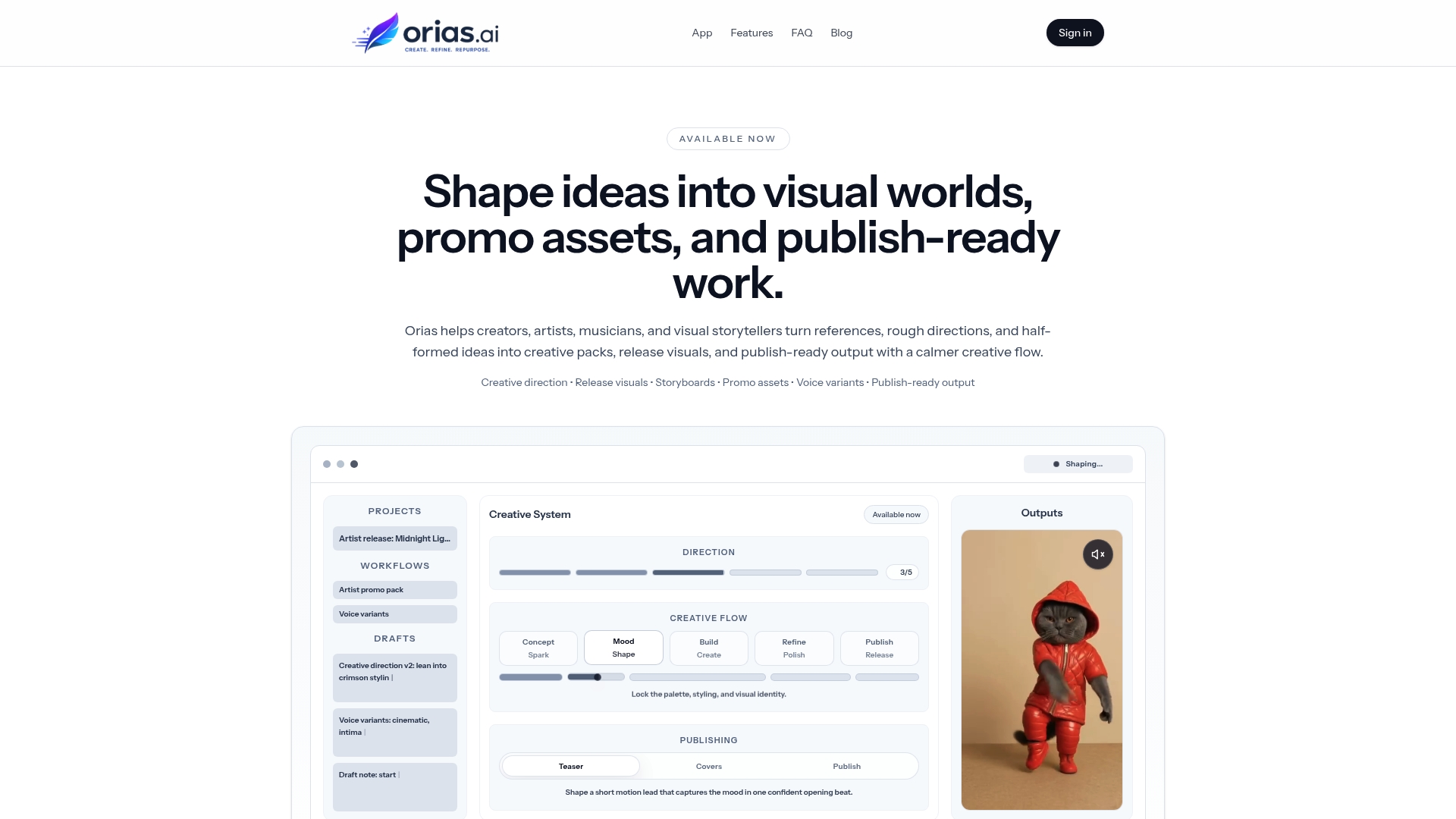
For a creator building a series, Orias AI can help turn early concepts into clearer visual worlds, promo assets, release visuals, campaign materials, and creative packs. That is especially useful when you are trying to keep multiple posts, formats, and campaign moments connected without starting from scratch every time.
Use it as part of the creative system: define the series, explore directions, generate variations, refine the strongest assets, and keep human taste in the final pass.
Frequently asked questions
What is a creator content series?
A creator content series is a repeatable format built around a specific idea, theme, or creative promise. Instead of posting unrelated content, you create episodes that share a consistent structure, visual language, or point of view.
How can AI help build a content series?
AI can help with ideation, content pillars, episode outlines, hooks, captions, visual prompts, asset variations, repurposing, and production planning. It is most useful when guided by a clear creative direction.
Can I use one AI prompt for an entire content series?
You can use a master prompt as a starting point, but it should not be the whole system. A better approach is to create a prompt library for different tasks: episode ideas, visual concepts, captions, platform adaptations, and review checklists.
How do I keep AI-generated content from looking generic?
Start with specific references, mood, constraints, audience context, and visual rules. Then curate the results carefully. Generic AI content usually comes from generic direction, weak selection, or publishing without refinement.
How many posts should be in a creator content series?
There is no universal number. A useful starting point is 6–10 episodes because it gives you enough material to test the format without committing to a long campaign. If the format works, extend it into seasons or recurring pillars.
Is a content series useful for musicians?
Yes. Musicians can use a content series to build a release world, explain songs, show studio process, introduce visual direction, create countdown assets, and connect Spotify visuals, short-form videos, cover art, and social posts into one campaign.
Should AI publish my content automatically?
No. AI-generated content should be reviewed for accuracy, originality, tone, rights, visual consistency, platform requirements, and audience context. Automation can support workflow, but final publishing decisions should stay human.