By Orias AI
Build a Community-Led Content Strategy with AI
Create a community-led AI content strategy using audience signals, creator feedback, repeatable workflows and human creative judgment.
TL;DR:
- A community-led content strategy starts with what your audience already responds to: questions, comments, saves, shares, fan reactions, and recurring requests.
- AI can help organize those signals into content pillars, formats, prompts, and asset systems, but the final creative judgment should stay human.
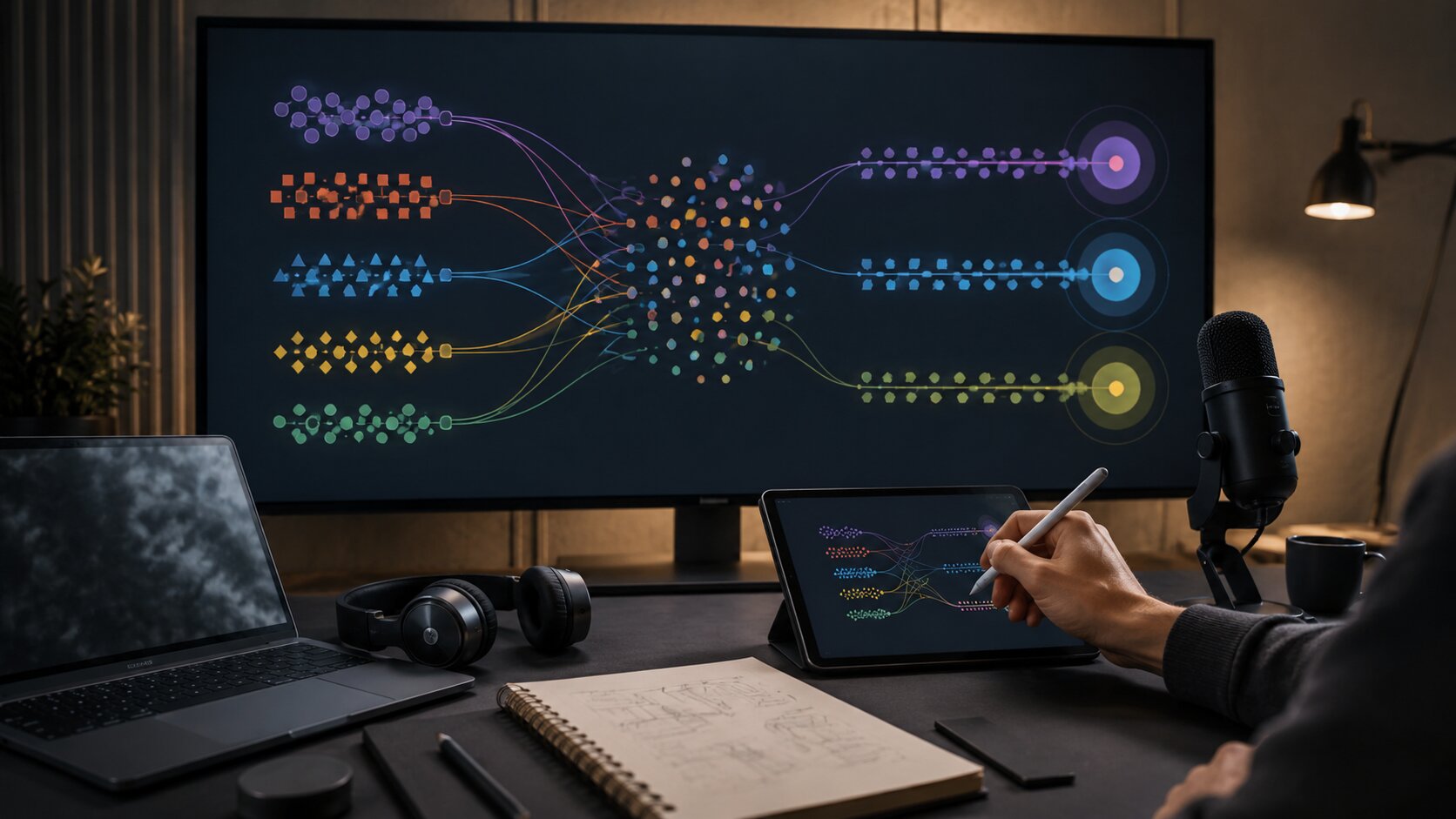
- The strongest workflow is to listen to the community, structure the insight, generate options, curate carefully, publish, and learn again.
Many creators treat content strategy like a guessing game. They look at trends, copy what seems to be working, generate a batch of ideas, and hope one of them lands. That can produce occasional reach, but it rarely builds a durable relationship with an audience.
A community-led strategy starts from a different place. Instead of asking, “What should I post this week?” you ask, “What is my audience already telling me?” Their comments, questions, saves, shares, DMs, poll responses, fan edits, playlist behavior, livestream questions, and repeated reactions are not just engagement. They are creative direction signals.
AI becomes useful when it helps you turn those scattered signals into structure. It can cluster audience questions, identify recurring themes, draft content angles, generate visual directions, repurpose one idea into multiple formats, and help maintain consistency across a campaign. But AI should not replace your relationship with your audience. It should make that relationship easier to understand and act on.
This guide shows how artists, musicians, visual storytellers, and digital creators can build a practical community-led content strategy with AI while keeping the work human, specific, and creatively controlled.
Table of Contents
- Key Takeaways
- Treat Community Signals as Creative Input
- Build a Listening System Before You Build a Posting Calendar
- Turn Audience Patterns into Content Pillars
- Use AI to Generate Variations, Not Replace Direction
- Design Formats That Invite Participation
- Connect the Strategy to Visual Identity
- Create a Feedback Loop After Publishing
- How Orias AI Fits Into a Community-Led Workflow
- Frequently Asked Questions
- Sources Used
Key Takeaways
| Point | Details |
|---|---|
| Community signals are strategy inputs | Comments, questions, polls, fan reactions, and repeat requests reveal what your audience wants more of. |
| AI works best after listening | Use AI to organize audience signals, develop angles, and create asset variations, not to invent a strategy from nothing. |
| Content pillars should come from real behavior | Strong pillars reflect what your community asks, saves, shares, debates, or emotionally reacts to. |
| Participation matters | Polls, prompts, behind-the-scenes posts, fan questions, and community challenges make content feel collaborative. |
| Human judgment protects the brand | AI can speed up ideation, but creators must still review tone, originality, likeness, rights, and platform fit. |
| Strategy improves through iteration | Each post should feed the next cycle of listening, testing, refining, and repurposing. |
Treat Community Signals as Creative Input
A community-led content strategy does not mean letting your audience control your entire creative identity. It means treating audience behavior as useful evidence.
For a musician, that evidence might be fans asking about lyrics, production choices, visuals, tour plans, unreleased demos, or the story behind a song. For a visual artist, it might be repeated questions about process, references, tools, mood, or technique. For a digital creator, it might be comments that reveal confusion, curiosity, disagreement, or a desire for more depth.
The mistake is to look only at surface metrics. A high-view post may not tell you much if the comments are weak, the saves are low, or the audience does not connect it back to your work. A smaller post with strong comments, thoughtful replies, and repeated questions may be a better strategic signal.
AI can help here by summarizing audience input into patterns. For example, you can collect comments from a launch week, paste a curated sample into an AI tool, and ask it to group the responses into recurring themes. The goal is not to let AI decide what matters. The goal is to see the shape of the conversation faster.
Group these audience comments into recurring themes. Identify repeated questions, emotional reactions, confusion points, content requests, and possible future post ideas. Do not write the posts yet.
That last sentence matters. When you separate listening from production, your strategy becomes sharper.
Build a Listening System Before You Build a Posting Calendar
Most creators jump straight to the calendar: Monday Reel, Wednesday carousel, Friday behind-the-scenes post. That can be efficient, but it can also lock you into content that has no connection to your actual audience.
Start with a simple listening system. You do not need a complex dashboard. You need a repeatable way to capture what people say and do.
Track five types of community signals:
- Questions: What do people keep asking?
- Language: What words do they use to describe your work?
- Emotional reactions: What makes them excited, surprised, confused, nostalgic, or curious?
- Participation cues: What do they respond to when invited to vote, choose, remix, or comment?
- Content requests: What do they explicitly want to see next?
Platform tools can support this type of listening. YouTube Posts allow creators to connect with viewers through formats such as polls, quizzes, GIFs, text, music, images, and video. Instagram Broadcast Channels are positioned as a direct way for creators to share casual updates, behind-the-scenes moments, and authentic content with followers. TikTok’s business guidance also encourages a community-first approach by identifying the communities where a brand or creator naturally fits, then building content strategy around those spaces.
Once a week, review the signals and ask:
- What did people ask for?
- What did they misunderstand?
- What did they repeat back to me?
- What did they emotionally respond to?
- What content made people feel involved?
Then use AI to organize the raw input into strategic categories. This creates a bridge between community listening and creative planning.

Turn Audience Patterns into Content Pillars
Content pillars are often treated like generic buckets: education, inspiration, entertainment, promotion. Those categories are too broad to guide strong creative work.
In a community-led strategy, pillars should come from audience patterns. Instead of “education,” a music producer might use “how the sound was made.” Instead of “behind the scenes,” a photographer might use “what the final image hides.” Instead of “promotion,” an independent artist might use “the story behind the release.”
A practical structure looks like this:
| Audience Signal | Content Pillar | Example Format |
|---|---|---|
| Fans ask what inspired the song | Origin story | Short video explaining the first idea |
| Viewers ask how the visual was made | Process breakdown | Carousel or screen-record walkthrough |
| Audience debates the meaning | Interpretation | Poll, Q&A, or comment-led response |
| People save workflow posts | Repeatable method | Checklist, template, or tutorial |
| Fans want early access | Inner circle updates | Broadcast channel note or teaser |
AI can help translate these signals into pillars. Feed it a small set of real audience inputs and ask for pillar options, but review the output carefully. AI will often over-generalize. Your job is to make the pillars more specific, more ownable, and more connected to your creative world.
A weak AI-generated pillar might be:
Share behind-the-scenes content.
A stronger community-led pillar would be:
Show the hidden decisions behind each visual: rejected frames, mood shifts, lighting choices, and final selection logic.
That second pillar gives you a creative system. It can produce posts, short videos, captions, carousels, newsletter sections, and release assets.
Use AI to Generate Variations, Not Replace Direction
AI is especially useful once the direction is clear. It can help you create more options around a real community insight.
For example, suppose your audience keeps asking how your visuals connect to your music. You could use AI to generate:
- three short-form video angles explaining the connection;
- a carousel outline about the visual system;
- a caption series for release week;
- a community poll asking which visual mood fits the song;
- a behind-the-scenes script;
- a prompt for generating visual references;
- a checklist for reviewing final assets.
The key is that AI is working from a real audience signal. It is not inventing relevance.
A simple AI-assisted workflow
- Collect the signal: Fans keep asking why the release visuals use cold blue lighting.
- Define the strategic meaning: They are interested in the emotional logic behind the visual identity.
- Ask AI for content angles: Generate post ideas that explain the visual direction without sounding overly technical.
- Curate manually: Remove ideas that feel generic, off-brand, too obvious, or too promotional.
- Adapt to platform behavior: A TikTok video, Instagram carousel, YouTube post, and Spotify visual asset should not all say the same thing in the same way.
This is where human judgment matters. AI can produce many usable drafts, but it cannot fully understand your taste, community history, artistic intent, or the subtle difference between “on brand” and “almost right.”
Design Formats That Invite Participation
Community-led content should not only speak at the audience. It should create moments where the audience can respond.
That does not mean every post needs a question. Forced engagement feels cheap. The better approach is to choose formats that naturally invite contribution.
For creators and visual storytellers, useful participation formats include:
- “Choose the final cover direction”
- “Which frame feels closest to the story?”
- “Ask me anything about this release”
- “Help me name this visual world”
- “Vote on the next breakdown”
- “Send your interpretation”
- “Show me how you would remix this idea”
- “Pick the next process post”
YouTube’s post tools can support lightweight interaction through polls, quizzes, image posts, and text updates. Instagram Live is positioned around real-time connection with fans, while Broadcast Channels support more direct creator-to-community updates. Spotify for Artists also gives musicians several fan-facing surfaces, including artist profile customization, Clips, Canvas, and Countdown Pages, which can help bring the story around music into the release experience.
For musicians, participation can be especially powerful during a release cycle. You might ask fans to vote on a teaser frame, choose which lyric deserves a visual breakdown, submit questions about the song, or react to alternate cover directions. The community does not need to decide the art. But it can help reveal what parts of the art people care about most.

Connect the Strategy to Visual Identity
A community-led strategy can become messy if every audience signal turns into a different style. One week you are posting polished cinematic visuals. The next week you are copying a meme format. The week after that, you are using random AI-generated images with no connection to the previous campaign.
The solution is to separate community input from creative identity.
Your audience can influence topics, questions, formats, and points of emphasis. Your visual identity should still come from your creative direction: mood, color, pacing, composition, typography, texture, subject matter, and emotional tone.
AI can help maintain consistency if you give it a clear creative brief. For example:
Create five content concepts based on these audience questions. Keep the visual world minimal, nocturnal, cinematic, and emotionally restrained. Avoid bright colors, meme language, and exaggerated expressions.
This type of prompt protects the work from becoming reactive. You are listening to the community, but you are still filtering that input through a coherent creative system.
For release campaigns, this matters even more. A single song, EP, artwork series, or visual story may need to become short videos, cover crops, teaser frames, social posts, email headers, story assets, YouTube thumbnails, and platform-specific visuals. Spotify Canvas, for example, is designed as a short looping visual that appears in the Now Playing experience, which means it should connect to the music visually without simply duplicating a normal social post.
Community-led does not mean visually inconsistent. The goal is to make the audience feel heard inside a world that still feels unmistakably yours.
Create a Feedback Loop After Publishing
Publishing is not the end of the strategy. It is the next listening phase.
After each content cycle, review what happened. Do not only ask what performed best. Ask what the response teaches you.
Useful review questions:
- Which post created the most useful comments?
- Which topic produced follow-up questions?
- Which visual direction got the strongest emotional reaction?
- Which format encouraged participation?
- Which AI-generated idea felt too generic after publishing?
- Which post could become a series?
- Which audience phrase should become part of future messaging?
Then feed those insights back into your AI workflow. Ask AI to compare planned content against real response patterns. Ask it to suggest new angles based on comments. Ask it to identify which pillars are becoming stronger and which ones are not producing meaningful interaction.
A community-led content strategy improves when you treat every post as both output and research.
The mistake to avoid is over-optimizing too quickly. One underperforming post does not mean the idea is bad. One high-performing trend does not mean your brand should change direction. Look for repeated signals over time.
Pro Tip: AI will not magically make your community grow. What it can do is help you notice patterns faster, create more structured content from those patterns, and reduce the friction between insight and execution.
How Orias AI Fits Into a Community-Led Workflow
Orias AI is especially useful when a creator already has rough ideas, community signals, references, or release concepts but needs to turn them into a clearer creative system.
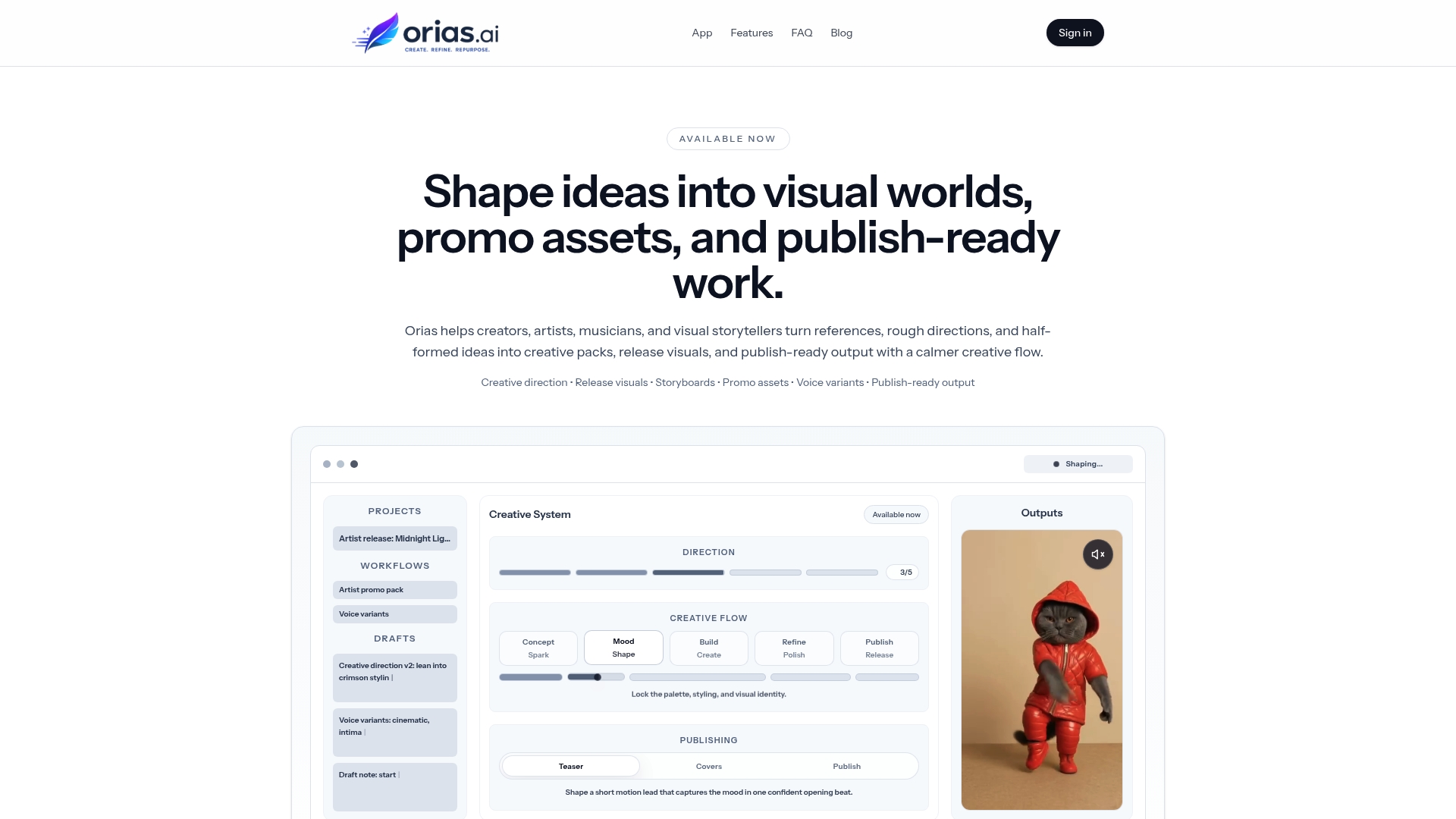
Instead of starting from a blank page, you can bring in audience questions, mood references, campaign notes, visual directions, or early content ideas. From there, Orias AI can help shape those inputs into more coherent creative packs, promo assets, release visuals, campaign materials, and publish-ready directions.
For a musician, that might mean turning fan curiosity around a song into a release-week visual system. For a visual storyteller, it might mean transforming repeated audience questions into process posts, image directions, and short-form content ideas. For a creative team, it can help organize community insight into a more consistent campaign language.
The important principle stays the same: use AI to clarify, expand, and structure the work. Keep the final judgment human.
Frequently Asked Questions
What is a community-led content strategy?
A community-led content strategy uses audience behavior as creative input. Instead of planning content only around trends or internal promotion goals, you build ideas from comments, questions, polls, fan reactions, DMs, saves, shares, and recurring requests.
How can AI help with community-led content?
AI can summarize audience feedback, group comments into themes, suggest content pillars, generate post variations, draft captions, build campaign outlines, and repurpose one idea into multiple formats. It works best when it is guided by real community signals and a clear creative direction.
Should creators let their audience decide what they make?
Not completely. The audience can reveal what they care about, what they misunderstand, and what they want to see next. But the creator should still make the final decisions about artistic direction, tone, visuals, ethics, and brand fit.
How often should I review community feedback?
A weekly review is enough for most independent creators. During a launch, release, or campaign, you may want to review feedback more often so you can respond while the conversation is still active.
What content works best for community participation?
Polls, Q&As, behind-the-scenes posts, process breakdowns, “choose between options” posts, livestream questions, fan interpretation prompts, and comment-led follow-ups are all useful. The best format depends on where your audience already interacts most naturally.
Can musicians use this for release campaigns?
Yes. Musicians can use community signals to plan lyric breakdowns, visual teasers, Canvas concepts, behind-the-scenes clips, Countdown Page content, fan questions, and post-release storytelling. The strategy should support the music rather than distract from it.
What is the biggest mistake when using AI for content strategy?
The biggest mistake is asking AI to invent the whole strategy without giving it real audience input or creative direction. That usually leads to generic content. Start with community signals, define the creative point of view, then use AI to generate structured options.