By Orias AI
AI Product Video Generator: How to Turn Product Photos Into Video Ads
AI product video generators animate approved product photos into short ad clips. Use controlled prompts, mobile framing, and a strict visual review gate.
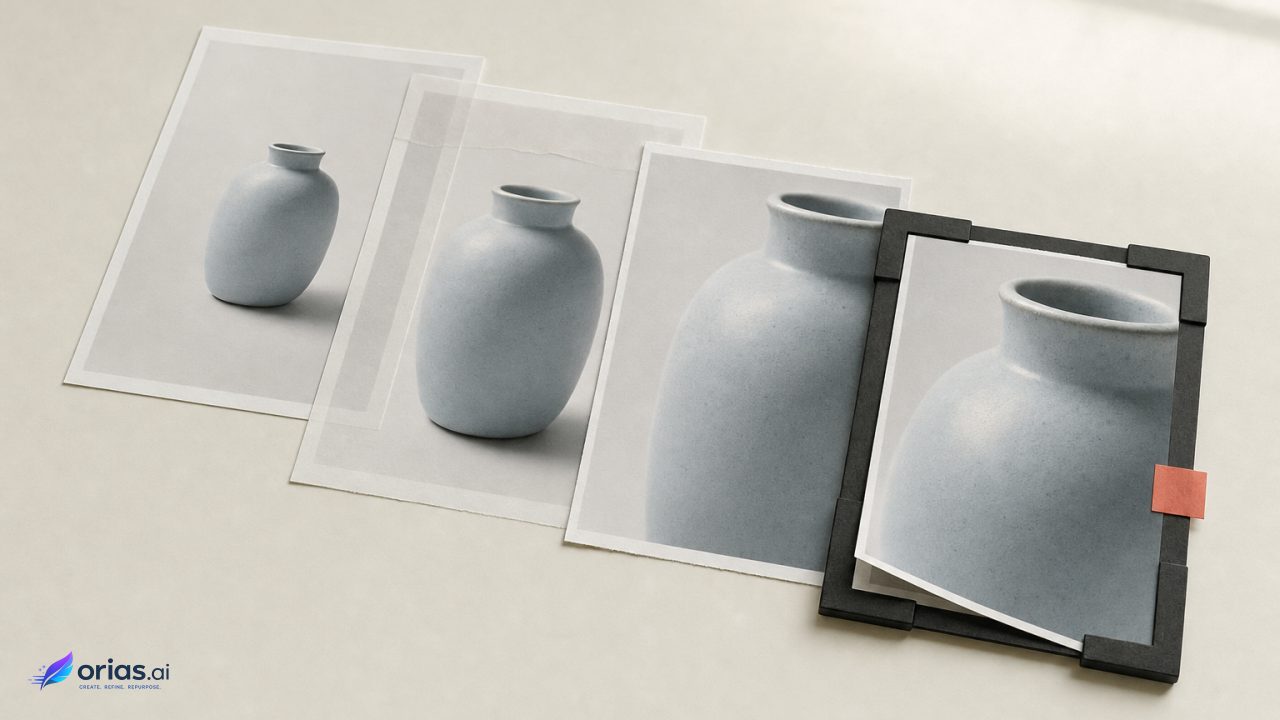
An AI product video generator uses an image-to-video model to animate a still product photo into a short clip. The product image provides the visual starting point, while a text prompt typically directs motion, camera movement, setting, or atmosphere. Adobe’s image-to-video documentation describes this image-plus-prompt approach.
For creative or marketing teams, generation can propose a controlled motion treatment around a known product image. Before a clip enters an ad edit, compare selected frames with the approved product asset: the still is an anchor, not a guarantee that labels, proportions, surfaces, logos, or implied product behavior will remain accurate as the scene moves.
What an AI product video generator does to a product photo
The supplied product photograph is the anchor, but the model creates what happens between its visible details: a bottle might receive a slow push-in and moving light, a shoe might enter a styled environment, or a box might turn as though on a turntable. The prompt sets direction and visual mood; it does not function as a binding production brief.
Commercial accuracy is where that freedom becomes consequential. Package geometry can shift, logos or labels can change, and a generated scene can imply a feature or outcome the actual product does not provide. Those failures are part of a wider set of image-to-video constraints, including temporal consistency, object persistence, occlusion, identity preservation, and plausible motion.
Research on video-driven image animation identifies those issues as continuing failure modes. For that reason, generated product video is best handled as creative footage for selection and review rather than as a filmed record. Ask not only “Can this make an ad?” but “Which limited shot can this make without changing the approved product story?”
Build the product image and references before generating motion
Choose the approved image that should function as the clip’s first frame or keyframe, with the exact product, pack variant, colorway, crop, lighting character, and required visual details already in view. A clear front label must be present in the source image when legibility is required, because generated camera movement may not reliably recover missing packaging or label information. Build the input around one hero product, a deliberate background, and a defined focal area rather than a crowded or composite scene.
Keep the approved source file with the materials that define the product for review: the pack front, approved alternate angles where available, logo artwork, and other non-negotiable visual details. References clarify the intended appearance, but generated video still requires human review for artifacts, altered text or logos, incorrect geometry, implausible motion, and product mismatches.
Some image-to-video workflows provide first- and final-frame controls and support reference images. Google’s Veo documentation describes using up to three reference images to help preserve the appearance of a person, character, or product across generated video. The Veo API documentation describes those control categories.
Direct one product action, camera move, and setting at a time
Build a generation request as a single shot, not as a compressed ad concept. Identify the hero object first. Then specify one product action, one camera treatment, and the setting. This does not make an output certain, but it gives the creator and reviewer a clear standard for deciding whether the clip did what was requested.
- Product: name the visible pack or object and the view that must remain dominant.
- Action: request one simple event, such as a gentle rotation, a lid opening, or a product settling into frame.
- Camera: choose a push-in, locked-off shot, lateral move, or other single move.
- Setting: state only the background, light, and atmosphere required for the shot.
- Constraints: call out any packaging face, logo, or other detail that needs to remain visible for review.
A practical prompt might be: Portrait close-up of the approved bottle on a clean reflective surface. Slow camera push-in; bottle remains upright and front label faces camera; soft moving highlights; no other products. It defines a shot that can be accepted or rejected. By contrast, a request for an energetic luxury campaign with multiple actions, environment changes, and product benefits creates too many moving variables to inspect efficiently.
Generate short variants, review them, and extend only a shot that has passed the product check. Depending on the system, controls may include aspect ratio, resolution, frame rate, duration, and video extension. These are production choices, not a substitute for a clear shot brief, and the controls documented for image-to-video systems vary by tool: Adobe documents aspect-ratio and resolution controls, while Veo documents first-frame, final-frame, and extension-oriented options.
Turn a generated clip into a mobile product ad
Generated footage is one component of the ad, not the entire communication plan. Select the aspect ratio for the placement before generation where possible. Current image-to-video systems can support short, portrait-oriented output as well as selectable formats; Veo documentation lists 16:9 and 9:16 options. Those documented formats make it possible to plan for mobile framing rather than cropping a landscape hero shot after the fact.
Keep the generated shot responsible for one visual job: reveal, texture, motion, or a transition into the product. Meta’s creative guidance recommends clearly showing the product or brand, maintaining a single focal point, introducing brand identity early, designing for mobile formats, and keeping the message concise; its cited video guidance uses 15 seconds or less. Meta’s overall best-practices document provides that placement-oriented framework.
A short ad sequence
For a vertical ad of 15 seconds or less, use a product-photo animation as the opening visual rather than asking it to sustain the whole message. Begin with a 9:16 close shot generated from the approved pack image: the product is already visible, with a restrained push-in. Cut to a clean product-and-brand frame, then place the concise approved message on screen. End on a stable pack shot and the relevant call to action. The middle and end frames can be conventional design or approved footage; they do not need to be generated merely for consistency of technique.
This division of labor is useful because the most commercially sensitive frame—the readable pack and message—can remain stable. The generative segment supplies movement, while the locked graphic and product frames carry the elements that must be exact.
Where image-to-video breaks: labels, logos, geometry, and occlusion
The most consequential failures are often small: a label can drift as the product turns, letterforms can change between frames, a cap can become misshapen, a repeated pattern can mutate, and a hand or foreground object can obscure important detail. At normal playback speed, these errors can be difficult to notice.
A strong first frame does not validate the sequence. Review the beginning, middle, and end, pausing when the product rotates, passes behind another object, or crosses a lighting change. Altered text, logos, geometry, or a mismatch between the generated scene and the actual product can compromise advertising accuracy. Research on visual consistency in image-to-video generation likewise identifies artifacts and inconsistent object appearance as problems requiring improvement.
Do not use synthetic motion to demonstrate a feature when the clip would need to prove how the product works. If a claim, performance result, usage condition, or package instruction is visible or implied, send the asset through the organization’s normal product, legal, and brand review process. A visually plausible scene is not evidence of an actual product capability.
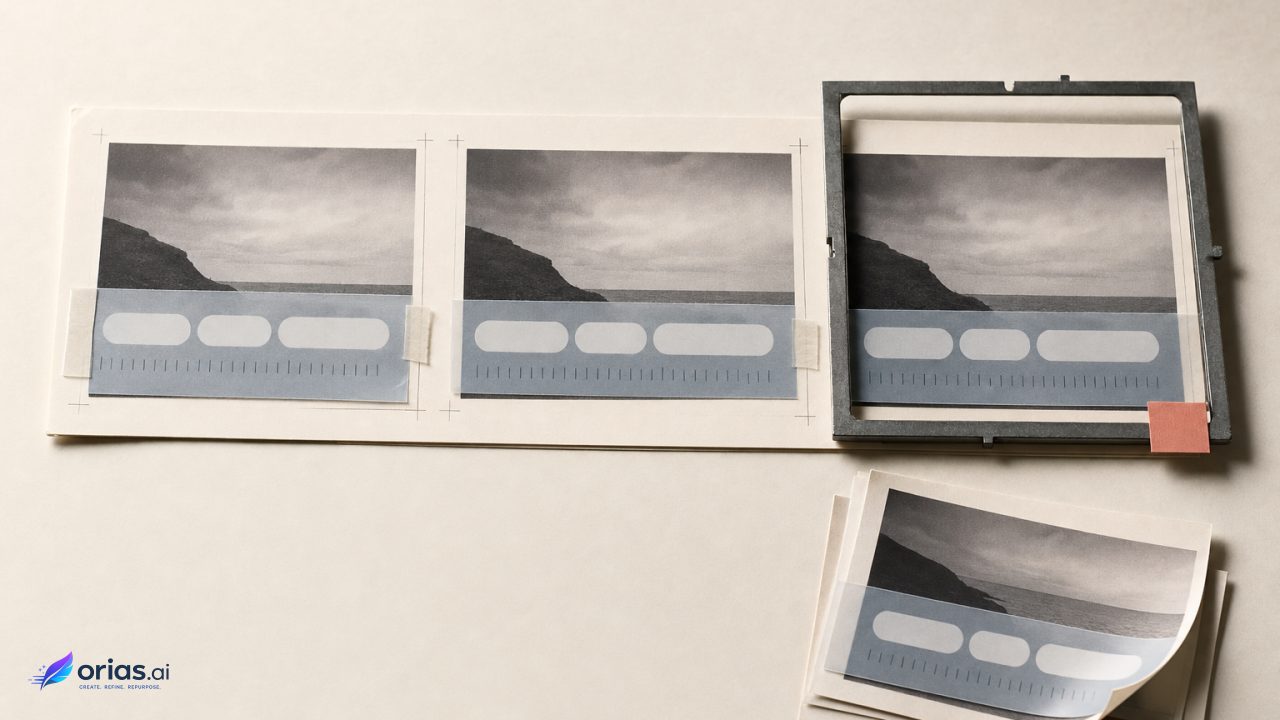
Approve, revise, or discard each generated product clip
Create a release gate before the generation batch begins. The person selecting creative variants should not have to infer which differences are acceptable. Give reviewers the approved still, packaging artwork, logo reference, the prompt, the intended placement, and the specific role of the shot in the edit.
- Geometry: Are the product’s shape, cap, seams, openings, and proportions unchanged where visible?
- Text and marks: Are labels, logos, icons, and legible product details correct in every visible frame?
- Persistence: Does the same object retain its color, materials, and distinctive features through motion and occlusion?
- Motion: Is the action plausible, and does it avoid suggesting a use or behavior that the actual product does not support?
- Ad meaning: Does the complete edit remain consistent with the approved product, message, and placement requirements?
Approve only clips that clear both visual quality and product-accuracy review. Revise when the shot’s basic idea is useful but framing, motion direction, or input assets can be simplified. Discard a clip when it alters a material product detail or introduces a misleading implication. Re-prompting is usually cheaper than trying to conceal a structural error with rapid cuts, effects, or crop changes.
The productive constraint is to keep generated motion away from the details that demand exact representation unless the output can withstand close comparison. Approved product photography remains the source of truth; the generated clip is the proposed treatment around it.
Frequently Asked Questions
Can a single product photo become an ad?
It can become a short generated shot within an ad. Use the photo as the visual anchor, then combine the selected clip with stable product, branding, message, and call-to-action frames in the final edit.
What should the prompt specify?
Name the hero product, specify one action and one camera move, and identify the necessary setting. Add visibility constraints for important pack faces or logos, while avoiding several actions and scene changes in a single request.
How can creators keep packaging consistent?
Begin with an approved keyframe and supply reference images where the chosen system supports them. Then compare the output frame by frame against approved packaging and logo assets; reference images can assist consistency, not guarantee it.
Which aspect ratio should be generated?
Generate for the intended placement. A 9:16 composition is appropriate when the deliverable is a vertical mobile placement, while 16:9 suits a landscape placement. Keep the product and key branding within the usable composition rather than relying on a later crop.
Can generated footage show product features or claims without review?
No. Generated imagery can alter product details or imply behavior that is not established by the actual product. Review any feature demonstration, visible claim, label, or usage implication through the same appropriate approval process used for other advertising assets.