By Orias AI
Seasonal Creative Systems: Adapting AI Content for Campaign Moments Without Rebranding
Adapt AI content for seasonal campaigns while keeping your visual identity consistent, clear and recognizable.
TL;DR:
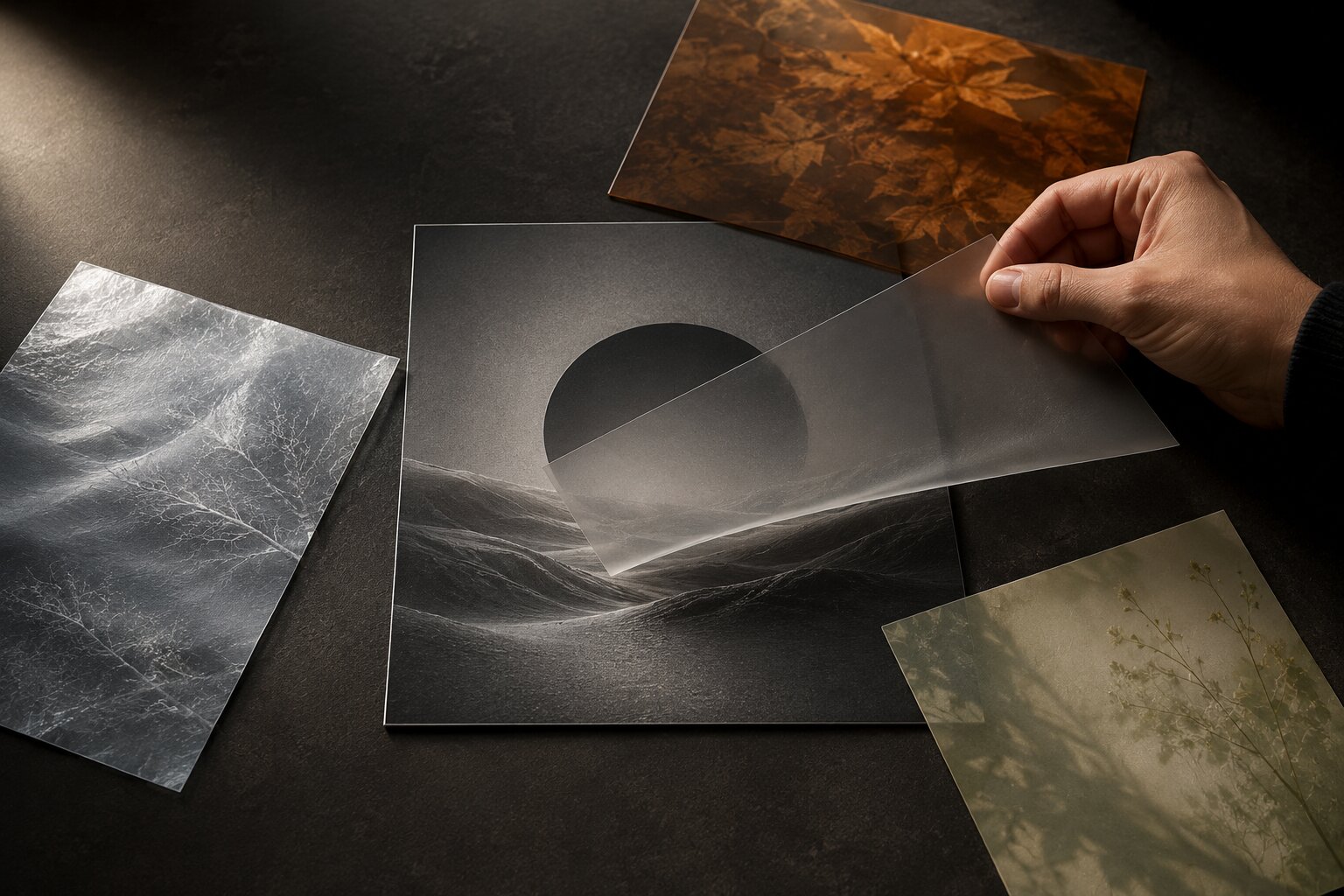
- Seasonal content works best when it changes the mood around your identity, not the identity itself.
- The practical move is to build a small seasonal layer: colors, textures, props, motion cues, copy angles, and format variations that sit on top of your existing visual system.
- AI can help you explore those options quickly, but the final work still needs human editing, platform checks, and taste.
Seasonal campaigns are tricky because they come with pressure. A holiday is coming up. A release date is locked. A sale window is short. Everyone suddenly wants “something fresh,” but fresh can easily turn into disconnected.
That’s where a lot of creators accidentally rebrand themselves three or four times a year.
One month the visuals are soft and cinematic. Next month everything is neon, noisy, and full of seasonal symbols. Then the campaign ends, and the audience is left wondering what the actual creative world is supposed to be.
AI makes this easier and harder at the same time. Easier because you can generate more options, faster. Harder because random seasonal prompting can push your work into generic territory almost instantly. Pumpkins, snow, hearts, fireworks, discount graphics, and shiny visual clichés can bury the thing people actually recognize you for.
This guide is about building seasonal creative systems instead. Not one-off posts. Not chaotic asset dumps. A system that lets you adapt to campaign moments while still sounding, looking, and feeling like you.
Table of Contents
- Key Takeaways
- Treat the Season as a Layer, Not a New Identity
- Decide What Must Stay Recognizable
- Build a Seasonal Mood Kit Before You Generate Assets
- Use AI for Variations, Then Edit Like a Creative Director
- Adapt the Same Campaign Moment Across Different Formats
- Plan Seasonal Campaigns Around Behavior, Not Just Dates
- Check the Assets Before They Go Live
- How Orias AI Fits Into a Seasonal Creative Workflow
- Frequently Asked Questions
- Sources Used
Key Takeaways
| Point | Details |
|---|---|
| Seasonal content should not erase your core identity | Keep your main visual language intact, then add seasonal mood, texture, pacing, or context around it. |
| AI works best when the direction is already clear | Random prompts usually create random campaigns. A mood kit gives AI better boundaries. |
| A seasonal system needs reusable rules | Define what changes, what stays fixed, and how far the seasonal treatment can go. |
| Platform behavior matters | A Spotify Canvas, TikTok teaser, Instagram Reel, and campaign banner should not use the same composition. |
| Human review is not optional | AI output still needs taste checks, rights review, resizing, editing, and platform-specific refinement. |
| Small creators benefit most from repeatable systems | You save time because each new seasonal moment starts from a structure, not a blank page. |
Treat the Season as a Layer, Not a New Identity
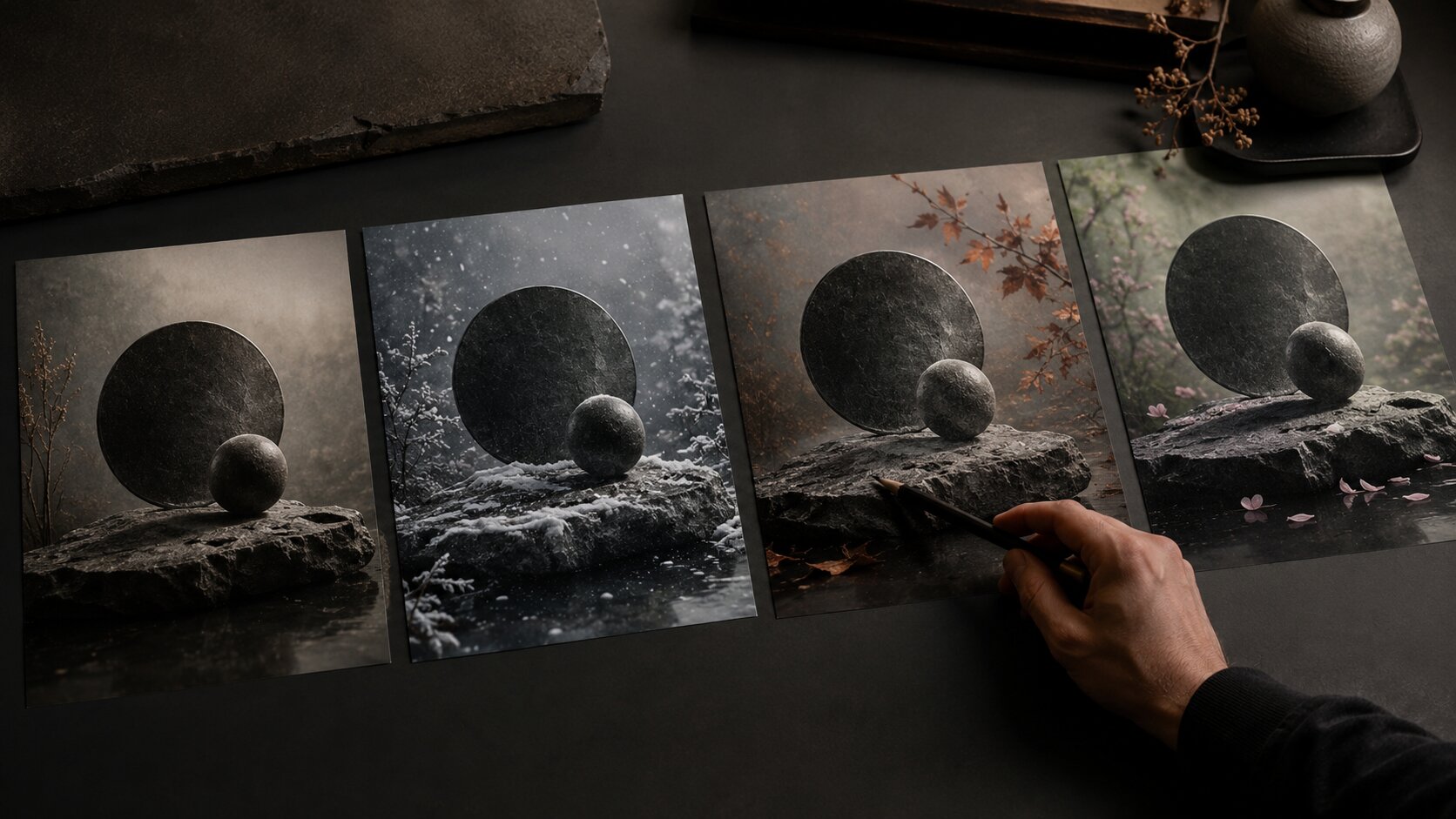
A seasonal campaign should feel like your creative world entered a new moment.
Not like a different artist took over.
That’s the core idea.
If your brand or artist identity is dark, minimal, and cinematic, a winter campaign does not need to become cute and sparkly. If your music visuals are raw, grainy, and emotional, a Valentine’s campaign does not need pink hearts everywhere. If your creator brand is warm and handmade, Black Friday does not need to look like a loud tech sale.
The season should add pressure, mood, and context. It should not replace your taste.
A useful way to think about it:
| Creative Element | Usually Stays Stable | Seasonal Layer Can Change |
|---|---|---|
| Core symbol or visual motif | Yes | Maybe adjusted, cropped, or repeated |
| General color behavior | Yes | Add one seasonal accent |
| Typography style | Yes | Change hierarchy or placement, not the whole type system |
| Texture language | Yes | Add weather, light, material, or environment cues |
| Tone of voice | Yes | Shift urgency, warmth, intimacy, or celebration |
| Formats | No | Adapt per platform and campaign need |
For example, a musician with a muted blue-gray visual identity could create a holiday campaign using colder light, soft grain, silver textures, and intimate room-like compositions. That feels seasonal. It does not need red bows and cartoon snow.
A visual storyteller with a desert-toned brand could adapt for summer by using sharper sun, longer shadows, heat haze, and lighter negative space. Again, seasonal without costume.
The mistake is treating seasons as templates. Halloween equals orange and black. Valentine’s equals pink hearts. Summer equals beach. Holiday equals snow.
Sometimes those cues work. Often they make the content look like everyone else’s.
Decide What Must Stay Recognizable
Before generating anything, choose your “do not break” elements.
This sounds boring. It is actually what gives you freedom.
When you know what must stay consistent, you can safely experiment around it. You can change the environment, pacing, crop, lighting, prop language, or copy angle without losing the thread.
For a creator, this might include:
- A recurring color family
- A specific kind of lighting
- A face, object, symbol, or setting
- A type style
- A framing habit
- A tone of voice
- A recurring emotional mood
- A specific level of polish or roughness
For an independent musician, it might be the visual world around an album or single. Maybe the release already has a cover image, a short looping visual, and a few press photos. Seasonal adaptation should grow from that world.
Spotify’s Canvas guidance is a good reminder that platform assets have their own limits. Canvas is a short looping visual, and Spotify recommends avoiding rapid cuts, intense flashing, and visuals that depend on lyrics syncing because the clip is only three to eight seconds long. It also notes that phone screen edges can crop the visual, so creators should be careful with important details near the frame edge.
That is a practical example of consistency meeting format reality. Your seasonal idea still has to survive the actual place where people will see it.
A simple identity lock
Write this before making seasonal content:
This campaign can change:
Mood accents, environment, seasonal textures, supporting props, copy angle, posting rhythm.
This campaign cannot change:
Core visual motif, main color behavior, typography style, tone of voice, quality level, audience promise.
That small distinction can save you from the “why does this look like a different brand?” problem.
Build a Seasonal Mood Kit Before You Generate Assets
A seasonal mood kit is not a full brand guide. It is smaller and more practical.
Think of it as a creative brief for one campaign moment.
It should answer five questions:
- What is the campaign moment?
- What does this moment feel like for our audience?
- Which parts of our identity stay fixed?
- Which seasonal cues are allowed?
- Which clichés are banned?
The last one matters more than people think.
AI tools are very good at reaching for obvious symbols. If you ask for “holiday campaign visuals,” you may get lights, gift boxes, snow, red ribbons, and cozy rooms. That might be useful for some brands. But for many artists and creators, it is too expected.
So you need a seasonal negative space. Not just what you want, but what you do not want.
Example seasonal mood kit for a music release
| Field | Direction |
|---|---|
| Campaign moment | Late autumn acoustic single release |
| Core identity | Intimate, analog, low-light, emotionally restrained |
| Seasonal mood | Cold air, quiet rooms, late walks, soft indoor light |
| Allowed cues | Window reflections, wool textures, muted amber light, bare branches |
| Avoid | Pumpkins, Halloween props, falling leaves overload, cozy café clichés |
| Asset types | Cover extension, Canvas loop, vertical teaser, square lyric still, banner crop |
This gives AI something useful to work with. You are not saying, “Make this autumn.” You are saying, “Translate this specific emotional world into autumn without breaking the release identity.”
That is a much better creative instruction.
Canva’s Brand Kit guidance also points toward this kind of system thinking: keeping fonts, logos, colors, imagery, graphics, and usage guidance accessible helps teams create more consistent work across touchpoints. For creators, the same idea applies even if you are not using a formal brand team. Keep the reusable parts visible so every seasonal asset does not start from scratch.
Use AI for Variations, Then Edit Like a Creative Director
AI is useful for seasonal content because it can quickly explore directions.
But speed is not the same as judgment.
A good AI-assisted workflow looks more like this:
| Stage | What AI Helps With | What You Still Need to Decide |
|---|---|---|
| Mood exploration | Generate visual directions and references | Which direction actually fits your identity |
| Asset variation | Create multiple crops, tones, and layouts | Which versions feel strongest and least generic |
| Prompt refinement | Test seasonal cues quickly | What to remove, simplify, or make more specific |
| Repurposing | Adapt one idea into many formats | Which format needs a different hierarchy |
| Review | Compare options side by side | What is publishable, ethical, and on-brand |
The most common mistake is publishing the first image that looks impressive.
A seasonal asset can be beautiful and still wrong.
Maybe it looks too much like a stock holiday ad. Maybe it uses symbols your audience does not associate with you. Maybe it changes the emotional tone of a music release. Maybe it looks great as a square post but fails as a vertical teaser.
So edit like a creative director.
Ask:
- Does this still feel like us?
- Is the seasonal cue too obvious?
- Would this make sense next to our last three posts?
- Does the asset work without explaining it?
- Is there enough room for text, crop, or platform UI?
- Is anything misleading, copied, or too close to a reference?
- Would I still like this after the seasonal moment passes?
That last question is useful. Seasonal content does not need to be timeless, but it should not feel disposable after one day.
Pro Tip: Generate seasonal directions in sets, not singles. Ask for three levels of adaptation: subtle, medium, and strong. Most creators end up using something between subtle and medium.
Adapt the Same Campaign Moment Across Different Formats
A seasonal creative system is not one image repeated everywhere.
That is where a lot of content starts to feel lazy.
The same campaign moment should bend depending on format.
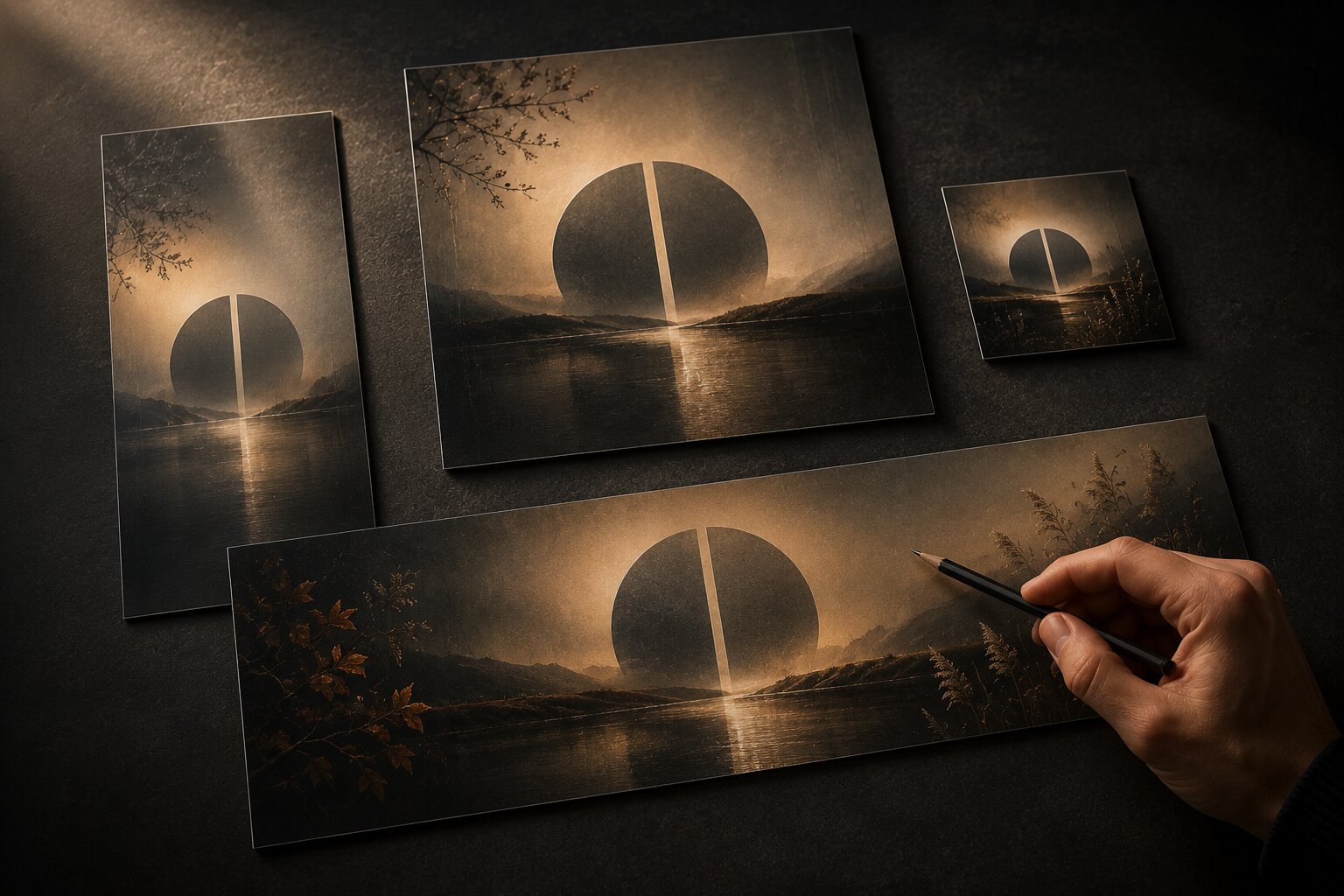
A vertical short-form teaser needs immediate focus. A square post can be calmer. A banner needs negative space. A music visual loop needs motion logic. A story post may need a clearer action. A thumbnail needs stronger contrast and less detail.
TikTok’s own creative guidance encourages brands to lean into platform-native behavior, including trends, memes, challenges, and content that feels relevant to the environment. Meta’s Reels ads resources also emphasize building creative for Reels placements and using testing to learn what works across campaigns.
That does not mean copying every trend. It means respecting how people encounter the content.
Here is a simple adaptation map:
| Asset | Seasonal Job | Creative Adjustment |
|---|---|---|
| Vertical teaser | Stop the scroll | Strong first frame, simple motion, clear focal point |
| Square post | Build mood | More atmosphere, more detail, slower read |
| Story frame | Drive action | Clear hierarchy, simple CTA, safe space for UI |
| Banner | Support campaign context | Wide composition, negative space, less visual clutter |
| Spotify Canvas | Extend the track world | Seamless loop, no lyric-dependent action, safe edges |
| Thumbnail | Signal quickly | Reduced detail, stronger shape, readable contrast |
For a seasonal music release, one concept could become:
- A Canvas loop with cold window light moving softly
- A vertical teaser with one strong opening image from the same world
- A square post showing the release mood in more detail
- A banner crop with space for title or date
- A short story version with a pre-save or listen prompt
- A few alternate stills for the week after release
Same world. Different jobs.
That is the difference between a campaign system and a folder of random exports.
Plan Seasonal Campaigns Around Behavior, Not Just Dates
A calendar tells you when the moment happens. It does not tell you how people feel before, during, and after it.
That is the part creators often miss.
Seasonal content has phases. The mood changes as the moment gets closer.
For example, a holiday campaign might move like this:
| Phase | Audience State | Content Role |
|---|---|---|
| Early build-up | Browsing, collecting ideas, not ready yet | Mood, announcement, soft introduction |
| Decision window | Comparing, choosing, saving, planning | Clear offer, release info, stronger CTA |
| Peak moment | High attention, high noise | Simple, direct, recognizable assets |
| Afterglow | Reflecting, sharing, catching up | Recap, behind-the-scenes, extended story |
Think with Google’s seasonal marketing guidance has repeatedly emphasized planning for key moments while staying flexible, watching consumer behavior, and adjusting tone or messaging as context changes. Pinterest’s marketing moments guidance also pushes marketers to think beyond only the obvious calendar dates and consider smaller moments where people look for inspiration.
For artists and creators, that is important because not every seasonal campaign needs to chase the loudest date.
A musician might build around “first cold nights” instead of Halloween. A visual artist might create a spring reset series instead of a generic Easter post. A content creator might use “end-of-year creative cleanup” instead of another predictable New Year’s resolution post.
The best seasonal hooks often come from the feeling around the moment, not the official name of the moment.
Check the Assets Before They Go Live
AI-assisted seasonal content needs a final pass.
Not because AI is bad. Because campaign pressure makes people careless.
Before publishing, check four things.
1. Identity fit
Place the seasonal assets beside your normal content. If they look like they belong to another creator, pull back the seasonal layer.
Usually the fix is simple: reduce the seasonal colors, remove obvious props, restore your normal lighting, or bring back a core motif.
2. Format fit
Check crops. Check text-safe areas. Check mobile previews.
This matters especially for short-form, story, and music visuals. Spotify specifically warns that phone screen size can crop Canvas edges, which is a small detail that can ruin an otherwise strong loop.
3. Rights and disclosure
Do not use references too literally. Do not copy another artist’s campaign. Be careful with likenesses, logos, characters, and recognizable private locations.
YouTube requires creators to disclose realistic AI-generated or altered content during upload when it could appear real. Even when a platform does not require a visible disclosure for your specific asset, it is still worth thinking through whether the content could mislead people.
4. Quality control
Look for the usual AI issues:
- Strange hands or faces
- Broken objects
- Fake text
- Inconsistent symbols
- Overly smooth textures
- Awkward lighting
- Unwanted logos
- Details that collapse at small sizes
- Seasonal clichés that slipped back in
A good rule: never approve AI output at full-screen preview only. Check it small, cropped, and in context.
That is how most people will actually see it.
How Orias AI Fits Into a Seasonal Creative Workflow
Orias AI is useful here because seasonal content needs structure before volume.
Instead of starting with random prompts for every holiday or campaign moment, creators can use Orias AI to turn rough ideas, references, moods, and concepts into clearer visual directions. From there, it becomes easier to build a seasonal creative pack: hero visuals, promo assets, release materials, voice variants, and platform-ready adaptations that still feel connected.
That is the real value for independent artists, musicians, and visual storytellers. You are not just making more content. You are giving each campaign moment a controlled visual layer, so the work can feel timely without losing its original voice.
Frequently Asked Questions
What is a seasonal creative system?
A seasonal creative system is a reusable approach for adapting your visuals, copy, and campaign assets around a specific moment without changing your whole identity. It defines what stays consistent and what can shift for the season.
How do I make seasonal AI content without it looking generic?
Start with your existing visual world, then add only a few seasonal cues. Use specific mood language, references, textures, and restrictions. Avoid broad prompts like “make it festive” unless you want very predictable results.
Should musicians create seasonal visuals for releases?
Yes, if the season supports the mood of the release. A winter visual system can work beautifully for a quiet song, but it should extend the track’s emotional world rather than forcing unrelated holiday imagery onto it.
Can I use the same AI-generated asset on every platform?
You can use the same concept, but not always the same file. Each platform has different viewing behavior, crop needs, pacing, and UI. A strong system adapts one idea into several format-specific assets.
What should stay consistent in seasonal campaign content?
Keep your core visual motif, tone, color behavior, typography style, and emotional identity consistent. The seasonal layer can adjust mood, props, textures, light, pacing, and copy angle.
Do AI-generated seasonal assets need disclosure?
It depends on the platform and the content. For example, YouTube requires disclosure for realistic altered or synthetic content that could appear real. Always check platform rules before publishing, especially when using realistic people, voices, events, or places.
How early should I plan seasonal creative assets?
Plan before the campaign pressure hits. Even a simple mood kit made a few weeks ahead can help you avoid rushed, generic content. For larger campaigns, build the visual direction first, then generate and adapt assets by format.
Sources Used
- TikTok For Business Creative Best Practices
- Meta Business Reels Ads Resources
- Spotify for Artists Canvas Guidelines
- Spotify for Artists Canvas
- YouTube Help: Disclosing Use of GenAI Content
- Think with Google Seasonal Marketing Guidance
- Pinterest Business Marketing Moments Guide
- Canva Brand Kit Guidance
- Orias AI