By Orias AI
Platform-Native AI Content: Designing Assets for Behavior, Not Just Size
Design AI-assisted assets around platform behavior, hooks, loops, safe zones, sound and publish-ready creative systems.
TL;DR:
- Platform-native AI content is not just a vertical crop, square export, or resized banner.
- It is creative designed around how people behave on each platform: scrolling, listening, searching, saving, sharing, looping, tapping, or deciding whether to keep watching.
- The strongest workflow starts with one clear creative world, then adapts hook, pacing, text, sound, framing, and CTA logic for each platform before publishing.
A common mistake in AI-assisted content production is treating platform adaptation as a size problem. A creator generates one image or video, exports it in 9:16, 1:1, and 16:9, and assumes the campaign is ready. Technically, the assets may fit. Creatively, they may still feel wrong.
A TikTok viewer does not behave exactly like someone browsing an Instagram carousel, watching a YouTube Short, checking a Spotify Canvas, or looking at a release announcement in a feed. Each environment creates its own rhythm. Some platforms reward immediate motion. Some need visual clarity without sound. Some hide the bottom of the frame with interface elements. Some turn a visual into a loop that supports a song rather than a standalone story.
This guide shows how creators, musicians, visual storytellers, and creative teams can use AI to design assets for platform behavior, not just platform dimensions. The goal is not to chase every trend or dilute your identity. The goal is to build a flexible creative system that feels intentional everywhere it appears.
Table of Contents
- Key Takeaways
- The platform is part of the creative brief
- Map user behavior before you generate anything
- Build one visual world, then create native variations
- Design hooks, loops, and endings for different attention modes
- Treat safe zones, sound, and text as creative constraints
- Use AI for range, then use human judgment for fit
- Turn publishing into a review-and-learning system
- How Orias AI fits into a platform-native workflow
- Frequently Asked Questions
- Sources Used
Key Takeaways
| Point | Details |
|---|---|
| Native means behavioral, not just dimensional | A 9:16 asset can still fail if the hook, pacing, text placement, sound, or CTA does not match the platform. |
| AI needs a creative system | Better results come from mood, audience behavior, visual rules, and platform intent, not from isolated prompts. |
| One concept should become several assets | A release visual, teaser, loop, carousel, Shorts cut, and story asset can share one identity while behaving differently. |
| Safe zones affect composition | Important text, faces, logos, and symbols should avoid areas covered by captions, buttons, profile elements, and CTAs. |
| Human curation protects originality | AI can create options quickly, but final selection still needs taste, rights review, brand fit, and emotional clarity. |
| Iteration matters after publishing | Platform-native creative improves when creators review saves, shares, watch time, comments, clicks, and qualitative audience response. |
The platform is part of the creative brief
A platform-native asset is designed with the viewing environment in mind from the beginning. It does not ask, “What size should this be?” first. It asks, “What is the viewer doing when this appears?”
That question changes the work.
On TikTok, TikTok’s own creative guidance recommends making content “TikTok first,” using vertical 9:16 creative, keeping content visible within UI safe zones, using sound or music, and prioritizing a hook early in the video. TikTok also recommends introducing the content proposition in the first three seconds and prioritizing the hook in the first six seconds.
On YouTube Shorts, Google recommends vertical 9:16 video assets for Shorts ads and notes that horizontal assets may appear with blurred areas in the vertical Shorts experience. Google also recommends keeping Shorts ads short and social-first, with sound and text overlays where appropriate.
For musicians, Spotify Canvas is a different type of native surface. It is not a full music video. Spotify describes Canvas as a short vertical loop that appears in the Now Playing view instead of album artwork, with requirements of 3–8 seconds, 9:16 ratio, 720–1080px height, and MP4 or JPG format. Spotify also recommends avoiding talking, singing, rapid cuts, intense flashing graphics, and overly edge-dependent visuals because phone screens may crop the edges.
The lesson is simple: platform-native creative starts before export. It starts when you define the asset’s job.
Ask this before designing
For every asset, define:
- What is the viewer doing: scrolling, searching, watching, listening, comparing, saving, or buying?
- What must they understand in the first second?
- Does the asset need sound, captions, silence, or visual self-sufficiency?
- Where will interface elements cover the frame?
- What action should happen after viewing: stream, save, follow, comment, click, pre-save, share, or remember?
This turns platform adaptation from a resizing task into a creative direction task.
Map user behavior before you generate anything
AI tools are powerful for producing variations, but they need direction. If the prompt only describes the image, the output may look good while failing the platform.
A better workflow begins with a behavior map.
| Platform surface | Typical behavior | Creative implication | Useful asset type |
|---|---|---|---|
| TikTok / Reels feed | Fast scrolling, sound-aware discovery, quick judgment | Immediate hook, movement, natural pacing, safe-zone-aware text | Teaser, behind-the-scenes clip, concept reveal |
| YouTube Shorts | Short-form discovery, search-adjacent viewing, creator-led trust | Clear premise, strong opening frame, structured payoff | Short explanation, release story, visual hook |
| Instagram carousel | Swiping, saving, visual browsing | Strong first slide, readable sequence, consistent design rhythm | Mini story, mood breakdown, release narrative |
| Stories | Temporary attention, tap-forward behavior | Simple message, fast comprehension, clear CTA | Announcement, countdown, reminder, link prompt |
| Spotify Canvas | Passive listening, repeated loop | Seamless visual atmosphere, no over-explaining, no lyric-sync dependency | Looping release visual, texture, symbol, motion fragment |
| Artist profile visuals | Identity check, fan recognition | Consistent image language, clear personality, durable branding | Header, profile image direction, release-world extension |
This map prevents one of the biggest AI-content mistakes: generating attractive assets without knowing how they will be consumed.
Example: one single release, five behaviors
Imagine an independent musician releasing a dark electronic single.
A non-native workflow might create one cover image and resize it everywhere.
A platform-native workflow might create:
- A Spotify Canvas: an 8-second atmospheric loop with subtle motion and no text.
- A TikTok teaser: a first-second visual interruption, maybe a hand-held studio moment or symbolic action.
- An Instagram carousel: three to five slides explaining the mood, lyric idea, and visual world.
- A YouTube Short: a short creator-led story about the track’s meaning or production detail.
- A Story asset: a clean reminder with negative space for native stickers or link elements.
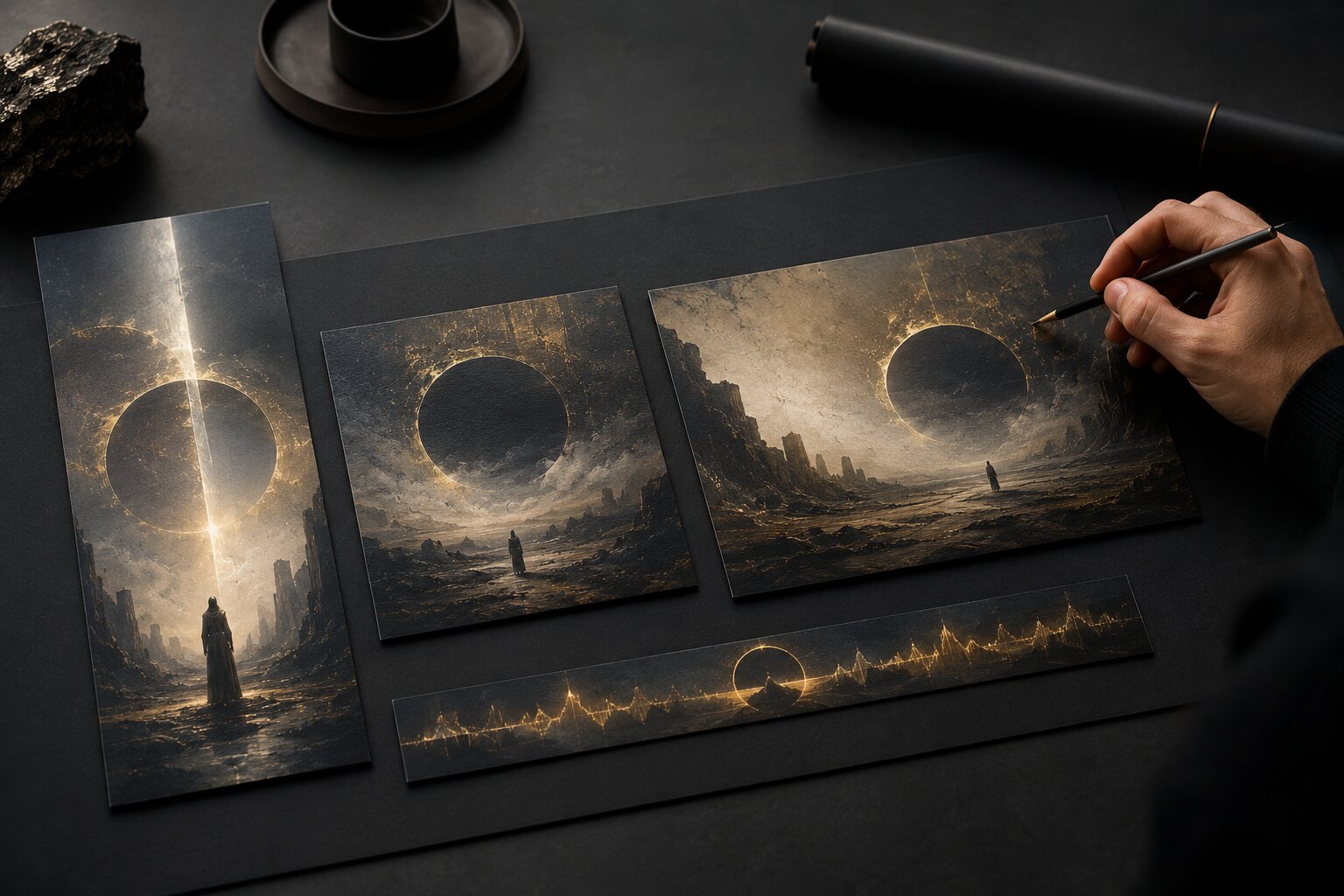
All five assets can share the same colors, texture, symbol, lighting mood, and emotional world. But they should not behave identically.
Build one visual world, then create native variations
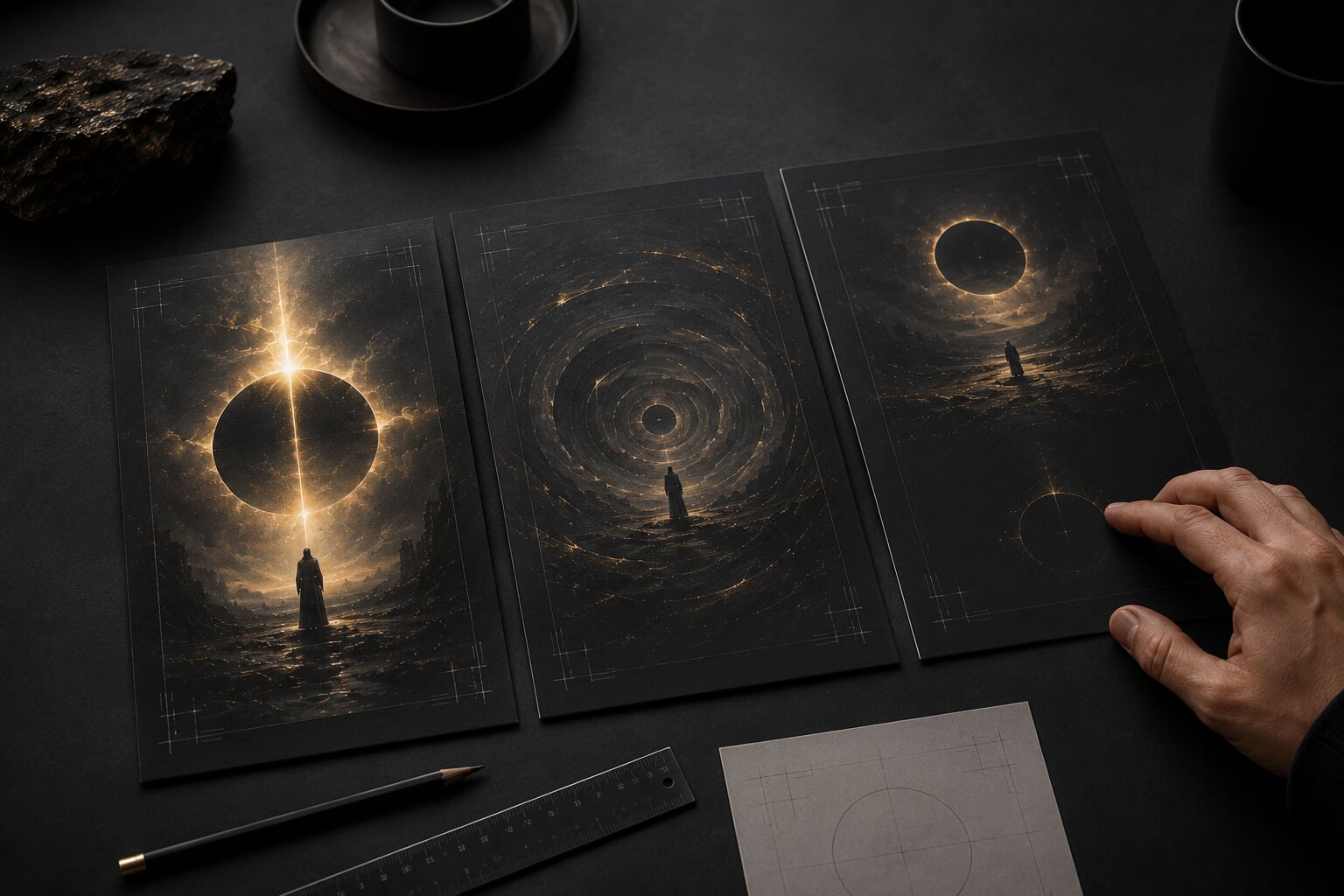
Platform-native content should not mean reinventing your identity for every app. That creates chaos. The stronger approach is to build one visual world and then translate it.
A visual world is the set of creative rules behind a campaign. It includes mood, symbols, color behavior, composition, texture, typography direction, motion style, and emotional tone.
For AI-assisted work, this matters because AI can easily produce a batch of disconnected images that look impressive individually but weak as a campaign. Consistency comes from constraints.
A practical visual-world brief
Before prompting, define:
| Creative decision | Example |
|---|---|
| Core mood | “Nocturnal, intimate, restrained, cinematic” |
| Main symbol | “A soft light source partially hidden behind translucent fabric” |
| Texture language | “Matte grain, smoke, glass, soft shadow” |
| Composition rule | “One dominant focal point, generous negative space” |
| Motion rule | “Slow reveal, no rapid cuts, no chaotic camera movement” |
| Text rule | “Minimal text; no text inside Canvas; short overlays only for social cuts” |
| Platform adaptation | “TikTok starts with motion; carousel starts with the strongest still; Canvas loops seamlessly” |
This kind of brief gives AI a creative system, not just an image request.
Pro Tip:
Do not ask AI for “a TikTok version” and “an Instagram version” without explaining what each version must do. Instead, describe the behavior: “Create a vertical teaser frame designed for fast scrolling, with the focal symbol visible in the first second and clear negative space for a five-word overlay.”
That prompt is more useful because it contains function, not just format.
Design hooks, loops, and endings for different attention modes
Every platform has a different relationship with time.
A feed teaser must earn attention quickly. A carousel must create a reason to swipe. A Canvas must sustain repetition. A YouTube Short may need a clear narrative arc. A Story may need a direct next step before the viewer taps forward.
This is where AI-assisted content often needs human editing. AI may generate a beautiful frame, but platform-native creative depends on sequence.
The hook is not always a headline
For artists and visual storytellers, a hook can be:
- A sudden visual contrast.
- An unresolved gesture.
- A surprising crop.
- A direct question.
- A striking texture.
- A recognizable face or object.
- A before/after transformation.
- A lyric fragment, if rights and context allow.
- A moment that feels like it started before the viewer arrived.
TikTok recommends opening with a hook and introducing the content proposition early, which is especially important for assets designed for fast-scroll environments.
But the hook should still match the artist’s world. A quiet ambient musician does not need fake chaos. A fine-art photographer does not need exaggerated reaction graphics. Native does not mean generic. It means the work respects the audience’s viewing context.
Loops need different thinking
Loops are not just short videos cut down. Spotify specifically notes that Canvas clips are short enough that talking, singing, or rapping may not sync with lyrics, and it recommends choosing the right loop type: continuous loop, hard cut, or rebound.
For music release visuals, this is important. A Canvas should often feel like an emotional extension of the track rather than a miniature music video. It can show a texture, gesture, symbol, environment, or abstract movement that gains power through repetition.
Endings still matter
Even in short-form content, endings shape memory. For platform-native assets, the ending can:
- Reveal the release date.
- Return to the opening frame for a loop.
- Land on a clear symbol.
- Invite a comment.
- Point to the full song.
- Hold a face, object, or title card long enough to register.
- Leave negative space for a native CTA overlay.
The mistake to avoid is ending with clutter. A rushed final frame with too much text, logo placement, and competing visuals can weaken the whole asset.
Treat safe zones, sound, and text as creative constraints
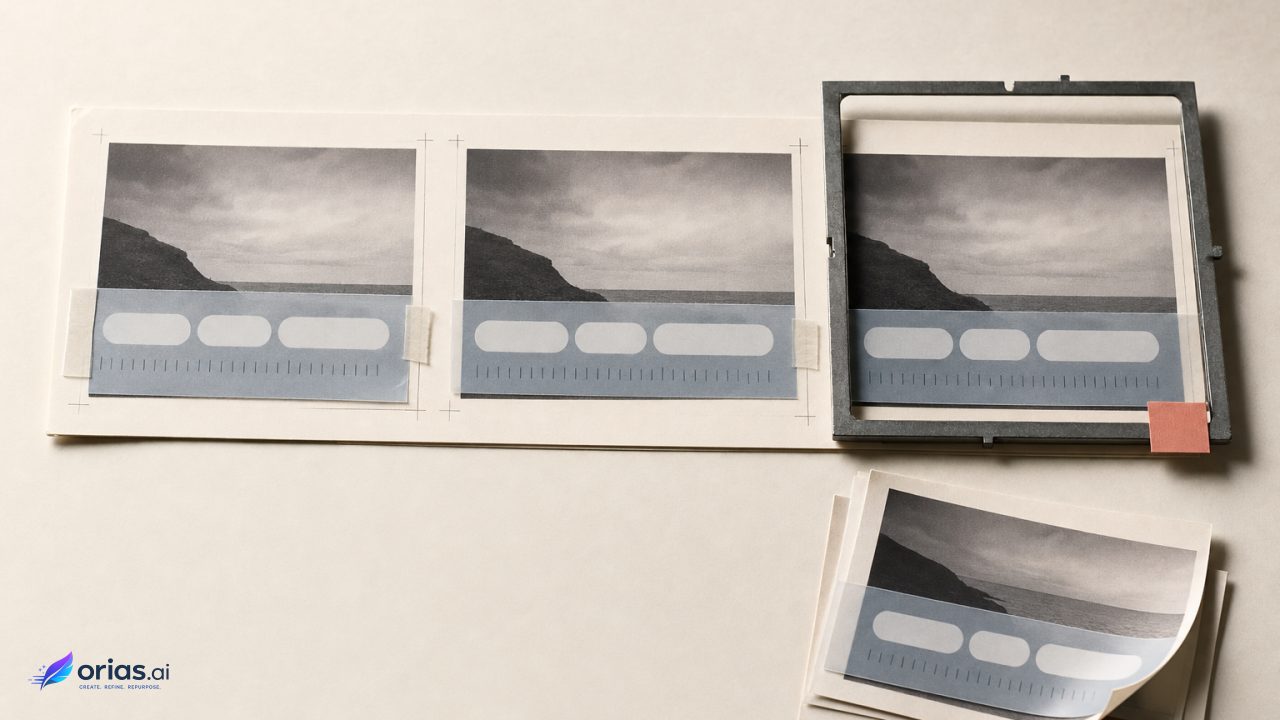
Safe zones are not boring production details. They directly affect composition.
Meta’s Instagram Reels ad specs recommend 9:16 creative and advise leaving roughly 14% of the top, 35% of the bottom, and 6% on each side free from text, logos, or key creative elements to avoid interface obstruction. TikTok also instructs advertisers to keep content visible within UI safe zones, and its ad specifications note that safe zone size depends on format, caption length, and additional ad formats.
For creators, this means the center of the frame is not automatically the whole composition. A face placed too low may be covered. A title near the bottom may compete with captions or buttons. A delicate symbol near the edge may disappear on some devices.
Platform-native text rules
Use text differently depending on the surface:
| Surface | Text approach |
|---|---|
| TikTok / Reels | Short, high-contrast overlays; avoid placing key words near UI-heavy areas |
| YouTube Shorts | Clear premise or context; avoid overloading the first frame |
| Instagram carousel | More room for structured storytelling, but each slide should still work quickly |
| Stories | One primary message; leave room for stickers, links, polls, or countdown elements |
| Spotify Canvas | Usually no added text; the app already displays track and artist information |
| Artist profile | Durable identity language; avoid text that will age quickly |
Spotify explicitly recommends considering whether to exclude song and artist name from Canvas because that information already appears in the Now Playing view.
Sound is part of the asset
For short-form video, sound can change how native the asset feels. TikTok’s guidance includes using sound or music as part of TikTok-first creative basics. Google’s Shorts ads guidance also recommends making ads feel organic and social-first, including the use of music, voiceover, or both where appropriate.
For musicians, this creates an interesting tension. The track may be the product, but the social asset may still need an edit that works with the first second of platform attention. Sometimes the best teaser uses the strongest sonic moment. Sometimes it starts with a spoken line, studio noise, or visual silence before the drop. The decision should be intentional.
Use AI for range, then use human judgment for fit
AI is excellent for exploration. It can help generate mood directions, visual metaphors, crop variations, background systems, storyboard frames, prompt options, CTA concepts, and asset families. It can quickly show what a campaign might become.
But AI should not replace the final creative decision.
The strongest platform-native workflow uses AI in the middle of the process, not as the final authority.
A reliable AI-assisted workflow
- Define the campaign job. Is this a release announcement, teaser, cover-world extension, tour visual, content series, or brand reset?
- Collect references and constraints. Include mood, audience, platform surfaces, safe-zone needs, rights limits, and visual identity rules.
- Generate a visual direction. Explore multiple worlds, but select one direction before producing all assets.
- Create native asset variants. Build separate versions for scroll, swipe, loop, story, profile, and CTA behavior.
- Refine manually. Adjust crop, contrast, text placement, timing, pacing, audio, and hierarchy.
- Review for rights and originality. Avoid unlicensed likenesses, logos, copyrighted characters, unclear references, and misleading AI output.
- Publish and learn. Review performance signals, but do not flatten your voice into whatever performed once.

Mistakes that make AI content feel non-native
Avoid these:
- Using the same frame everywhere.
- Placing text where platform UI will cover it.
- Creating a polished ad-style video for a platform where the surrounding content feels casual.
- Letting AI invent random symbols that do not connect to the artist or campaign.
- Publishing every variation instead of curating.
- Treating specs as strategy.
- Ignoring sound, captions, accessibility, and context.
- Making a campaign look consistent visually but inconsistent emotionally.
Human judgment is what decides whether an asset feels like you.
Turn publishing into a review-and-learning system
Platform-native design improves through feedback. The point is not to predict everything perfectly before posting. The point is to build a system that makes learning easier.
Review different signals for different asset jobs:
| Asset job | Useful signals |
|---|---|
| Awareness teaser | Watch time, replay, reach, first-frame retention, comments |
| Carousel story | Saves, shares, swipe completion, profile visits |
| Release reminder | Link taps, sticker taps, pre-save clicks, replies |
| Music loop | Qualitative fan response, consistency with release identity |
| Creator explanation | Comments, subscribers/follows, watch-through, search discovery |
| Campaign CTA | Clicks, conversions, replies, DMs, stream intent |
Do not evaluate every asset by the same metric. A visual identity post may succeed by being saved. A teaser may succeed by creating curiosity. A release reminder may succeed by driving action. A Canvas may succeed by deepening the listening experience rather than producing a direct click.
Keep a platform-native asset library
After each campaign, save:
- Winning prompts.
- Rejected prompts with notes.
- Best-performing crops.
- Safe-zone templates.
- Hook styles that felt authentic.
- Visual rules that held the campaign together.
- Platform-specific mistakes to avoid next time.
- Audience comments that reveal how people interpreted the work.
This library becomes more valuable over time. It turns content production into a repeatable creative system rather than a weekly scramble.
How Orias AI fits into a platform-native workflow
Orias AI is designed for creators, artists, musicians, and visual storytellers who need to move from rough ideas into clearer creative worlds and publish-ready asset systems.
For platform-native content, that means using AI not just to make a single image, but to shape a full creative pack: mood direction, release visuals, promo assets, social variations, campaign materials, and consistent visual language across formats. A creator can start with a loose concept, reference, lyric, mood, or campaign idea, then develop assets that share one identity while serving different platform behaviors.
The important part is control. Orias AI should support the creative direction, not replace it. The best results come when creators define the world, curate the strongest outputs, refine each format, and publish with context.
Frequently Asked Questions
What is platform-native AI content?
Platform-native AI content is AI-assisted creative designed for how a specific platform is used. It considers behavior, pacing, interface, sound, text placement, loop logic, and audience expectations, not only file size or aspect ratio.
Is resizing one AI-generated asset enough for social media?
Usually, no. Resizing can make an asset technically fit, but it does not automatically make it effective. A strong TikTok teaser, Instagram carousel, YouTube Short, Story asset, and Spotify Canvas may all come from the same visual world, but each needs its own structure.
How should musicians use AI for release visuals?
Musicians can use AI to explore cover-world concepts, Canvas loops, teaser frames, lyric-inspired visuals, social announcements, and campaign asset families. The key is to keep the visuals connected to the song’s mood and review everything for originality, rights, and platform fit.
What makes AI-generated content feel generic?
AI content often feels generic when it lacks a clear creative direction. Random prompts, overused aesthetics, disconnected symbols, excessive polish, and unreviewed outputs can make assets feel interchangeable. Strong constraints and human curation help prevent that.
How do safe zones affect creative design?
Safe zones show where important elements should not be placed because platform interfaces may cover or crop them. Text, logos, faces, and key symbols should stay away from areas used by captions, buttons, profile elements, and CTA overlays.
Should every platform use the same visual identity?
Yes, but not the same exact asset. The identity should stay consistent through mood, color behavior, texture, symbol, and tone. The execution should change depending on whether the viewer is scrolling, swiping, listening, searching, or tapping.
Where should AI fit in the creative workflow?
AI works best after the creative direction is defined and before final human refinement. Use it for ideation, variation, visual exploration, and asset expansion. Then use human judgment for taste, context, rights review, platform fit, and final publishing decisions.
Sources Used
- TikTok For Business Creative Best Practices
- TikTok Auction In-Feed Ads Specifications
- TikTok Business Blog
- Meta Business Instagram Reels and Stories Ad Specs
- Meta Instagram Best Practices Education Hub
- Google Ads Help: YouTube Shorts Ads Asset Specs and Best Practices
- YouTube Help: Upload YouTube Shorts
- Think with Google
- Spotify for Artists Canvas Guidelines
- Apple Music for Artists