Release Content Plan: What to Post Before, During and After Release Day
Plan what to post before, during and after release day with a practical content workflow for artists, musicians, and creators.

TL;DR:
- A strong release content plan starts before release day, peaks with clear calls to action when the work goes live, and continues after launch with story, proof, community, and repurposed assets.
- The most important takeaway: do not treat release day as a single announcement.
- Build a small campaign system with teasers, context posts, visual assets, platform-specific formats, and post-release follow-ups.
Release day can feel like a deadline, but for your audience it is only one moment in a longer story. If you disappear until the song, video, product, project, or creative drop is live, your announcement has to do too much work at once. It must introduce the idea, explain the value, build emotion, tell people where to go, and convince them to care immediately.
A better release content plan gives each phase a job. Before release day, you create recognition and anticipation. During release day, you make action simple. After release day, you keep the work alive through context, reactions, alternate formats, behind-the-scenes material, and audience participation.
This guide is written for artists, musicians, visual storytellers, digital creators, and creative teams who need a practical system, not a vague list of “post more” advice. It also shows where AI can help: turning rough ideas, references, campaign moods, and visual directions into a clearer content pack without replacing your taste, judgment, or creative voice.
Table of Contents
- Build the campaign around one clear release story
- Before release day: create recognition before you ask for action
- Release week: make the message simple and repeatable
- Release day: post for clarity, momentum, and participation
- After release day: extend the life of the work
- Turn one concept into a reusable asset system
- Use AI for speed, but keep human taste in control
- How Orias AI fits into a release content workflow
- Frequently asked questions
Key Takeaways
| Point | Details |
|---|---|
| Release day is not the whole campaign | Plan content before, during, and after the drop so the audience has time to understand, anticipate, and respond. |
| Every phase needs a different job | Pre-release builds recognition, release day drives action, and post-release turns attention into deeper engagement. |
| Visual consistency matters | Repeated colors, typography, moods, formats, and symbols help fans recognize the release across platforms. |
| Platform tools can support the plan | Spotify for Artists, Apple Music for Artists, YouTube, TikTok, and scheduling tools all support different parts of a release workflow. |
| AI should support creative direction | Use AI to explore ideas, generate variations, and organize assets, but review everything for originality, fit, rights, and quality. |
Build the campaign around one clear release story
Before you decide what to post, define what the release is really about. A release content plan should not begin with “we need three Reels, two carousels, and a TikTok.” It should begin with a creative sentence.
For a musician, that sentence might be: “This single is about leaving a city that made you who you are.” For a visual storyteller, it might be: “This short film turns grief into a surreal coastal dream.” For a creator launching a collection, it might be: “This drop is built around warm, handmade imperfection in a clean digital world.”
That sentence becomes the campaign spine. It helps you decide what to show, what to hide, what to repeat, and what not to waste time making.
Define three campaign anchors
Create three anchors before you build your calendar:
- Emotional hook: What should people feel?
- Visual world: What should they recognize?
- Audience action: What should they do next?
For a music release, the action may be pre-save, watch the video, use the sound, share the track, join a mailing list, buy merch, or attend a show. Spotify’s own artist resources emphasize pre-release actions such as playlist pitching, profile setup, Countdown Pages, Clips, Canvas, merch, and fan engagement tools, so your content plan should connect creative storytelling to real platform actions rather than only aesthetic posting. Spotify says unreleased music can be pitched through Spotify for Artists, and that pitching at least seven days before release adds the song to followers’ Release Radar; Spotify’s release guide also recommends pitching a focus track at least two weeks before release for playlist consideration.
The mistake to avoid is building a content plan around formats without a message. A carousel with no story, a teaser with no mood, or a countdown with no reason to care will feel like empty promotion.
Before release day: create recognition before you ask for action
Pre-release content should make the audience familiar with the world of the release before you ask them to click, stream, buy, or share. This phase is not only about hype. It is about orientation.
A practical pre-release window can be two to four weeks for independent creators, longer for larger campaigns. The exact timing depends on your distribution schedule, available assets, and audience size. The goal is to avoid creating everything the night before launch.
What to post before release day
Use pre-release content to introduce the campaign in layers:
| Content Type | Purpose | Example |
|---|---|---|
| Mood teaser | Establish atmosphere | A short visual loop, cryptic lyric, object, location, or texture |
| Origin story | Explain why it exists | A short post about the moment, problem, or feeling behind the work |
| Visual identity reveal | Build recognition | Cover crop, color palette, campaign symbol, title treatment |
| Process content | Make the work human | Studio clip, sketch, storyboard, notes, rejected ideas |
| Direct CTA post | Drive action | Pre-save, reminder, premiere link, mailing list, waitlist |
| Format preview | Prepare audiences | Snippet, trailer, still frame, demo comparison, behind-the-scenes cut |
For musicians, official platform tools can become part of the pre-release plan. Spotify Countdown Pages allow eligible artists to create a pre-release destination where fans can pre-save, preview tracklists, watch countdown videos, and shop merch; Spotify says pre-savers are notified on release day and the release is added to their library. Apple Music for Artists also offers Promote assets that artists can personalize and share on social channels, including customizable social posts in multiple languages.

Pro Tip: Create your first visual pack before announcing the release. At minimum, prepare a cover image, vertical teaser, square post, story frame, profile banner crop, caption bank, and one behind-the-scenes asset. This prevents your campaign from changing style every time you need a new post.
Release week: make the message simple and repeatable
Release week is when many creators overcomplicate the campaign. They try to say everything: the backstory, the credits, the meaning, the technical details, the personal emotion, and the call to action. The better move is to simplify.
Your audience should be able to understand the release from repeated signals:
- What is coming?
- When is it available?
- Why should they care?
- Where should they go?
- What can they do with it?
This is where a release content calendar becomes useful. Later describes a social media content calendar as a way to organize, plan, and schedule content across platforms, including fields such as platform, go-live dates, captions, visual format, asset links, and tracking links. For release week, those fields are not administrative clutter. They are quality control.
A simple release-week sequence
- Monday: “The release is coming” post with the strongest visual identity.
- Tuesday: Story or process post explaining what inspired the work.
- Wednesday: Short-form teaser with a direct reminder or pre-save CTA.
- Thursday: Final countdown post with release time, platform details, and one clear action.
- Friday / release day: Main announcement, short-form clips, Stories, community reply content, and platform-specific updates.
The mistake to avoid is posting five unrelated ideas because you are nervous. Repetition is not automatically boring. Repetition is how people recognize the release while scrolling quickly.
Release day: post for clarity, momentum, and participation
Release day content should be direct. This is not the day to be mysterious unless mystery is central to the concept and your audience already knows what to do.
Start with a primary announcement post. It should include the title, the status of the release, the main link or action, and the emotional reason people should care. Then adapt the same message into different platform-native formats.
YouTube’s artist guidance recommends a multi-format release strategy using Shorts, video, and live formats, noting that different audiences may prefer different formats and that creative consistency across visualizers, lyric videos, channel banners, and promotional content helps fans recognize release content. That principle applies beyond YouTube: your release day should feel coordinated, not copied and pasted.
What to post on release day
| Platform / Format | Best Use on Release Day |
|---|---|
| Instagram / TikTok short video | Hook, snippet, transformation, lyric moment, visual reveal |
| YouTube Shorts | Fast discovery clip connected to the release world |
| YouTube video / Premiere | Official video, visualizer, lyric video, behind-the-scenes episode |
| Stories | Link reminders, reposts, polls, countdown stickers, fan reactions |
| Email / newsletter | Direct note to the most invested audience |
| Artist profile updates | Canvas, Clips, banners, pinned posts, profile visuals |
| Community post | A more personal explanation or thank-you message |
For TikTok, creators and teams should also be careful with music usage in commercial or brand-promotional contexts. TikTok’s support documentation recommends using music from its Commercial Music Library for content that promotes a brand, product, or service because licenses outside that library may not cover commercial use.
The practical rule: make participation easy. Ask fans to stream, comment, share a favorite lyric, use the sound, save the video, send it to one person, or reply with their reaction. Choose one or two actions, not ten.
After release day: extend the life of the work
Many campaigns lose energy because the creator treats release day as the finish line. In reality, post-release content often helps people discover the work after the initial announcement has passed.
Post-release content should answer new questions:
- What are people saying?
- What does the work mean now that it is public?
- What did the creator learn?
- What part of the story has not been shown yet?
- Which format performed best?
- What can be repurposed?
Post-release content ideas
Publish content in waves rather than dumping everything at once.
First 48 hours: repost reactions, thank early supporters, share simple reminders, answer comments, and highlight the main link.
Week one: share behind-the-scenes clips, alternate edits, lyric or quote cards, making-of posts, acoustic or stripped-down versions, visual breakdowns, and audience prompts.
Weeks two to four: publish deeper story content, performance clips, remix prompts, creator collaborations, live session assets, case-study posts, or “how this was made” material.
For social teams, post-release analysis should feed the next campaign. Later’s campaign-planning guidance includes defining goals, choosing platforms, planning content ahead, launching, measuring, optimizing, and wrapping up learnings. That final step matters. Do not only ask “Did it go viral?” Ask which visuals created saves, which captions drove replies, which clip made people watch longer, and which story brought the most meaningful audience response.
Turn one concept into a reusable asset system
A release content plan becomes easier when you stop treating every post as a separate creative problem. Instead, turn the release into a small asset system.
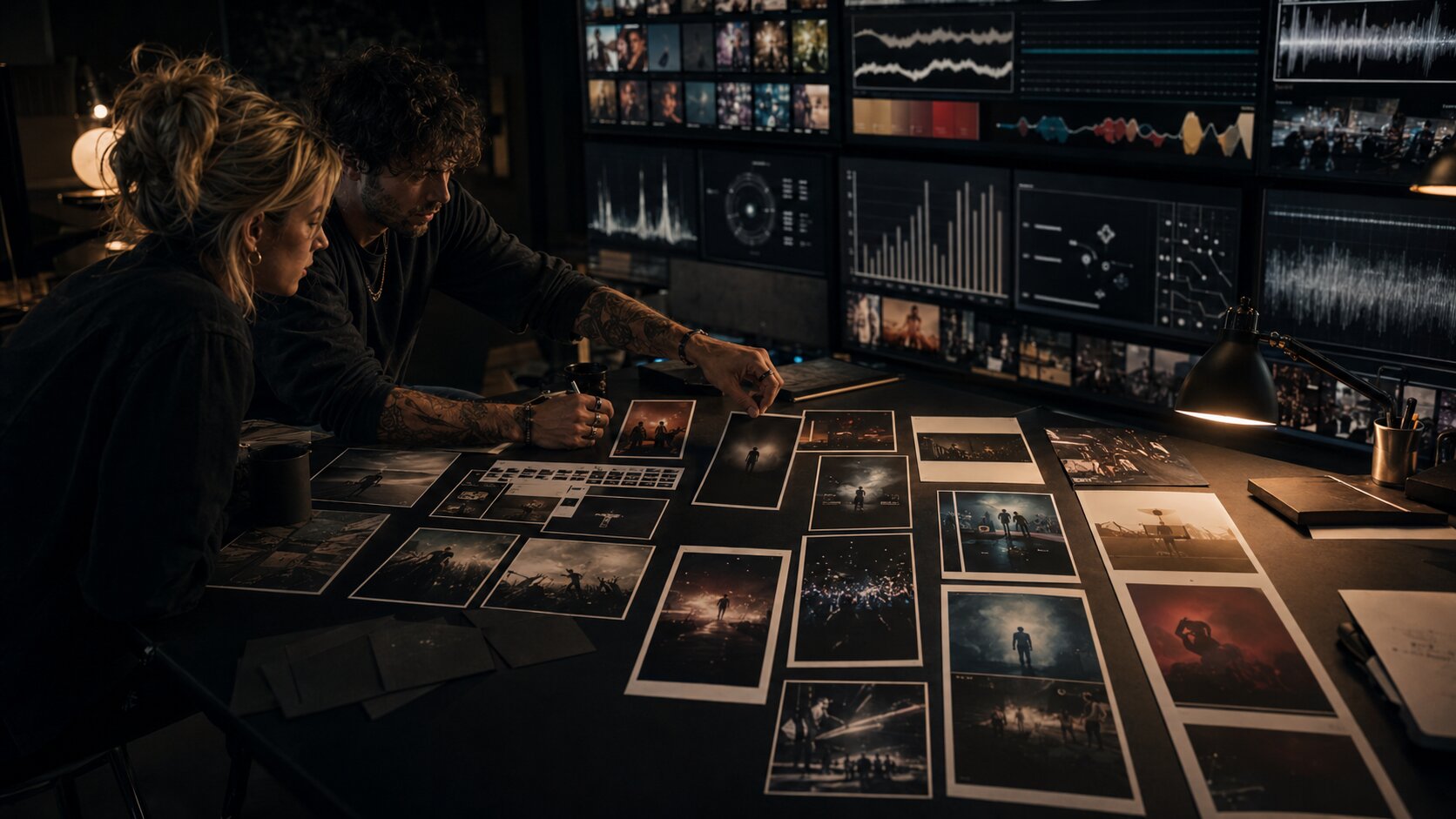
Start with one core concept. Then create variations by format, not by reinventing the idea.
The release asset system
| Asset | Use |
|---|---|
| Hero artwork | Main announcement, cover story, press, profile update |
| Vertical motion teaser | TikTok, Reels, Shorts, Stories |
| Square crop | Instagram feed, carousel cover, social preview |
| Wide banner | YouTube, website, newsletter header |
| Detail crops | Countdown posts, lyric cards, texture-led teasers |
| Behind-the-scenes stills | Process posts, authenticity, post-release storytelling |
| Caption bank | Faster publishing with consistent language |
| CTA variants | Pre-save, watch, stream, share, join, buy |
This approach protects visual consistency. It also reduces decision fatigue. You are not asking, “What should we post today?” You are asking, “Which part of the release world should we reveal next?”
The mistake to avoid is relying on one cover image for the entire campaign. A single image can anchor the release, but a campaign needs multiple crops, formats, moods, and supporting pieces.
Use AI for speed, but keep human taste in control
AI can be extremely useful in release planning, especially when the campaign needs many assets and the creator has limited time. It can help you generate mood directions, test visual metaphors, create caption variants, expand a rough idea into a content matrix, and explore different formats before production.
But AI should not decide what the release means. That remains the creator’s job.
Where AI helps most
Use AI for:
- turning rough notes into a campaign concept;
- exploring visual worlds from references and moods;
- generating teaser ideas from lyrics, themes, or scenes;
- creating format-specific content lists;
- drafting caption variations;
- planning a before / during / after release calendar;
- building prompts for vertical, square, and wide assets;
- stress-testing whether the campaign feels coherent.
Where human review is essential
Review AI output for:
- originality and artistic fit;
- emotional accuracy;
- brand consistency;
- rights, likeness, and reference risks;
- platform-specific specs;
- accessibility and readability;
- cultural sensitivity;
- whether the final work still sounds like you.
The most common AI mistake is publishing the first polished result because it looks “good enough.” A strong release campaign needs curation. Reject generic gloss. Keep the images, phrases, and structures that deepen the release story.
How Orias AI fits into a release content workflow
Orias AI is built for the messy middle of creative work: the phase between a rough idea and a publish-ready campaign system. For a release content plan, that means helping creators move from scattered notes, references, moods, lyrics, visual inspirations, and campaign ideas into clearer creative directions, release visuals, promo assets, and structured content packs.

A creator could use Orias AI to shape the visual world of a single, generate campaign directions, explore teaser concepts, build a pre-release content matrix, create caption variants, or turn one core idea into vertical, square, and wide asset prompts.
The key is not to let AI flatten the work into generic promotion. Use it to organize and expand your creative direction, then make final decisions with human taste.
Frequently asked questions
How early should I start posting before a release?
For most independent creators, two to four weeks is a practical pre-release window. Musicians should also account for distributor delivery timelines and platform tools. Spotify says music should be delivered at least seven days before release for pitching workflows, while its release guide recommends pitching a focus track at least two weeks before release for playlist consideration.
What should I post the day before release?
Post one clear countdown asset with the release title, date, time, and action. Pair it with a more emotional piece of content, such as a short story about the song, project, scene, or creative decision behind the release.
How many times should I post on release day?
There is no universal number. A good structure is one main announcement, several short-form or story updates, and direct engagement with comments and reposts. The goal is not volume for its own sake; it is clarity across the places where your audience already pays attention.
Should every platform get the same post?
No. The message can stay consistent, but the format should change. A YouTube Short, Instagram Story, TikTok clip, email note, and artist profile update should all point to the same release while respecting how people use each platform.
Can AI create my whole release content plan?
AI can draft a strong structure, generate ideas, and create variations quickly, but it should not replace creative judgment. You still need to decide what feels true to the work, what is legally safe to use, what fits your audience, and what deserves to be published.
What should I post after the release if the first day is quiet?
Keep going. Share context, process, alternate clips, fan replies, live versions, visual breakdowns, and personal reflections. A quiet first day does not mean the release is finished. Many people discover creative work after the first announcement.
What is the biggest release content mistake?
The biggest mistake is waiting until release day to explain why the work matters. Your audience needs signals before the drop and reasons to return after it. Treat the release as a story arc, not a single post.