How to Use TikTok and Reels to Promote Your Music
Learn how to promote your music on TikTok and Reels with short-form strategy, release visuals, AI workflows, and repeatable content systems.

TL;DR:
- TikTok and Reels work best for music promotion when you treat every song as a set of repeatable stories, not a one-time announcement.
- Build short-form ideas around emotion, lyrics, performance moments, visual identity, fan participation, and platform-native editing.
- AI can help you generate concepts, visual directions, captions, mood boards, and promo variations, but your taste and artistic judgment should decide what gets published.
For many musicians, the hardest part of promotion is not knowing that they should post more. It is knowing what to post without making every video feel like an ad. A new song may have a strong hook, a clear mood, and a story behind it, but translating that into TikTok videos and Instagram Reels can feel awkward when the only idea is “my single is out now.”
Short-form platforms reward clarity, repetition, and fast emotional recognition. That does not mean every artist needs to chase trends or perform a fake personality. It means your music needs multiple entry points: a lyric people understand immediately, a visual world they can recognize, a story they can care about, and a format they can watch without needing context.
This guide shows musicians, independent artists, and creative teams how to use TikTok and Reels as a practical release system. You will learn how to plan content before launch, turn one song into many short-form ideas, use AI without flattening your identity, and build a visual workflow that supports the music instead of distracting from it.
Table of Contents
- Key Takeaways
- Treat the Song Like a World, Not a Post
- Prepare the Creative Kit Before the Campaign Starts
- Make TikTok and Reels Feel Native
- Turn One Track Into Multiple Content Angles
- Use AI for Ideation, Not Identity Replacement
- Build a Release Rhythm Around Discovery and Conversion
- Measure Signals and Refresh the Creative
- Keep Rights, Quality, and Consistency Under Control
- How Orias AI Helps Music Creators Build Promo Worlds
- Frequently Asked Questions
- Sources Used
Key Takeaways
| Point | Details |
|---|---|
| One song needs many entry points | Promote the lyric, mood, hook, backstory, performance, visual world, and fan-use case separately. |
| Native format matters | TikTok recommends vertical 9:16 creative, sound, at least 720p resolution, safe-zone awareness, hooks, captions, and clear CTAs for ads and performance creative. |
| Reels should not be lazy reposts | Instagram guidance favors original content and warns against low-quality, watermarked, or unoriginal videos in recommendations. |
| AI is strongest before publishing | Use AI to explore visual directions, short-form concepts, caption variants, shot lists, and promo packs, then refine manually. |
| Promotion should continue after release day | TikTok for Artists offers music, post, and follower insights, plus pre-release tools in supported markets, making post-launch iteration part of the workflow. |
Treat the Song Like a World, Not a Post
A song is not just audio. It has color, temperature, pacing, emotional tension, language, setting, and implied characters. Short-form promotion becomes easier when you define that world before deciding what to film.
Start by answering five creative questions:
- What emotion does the song create in the first three seconds?
- What lyric can someone understand without knowing the artist?
- What visual setting belongs to the track?
- What kind of person would send this song to a friend?
- What moment in the listener’s life does the song soundtrack?
A breakup ballad might live in late-night car windows, unread texts, rain reflections, and close-up performance shots. A high-energy single might live in rehearsal footage, movement, crowds, styling details, and fast-cut edits. A dark electronic track might need shadows, distorted typography, abstract visuals, and cinematic fragments rather than direct-to-camera talking.
The mistake is making every video explain the release. The better approach is to let different posts express different parts of the world. One video can tell the backstory. Another can isolate the chorus. Another can show the outfit, cover art, or visual motif. Another can invite fans to use the sound.
Pro Tip: Build a “song world” note before you film: mood words, colors, locations, camera style, typography, captions, recurring symbols, and three emotional phrases. This becomes your creative compass for TikTok, Reels, cover art, Spotify Canvas ideas, and promo graphics.
Prepare the Creative Kit Before the Campaign Starts
Many artists begin posting when the release is already live. That creates pressure, and pressure usually leads to generic videos. A better workflow is to build a short-form creative kit before the campaign starts.
Your kit should include:
- 3–5 hook lines for video openings
- 5–10 caption options
- 3 short performance setups
- 3 behind-the-song story angles
- 5 visual references
- A lyric snippet list
- A vertical cover-art crop
- A mood board
- A simple shot list
- Reels and TikTok-safe text placement templates
TikTok’s own creative guidance emphasizes testing multiple creatives, refreshing assets when performance declines, and maintaining a creative library for future iteration. For paid campaigns, TikTok suggests diversified ad groups and several different creatives per ad group rather than relying on one asset.
For musicians, the principle applies even if you are posting organically. One clip rarely carries a release. The goal is to build enough variation that your audience can encounter the song from different angles without feeling like they are seeing the same announcement repeatedly.
| Asset Type | Example |
|---|---|
| Direct hook | “I wrote this after realizing I missed the version of me before the relationship.” |
| Lyric-first clip | Chorus text on screen with a simple performance shot. |
| Visual teaser | No talking, just the song mood, cover art color palette, and release date. |
| Story clip | 20-second explanation of the real moment behind the lyric. |
| Fan prompt | “Use this sound for the moment you finally chose yourself.” |
Make TikTok and Reels Feel Native
TikTok and Reels are not just video containers. They have their own language: vertical framing, fast context, captions, audio-first editing, informal performance, and immediate payoff.
TikTok recommends TikTok-first creative that uses sound or music, vertical 9:16 orientation, at least 720p resolution, and safe-zone-aware placement; it also recommends prioritizing the hook early, introducing the content proposition in the first few seconds, and using captions or text overlays for context. Meta’s Reels guidance similarly emphasizes vertical 9:16 video, audio, and keeping key creative elements inside the safe zone.
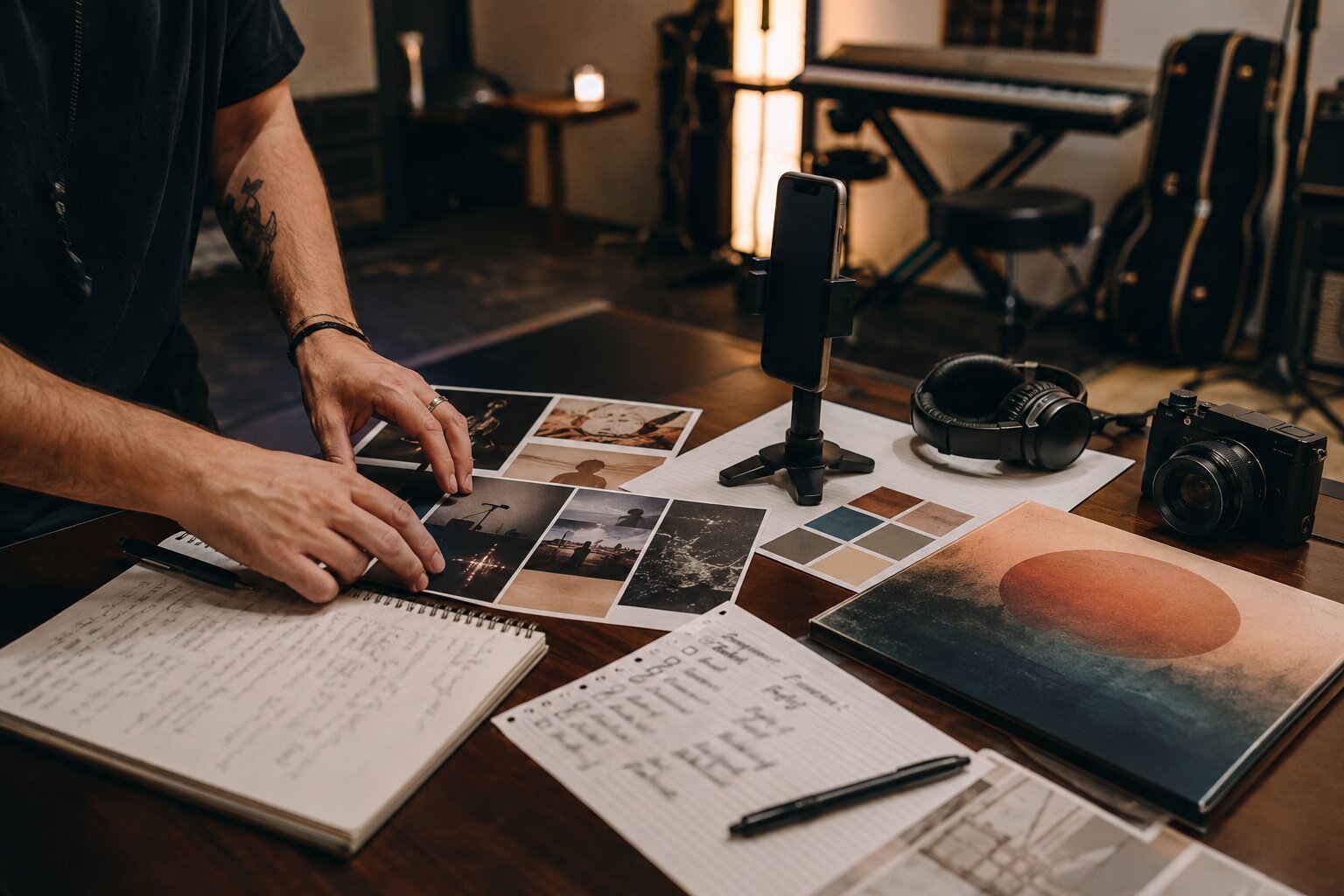
For artists, this means the first frame must answer one question: Why should someone keep watching?
Weak opening:
“Hey guys, my new song is out Friday.”
Stronger openings:
- “I wrote this chorus for people who pretend they’re fine after midnight.”
- “This is the exact voice note that became my new single.”
- “I wanted the drums to feel like running away from a bad decision.”
- “This song is for anyone who keeps rereading the message they should delete.”
Native does not mean low effort. It means the video feels built for the feed. Use close framing. Put the important text away from interface buttons. Avoid long intros. Let the music appear quickly. If the post is about the song, do not wait until the last two seconds to play the hook.
TikTok vs. Reels: Adjust the Same Idea Differently
| Creative Element | TikTok Approach | Reels Approach |
|---|---|---|
| Tone | More conversational, experimental, trend-aware | More polished, aesthetic, profile-friendly |
| Hook | Fast, direct, often personality-led | Visual-first or text-led works well |
| Visual identity | Can be raw if the idea is strong | Benefits from consistent styling and grid awareness |
| Repurposing | Native captions and platform editing help | Avoid obvious TikTok watermarks or unedited reposts |
| CTA | Use sound, comment, save, duet/stitch where relevant | Save, share, comment, follow, listen link in bio |
The same song story can work on both platforms, but the edit should not feel copy-pasted.
Turn One Track Into Multiple Content Angles
A strong short-form campaign is not built around “post every day.” It is built around creative angles. Each angle gives the audience a new reason to care.
1. The Lyric Angle
Use the most emotionally legible lyric. Put it on screen. Keep the visual simple. Let the viewer project their own story onto it.
Best for: heartbreak songs, nostalgic tracks, confessional writing, intimate pop, folk, R&B, singer-songwriter releases.
Mistake to avoid: choosing the cleverest lyric instead of the clearest one.
2. The Origin Story Angle
Explain where the song came from. Keep it specific. “I wrote this after a breakup” is generic. “I wrote this after seeing my ex’s name appear on my phone while I was in the studio” creates a scene.
Best for: artists with strong songwriting, vulnerable fan relationships, acoustic or vocal-led tracks.
Mistake to avoid: overexplaining. Leave room for the song.
3. The Performance Angle
Film live vocals, stripped-back versions, rehearsal clips, or one-take moments. Performance content gives proof that there is a real artist behind the sound.
Best for: vocalists, bands, producers, instrumentalists, live acts.
Mistake to avoid: perfecting the video until it loses energy.
4. The Visual World Angle
Create cinematic fragments: hands on a steering wheel, a hallway, stage lights, a messy bedroom, a desert road, a chrome microphone, a close-up of handwritten lyrics. These clips make the song feel bigger than a file upload.
Best for: visual storytellers, alt-pop, electronic artists, concept-driven releases.
Mistake to avoid: making visuals beautiful but emotionally disconnected from the song.
5. The Fan Participation Angle
Give listeners a reason to use the sound. This could be a prompt, transition format, dance, memory montage, POV, outfit change, or “use this when…” idea.
Best for: songs with a clear emotional use case or rhythmic hook.
Mistake to avoid: forcing a challenge when the song does not naturally invite one.
Use AI for Ideation, Not Identity Replacement
AI can make music promotion faster, but it cannot decide what your art means. The most useful AI workflows happen before final publishing: idea generation, mood exploration, storyboard planning, caption drafting, visual reference grouping, and asset variation.
For example, you can use AI to turn a rough song description into:
- a mood board direction
- 20 TikTok hook ideas
- 10 Reels concepts
- a shot list for a one-hour filming session
- caption options in different tones
- visual prompts for teaser backgrounds
- a release-week content calendar
- alternate cover-art crops
- storyboards for lyric videos
- a creative pack for your team
The key is to feed the system your real references: lyrics, genre, cover art, artist photos, mood words, styling notes, previous visuals, and campaign goals. Random prompting produces random aesthetics. Consistency comes from clear creative direction.
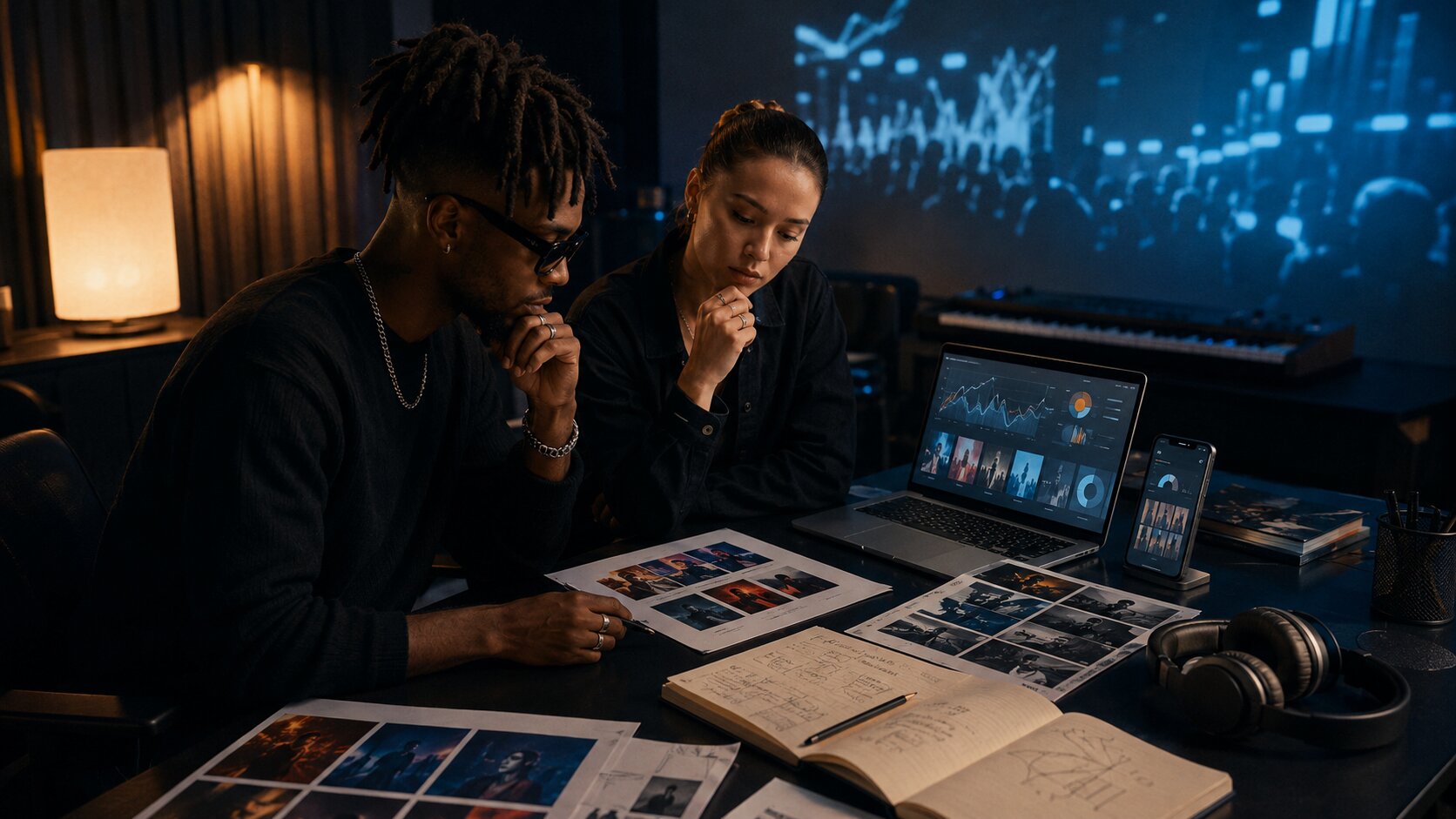
A useful AI-assisted workflow:
- Idea: Define the song’s emotional center.
- Mood: Collect references, colors, textures, and scenes.
- Direction: Choose the visual rules for the release.
- Assets: Generate or draft short-form concepts and visual variants.
- Refinement: Remove anything that feels off-brand.
- Repurposing: Adapt for TikTok, Reels, Stories, thumbnails, and ads.
- Publishing: Post with platform-native captions and formatting.
- Review: Keep what works, retire what feels generic.
AI should increase your options, not lower your standards.
Build a Release Rhythm Around Discovery and Conversion
TikTok and Reels are discovery platforms, but discovery only matters if listeners can move closer to the music. That might mean saving the sound, following the artist, pre-saving the release, sharing the Reel, clicking a profile link, or streaming the full song.
TikTok has continued building music-specific tools for this journey. TikTok for Artists gives eligible artists access to daily-updated analytics for music, posts, and followers, including song performance, post engagement, follower insights, and pre-release campaign tools in supported markets. TikTok’s Artist Account features include an Artist Tag, New Release tool, Music Tab, pinned “By Artist” posts, and Behind the Song features.
A simple release rhythm:
Two to Four Weeks Before Release
Start with mood and story. Tease the world, not just the date. Show studio fragments, lyrics, visual references, and the emotional reason the song exists.
Release Week
Post the clearest hooks. Use the chorus, the strongest lyric, performance clips, and direct CTAs. Make it easy for viewers to understand what the song is and where to find it.
Two to Six Weeks After Release
Do not stop when the song is out. Shift into interpretation: acoustic versions, fan reactions, lyric explanations, visualizers, alternate edits, live clips, remixes, creator prompts, and behind-the-video breakdowns.
TikTok’s Add to Music App feature shows why this matters: TikTok reported that the feature surpassed 6 billion track saves to premium music streaming services over a 12-month period from April 2025 to April 2026. The practical lesson is not “go viral or fail.” It is that short-form discovery should make the next action easy.
Measure Signals and Refresh the Creative
Promotion improves when you stop judging posts only by likes. For music, the useful signals are often more specific:
- watch time
- completion rate
- shares
- saves
- profile visits
- comments quoting lyrics
- sound uses
- link clicks
- follower growth during the campaign
- streaming changes after content spikes
TikTok for Artists includes post performance metrics such as views, likes, comments, shares, and completion rates, along with song performance data like views, posts, and creator engagement per track. TikTok’s ad guidance also recommends checking performance regularly and refreshing creative when delivery declines.
Treat each post as a test of an angle, not a test of your worth as an artist.
If lyric clips outperform talking videos, build more lyric-led visuals. If performance clips get saves but not comments, add stronger captions. If story videos get comments but low completion, shorten the setup. If one visual motif keeps working, turn it into a recurring campaign element.
Creative Refresh Checklist
Before abandoning a song angle, test:
- a shorter opening
- a stronger first-frame text hook
- a different chorus moment
- a performance version
- a visual-only version
- a story-led version
- a fan prompt
- a cleaner caption
- a different crop or safe-zone layout
The goal is not endless content. The goal is structured learning.
Keep Rights, Quality, and Consistency Under Control
Music promotion has legal and creative boundaries. If you use your own released music through official platform audio, make sure the track is correctly delivered, attributed, and connected to your artist profile where available. If you use third-party music, samples, or trending sounds in commercial content, check the licensing context carefully. Platform music libraries can differ between personal, creator, and business use.
For Instagram, be especially careful with reposted or watermarked content. Instagram’s guidance around original content distinguishes materially edited work from basic stitching or watermarking, and Instagram Help Center material notes that low-resolution, blurry, watermarked, logo-heavy, or non-original Reels may be less suitable for recommendations.
Quality control also matters visually. Keep a simple brand system:
- consistent typefaces or caption style
- recurring color palette
- recognizable artist name treatment
- safe-zone templates
- cover-art-inspired textures
- consistent export settings
- organized folders for each campaign stage
A campaign should feel varied but not random. Your audience should sense that every video belongs to the same release world.
How Orias AI Helps Music Creators Build Promo Worlds
Orias AI helps creators, musicians, and visual storytellers move from rough ideas into clearer creative systems. For a music release, that can mean turning lyrics, references, moods, and campaign notes into visual directions, promo asset ideas, short-form concepts, release visuals, and publish-ready creative packs.

Instead of starting every TikTok or Reel from a blank page, artists can use Orias AI to explore the world around a track: the colors, scenes, captions, storyboards, visual motifs, and asset variations that make the release feel coherent. The platform is especially useful when you need many creative options but still want the final campaign to feel intentional, human, and artist-led.
Frequently Asked Questions
How often should musicians post on TikTok and Reels?
There is no universal number that works for every artist. A realistic starting point is to post consistently enough to test multiple angles each week: lyrics, performance, story, visual mood, and fan prompts. Quality and learning matter more than posting daily with weak ideas.
Should I post the same video on TikTok and Instagram Reels?
You can reuse the same core idea, but adapt the edit for each platform. Remove watermarks, check safe zones, adjust captions, and consider whether the tone fits the platform. A TikTok-style casual clip may need a cleaner visual frame for Reels.
What kind of TikTok content works best for music promotion?
Strong formats include lyric-led clips, live performance moments, behind-the-song stories, studio footage, fan prompts, visual mood pieces, and creator-friendly sound ideas. The best format depends on the song’s emotional use case and the artist’s personality.
Can AI create TikTok and Reels ideas for my music?
Yes. AI can help generate hooks, caption options, shot lists, mood boards, storyboard directions, and promo asset variations. However, you should review every idea for originality, brand fit, ethics, rights, and emotional accuracy before publishing.
Do I need to follow trends to promote my music?
Not always. Trends can help when they genuinely fit your song, but forced trend participation can weaken your identity. A better strategy is to understand why a trend works, then decide whether your music can add something natural to it.
How do I make my song easier for fans to use in videos?
Give the sound a clear use case. Tell people what moment the song fits: a transformation, a memory, a late-night drive, a breakup, a celebration, a reveal, or a performance challenge. The more specific the emotional prompt, the easier it is for fans to participate.
What should I track after posting music content?
Track watch time, completion rate, shares, saves, profile visits, comments, sound uses, link clicks, and follower growth. For release campaigns, also compare content spikes with streaming, pre-saves, or saves where your tools provide that data.
Sources Used
- TikTok Business Help Center — Creative Best Practices for Performance Ads
- TikTok Newsroom — TikTok for Artists
- TikTok Newsroom — Artist Account features
- TikTok Newsroom — Add to Music App
- TikTok Newsroom — Share to TikTok
- Instagram Help Center — Reels recommendation and original content guidance
- Meta Business — Instagram Reels creative and ad specifications