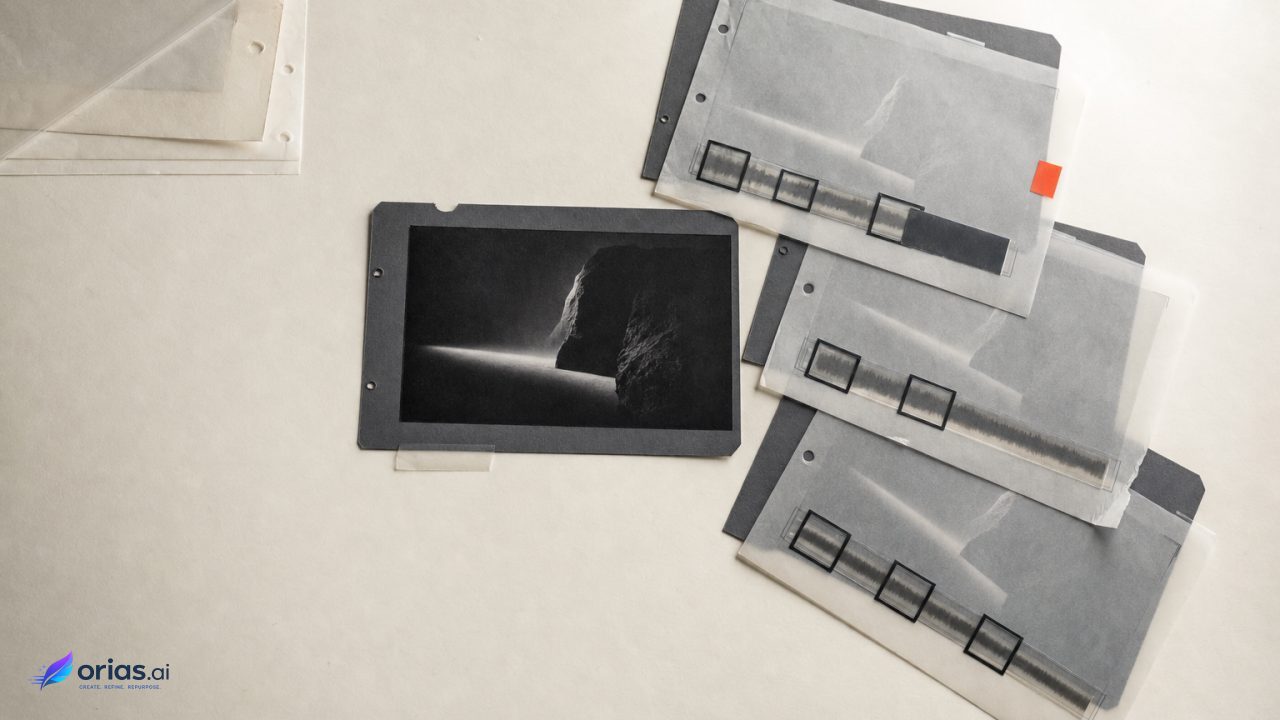
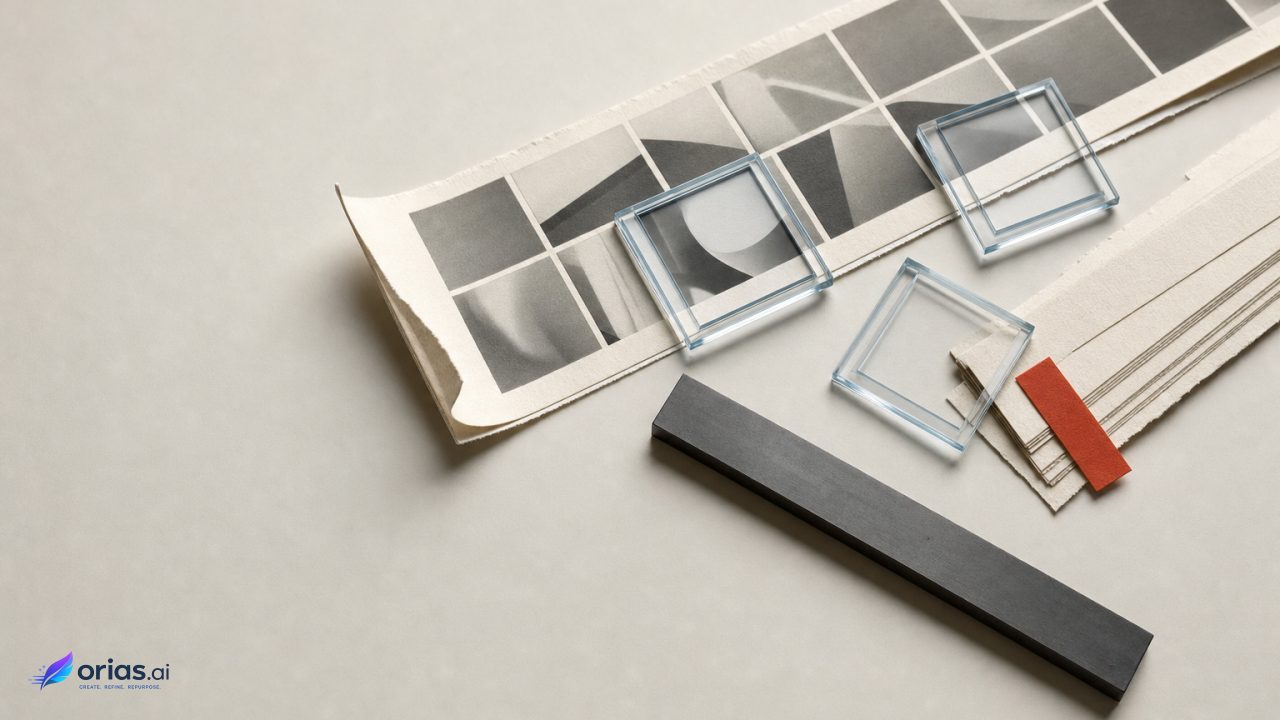
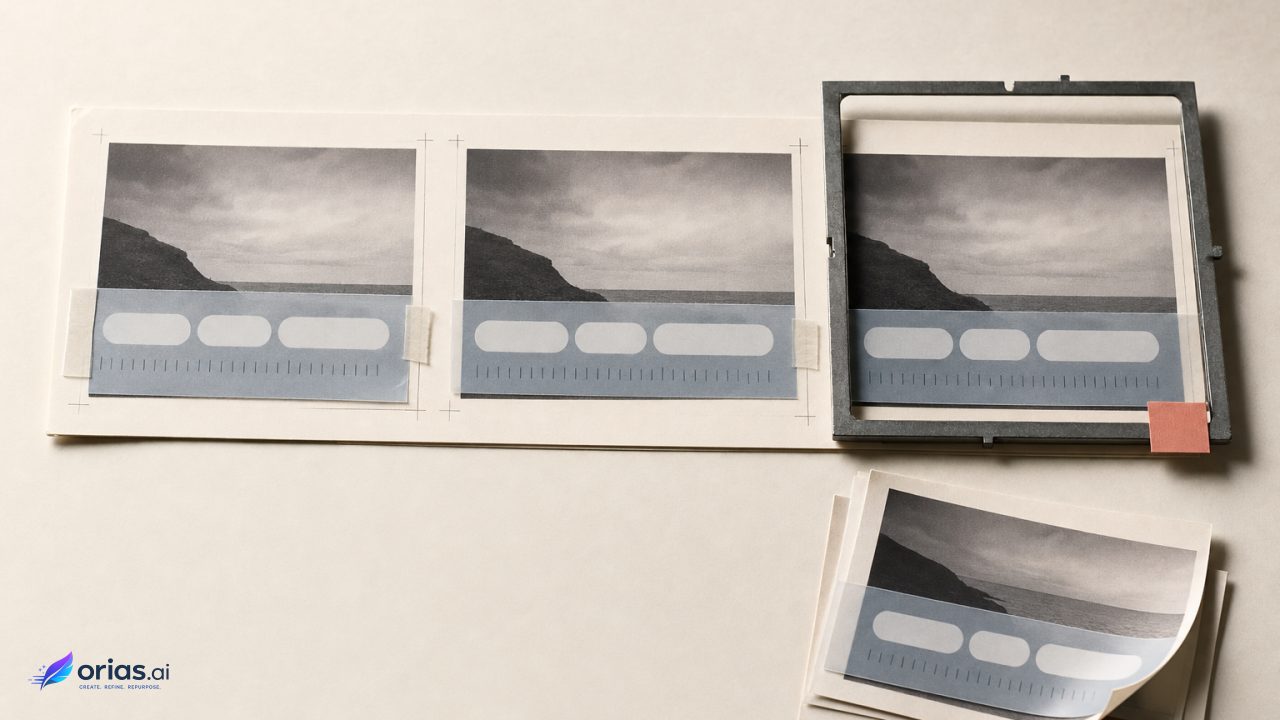
By Orias AI
How to Build a Promo Asset Pack for Your Next Music Release
Build a cohesive promo asset pack for your next music release with AI-assisted planning, visual direction, social formats, and release-ready workflows.
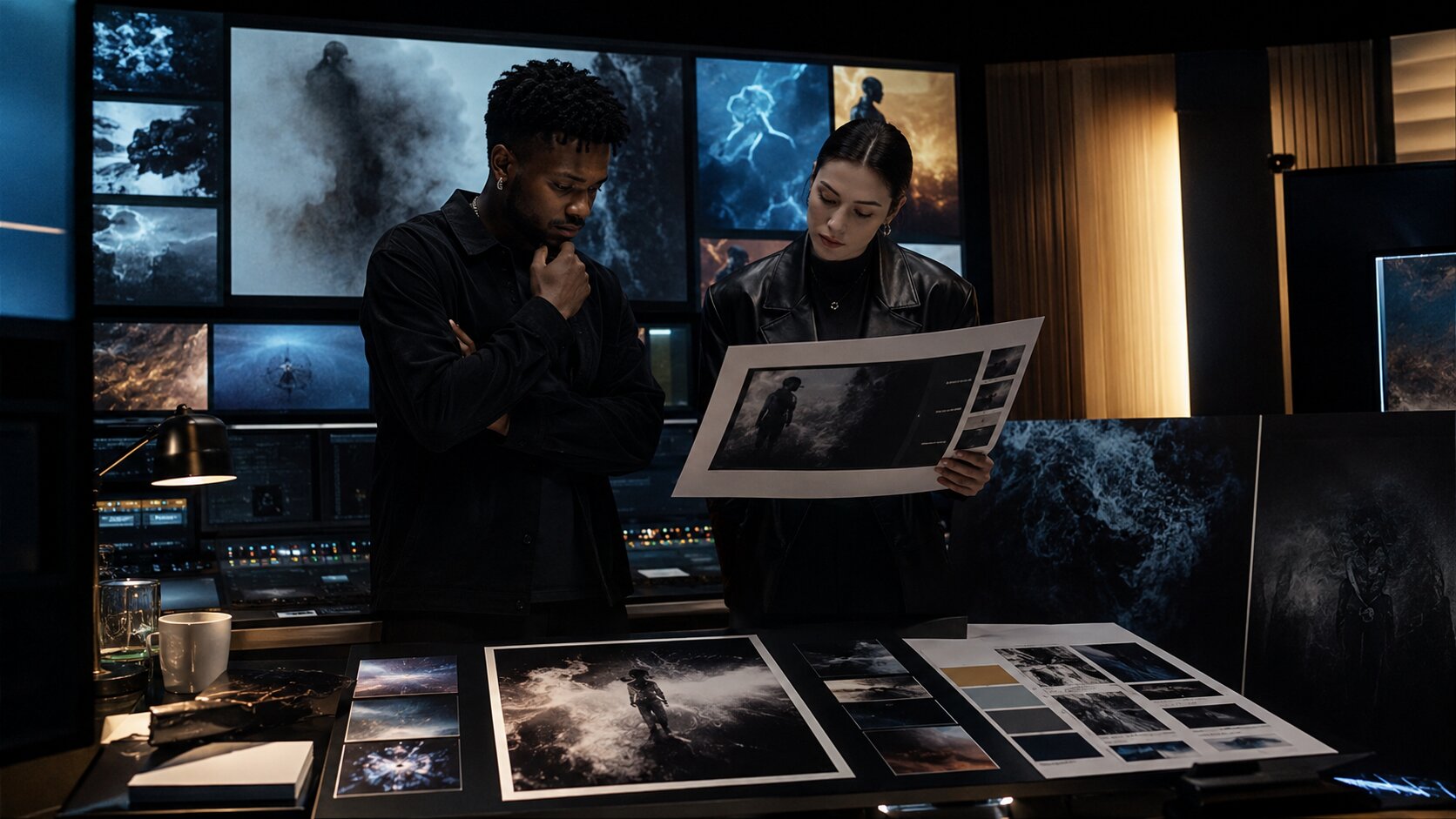
TL;DR:
- A strong promo asset pack gives your release one clear visual world across streaming platforms, social posts, press outreach, short-form video, and fan-facing campaign materials.
- Start with the mood and story of the release, then turn that direction into a structured set of covers, motion assets, vertical videos, captions, press materials, and platform-ready exports.
- AI can help you explore concepts and produce variations faster, but the final pack still needs human curation, rights checks, editing, and platform-specific formatting.
A music release rarely fails because the song has no visuals. It fails because the visuals arrive too late, feel disconnected, or only work in one place. You might have a strong cover image but no vertical teaser. You might have great behind-the-scenes footage but no press image. You might have an interesting AI-generated concept but no consistent system for turning it into posts, banners, Canvas loops, pitch materials, and fan content.
For independent artists, small labels, managers, and creative collaborators, the real challenge is not “make more content.” The challenge is building a promo asset pack that feels intentional. Every visual should make the release easier to recognize, easier to share, and easier to understand before someone even presses play.
That matters because music discovery now happens across many surfaces at once: streaming apps, short-form video feeds, YouTube, Instagram, TikTok, artist profiles, playlists, newsletters, and press inboxes. Official platform guidance reflects that reality: Spotify promotes Canvas as a short looping visual for tracks, Apple Music requires carefully formatted artist and cover images, YouTube Shorts supports short-form videos up to three minutes, and TikTok emphasizes vertical, sound-led creative built for the platform.
This guide shows you how to build a practical, release-ready promo asset pack from the first creative idea to final export. It is written for artists who care about taste, consistency, and momentum — not just content volume.
Table of Contents
- Define the release world before designing assets
- Turn one creative direction into a usable asset map
- Build the pack in four layers: identity, motion, social, and press
- Use AI for exploration, then curate like an art director
- Format for the platform, not just the canvas size
- Create a release-week content system from the pack
- Run a final quality check before publishing
- Build clearer promo packs with Orias AI
- Frequently Asked Questions
- Sources Used
Key Takeaways
| Point | Details |
|---|---|
| Start with a visual world | A promo pack works best when every asset comes from one mood, story, color direction, and emotional frame. |
| Separate core assets from campaign assets | Cover art, artist images, and press photos are foundational; teasers, captions, story slides, and reels support the rollout. |
| AI should expand options, not make final decisions | Use AI to explore directions, generate variants, and test moods, then refine with human taste and brand judgment. |
| Platform specs shape creative choices | A Spotify Canvas loop, Apple Music cover image, TikTok video, and press image all need different formats and review steps. |
| Consistency comes from systems | Templates, naming conventions, visual rules, and repeatable export formats prevent last-minute creative drift. |
| Review rights and quality before launch | Check copyright, likeness, typography, cropping, resolution, metadata, and accessibility before anything goes live. |
Define the release world before designing assets
A promo asset pack should not begin with a list of file sizes. It should begin with a world.
The “world” of a release is the combination of mood, story, texture, visual references, color, setting, typography, motion, and emotional temperature. A cold industrial techno single needs a different world from an acoustic heartbreak EP. A surreal hyperpop rollout should not use the same asset logic as a stripped-back jazz release.
Before opening a design tool or generating visuals, answer five questions:
- What feeling should people associate with this release?
- What visual references already feel close to the sound?
- What should the release never look like?
- What colors, materials, places, symbols, or characters belong in the world?
- What should stay consistent across every asset?
For example, an artist releasing a nocturnal R&B single might define the world as: blue-black tones, rain reflections, close crops, chrome typography, empty streets, soft motion blur, and intimate captions. That gives every later asset a creative boundary. It also makes AI prompting more useful because you are not asking for “cool visuals.” You are asking for variations inside a specific visual language.
The mistake to avoid is starting with isolated outputs: one cover, one TikTok, one poster, one story. That usually creates a collage of unrelated content. The result may look busy, but it will not feel memorable.
A simple creative direction sheet can prevent that. Keep it to one page:
| Creative Element | Decision |
|---|---|
| Emotional tone | Melancholic, intimate, nocturnal |
| Color range | Deep blue, black, silver, desaturated skin tones |
| Texture | Wet pavement, grain, reflections, soft blur |
| Typography | Minimal, narrow, cinematic |
| Visual symbols | Streetlights, glass, water, empty rooms |
| Avoid | Neon party clichés, overly glossy luxury styling |
This becomes your north star. Every asset either belongs to this world or it does not.
Turn one creative direction into a usable asset map
Once the world is clear, translate it into an asset map. This is where many release campaigns become chaotic. Artists know they need “promo content,” but they do not define the actual inventory until release week.
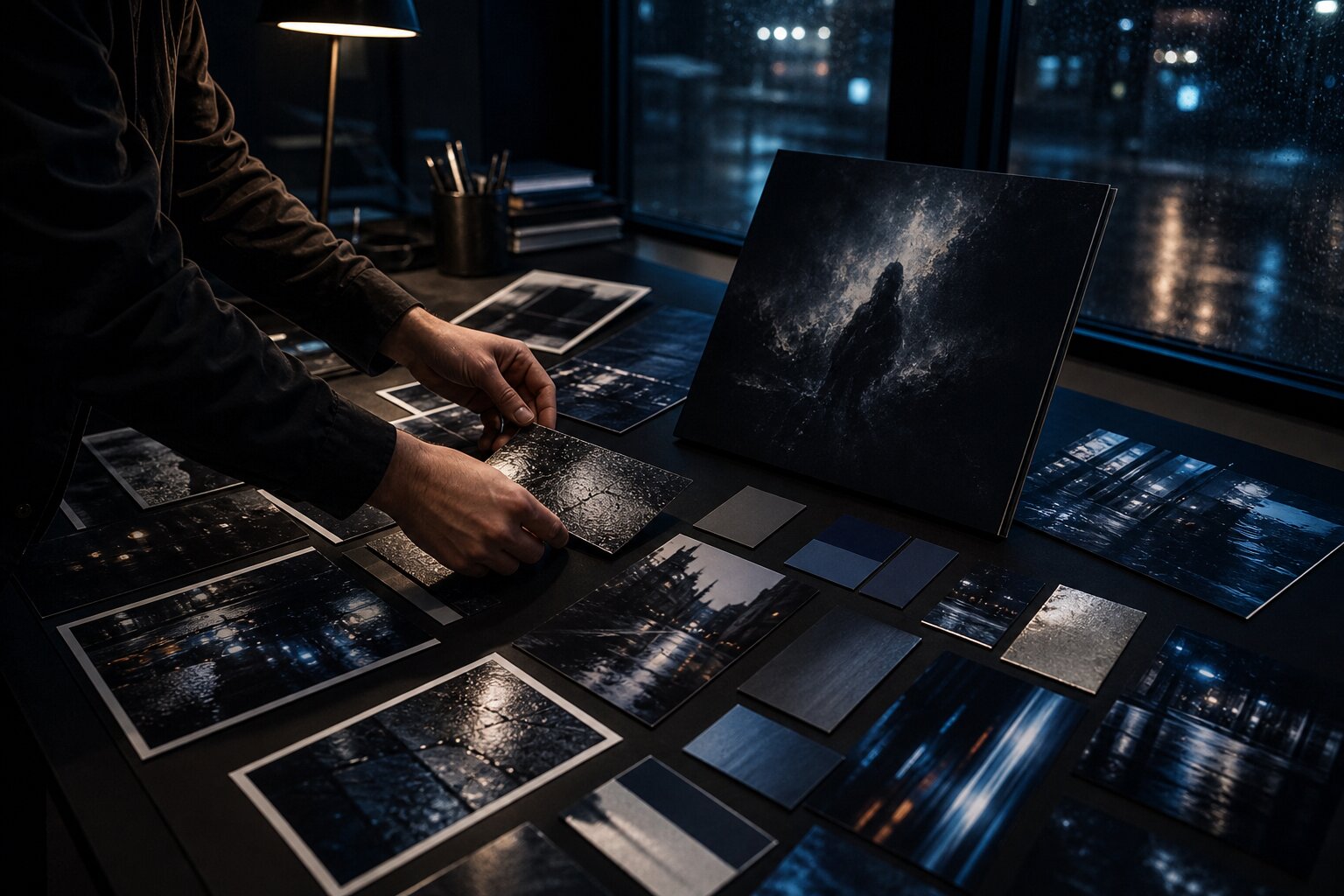
A practical promo asset pack usually includes four groups:
| Asset Group | Examples | Purpose |
|---|---|---|
| Core release assets | Cover art, cover variants, artist image, profile banner | Establish the official identity of the release |
| Motion assets | Spotify Canvas, teaser loops, lyric snippets, visualizers | Add movement and repeatable campaign energy |
| Social assets | Feed posts, story slides, reels, Shorts, TikTok clips, quote cards | Build awareness before and after release day |
| Press and partner assets | EPK image, short bio, press photo, announcement graphic, clean artwork | Make it easy for blogs, venues, collaborators, and teams to share the release |
You do not need every possible asset for every release. A debut single might need a lean pack. An EP, album, tour-connected drop, or label campaign may need a larger system.
A strong minimum pack for an independent single could include:
- Final cover artwork
- Square cover crop and clean text-free version
- Artist profile image or updated press image
- 3–5 vertical teaser videos
- 1 Spotify Canvas-style loop concept
- 5 story slides
- 3 feed posts
- 3 caption directions
- 1 short release announcement
- 1 press or playlist pitch image
- 1 folder of approved logos, fonts, and color references
Spotify describes Canvas as a three-to-eight-second looping visual that appears in the Now Playing view, and its guidelines encourage artists to connect Canvas identity to album art, profile imagery, headers, playlists, or a broader narrative across a release.
That is the mindset to apply across the whole pack: each asset should feel like part of the same release story, not a random decoration.
Build the pack in four layers: identity, motion, social, and press
A promo pack becomes easier to produce when you build it in layers. Each layer has a different job.
Layer 1: Identity assets
These are the assets people will associate with the release long after the campaign ends. Cover art is the obvious one, but identity also includes typography, artist image, color palette, logo treatment, and recurring visual motifs.
Apple Music’s cover art guidance requires artwork to be a perfect square and at least 4000 x 4000 pixels, while Apple’s artist image guidelines list 2400 x 2400 pixels or larger as preferred and 800 x 800 pixels as the minimum.
Even when platforms have different specifications, your identity assets should feel connected. Use a consistent palette. Keep typography related. Decide whether the artist’s face is central, obscured, absent, illustrated, or symbolic. Do not make these decisions asset by asset.
Layer 2: Motion assets
Motion helps a release feel alive. This can include looping visuals, micro-visualizers, lyric fragments, animated cover art, behind-the-scenes clips, performance snippets, or mood-driven video textures.
The key is to design motion as a system. A three-second loop, a 10-second teaser, and a 30-second vertical video can all come from the same visual idea. For example:
- Loop: rain moving across the cover image
- Teaser: the same rain texture with a lyric line
- Reel: artist walking through the same location while the hook plays
- Story: still frame with pre-save or release-day copy
This approach saves time and creates recognition.
Layer 3: Social assets
Social assets should not all say the same thing. A good pack includes different content roles:
| Content Role | Example |
|---|---|
| Announcement | “New single out Friday” |
| Mood | A visual post that expresses the feeling of the track |
| Context | A short note about what inspired the song |
| Proof | Early fan reaction, playlist add, live clip, press mention |
| Participation | Prompt fans to use the sound, comment a lyric, or share a memory |
| Reminder | Release-day and post-release follow-up |
This prevents the campaign from becoming a sequence of identical “out now” posts.
Layer 4: Press and partner assets
Press assets are usually less glamorous but extremely useful. They should be clean, easy to download, and easy to understand. Include high-resolution images, a short artist bio, release description, links, credits, and approved artwork.
The mistake to avoid is sending partners a messy folder full of drafts. Your pack should make sharing effortless.
Use AI for exploration, then curate like an art director
AI can be powerful in a promo asset workflow, especially when you use it early and deliberately. It can help you explore visual directions, generate mood board options, test alternate color worlds, create caption variants, develop storyboard ideas, and repurpose one concept across formats.
But AI does not replace the creative decision. It gives you material to judge.
A useful AI-assisted workflow looks like this:
- Write a release brief in plain language.
- Add references: album art, film stills, textures, wardrobe, locations, photography styles.
- Generate several visual directions.
- Select one direction, not ten.
- Create variations within that direction.
- Refine manually for typography, composition, cropping, and brand fit.
- Export platform-specific versions.
- Review for quality, rights, and consistency.
The danger is random prompting. If each prompt uses a new aesthetic, your pack will look unstable. Consistency comes from the brief, not the tool.
Also, treat AI-generated material as draft material until reviewed. The U.S. Copyright Office has stated that generative AI outputs may receive copyright protection only where sufficient human expressive contribution is present, such as perceptible human-authored elements or creative modification, and not from prompts alone.
For artists, the practical takeaway is simple: document your process, use original references you have rights to use, avoid imitating living artists too closely, and add meaningful human authorship through editing, arrangement, typography, photography, illustration, or compositing.
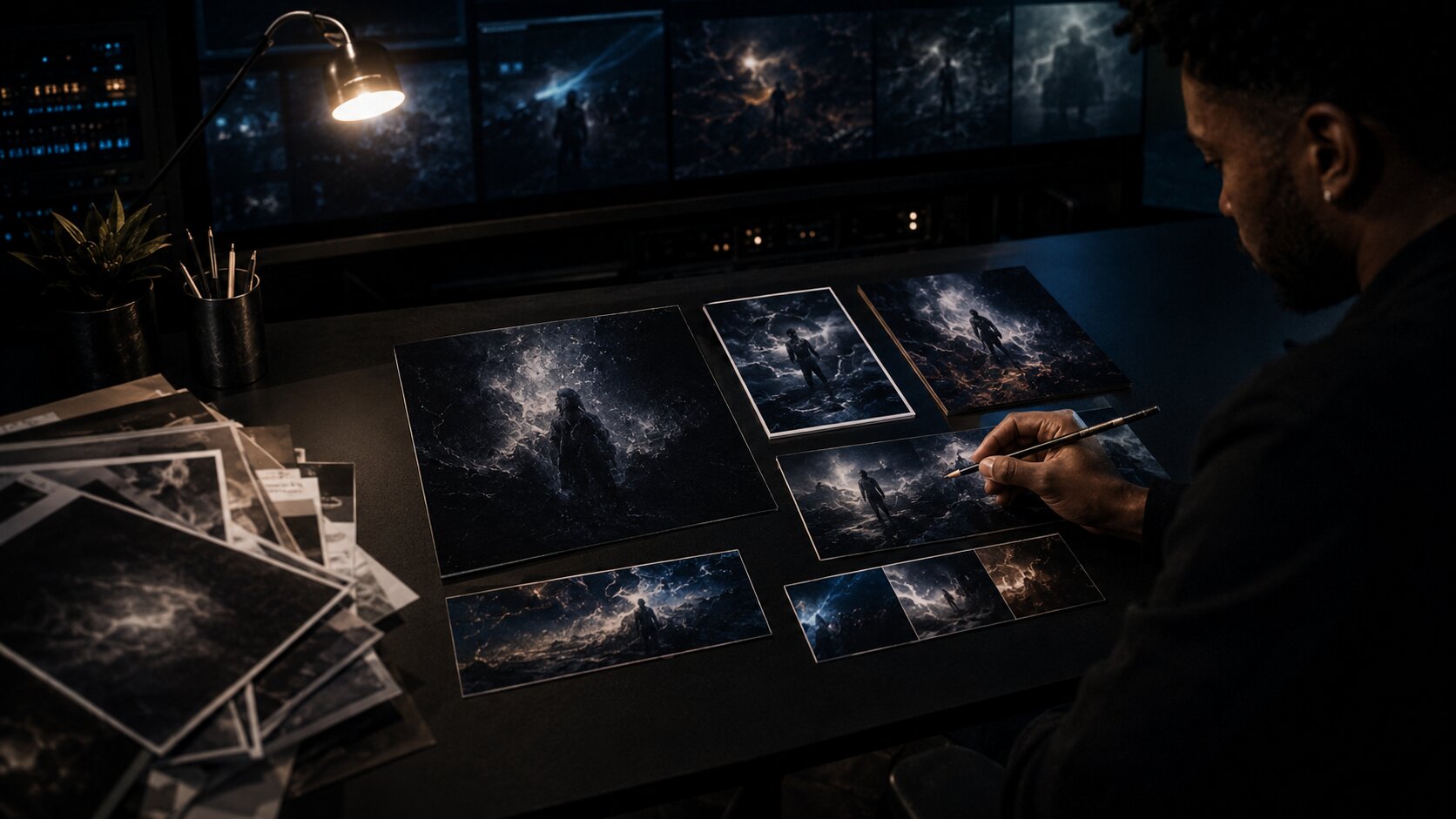
Pro Tip: Build a “reject wall.” Save AI outputs that are close but wrong. Label why they failed: too glossy, wrong era, weak typography, off-brand face, bad hands, generic lighting, poor crop. This sharpens your direction faster than only saving favorites.
Format for the platform, not just the canvas size
A promo pack fails when it treats every platform as a crop of the same image. A square cover, a vertical TikTok, a Spotify Canvas, and a YouTube Short all behave differently.
TikTok’s business guidance emphasizes TikTok-first creative: vertical 9:16 orientation, sound or music, at least 720p resolution, and keeping content visible inside the platform’s UI safe zone. YouTube’s official Shorts help now says Shorts can be up to three minutes, which gives artists more room for storytelling, but the creative still needs to earn attention quickly. Meta also provides guidance around safe zones for Reels and Stories so important text and overlays are not hidden by interface elements.
Think in terms of behavior:
| Platform Surface | Creative Priority |
|---|---|
| Streaming profile | Recognition and professionalism |
| Cover art | Iconic identity at small size |
| Spotify Canvas | Seamless mood and motion |
| TikTok | Native-feeling hook, sound, participation |
| YouTube Shorts | Story arc, performance, repeatable concept |
| Instagram Reels | Visual polish plus immediate clarity |
| Stories | Fast updates, countdowns, links, fan prompts |
| Press kit | Clean, high-resolution, easy to reuse |
The safest approach is to create master assets, then adapt — not simply resize.
For example, a cover image might become:
- A clean square master
- A text-free background
- A vertical teaser background
- A cropped story slide
- A motion loop
- A lyric card
- A press image header
- A thumbnail frame
Each version should be designed for its placement.
Create a release-week content system from the pack
A promo asset pack is not just a folder. It is a campaign engine.
Instead of creating random posts each day, assign every asset a role in the release timeline:
| Timeline | Asset Focus | Example |
|---|---|---|
| 3–4 weeks before release | World-building | Mood clips, cryptic visuals, behind-the-scenes fragments |
| 2 weeks before release | Announcement | Cover reveal, pre-save graphic, short teaser |
| Release week | Conversion | “Out Friday,” lyric snippet, Canvas preview, countdown stories |
| Release day | Momentum | Out-now post, vertical performance clip, fan-share story templates |
| 1–2 weeks after release | Depth | Meaning behind the song, acoustic clip, remix prompt, visualizer |
| Long tail | Repurposing | Alternate edits, live clips, creator prompts, playlist updates |
This structure helps artists avoid spending all their energy before release day. Many songs need continued context after release. A post-release asset can perform better because listeners finally have access to the full track.
Build captions alongside visuals. For each major post, prepare at least three caption angles:
- Direct: “My new single is out now.”
- Personal: “I wrote this after…”
- Participatory: “Use this sound for…”
- Visual: “This video is the world I imagined when making the track.”
- Reflective: “This song changed shape three times before it became…”
AI can help draft caption variants, but the artist’s voice should lead. Remove generic phrases. Keep specific memories, locations, emotions, and details.
Run a final quality check before publishing
Before launch, review the promo pack like a production team would. This step catches mistakes that become expensive later.
Use this checklist:
| Check | What to Review |
|---|---|
| Visual consistency | Do the assets feel like one release world? |
| Technical specs | Are dimensions, resolution, file types, and crops correct? |
| Text safety | Is important copy away from UI overlays and platform controls? |
| Legibility | Can titles and lyric text be read on mobile? |
| Rights | Do you have permission for photos, fonts, samples, likenesses, and references? |
| AI review | Have AI outputs been edited, checked, and documented? |
| Accessibility | Are captions, contrast, and motion choices usable for more viewers? |
| Folder structure | Can a manager, designer, or partner find the right file quickly? |
| Naming | Are final files clearly labeled by use, size, and version? |
A clean naming system saves everyone time:
artist-release-asset-platform-size-version
Examples:
nova-bluehour-cover-4000x4000-vfinal.pngnova-bluehour-canvas-loop-9x16-v03.mp4nova-bluehour-story-countdown-1080x1920-v02.pngnova-bluehour-press-photo-horizontal-vfinal.jpg
The mistake to avoid is exporting “final_final_REALfinal.png.” A release pack should feel calm, organized, and ready to hand off.
Build clearer promo packs with Orias AI
Orias AI is built for creators, artists, musicians, and visual storytellers who need to move from rough ideas to clearer creative output. For a music release, that means turning moods, references, lyrics, campaign concepts, and visual directions into a more coherent set of release visuals, promo assets, content variants, and publish-ready creative packs.
The value is not only speed. It is structure. A strong AI-assisted workspace helps you define the world of the release, explore visual options, create variations, refine the strongest direction, and keep the final assets aligned across platforms. That is especially useful for independent artists and small teams who need professional campaign materials without building a full creative department around every single drop.
Use Orias AI as part of the creative process, not as a replacement for taste. Bring the story. Bring the references. Bring the emotional truth of the song. Then use the platform to make the release world easier to see, organize, and share.
Frequently Asked Questions
What is a promo asset pack for a music release?
A promo asset pack is a structured collection of visuals, videos, copy, and campaign materials used to promote a single, EP, album, or music video. It usually includes cover art, social posts, vertical videos, motion loops, press images, captions, profile assets, and partner-ready files.
What assets should every independent artist prepare before release day?
At minimum, prepare final cover art, a clean artwork version, artist image, short release description, vertical teaser videos, story slides, feed posts, caption options, and a simple press folder. If the release is central to your campaign, add Canvas-style loops, visualizers, lyric clips, and fan-sharing templates.
How early should I build my music promo asset pack?
Start as soon as the release date is confirmed. Many artists benefit from preparing the pack several weeks before launch so there is time for edits, platform uploads, pitch materials, pre-save promotion, and content scheduling. Rushing the pack during release week usually weakens consistency.
Can AI create a full promo asset pack for a song?
AI can help generate ideas, visual directions, image variants, captions, storyboards, and format adaptations. However, the final pack still needs human creative judgment, editing, rights review, quality control, and platform-specific formatting. AI is best used as an accelerator inside a structured workflow.
How do I keep release visuals consistent across platforms?
Create a one-page creative direction before production begins. Define the color palette, typography, textures, references, mood, and forbidden directions. Then build templates for recurring formats such as stories, reels, lyric cards, and announcement posts.
Do I need different assets for Spotify, TikTok, YouTube Shorts, and Instagram?
Yes. You can start from one visual world, but each platform needs adaptation. Spotify Canvas is a short loop, TikTok rewards native vertical sound-led creative, YouTube Shorts supports short-form storytelling, and Instagram Reels and Stories require attention to safe zones and mobile readability.
What is the biggest mistake artists make with promo assets?
The biggest mistake is treating promo assets as isolated graphics instead of a connected campaign system. A strong pack should make the release instantly recognizable across every surface while giving the artist enough variation to keep the campaign interesting.