
Content Repurposing Workflow: Turn One Idea into 20 Assets
Turn one creative idea into 20 useful assets with a practical repurposing workflow for artists, creators and visual teams.

TL;DR:
- A strong content repurposing workflow does not mean copying the same post across every platform.
- It means turning one core idea into a flexible asset system: short videos, stills, captions, carousels, email copy, release visuals, behind-the-scenes posts, and follow-up content.
- The most important step is to define the creative angle first, then adapt the idea for each format instead of forcing every platform to carry the same version.
Most creators do not have a shortage of ideas. They have a shortage of repeatable systems.
An artist might have a new single, a behind-the-scenes video, a strong visual concept, or one clear message about a project. A filmmaker might have a mood, a scene, or a visual world. A creator might have one useful insight that could become a video, a carousel, a newsletter, a blog section, and several short posts. The problem is that many people treat each asset as a separate task, which makes content production feel heavier than it needs to be.
Content repurposing solves that problem when it is done with intention. The goal is not to flood every channel with recycled material. The goal is to extract the real creative value from one idea and reshape it into formats that feel native, useful, and emotionally consistent.
This guide breaks down a practical workflow for turning one idea into 20 assets. It is written for artists, musicians, visual storytellers, independent creators, and small creative teams that need more output without sacrificing taste, identity, or strategy.
Table of Contents
- Start with the asset hidden inside the idea
- Build the 20-asset map before production starts
- Break the idea into message layers
- Use AI to expand options, not replace direction
- Adapt each asset to the platform, not just the size
- Add a human review pass before anything goes live
- Turn the workflow into a repeatable creative system
- How Orias AI supports repurposing workflows
- Frequently Asked Questions
Key Takeaways
| Point | Details |
|---|---|
| One idea needs a clear angle | Repurposing works best when the original idea has a defined message, mood, audience, and purpose. |
| 20 assets should not mean 20 duplicates | Each asset should serve a different role: awareness, context, conversion, engagement, or retention. |
| AI is strongest in the middle of the workflow | Use it for ideation, structure, variations, captions, visual directions, and format planning—not unchecked publishing. |
| Platform fit matters | A vertical teaser, a Spotify Canvas, an Instagram carousel, and an email intro should not feel like the same file resized. |
| Human taste protects consistency | Final selection, editing, rights checks, tone, and brand fit still need human judgment. |
| The workflow should become reusable | Once you build the system, every release, campaign, or concept becomes easier to package. |
Start with the asset hidden inside the idea
A single idea becomes easier to repurpose when it is specific enough to carry multiple formats.
A weak idea sounds like this:
“Post about the new release.”
A stronger idea sounds like this:
“Show how the new release was built from a lonely late-night voice memo into a cinematic visual world.”
The second version gives you material. It suggests a story, mood, timeline, visual language, and emotional arc. From that one angle, you can create a teaser, a lyric visual, a behind-the-scenes post, a short caption, a carousel, a newsletter paragraph, a release-day reminder, and a post-release reflection.
Before creating assets, define five things:
- Core message: What should the audience understand or feel?
- Emotional tone: Is it intimate, energetic, nostalgic, surreal, playful, raw, cinematic, or polished?
- Audience role: Are they discovering, deciding, remembering, sharing, or going deeper?
- Visual system: What colors, textures, settings, lighting, references, or compositions should repeat?
- Primary action: Should people listen, watch, save, comment, subscribe, follow, pre-save, or explore?
This is where many creators make the first mistake. They start by asking, “What should I post today?” A better question is, “What is the strongest idea I already have, and how many useful shapes can it take?”
Build the 20-asset map before production starts
The easiest way to create 20 assets is to plan them as a system, not invent them one by one.
Here is a practical 20-asset map for one creative idea, release, video, or campaign concept:
| Asset Type | Purpose |
|---|---|
| 1. Hero visual | Defines the campaign mood |
| 2. Vertical teaser video | Introduces the idea quickly |
| 3. Short behind-the-scenes clip | Adds human context |
| 4. Square social post | Works as a clean announcement |
| 5. Carousel post | Explains the story in steps |
| 6. Quote graphic | Pulls one memorable line |
| 7. Story frame | Creates lightweight daily visibility |
| 8. Thumbnail concept | Makes the idea clickable |
| 9. Header/banner crop | Supports web, profile, or campaign pages |
| 10. Email intro | Gives the idea a direct message format |
| 11. Blog section or article intro | Expands the idea for search and depth |
| 12. Short caption set | Creates multiple posting angles |
| 13. Long caption | Adds context and personality |
| 14. Alternate hook set | Tests different entry points |
| 15. Release reminder post | Reframes the same idea around timing |
| 16. Post-release reflection | Extends the story after launch |
| 17. Fan/community prompt | Invites response or participation |
| 18. Visual loop | Adds motion for music or mood-based platforms |
| 19. Press or pitch blurb | Makes the idea usable outside social media |
| 20. Archive asset | Keeps the concept reusable for future campaigns |
This list is not a rule. It is a production menu. A musician might replace the blog section with a Spotify Canvas, while a filmmaker might replace the quote graphic with a storyboard frame. Spotify describes Canvas as a short vertical visual loop that appears in the Now Playing view, and its guidelines emphasize short duration, vertical format, safe framing, simple visual storytelling, and a connected theme across the artist’s visual identity. Read Spotify Canvas guidelines.
The strategic point is simple: decide the asset family before production begins. That way, the original shoot, prompt session, design pass, or edit session captures enough material for the full campaign.
Break the idea into message layers
One idea can become 20 assets because it contains more than one message.
Most creators only publish the obvious layer: the announcement. But audiences often need more than an announcement to care. They need context, emotion, proof, rhythm, and reminders.
A useful repurposing workflow separates the idea into message layers:
| Layer | Example Use |
|---|---|
| Hook | “This started as a voice memo at 2 a.m.” |
| Story | The origin, process, conflict, or transformation |
| Visual mood | The colors, places, textures, or atmosphere |
| Proof | Screenshots, clips, studio moments, reactions, or progress |
| Invitation | A question, CTA, save prompt, listen prompt, or comment prompt |
| Reflection | What changed after publishing, releasing, or sharing |
For a music release, the same track can create different layers:
- A teaser about the sound.
- A visual post about the cover world.
- A caption about the personal story.
- A short video about the production process.
- A Canvas or loop based on the song’s atmosphere.
- A post-release asset about listener reactions.
- A newsletter paragraph about what the song means now.
Spotify Clips, for example, are described as under-30-second vertical videos that can be attached to tracks and artist profiles, which makes them a natural fit for short context, personality, or release storytelling rather than generic reposting. Explore Spotify Clips.
The mistake to avoid is treating every asset as a mini advertisement. Some assets should sell. Others should explain, deepen, remind, or invite.
Use AI to expand options, not replace direction
AI can make repurposing faster, but only when the creative direction is already clear.
A good AI-assisted workflow might look like this:
- Write the core idea in plain language.
- Define the mood, audience, platform, and campaign goal.
- Ask AI to create format variations.
- Generate caption angles, visual prompts, storyboard ideas, or CTA options.
- Select the strongest options manually.
- Edit for voice, accuracy, taste, and context.
- Resize, refine, and prepare final files for publishing.
AI is especially useful for turning one source idea into structured options:
- 10 caption hooks.
- 5 carousel outlines.
- 3 visual direction routes.
- 6 short video concepts.
- 4 newsletter subject lines.
- 8 alternate CTAs.
- 5 thumbnail composition ideas.
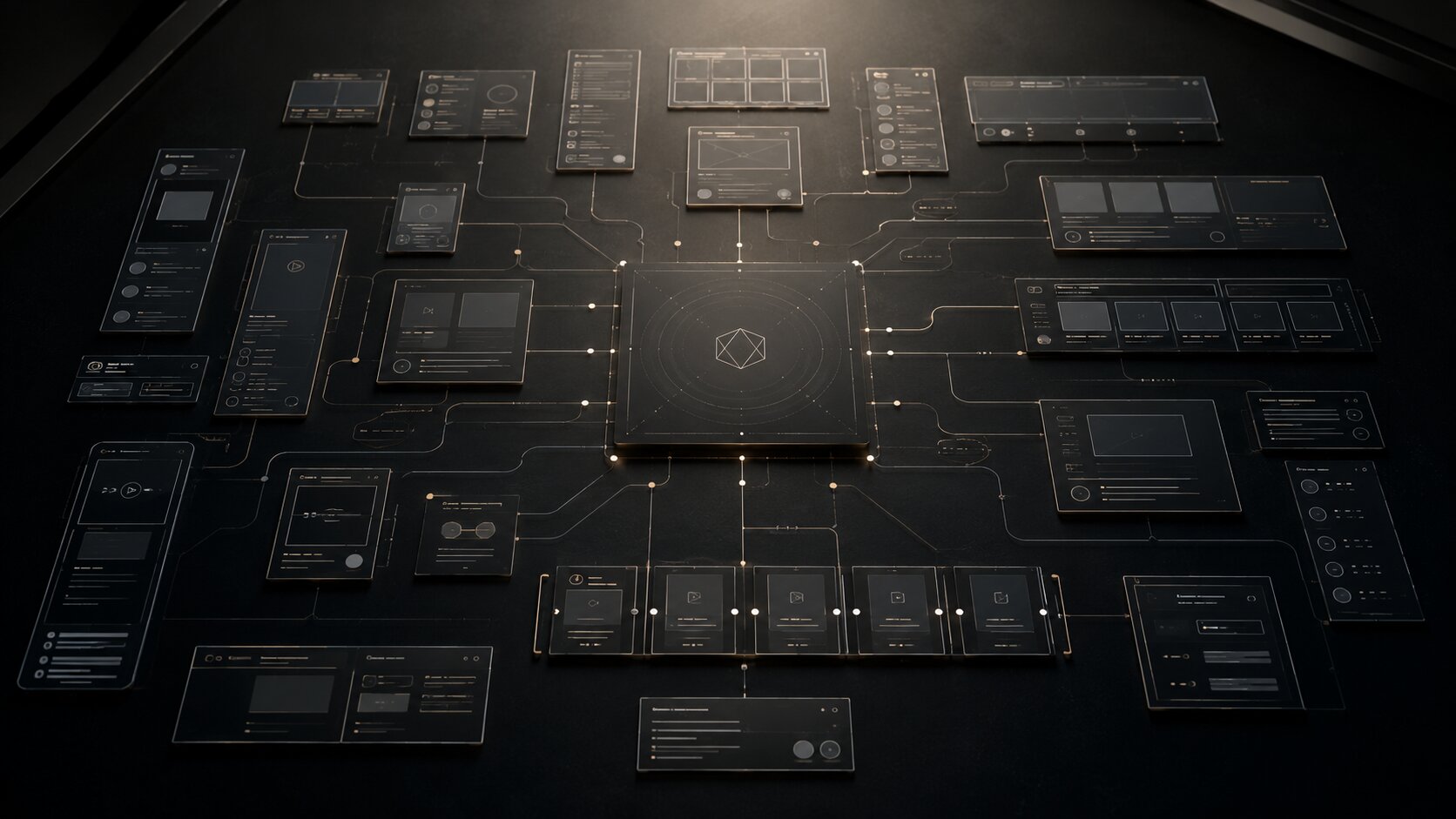
The risk is that AI can also flatten your work. If every asset is generated from vague prompts, the output often becomes generic: dramatic lighting, glossy visuals, broad captions, and familiar language. Consistency does not come from asking AI for “more content.” It comes from giving the system a clear creative brief.
A stronger prompt includes:
- The original idea.
- The audience.
- The emotional tone.
- The visual references or mood.
- The campaign purpose.
- The formats needed.
- What to avoid.
- The creator’s voice or brand constraints.
Canva’s content workflow guidance emphasizes templates, organized assets, AI-assisted drafting, repurposing across platforms, and clear brand guidelines as ways to speed up production without rebuilding every asset from scratch. Read Canva’s content creation guidance. That same principle applies to AI: the tool works better when it operates inside a defined system.
Adapt each asset to the platform, not just the size
Repurposing is not resizing.
A vertical video, square post, email intro, blog section, and streaming-platform visual all need different behavior. They may share the same idea, but they should not use the same rhythm.
For example:
| Platform / Format | What Usually Needs to Change |
|---|---|
| Short-form video | Hook, pacing, captions, safe zones, first-frame clarity |
| Carousel | Sequence, headline logic, slide-by-slide progression |
| Personal tone, context, direct CTA | |
| Blog / website | Search intent, depth, structure, internal links |
| Music platform visual | Mood, loop quality, simplicity, safe framing |
| Thumbnail | Contrast, composition, instant readability |
| Story post | Immediacy, interaction, lower production friction |
YouTube’s own Shorts guidance highlights vertical 9:16 video, fast attention capture, and concise delivery for mobile viewing. Read YouTube Shorts guidance. TikTok’s business guidance similarly recommends making creative specifically for the platform, using vertical 9:16 orientation, respecting UI safe zones, and continuously testing and learning rather than assuming one version will work everywhere. Read TikTok creative best practices.
This matters because each platform creates a different viewing state. Someone watching a short video is often moving quickly. Someone reading an email has given you more attention. Someone seeing a Spotify Canvas is already listening, so the visual should deepen the mood rather than compete with the song.
Apple Music for Artists also provides promotional tools such as social assets, badges, logos, QR codes, milestone sharing, embedded players, and links that can support release promotion across channels. Explore Apple Music for Artists promo tools. For musicians, that means repurposing should include both creative assets and utility assets: not only visuals that look good, but links, badges, player embeds, and shareable release materials.
Add a human review pass before anything goes live
A repurposing workflow can produce a lot of material quickly. That makes review more important, not less.
Before publishing, check every asset against five questions:
- Does it still feel like the original idea? If the asset is technically polished but emotionally disconnected, revise it.
- Is it native to the format? A carousel should not feel like a chopped-up blog post. A short video should not feel like a static poster with music added.
- Is the voice accurate? Captions and scripts should sound like the creator, artist, or brand—not like a generic marketing template.
- Are rights and usage clear? Check music, footage, references, fonts, stock assets, likenesses, logos, and AI-generated material before publishing.
- Is there too much repetition? Twenty assets should give the audience multiple entry points, not the same message 20 times.
For artists and musicians, this review pass protects identity. For teams, it protects consistency. For beginners, it prevents the most common AI workflow mistake: publishing the first acceptable output instead of curating the strongest one.
Pro Tip: AI can help you produce variations, but human judgment should decide what deserves to represent the work.
Turn the workflow into a repeatable creative system
The real value of content repurposing appears after the first campaign.
Once you have turned one idea into 20 assets, save the structure. Create a reusable template with:
- Core idea field.
- Audience field.
- Mood and references.
- Platform list.
- Asset map.
- Caption angles.
- Visual direction notes.
- Production checklist.
- Review checklist.
- Publishing sequence.
- Post-campaign notes.
Then, after publishing, review performance qualitatively and quantitatively. Look at what people saved, replied to, clicked, watched, skipped, shared, or ignored. The goal is not to let metrics dictate the entire creative direction. The goal is to understand which formats helped the idea travel.
For example, you may discover that:
- Behind-the-scenes clips create stronger comments.
- Carousels explain the concept better.
- Email drives more committed action.
- Short videos help discovery.
- Mood-based visuals deepen the world around a release.
- Post-release reflections build stronger audience connection.
The next campaign becomes easier because you are not starting from zero. You are improving a system.
How Orias AI supports repurposing workflows
Orias AI is built for creators who need to turn rough ideas, references, moods, and creative directions into clearer creative output.

For a content repurposing workflow, that means using Orias AI to help shape the middle of the process: exploring campaign angles, developing visual worlds, generating promo asset ideas, creating voice variants, planning release visuals, and turning one concept into a more complete creative pack.
The strongest use case is not “make 20 random posts.” It is more disciplined than that:
- Start with one idea.
- Clarify the mood and message.
- Build a creative direction.
- Generate asset variations.
- Refine the strongest options.
- Prepare publish-ready materials.
- Keep the creator’s artistic voice intact.
For independent artists, this can reduce the pressure of starting every post from scratch. For visual storytellers, it can help keep a campaign world consistent. For creative teams, it can make asset planning more structured before production becomes chaotic.
Frequently Asked Questions
What is a content repurposing workflow?
A content repurposing workflow is a structured process for turning one idea, video, release, article, campaign, or creative concept into multiple assets for different platforms. It usually includes idea definition, format planning, asset creation, editing, platform adaptation, publishing, and review.
How can one idea become 20 assets without feeling repetitive?
The key is to create different roles for each asset. Some assets introduce the idea, some explain it, some show the process, some invite engagement, some drive action, and some extend the story after publishing. Repetition happens when every asset uses the same message, format, and CTA.
Can AI help with content repurposing?
Yes. AI can help generate caption angles, content maps, visual prompts, storyboard ideas, hooks, CTA variations, and format-specific drafts. However, creators should still review, edit, fact-check, and curate the final output to protect voice, quality, and originality.
What is the best first asset to create?
Start with the asset that defines the campaign direction. For some creators, that is a hero visual. For musicians, it might be a release mood board, cover direction, or short teaser. For educators or writers, it may be a long-form article, script, or central framework.
Is repurposing the same as cross-posting?
No. Cross-posting usually means sharing the same asset across multiple platforms. Repurposing means reshaping the idea so each format feels native. A short video, carousel, email, blog post, and music-platform visual should share a concept but use different structure and pacing.
How many assets should I make from one idea?
Twenty is a useful target, not a fixed rule. A small creator might make 6–10 strong assets. A release campaign or creative team might make 20 or more. The right number depends on the idea, audience, production capacity, and campaign timeline.
What is the biggest mistake in content repurposing?
The biggest mistake is starting with formats before clarifying the idea. If the concept is vague, every asset becomes weaker. Define the message, mood, audience, and purpose first; then decide how the idea should appear across platforms.
Sources Used
- YouTube Creator Blog — Your guide to getting started with YouTube Shorts
- TikTok Business Help Center — Creative best practices for performance ads
- Spotify for Artists Support — Canvas guidelines
- Spotify for Artists — Clips
- Apple Music for Artists — Promote your music
- Canva — How to speed up your team’s content creation process


