
Build a Strong Concept for Creative Work
Create a strong creative concept with mood, references, AI ideation, visual direction, and a practical workflow for better assets.
TL;DR:
- A strong concept is not just an idea, theme, or aesthetic.
- It is a clear creative decision that gives your visuals, messaging, mood, format choices, and assets a shared reason to exist.
- The best workflow is to define the emotional core first, translate it into a brief, explore references, generate variations, then curate everything through human judgment.
Most weak creative work does not fail because the creator had no ideas. It fails because the idea never became a concept.
An idea might be “a darker visual world,” “a nostalgic album campaign,” “a cinematic launch video,” or “a more premium brand look.” A concept turns that loose intention into something usable: what the audience should feel, what the visual system should repeat, what should be avoided, and how the work should behave across formats.
This matters even more for artists, musicians, content creators, and small creative teams using AI tools. AI can generate options quickly, but speed does not automatically create meaning. Without a strong concept, creators often end up with beautiful but disconnected outputs: one cover image, one teaser, one carousel, one thumbnail, and no recognizable creative world.
This guide explains how to build a strong concept from scratch, how to structure it into a practical creative direction, and how to use AI without losing taste, authorship, or consistency.
Table of Contents
- Key Takeaways
- Start with the creative promise, not the visual style
- Build the concept from tension
- Turn the idea into a working creative brief
- Create a reference system instead of a random mood board
- Use AI to widen the field, then edit with intent
- Convert the concept into an asset world
- Stress-test the concept before publishing
- How Orias AI helps creators shape stronger concepts
- Frequently Asked Questions
- Sources Used
Key Takeaways
| Point | Details |
|---|---|
| A concept is a decision system | It helps you choose what belongs, what does not, and how each asset should feel. |
| Mood comes before format | Before making covers, videos, posts, or thumbnails, define the emotional experience. |
| References need roles | A strong reference board separates lighting, texture, composition, color, pacing, and attitude. |
| AI is best for exploration | Use AI to test directions, generate variations, and clarify options, not to replace judgment. |
| Consistency requires rules | Repeated colors, framing, language, and visual motifs help one idea become a recognizable world. |
| A strong concept survives adaptation | It should work across vertical videos, square posts, banners, thumbnails, release visuals, and campaign assets. |
Start with the creative promise, not the visual style
A strong concept begins with a promise: what should this work make people feel, understand, remember, or want to do?
Many creators start too late in the process. They choose a color palette, visual genre, font style, or image prompt before defining the emotional logic behind the work. That leads to visuals that look polished but feel interchangeable.
Instead, begin with a sentence like this:
“This concept should make the audience feel like they are entering a private, nocturnal world where vulnerability becomes power.”
That sentence is more useful than “dark cinematic visuals” because it creates direction. It tells you what the work should protect: intimacy, tension, night, transformation, and emotional strength.
For a musician, the creative promise might connect to a release. For a visual storyteller, it might define a campaign atmosphere. For a digital creator, it might shape a new content series. The point is the same: the concept should describe the experience, not just the decoration.
A useful concept statement usually includes:
- the emotional core
- the subject or story
- the visual world
- the audience reaction
- the creative boundary
A weak concept says: “Retro futuristic visuals.”
A stronger concept says: “A lonely but hopeful future built from analog textures, soft neon, old technology, and quiet human moments.”
The second version gives you something to build with.
Build the concept from tension
Flat concepts usually have only one mood. Strong concepts often contain tension.

Tension gives the work movement. It creates contrast between two forces: soft and industrial, sacred and chaotic, luxury and decay, memory and speed, loneliness and public performance. This is especially useful for music releases, artist branding, and visual storytelling because it prevents the concept from becoming one-dimensional.
Ask:
- What is the emotional conflict?
- What does the work reveal and hide?
- What is polished, and what is raw?
- What is familiar, and what feels strange?
- What should the audience feel first, and what should they feel after a second look?
For example, a concept for an independent artist’s EP could be:
“Bedroom intimacy staged like a public broadcast.”
That tension immediately suggests visuals: domestic spaces, microphones, harsh flash, soft bedding, broadcast graphics, lonely performance, and imperfect textures. It also gives the campaign room to expand. The cover could be still and intimate. The teaser could feel like surveillance. The vertical clips could show fragments of private moments becoming public.
This is how a concept becomes productive. It does not just describe a look; it creates a system of choices.
Turn the idea into a working creative brief
Once the concept has emotional shape, turn it into a brief. A brief does not need to be corporate or complicated. It is simply the document that keeps the project from drifting.
Adobe describes a creative brief as a roadmap that defines the scope, goals, and key elements of a project, while also giving creative teams direction without over-prescribing the final concept.
For creators, that balance is important. A brief should not kill experimentation. It should prevent random decisions.
A practical concept brief structure
Use this structure before generating assets, hiring collaborators, or building a campaign:
| Brief Element | What to Write |
|---|---|
| Core concept | One clear sentence that defines the creative world. |
| Emotional target | What the audience should feel. |
| Audience | Who the work is for and what they already understand. |
| Visual language | Color, light, texture, framing, motion, environment. |
| Voice and tone | How captions, titles, copy, and prompts should sound. |
| Must include | Motifs, formats, messages, scenes, symbols, or assets. |
| Must avoid | Clichés, colors, styles, references, or themes that weaken the concept. |
| Deliverables | Cover art, teaser, vertical clips, banners, thumbnails, carousels, ads, or press assets. |
| Success check | How you will know the concept is working. |
The “must avoid” section is often the most underrated. If your concept is “ritualistic, intimate, handmade,” you may need to avoid glossy sci-fi lighting, generic cyberpunk imagery, fake luxury styling, or overused AI surrealism.
A concept becomes stronger when it has boundaries.
Create a reference system instead of a random mood board
Mood boards often fail because they collect attractive images without explaining what each image is doing.
A strong concept needs references, but not as decoration. Each reference should have a role. One image might define lighting. Another might define texture. Another might show composition. Another might capture emotional distance. Another might show what to avoid.
Use reference categories like:
- Mood: What emotional atmosphere should the work carry?
- Color: What palette supports that mood?
- Lighting: Is the world soft, clinical, harsh, natural, nocturnal, or overexposed?
- Texture: Film grain, paper, chrome, dust, glass, fabric, skin, water, concrete?
- Composition: Close-up, wide, symmetrical, handheld, fragmented, empty space?
- Motion: Slow, unstable, rhythmic, glitchy, documentary, choreographed?
- Typography: Minimal, expressive, handwritten, editorial, utilitarian?
- Negative references: What looks wrong for this concept?
This is where creative direction becomes precise. Instead of saying “make it cinematic,” you can say:
“Use the shadow density from reference A, the close framing from reference B, the muted green-gray palette from reference C, and avoid the glossy futuristic look in reference D.”
That instruction is useful for designers, AI tools, photographers, editors, and collaborators.
It also helps maintain consistency. Figma’s design system guidance emphasizes shared language, reusable components, and consistency across products and workflows; creators can apply the same principle to campaign visuals and content systems.
You do not need a full enterprise design system. But you do need a shared creative language.
Use AI to widen the field, then edit with intent
AI can help concept development in several practical ways:
- expanding rough ideas into clearer directions
- generating alternative visual worlds
- testing mood combinations
- creating prompt variations
- building draft copy, captions, and campaign angles
- adapting one concept across formats
- producing options for review
The mistake is treating AI output as the final creative decision.
AI is strongest during exploration. Human judgment is strongest during selection. The creator decides what feels true, what feels generic, what fits the brand, what respects the audience, and what deserves to be published.
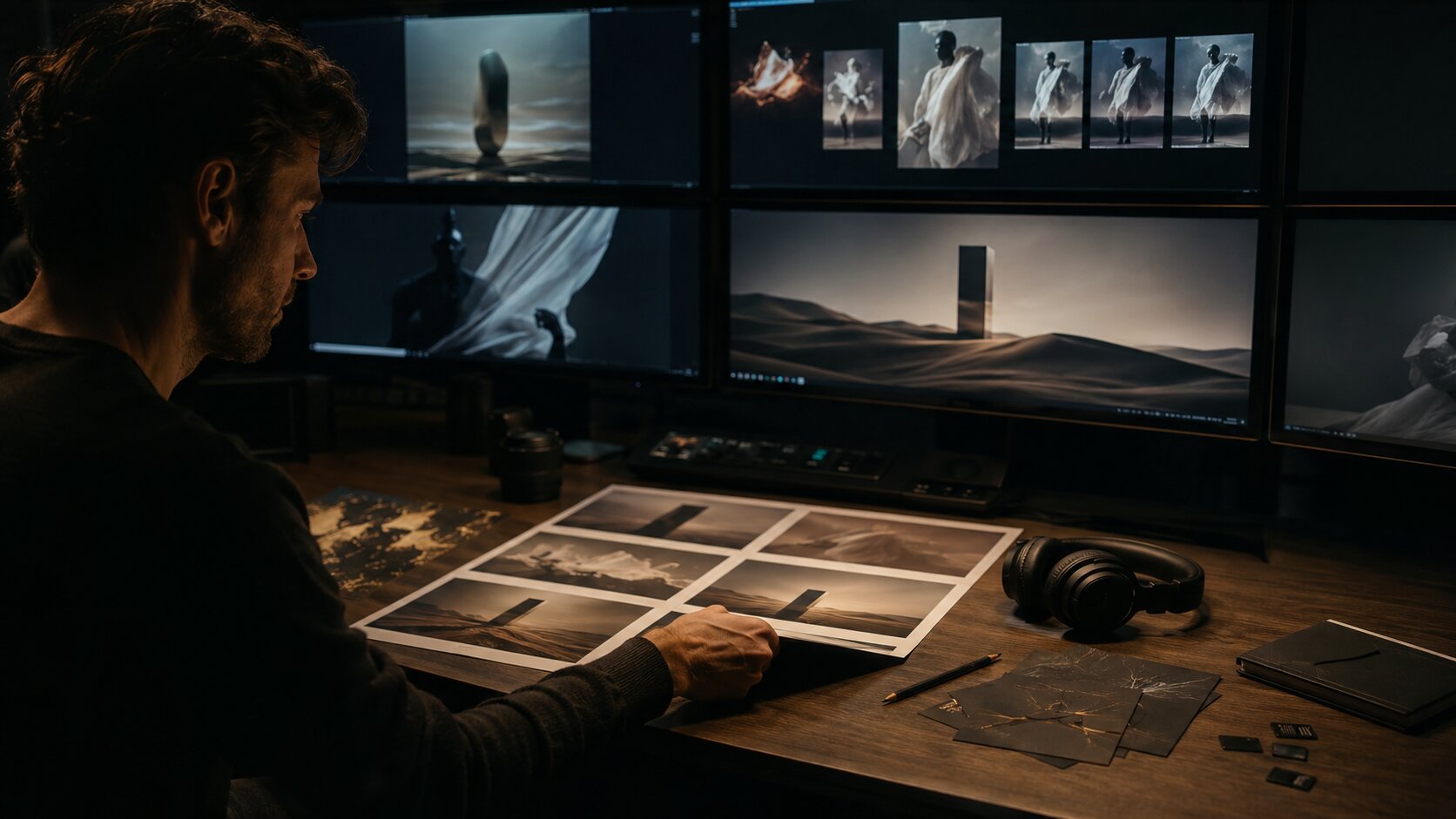
A better AI workflow looks like this:
- Write the concept statement.
- Define the emotional target.
- Add reference roles.
- Generate several directions.
- Compare the results against the brief.
- Reject anything that looks impressive but misses the idea.
- Refine the strongest direction.
- Adapt it into platform-specific assets.
- Review rights, context, quality, and consistency before publishing.
A useful rule: never ask AI for “a strong concept” without giving it taste criteria. Give it the emotional conflict, audience, format, references, exclusions, and intended use.
For example:
“Create three visual directions for an indie pop release about private grief becoming public performance. The world should feel intimate, nocturnal, analog, and slightly theatrical. Avoid neon cyberpunk, fake luxury, readable text, and generic sad bedroom imagery.”
That prompt gives the tool a creative frame. The final decision still belongs to the creator.
Convert the concept into an asset world
A strong concept should not stop at one hero image. It should become an asset world.
For a musician, that could include cover art, Spotify Canvas, short clips, vertical teasers, profile updates, countdown visuals, YouTube thumbnails, social posts, behind-the-scenes stills, and post-release content. Spotify for Artists highlights tools such as Clips, Canvas, Countdown Pages, and artist profile customization as ways artists can bring the story behind their music to life.
For a creator or brand, the same principle applies. One concept can become:
- a launch announcement
- a teaser sequence
- a carousel
- a short-form video
- a thumbnail system
- a newsletter image
- a website hero
- a paid ad variation
- a behind-the-scenes post
- a recap asset
The key is adaptation, not duplication. Every asset should feel like part of the same world, but each format needs its own job.
YouTube’s creator guidance reminds creators to think carefully about titles, descriptions, and thumbnails because they should accurately reflect what viewers can expect; it also notes that Shorts creators should consider how the first seconds grab attention. TikTok’s creative best practices similarly emphasize vertical 9:16 content, visible safe zones, early hooks, clear CTAs, creative testing, and maintaining a library of assets for refreshes.
That means your concept has to survive real platform behavior. A beautiful wide image may not work as a vertical teaser. A poetic title may not work as a thumbnail. A subtle mood may need a clearer hook in the first seconds of a short video.
Asset translation table
| Asset | Concept Question |
|---|---|
| Cover image | What is the most iconic still version of the idea? |
| Vertical teaser | How does the concept move in the first three seconds? |
| Carousel | What sequence explains the world step by step? |
| Thumbnail | What is the clearest visual tension at small size? |
| Caption | What voice belongs to this concept? |
| Website hero | How does the concept introduce the project quickly? |
| Post-release content | How does the world evolve after launch? |
This is where a concept becomes useful in production. It reduces decision fatigue because every asset is judged against the same creative logic.
Stress-test the concept before publishing
Before you commit to a concept, test it.
A concept may feel strong in a document but collapse when applied to real formats. It may be too abstract. It may rely on one image. It may look good in a mood board but fail as video, copy, or social content.
Use these stress-test questions:
- Can you explain it in one sentence? If not, the concept may still be too vague.
- Can it produce at least five different assets? A strong concept should expand beyond one image.
- Does it have recognizable rules? Look for repeated color, framing, tone, symbols, or emotional cues.
- Does it avoid obvious clichés? If the first output looks like every other AI-generated image in the category, refine the brief.
- Can it adapt across platforms? Test square, vertical, wide, thumbnail, and copy formats.
- Does it still feel like you? This is the most important test for artists and independent creators. The concept should clarify your voice, not replace it.
Google’s ABCD framework for YouTube ads is a useful reminder that effective creative often needs attention, branding, connection, and direction rather than just visual polish. Even if you are not making ads, the principle translates well: get attention, make the identity clear, create feeling, and guide the audience somewhere.
How Orias AI helps creators shape stronger concepts
Orias AI is built for creators who do not want to stop at a single prompt or disconnected output.
A strong concept needs structure: rough ideas, references, moods, visual direction, voice, asset planning, variations, refinement, and publishing context. Orias AI helps artists, musicians, visual storytellers, and creative teams turn scattered inspiration into clearer creative packs, release visuals, campaign materials, promo assets, and publish-ready directions.
The value is not replacing taste. It is giving your taste a better workflow.
Use Orias AI when you need to move from “I have a vibe” to “I have a concept, direction, asset system, and next steps.” That shift is what makes creative work feel intentional instead of accidental.
Frequently Asked Questions
What is a creative concept?
A creative concept is the central idea that guides the mood, message, visuals, format choices, and execution of a project. It is more specific than an idea and more strategic than an aesthetic.
How do you build a strong concept from scratch?
Start with the emotional promise, define the audience, identify the tension, gather role-based references, write a short creative brief, then test the concept across real assets such as posts, videos, thumbnails, and campaign visuals.
What makes a concept weak?
A weak concept is usually too vague, too decorative, or too dependent on one visual style. Examples include “make it cinematic,” “retro vibes,” or “premium and modern” without emotional direction, audience context, or creative boundaries.
Can AI help with concept development?
Yes. AI can help generate directions, organize references, produce variations, write prompts, and adapt concepts into different formats. But human judgment is still needed for taste, originality, ethics, brand fit, and final selection.
How do musicians use a concept for a release?
Musicians can use a concept to connect cover art, Canvas visuals, teasers, social posts, profile imagery, countdown content, thumbnails, and post-release assets. This helps the release feel like a coherent world instead of separate promotional pieces.
How detailed should a concept brief be?
It should be detailed enough to guide decisions but not so rigid that it blocks discovery. Include the concept statement, emotional target, visual language, references, deliverables, must-have elements, and things to avoid.
How do I know if my concept is ready?
Your concept is ready when you can explain it clearly, apply it across multiple formats, recognize what belongs and what does not, and produce assets that feel connected without looking repetitive.
Sources Used
- Adobe Business Blog — Creative briefs: how to write, examples, and templates
- Figma Blog — Design System 102: How to build your design system
- Figma Blog — Design systems: From the basics to big things ahead
- Spotify for Artists — Where Your Music is Everything
- Spotify for Artists Support — Getting started with Countdown Pages
- YouTube Creators — Education & Inspiration for Video Creators
- TikTok Business Help Center — Creative best practices for performance ads
- Google Ads Help — About the ABCDs of effective video ads


