
AI for Creators: How to Go from Blank Page to Finished Campaign
Use AI to turn rough ideas, moods, references, and creative direction into a complete campaign system with visual assets, promo content and publish-ready materials.

TL;DR:
- AI can help creators move faster, but the strongest campaigns still start with a clear creative point of view.
- The practical workflow is to define the message, build a mood system, create a visual direction, generate variations, refine with human judgment, and package assets for each platform.
- The key is not asking AI for random content. It is giving AI enough direction to help you build a campaign system.
The hardest part of a campaign is often not production. It is the first empty document, the vague idea, the half-formed mood, the question of what the project is supposed to feel like before anyone makes a single post, cover visual, teaser, reel, or announcement.
For artists, musicians, visual storytellers, and independent creators, this blank page has become more complicated. A campaign no longer means one poster and one caption. It can include short videos, vertical teasers, cover art, thumbnails, story frames, behind-the-scenes posts, release-day assets, newsletter visuals, lyric cards, community updates, and post-release variations. Each piece needs to feel connected, but not repetitive.
AI can reduce that pressure when it is used as a structured creative partner. It can help you explore ideas, test visual directions, produce variations, and organize assets. But it can also make your work feel generic if you skip the human decisions: taste, story, context, ethics, and final selection.
This guide breaks down a practical AI creative workflow for going from blank page to finished campaign. It is designed for creators who want speed without losing authorship.
Table of Contents
- Key Takeaways
- Begin with the campaign promise, not the prompt
- Build a mood system before generating assets
- Turn scattered references into a usable creative direction
- Use AI to expand the campaign, not replace the concept
- Design the asset map before the campaign gets busy
- Refine AI output like an editor, not a spectator
- Prepare every asset for its real publishing context
- Review the campaign after launch and build the next version
- How Orias AI fits into this workflow
- Frequently Asked Questions
- Sources Used
Key Takeaways
| Point | Details |
|---|---|
| Start with intent | A strong AI campaign begins with the feeling, message, audience, and desired action before any image or caption is generated. |
| References need structure | Mood boards work best when they define lighting, texture, composition, pacing, and emotional tone instead of becoming random inspiration folders. |
| AI is best for variation | Use AI to explore directions, formats, angles, and asset families, then select and refine with human judgment. |
| Campaigns need asset systems | One idea should become multiple connected assets: teasers, launch posts, vertical videos, thumbnails, covers, story frames, and follow-up content. |
| Consistency is a creative decision | Visual identity comes from repeated rules: color, typography, framing, language, rhythm, and recurring motifs. |
| Final review matters | AI-generated content may still need resizing, editing, rights checks, accessibility review, platform adaptation, and provenance consideration. |
Begin with the campaign promise, not the prompt
Most weak AI campaigns begin with a prompt that is too broad: “Create a campaign for my song,” “Make a poster for my launch,” or “Give me content ideas.” The output may look polished, but it usually lacks a center.
Before using AI, define the campaign promise. This is the core idea your audience should understand or feel after seeing the campaign.
A campaign promise can be simple:
- “This release feels like leaving a city at night.”
- “This visual world is intimate, handmade, and slightly imperfect.”
- “This creator series helps beginners feel less intimidated by visual storytelling.”
- “This album campaign should feel cinematic, isolated, and emotionally direct.”
The promise is not a slogan. It is the creative anchor that helps every decision stay aligned.
A useful blank-page brief
Before generating anything, write a short brief:
| Brief element | Question to answer |
|---|---|
| Core idea | What is the campaign really about? |
| Emotional tone | What should people feel first? |
| Audience | Who is this for, and what do they already care about? |
| Visual world | What kind of place, light, texture, or atmosphere does this belong to? |
| Main action | Should people listen, save, watch, sign up, share, buy, or follow? |
| Boundaries | What should this campaign avoid? |
The boundary section is especially important. AI often defaults to familiar visual clichés: neon cyberpunk, floating holograms, faceless creators in glowing rooms, generic studio shots, or overly polished lifestyle images. Tell the system what not to do.
Pro Tip: A negative direction can be as useful as a positive one. “No futuristic robots, no fake UI text, no luxury clichés, no exaggerated smiles” often improves the result.
Build a mood system before generating assets
A mood board is not just a collage. For AI-assisted work, it becomes a translation layer between taste and output.
Instead of collecting references only because they “look cool,” break them into creative signals:
- Lighting: soft daylight, harsh flash, low-key studio, warm practical lamps
- Color: muted earth tones, monochrome blue, high-contrast red and black
- Texture: grainy film, glossy digital, paper collage, dust, fabric, chrome
- Composition: close-up portraits, wide negative space, centered subject, fragmented frames
- Motion: slow cinematic movement, handheld energy, fast cuts, loopable gestures
- Typography: minimal serif, rough handwritten, condensed editorial, no visible type
- Emotion: calm, anxious, euphoric, intimate, defiant, nostalgic
This gives AI more than a style label. It gives it a creative grammar. Canva’s Brand Kit is one example of how modern creative tools organize brand elements such as logos, colors, fonts, imagery, and templates so teams can keep materials consistent across touchpoints. The same principle applies even if you are working independently: define your reusable visual rules before you scale production.
Example: from vague mood to usable direction
Weak direction:
“Make it cinematic and cool.”
Usable direction:
“Create a nocturnal, intimate visual world for an independent musician releasing a reflective electronic EP. Use low-key lighting, blue-gray shadows, warm desk-lamp accents, tactile objects, subtle film grain, and quiet human presence. Avoid futuristic sci-fi clichés, readable text, logos, and overdesigned digital interfaces.”

The second version gives AI a world to work inside.
Turn scattered references into a usable creative direction
Once you have a mood system, convert it into a creative direction document. This does not need to be long. It needs to be clear enough that every future asset can be judged against it.
A practical creative direction includes:
- Campaign concept
- Visual principles
- Color and lighting rules
- Subject or character treatment
- Format priorities
- Copy tone
- Do-not-use list
- Example asset prompts

For musicians, this might include cover visual direction, Spotify Canvas ideas, vertical teaser language, release-week story frames, and post-release clips. Spotify describes Canvas as a short looping visual in the mobile Now Playing view, and its artist tools also include Clips and Countdown Pages for release storytelling and pre-release engagement.
For digital creators, the same document might cover YouTube thumbnails, Shorts concepts, Instagram Reels, email header images, carousel posts, and community updates. YouTube’s creator resources emphasize strategy, analytics, search, and audience growth as part of a creator’s ongoing channel development, which makes campaign thinking more useful than one-off posting.
The goal is to make your campaign repeatable without making it mechanical.
Use AI to expand the campaign, not replace the concept
AI is strongest after the concept exists. That is when it can help you produce options quickly without deciding the identity for you.
Use AI for:
- Naming visual territories
- Generating mood board descriptions
- Writing first-draft campaign briefs
- Creating image prompt variations
- Exploring poster concepts
- Building shot lists
- Creating social post angles
- Repurposing one idea into multiple formats
- Testing tone variations for captions
- Turning a launch into a phased content plan
Do not use AI as the final taste authority. It does not know what feels true to your audience, your music, your visual language, or your long-term creative identity.
The three-pass AI method
A useful workflow is to generate in three passes.
| Pass | Purpose | Example instruction |
|---|---|---|
| Exploration | Discover possible directions | “Give me five visual territories for this campaign, each with mood, color, texture, and content ideas.” |
| Selection | Narrow the direction | “Develop option three into a full creative direction and explain what to avoid.” |
| Production | Create assets | “Turn this direction into prompts for a hero image, teaser clip, story frame, and launch-day post.” |
This keeps AI from wandering. You are not asking it to solve everything at once. You are using it to move from possibility to decision to production.
Mistake to avoid: Generating 50 images before deciding what the campaign is. This creates the illusion of progress but usually makes selection harder.
Design the asset map before the campaign gets busy
A finished campaign is not one beautiful image. It is a coordinated set of materials that can survive real publishing conditions.
Before production, create an asset map. This shows what you need, where it will appear, and how each item connects to the campaign promise.
Sample campaign asset map
| Phase | Asset | Purpose |
|---|---|---|
| Tease | Mood image or short loop | Introduce the emotional world |
| Announce | Main campaign visual | Make the project clear and recognizable |
| Explain | Carousel or short video | Tell the story behind the work |
| Convert | Link-focused post or page visual | Drive saves, listens, sign-ups, or purchases |
| Launch | Release-day visual set | Make the moment feel coordinated |
| Sustain | Behind-the-scenes or alternate cuts | Extend attention after launch |
| Reflect | Recap post or fan-response visual | Turn audience reaction into the next wave |
For musicians, the map may include cover art crops, Canvas loops, Countdown Page visuals, teaser clips, lyric snippets, and vertical announcement assets. Spotify’s release guidance highlights tools such as Countdown Pages, Clips, Canvas, and profile customization as ways artists can prepare release visuals and fan-facing materials.
For creators and marketers, the map may include Reels, TikToks, Shorts, thumbnails, paid social variants, landing page headers, email visuals, and evergreen clips. TikTok’s Creative Center is designed to help users explore top-performing ads, viral videos, trending hashtags, songs, creators, and regional trends, which can be useful for platform research before producing campaign variations.
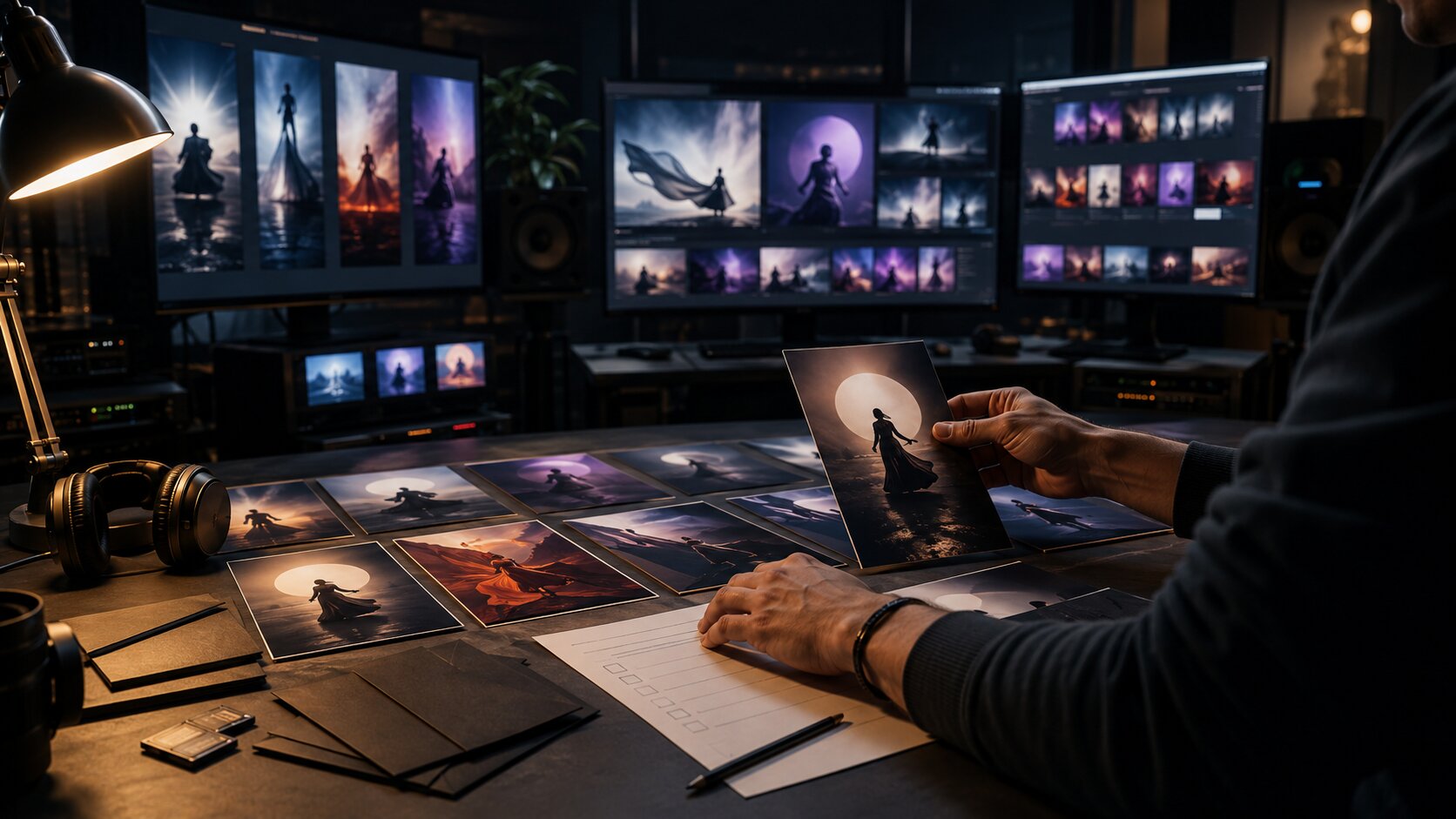
The asset map prevents last-minute improvisation. It also helps you generate AI assets with purpose rather than producing random content.
Refine AI output like an editor, not a spectator
AI output should go through creative review. Treat it like a rough cut, not a finished master.
Review every asset through five filters:
- Does it match the campaign promise?
- Does it feel specific to the creator, artist, or project?
- Does it avoid obvious AI clichés?
- Will it work in the actual format where it will be published?
- Does it need editing, cropping, retouching, typography, or human-made finishing?

This is where taste matters. A technically impressive image can still be wrong. It may have the wrong emotional temperature, too much polish, inconsistent faces, strange hands, unreadable pseudo-text, confusing symbolism, or a style that does not match the rest of the campaign.
Human judgment checklist
Before approving an AI-assisted asset, ask:
- Would this still work if the viewer knew nothing about the project?
- Does it add meaning, or is it only decorative?
- Does it look like the same world as the other assets?
- Is there anything misleading, insensitive, or legally risky?
- Are references transformed enough to feel original?
- Is the asset accessible when viewed quickly on a phone?
Content provenance is also becoming part of the creative conversation. C2PA is an open technical standard for attaching origin and edit-history metadata to media, and Adobe describes Content Credentials as metadata that can show how content was made, including whether it was captured, generated, or edited with specific tools.
That does not mean every independent creator needs a complex provenance system today. It does mean creators should think carefully about transparency, rights, and documentation when AI is part of the workflow.
Prepare every asset for its real publishing context
A campaign often fails between “finished design” and “published post.” The asset may look good in a design file but break when cropped, compressed, captioned, previewed, or viewed without sound.
Platform context matters. Meta’s guidance for Instagram video ads emphasizes mobile-first framing, bold clear text overlays, and creative elements such as hooks, audio, and voice. TikTok’s official creative guidance also stresses that creative strategy matters and provides platform-specific best practices for producing content that fits TikTok behavior.
Before publishing, create final checks for:
- Aspect ratio
- Safe zones for text and faces
- Thumbnail readability
- Caption clarity
- Sound-off comprehension
- Audio alignment
- File size and export settings
- Accessibility text where relevant
- Link destination
- Rights and credits
- Brand consistency
Repurpose with intention
Repurposing does not mean posting the same asset everywhere. It means adapting the same campaign idea to each context.
One hero concept might become:
- A wide blog or website image
- A vertical teaser video
- A square announcement post
- A muted background for story text
- A thumbnail crop
- A behind-the-scenes carousel
- A short-form hook
- A launch-day recap frame
The visual world stays consistent, but the function changes.
Review the campaign after launch and build the next version
A finished campaign is not finished on release day. After launch, review what happened.
Look at:
- Which visuals people saved, shared, commented on, or clicked
- Which formats felt easiest to produce
- Which posts explained the project best
- Which assets felt off-brand after publishing
- Which audience questions came up repeatedly
- Which visual motifs deserve a second wave
This review should not reduce art to metrics. It should help you understand how your audience experienced the campaign.
Google’s guidance on helpful content is a useful reminder for creators working with AI: content should be made for people first, not only to satisfy systems or rankings. The same principle applies to campaign content. Do not optimize until the work loses its voice.
A good post-launch review produces better creative direction for the next project. Your campaign system becomes smarter over time.
How Orias AI fits into this workflow
Orias AI is built for creators who need to move from rough ideas into clearer creative systems. Instead of treating AI as a one-click content machine, it supports the more useful process: developing moods, references, visual worlds, promo assets, release visuals, voice variants, and publish-ready creative packs.

That matters because most creators do not only need more outputs. They need direction. They need a way to turn a feeling, song, story, or campaign idea into materials that can be used across platforms without losing coherence.
For independent artists, visual storytellers, musicians, and creative teams, the strongest use of Orias AI is not replacing taste. It is making the path from idea to finished campaign easier to structure, explore, refine, and repeat.
Frequently Asked Questions
How can AI help creators get past the blank page?
AI can help by turning rough ideas into structured options: campaign concepts, mood directions, visual territories, asset lists, captions, prompts, and content angles. The best results come when the creator provides emotional direction, audience context, and clear constraints.
What should I prepare before using AI for a campaign?
Prepare a short creative brief, a mood board, audience notes, the main campaign goal, and a list of formats you need. Even a simple one-page direction will produce better AI output than a vague prompt.
Can AI create a full campaign for a music release?
AI can help plan and produce many parts of a music release campaign, including teaser ideas, visual prompts, Canvas concepts, caption drafts, release-day assets, and post-release content. The artist still needs to approve the story, check rights, refine visuals, and adapt everything to platform requirements.
How do I keep AI-generated content from looking generic?
Use specific references, emotional language, visual rules, and negative constraints. Avoid broad prompts like “cool,” “viral,” or “cinematic.” Define lighting, texture, composition, color, subject treatment, and what the campaign should avoid.
Should I publish AI-generated assets without editing them?
Usually, no. AI-generated assets should be reviewed, refined, resized, and checked for brand fit, accuracy, rights issues, accessibility, and platform context. Treat AI output as a strong draft, not an automatic final.
How many assets should a creator make for one campaign?
There is no fixed number, but most campaigns need more than one hero image. A practical set might include a teaser, announcement visual, vertical short-form asset, story frame, thumbnail, launch-day post, and post-launch follow-up. The right number depends on the campaign goal and production capacity.
Is AI useful for small creators with limited budgets?
Yes, especially for ideation, planning, variation, and early visual exploration. The main risk is trying to produce too much too quickly. Small creators usually benefit most from a focused asset system they can actually publish consistently.
Sources Used
- Spotify for Artists
- Spotify for Artists Support
- YouTube Creators
- TikTok Creative Center
- TikTok Business Help Center
- Meta Business Help Center
- Canva Brand Kit
- Google Search Central
- OpenAI Help Center
- Adobe Content Credentials


